
Quick review
The good
The not-so-good
Desktop computers are hardly the presence they used to be, but some of us still want them. Some of us still need them. And the latest take evolves the concept further. It’s just a shame it’s not made for everyone.
It’s been an interesting past 20 to 30 years, but the laptop has now well and truly taken over, with portability the big thing that pushes computers for most people. Chances are your way of connecting with the world happens through a laptop of some kind, or maybe a tablet. Very likely your phone.
Rarely do we lean on a desktop-only system, even if some of us still largely work from home. The covid-era’s push to working from home may have done wonders to help many live a better work-life balance and be productive from a desk in their home, but the way we typically connect is basically just a laptop.
Even in the office. In fact, if you are in an office, your desk might simply be a laptop connected to a monitor, keyboard, and mouse.
That’s something HP has been thinking about, and now has a solution that kind of blends everything you might want in a desktop computer from one point: the keyboard.
The EliteBoard G1a is that idea: a keyboard with a computer inside, a genuinely clever take on where the desktop could go next, if not for a few key issues.
Design
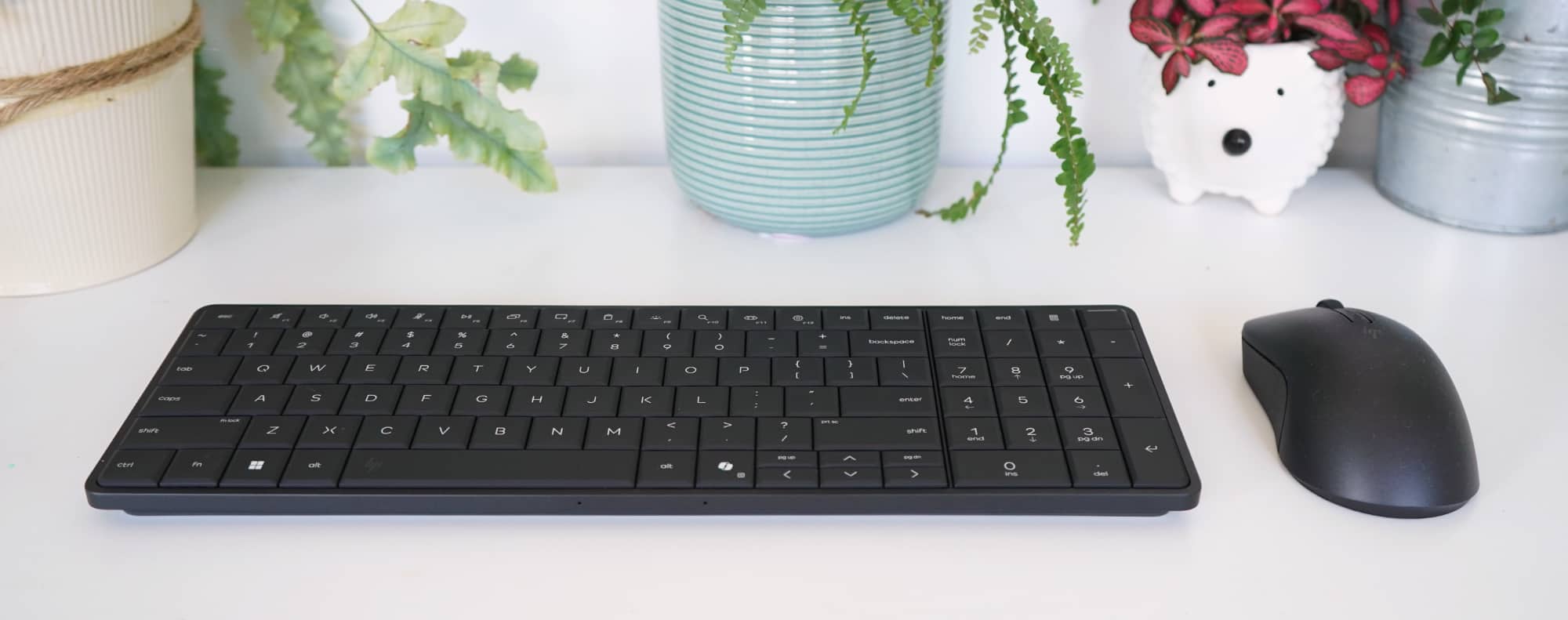
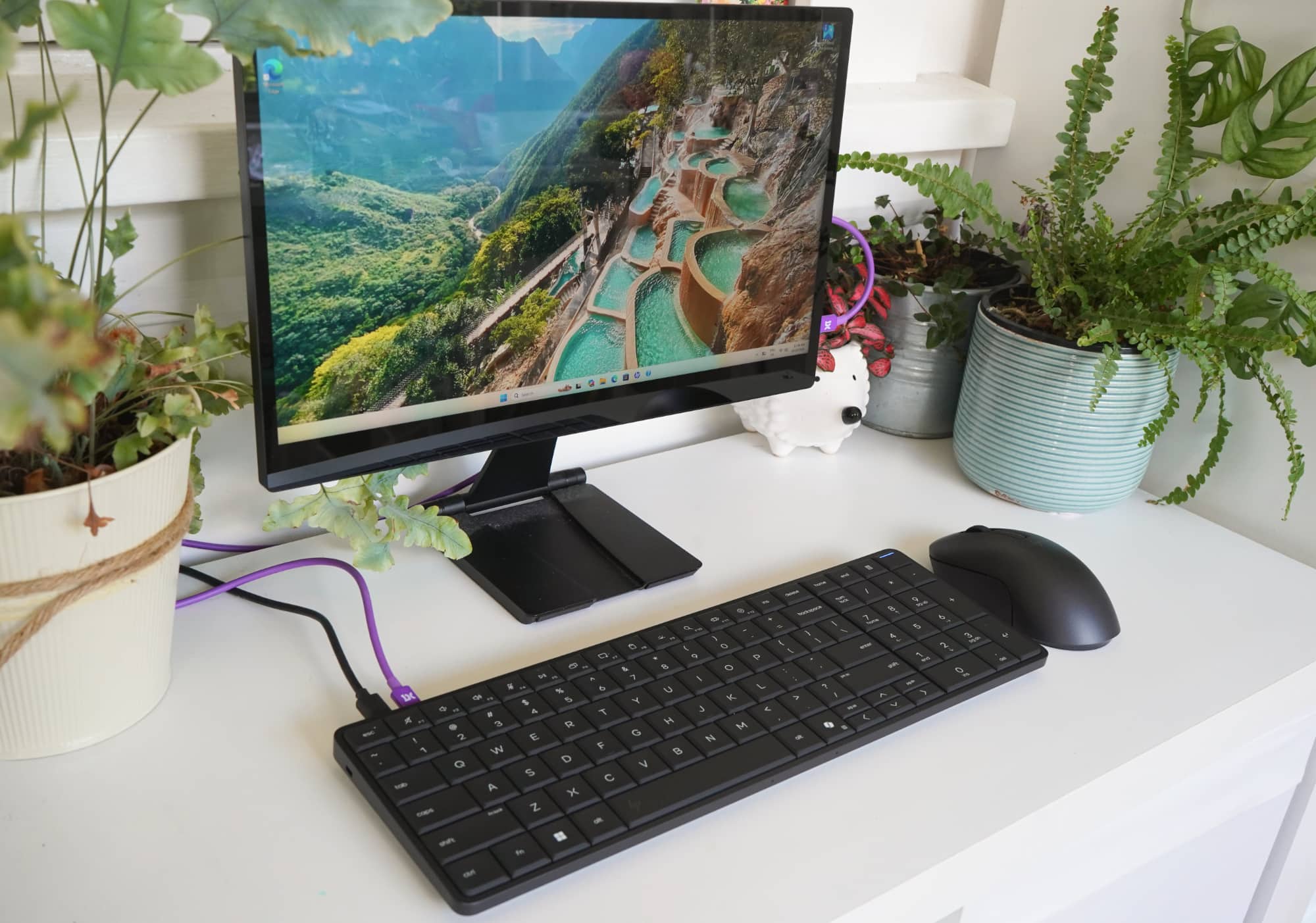
Easily one of the more interesting gadgets we’ve seen all year (and possibly in ages), HP’s EliteBoard G1a does something with computer design that makes a lot of sense: it throws everything into a keyboard. Not just any keyboard, but this computer’s keyboard.
The computer is a keyboard.
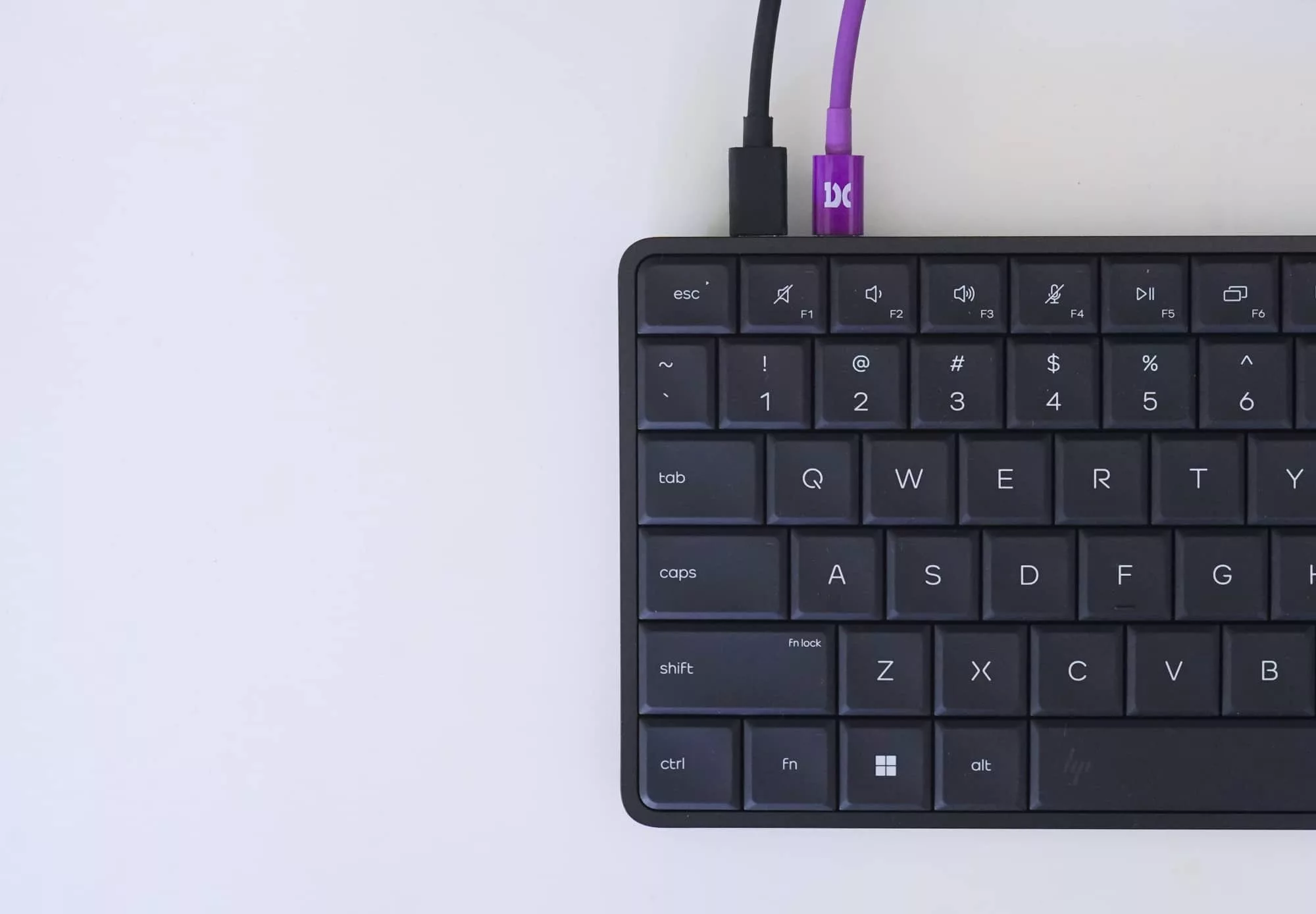
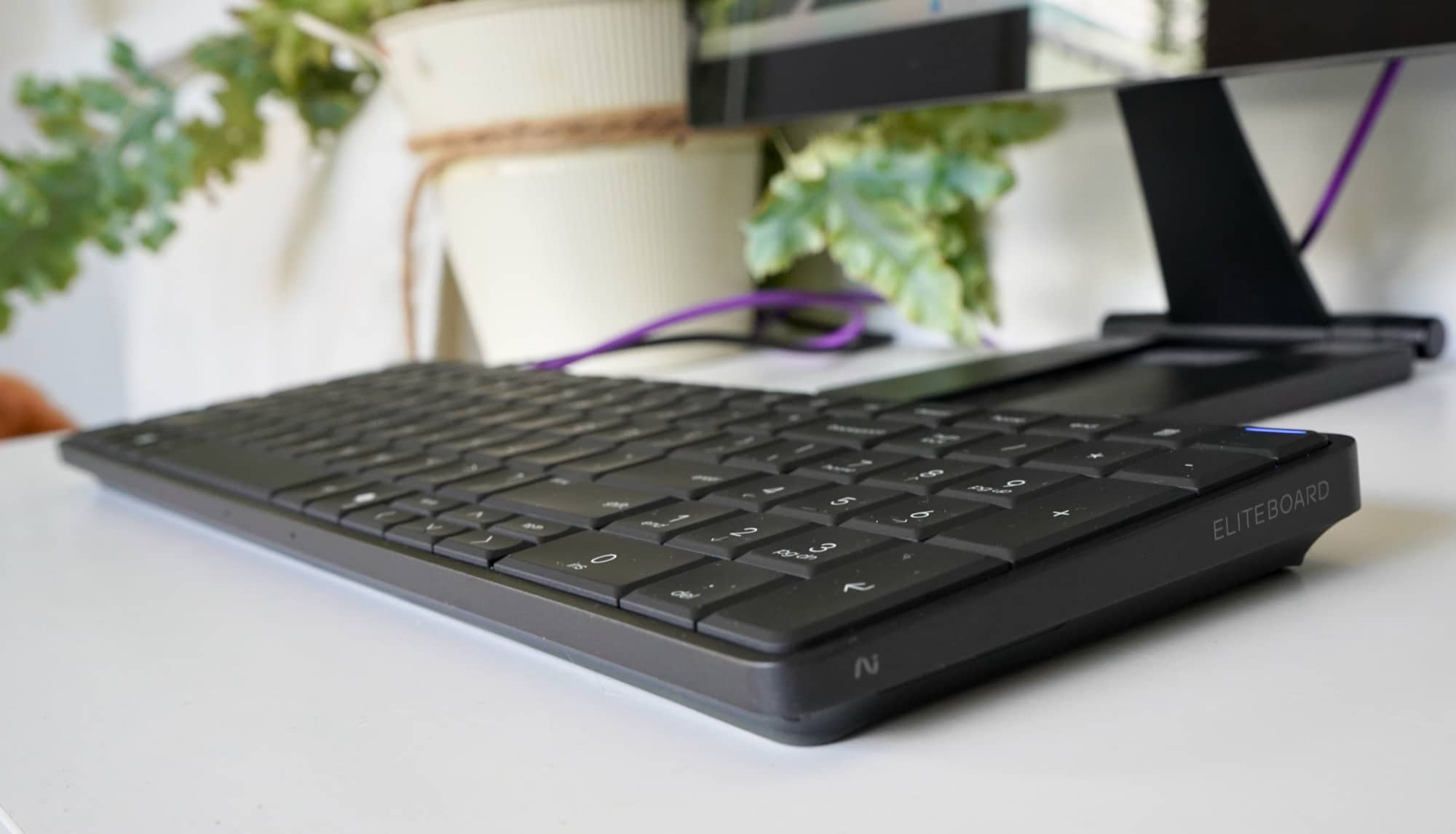
We’re not being glib about this, either. Literally named because it’s a keyboard, the EliteBoard is a keyboard with two parts to it: a keyboard section up top separated by a metal tray and then the computer parts underneath.
That makes its design rather different from every other computer out there, and more like the sort of thing you’d expect from a hobbyist computer, like if you had built one with a Raspberry Pi or the like.
This is a keyboard with high-end hardware inside, not just hobbyist-level tech. It even comes with Windows. For that reason, the design feels inspired.
Features
There’s no monitor, nor are there speakers. There’s s a mouse in the package, but this is just a keyboard with a computer inside.
That seems like a small feat. It’s not. It’s not just a small PC, but rather a cleverly designed and configured one.
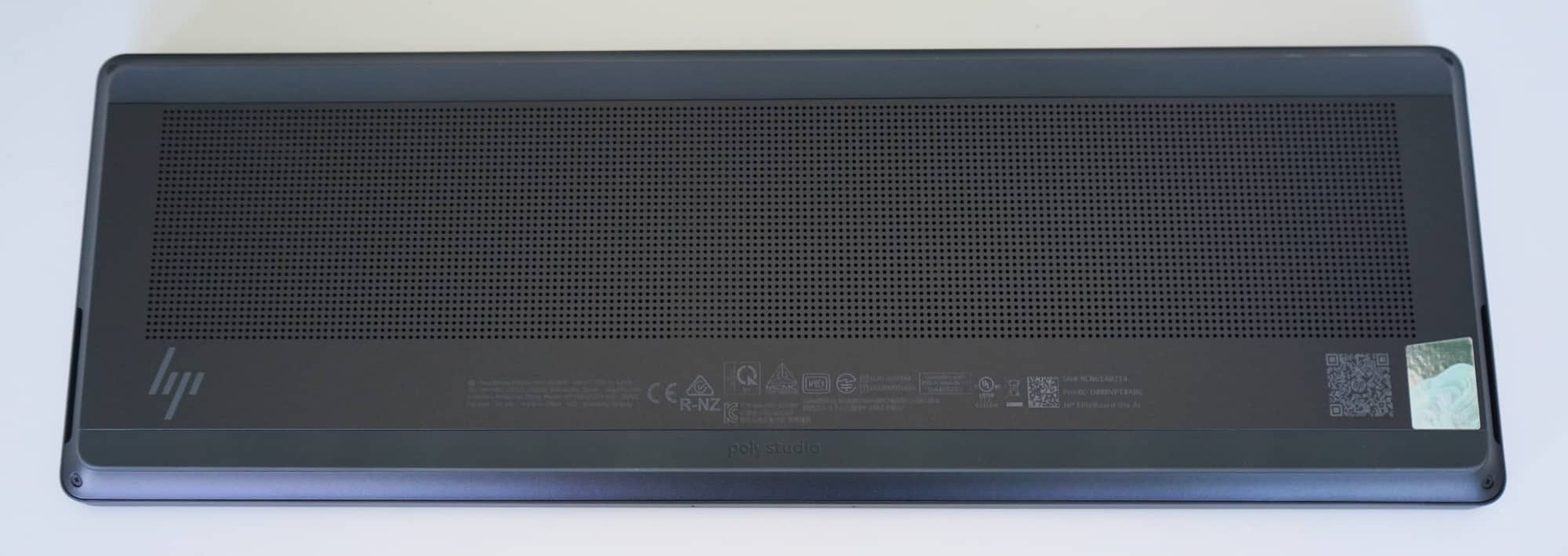
Inside, you’ll find a recent AMD spot of hardware, with the Ryzen AI 7 Pro 350 in this computer, paired with 16GB RAM and 512GB storage. AMD also takes care of graphics on this system, with the Radeon 860M found here, in case you plan to do something with a little grunt (though not much).
You’ll find support for Bluetooth 5.3 and 802.11 Wi-Fi 6E here, but beyond the two USB-C ports, that’s all the system has for connectivity.
The USB ports cover DisplayPort over each, but at different specs and speeds — 2.1b on one, 1.4 on the other — and it’s the same with USB speeds: 40Gbps on one, 10Gbps on the other. There’s no Thunderbolt here, it seems, which is a bit of a shame.
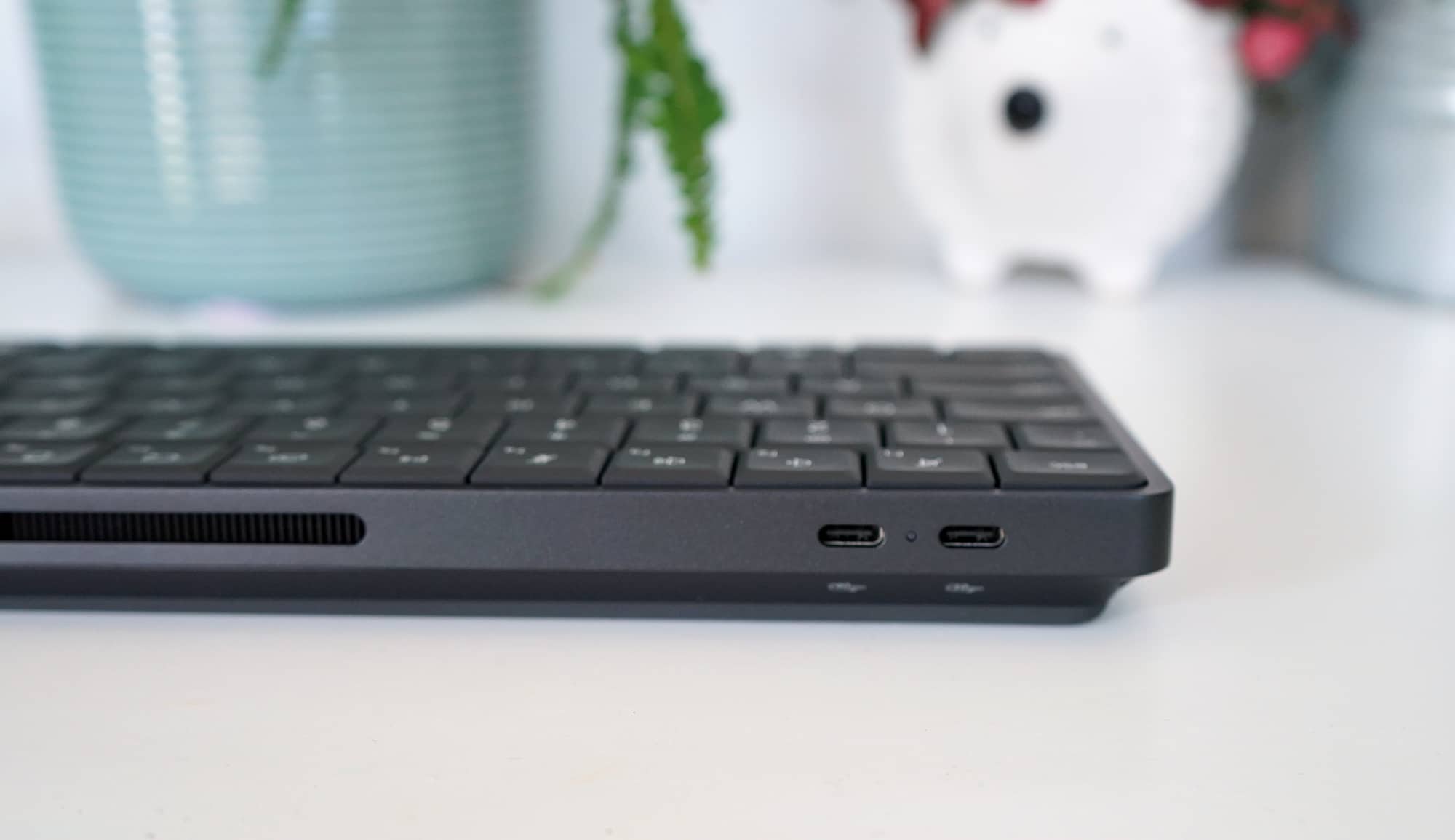
There is also no 3.5mm headset jack, but there are built-in speakers and the keyboard has stages of backlighting. You may even find a fingerprint reader in the keyboard, which makes up for the lack of a screen’s obvious lack of Windows Hello authentication. At least there’s a hint of biometrics here on the keyboard.
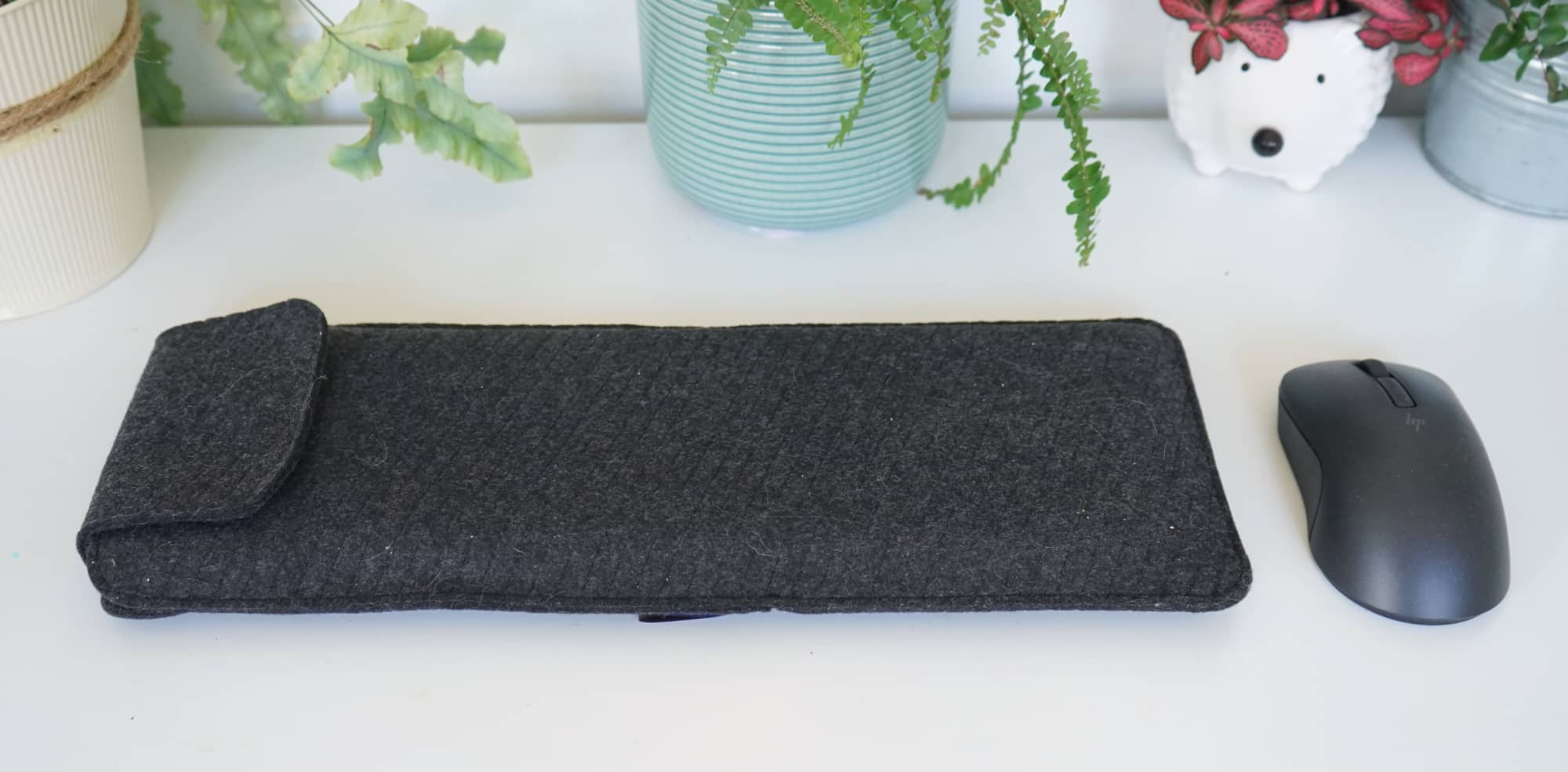
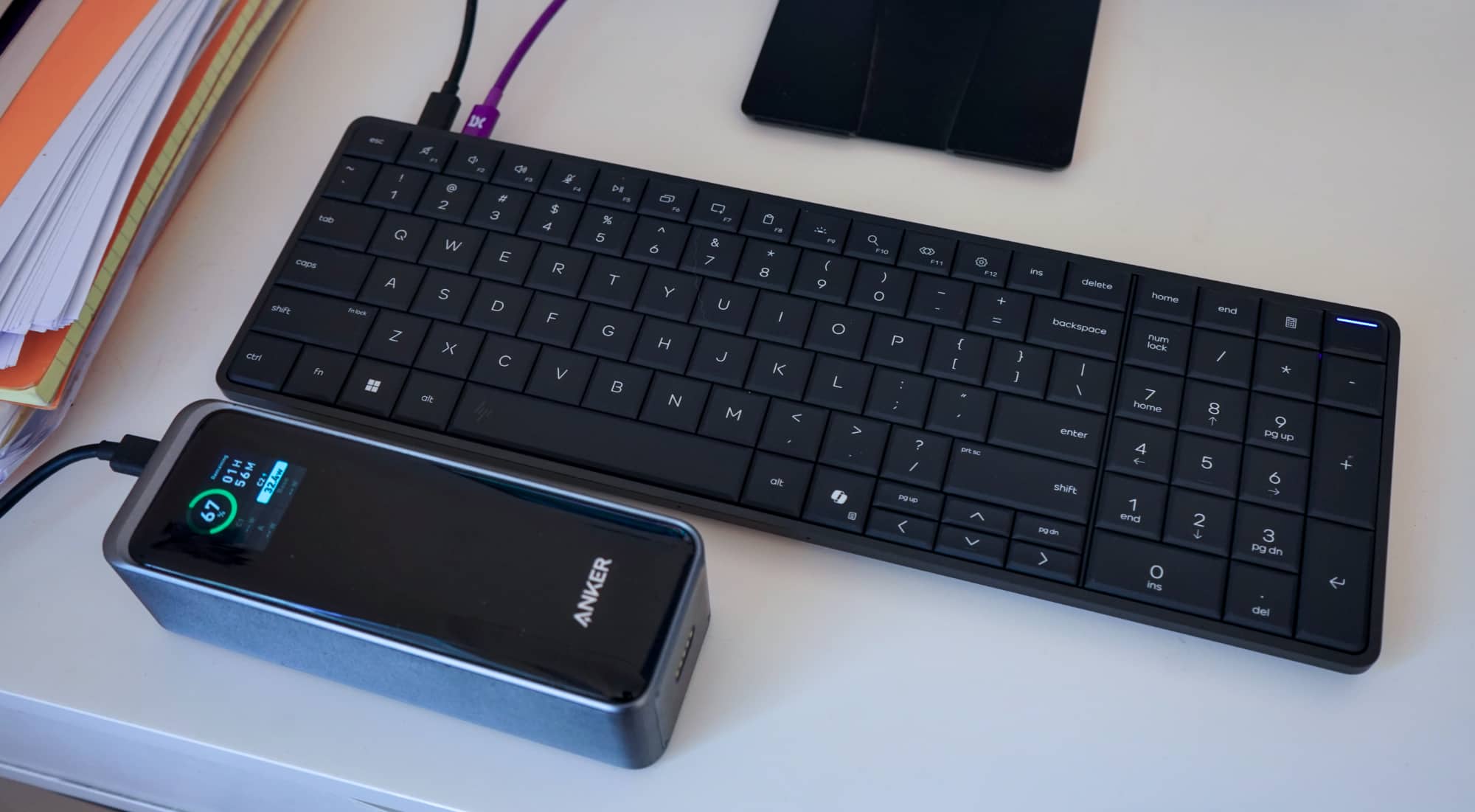
And that is largely it. You get a keyboard, a wireless mouse, a power pack and USB-C cable, and a fuzzy case with a magnetic clip. That’s the EliteBoard package.
In-use
With only two USB-C ports to the EliteBoard G1a review unit we had (a point worth noting because some of the models differ), how you use this computer is a little different than others.
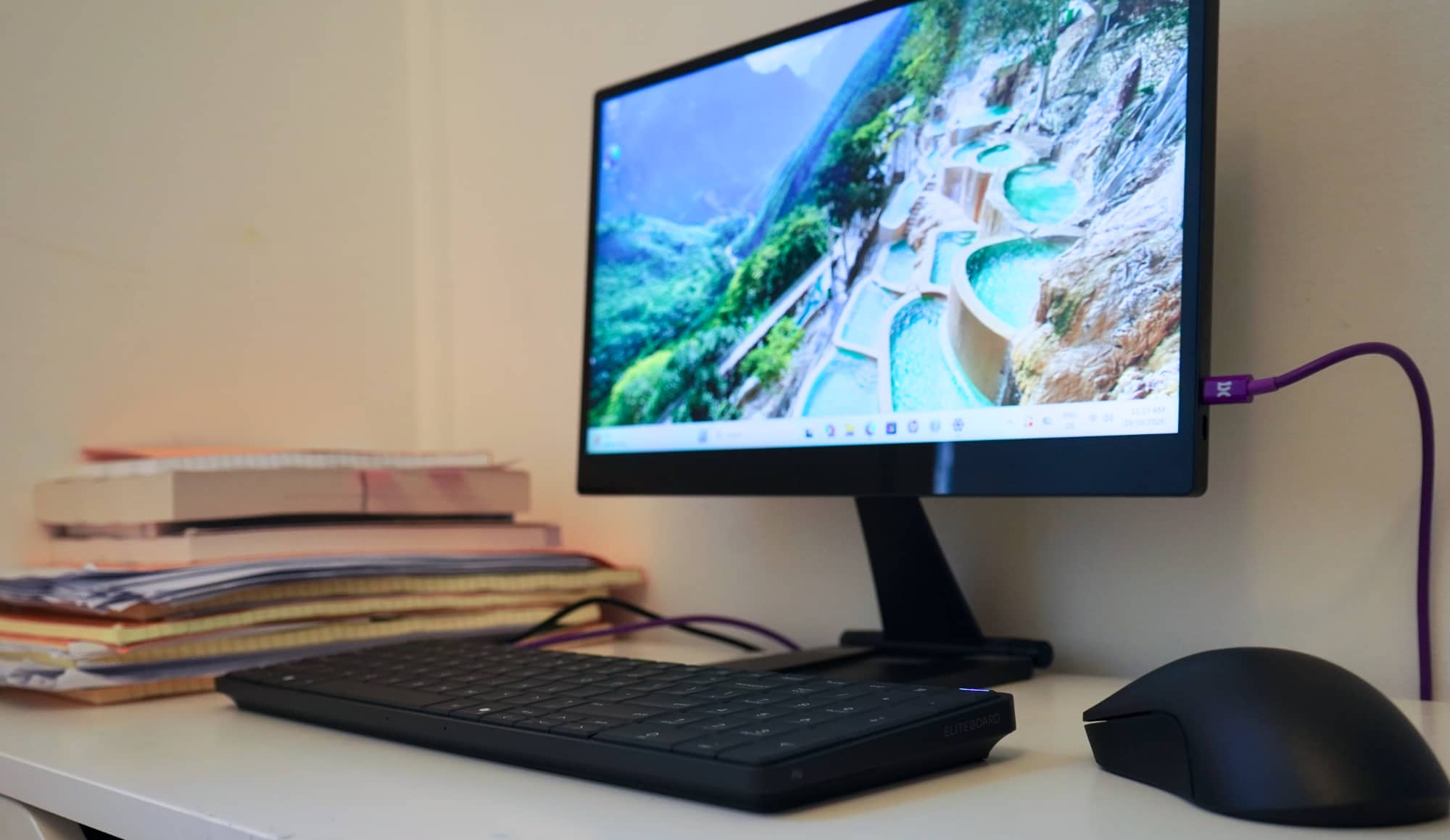
You’ll plug in the included USB-C plug and power pack, and then bring your own monitor, connecting the keyboard computer to a screen, and then being able to use it.
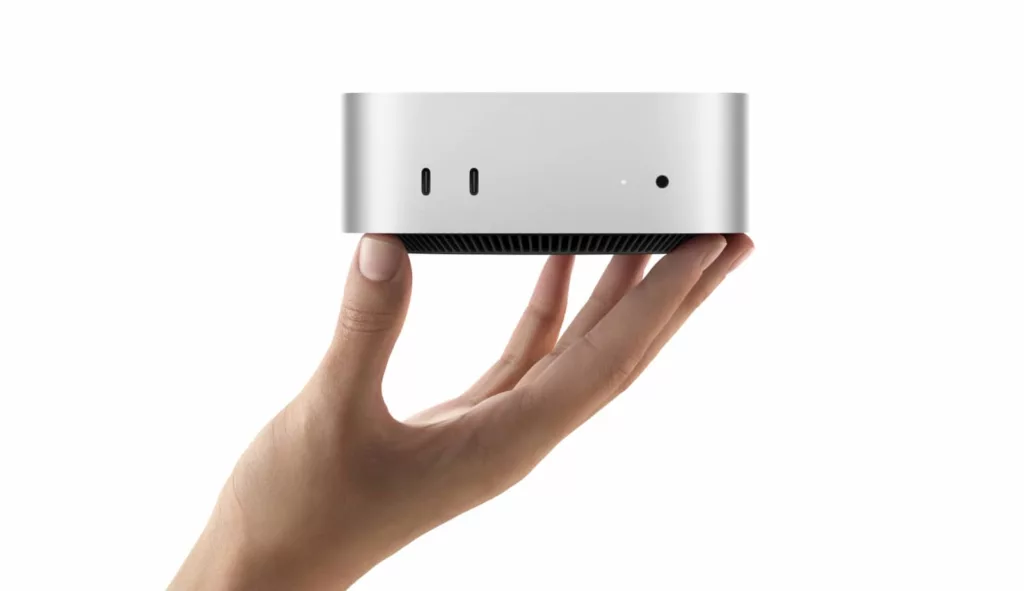
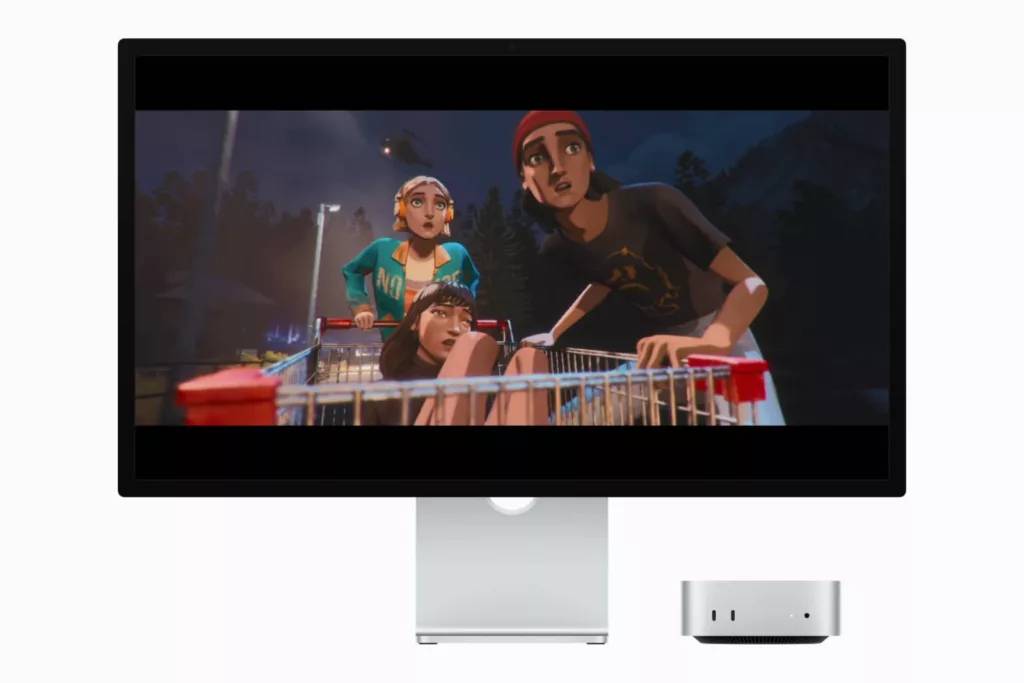
This is more like the Mac Mini in that it’s a screen-less desktop, but everything else is plain Windows, and even Windows Pro. That alone tells you who this laptop is made for, confirming HP’s status: business. Pro for business, and Windows Home for everyone else.
With that in mind, using the EliteBoard is simply like using any other computer, except the keyboard is the computer.
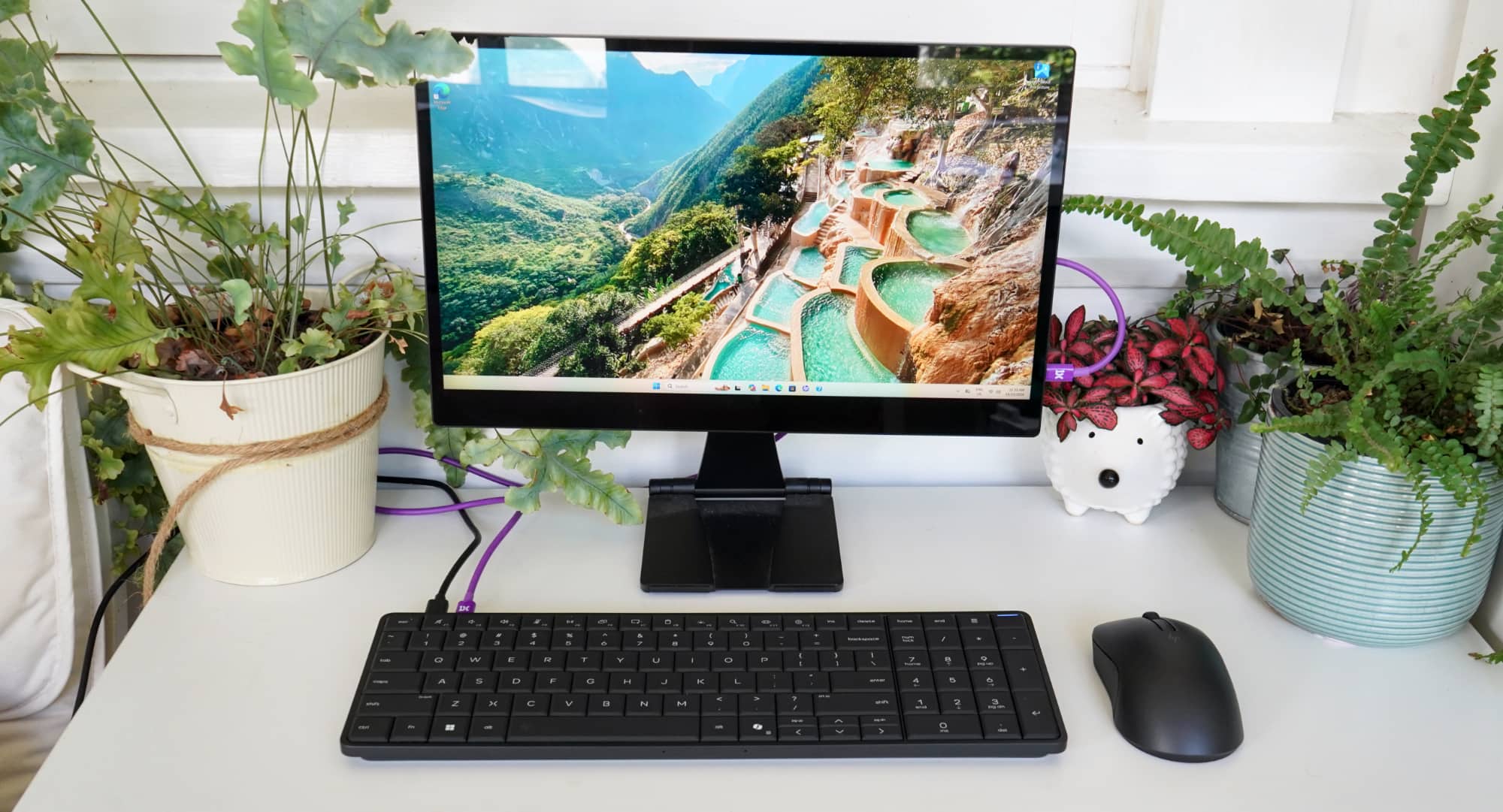
It’s a comfortable enough keyboard, with decent enough travel, though it can feel a little flat at times.
Fast typists will feel it first, and our actual concern is what happens when the keyboard ends up wearing down. With any other computer, you’d simply replace the keyboard; with this one you have to replace the computer.
It’s definitely a concern, though HP suggests you should be able to replace a keyboard, thanks to the tray between the computer and keyboard separating the parts.
Performance
Worrying about the future is a concern, but making sure the system runs like a fast and modern computer made for today is clearly more pressing, so let’s get stuck into that.
We’ve been curious about this concept ever since HP showed it off earlier this year at CES. It’s now near the end of the year, and clearly we’ve been patient, just itching to plug the hardware in and give it a good test.
Bringing our own screen to the package — the Espresso Pro we reviewed last year — we are clearly ready, so what’s this thing really like?
| Device | CPU Single Core | CPU Multicore | GPU OpenCL |
|---|---|---|---|
|
HP EliteBoard G1a
AMD Ryzen AI 7 Pro 350
|
1819
|
9099
|
14948
|
|
HP ZBook Ultra G1a 14 inch
AMD Ryzen AI Max Pro 390
|
1563
|
9334
|
27938
|
|
Asus Zenbook S 14
Intel Core Ultra 7 258V
|
2450
|
10069
|
24848
|
|
Lenovo 10th-gen Yoga 7 2-in-1
AMD Ryzen AI 7 350
|
2773
|
12372
|
27336
|
Benchmarking the system shows a surprising amount of grunt for a keyboards, albeit not the same level of grunt as similarly-priced laptops.
You can get quite a lot of computer for over the $2000 mark in laptops today, and yet here the system feels acceptable, albeit not amazing. The performance definitely isn’t the best you’ll find, and certainly not in the realm of a top-tier PC, but also weirdly isn’t all that slow, either.
Curiously, though, it manages to be faster than Dell’s more budget-focused XPS 13.
For office planners and hospitals planning on making this system get carted around on trolleys — which is one of the use-cases HP has considered — the speed definitely has enough longevity in mind for the next few years, but it may not be as good as a laptop you might be considering, as well.
Value
With no battery (because it’s a desktop PC), we jump straight from performance to value, and this is where things get a little complex.
You see the EliteBoard isn’t made for consumers and isn’t made for the home. It’s not even one of the high-end graphics-heavy workstation PCs.
Rather, it has a specific focus and therefore comes with a higher price tag than you may expect.
This is made for business, and business machines carry higher prices. The EliteBoard G1a specifically doesn’t carry an obvious recommended retail price, instead landing between $2595 and $3599 depending on where you find it.
The model we reviewed? That was priced at $3115 when we checked HP, but we’ve seen it as high as $3599. Essentially, the long and short is that the price is the former and the availability is basically the latter.
No matter how you slice it, the EliteBoard G1a is not an inexpensive computer, and given what’s inside, it probably should be a lot less expensive. We’d probably max out closer to the $1599 mark given the performance, though we could see a little more room in the kitty given the complexity in design.
Either way, a minimum of a thousand dollars extra is just way too much. Even in an era where AI is pushing up the price of everything, the EliteBoard still seems too pricey.
The EliteBoard G1a design makes sense, but the price is just downright confusing. Until you realise just who this computer is for.
What needs work?
While the biggest obvious problem is quite clearly the price, the other big problem is that HP hasn’t allowed the EliteBoard to really be focused on consumers. This is a machine for businesses, for enterprise, for healthcare and for desks in the corporate world.
It’s a shame, because if HP built and marketed the EliteBoard without the “Elite” name it normally reserves for business-grade machines, and made it more a consumer-focused machine — maybe a PavilionBoard or EnvyBoard or something like that — this would end up being a less expensive desktop for folks at home.
And it would make a lot of sense there.
We all have monitors and we all have TVs. You might even have a portable external monitor you lean on when you leave the house. All three would be easily compatible with a machine of this type, and yet HP’s business-grade focus means you also won’t find this computer to benefit your life.
This is just for office desks and hospital trolleys and places where a computer is meant to be small but still has nothing to do with home.
In short, it’s a wasted opportunity, and manages to be a more frustrating decision than the lack of ports. You get two: one for power and the other for a monitor. It’s a good thing this computer comes with a mouse that’s automatically paired, because without it and you’d either need to bring your own dock, or go without a screen while you work things out.
The mouse is the least HP could include, clearly.
Final thoughts (TLDR)
While the lack of availability is easily the most frustrating problem, you can kind of understand partially why HP hasn’t focused this on consumers: the long-term problem.
The keyboard is arguably the most used peripheral on any computer. Laptop or desktop, keyboards take the brunt of the punishment. You use it for notes, for typing in web searches, and for the extent of writing you’ll need to do on that system.
And because the EliteBoard G1a is basically a computer in a keyboard, it likely needs a tech support line that goes beyond the typical arrangement consumers have with their computer company.
Business, government, hospital, and enterprise customers typically have this kind of support line. They can get stuff repaired because the accounts with the computer makers are worth a fortune, while consumers would likely be left waiting.
Basically, if a corporate user managed to break the keyboard on the EliteBoard, the corporate connections at HP would deal with fixing it ASAP. That may not be the same for consumers.
With an iMac, Mac Mini, or any other of the limited assortment of desktops that still exist, if your keyboard breaks or dies, you simply replace it. Easy. Done. But with a computer found inside the keyboard, that becomes more complex.
It makes sense why HP isn’t making this computer for regular people. The support would just be difficult.
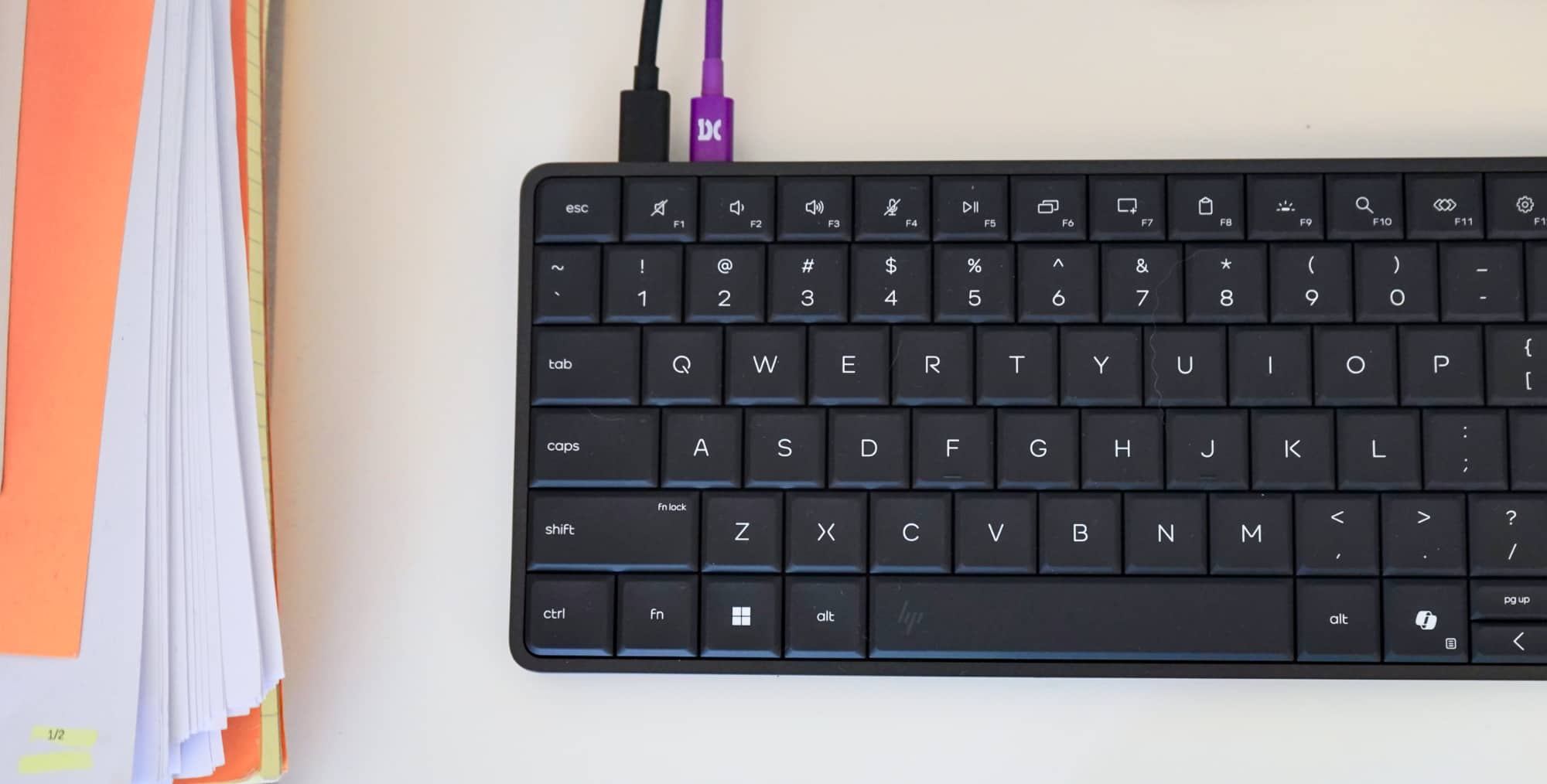
But by the same token, it does come as a missed opportunity. HP could have made the keyboard a little thicker, added one more port (like an HDMI), and made the keyboard mechanism easily replaceable. It could have turned this into a consumer product, and that could have changed the home.
In one product, HP could have transformed the stray bookshelf, a random desk, or even the TV room into having an actual computer, maybe with a wirelessly streamed video connection. HP could have made the desktop doable at home with a rather clever evolution of the desktop.
Make no mistake, the EliteBoard is still a clever evolution of where desktops can go, but not this incarnation. It’s clever but not for you, and that’s a total shame.