
Quick review
The good
The not-so-good
Somewhere between economical and premium, the Dell XPS 13 aims to challenge the MacBook Neo for both in the Windows PC world. A shame it falls short.
It’s 2026 and if it feels like everything costs more, it could be because it does. Between the rising cost of food, petrol, streaming services, mobiles, phone plans, and pretty much anything and everything you could possibly want or need, living isn’t cheap.
Upgrading your computer feels like much the same.
This year, AI and hardware going to data centres is much of the reason why computers are more expensive, but there still seems room for change.
Earlier in 2026, Apple launched what will likely be one of its most successful products to dare: a premium MacBook that somehow costs less than the premium laptops it normally produces. The MacBook Neo is clever because it doesn’t sacrifice premium, but does use an iPhone processor to get the price somewhat down.
Windows doesn’t have anything quite like that, but Dell is keen to try, and is turning to models in the “XPS” line to somehow deliver a premium machine for a less premium price. With XPS models typically starting from $3200, the 2026 XPS 13 is considerably closer to half that. Is it what PC owners have been looking for?
Design
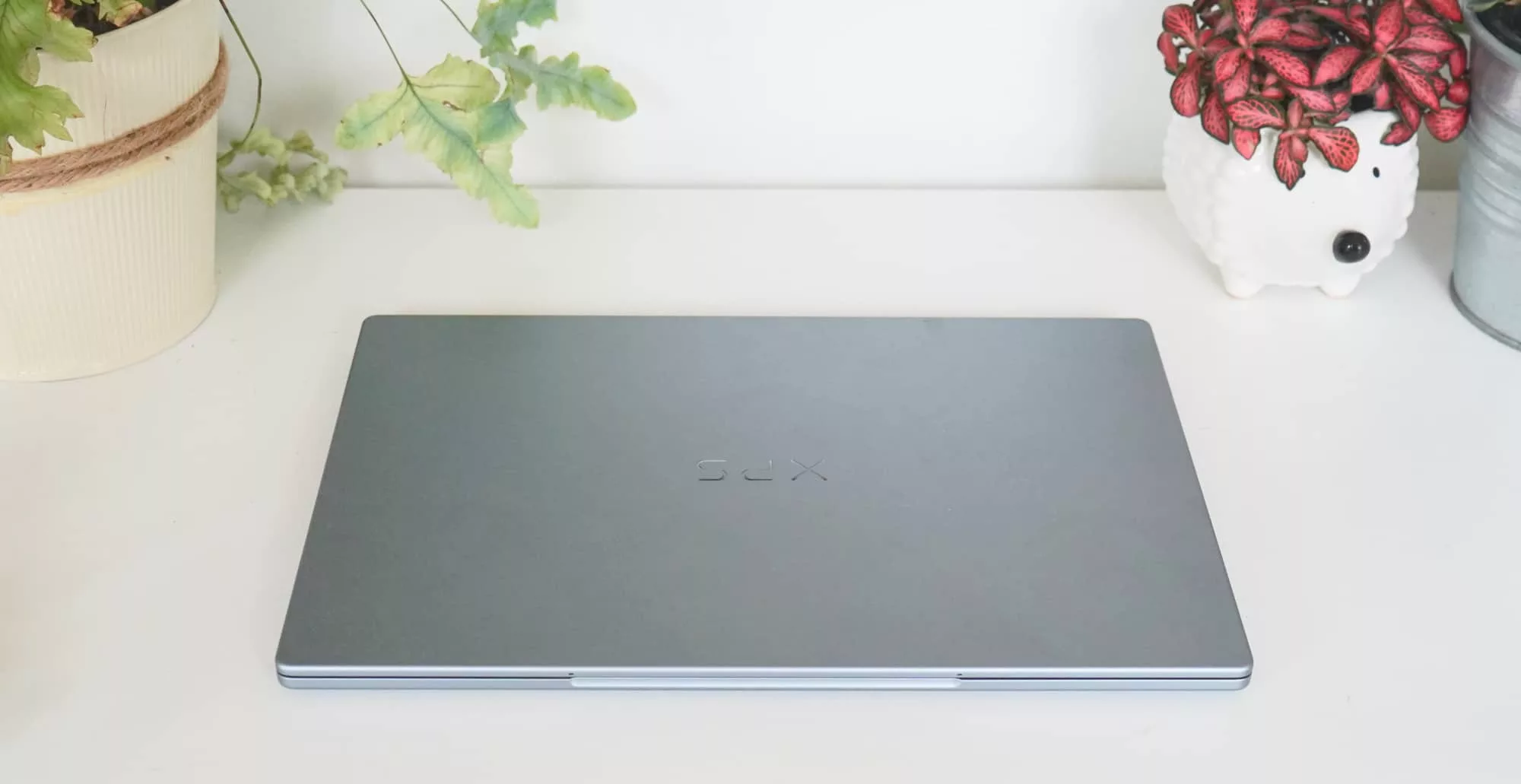
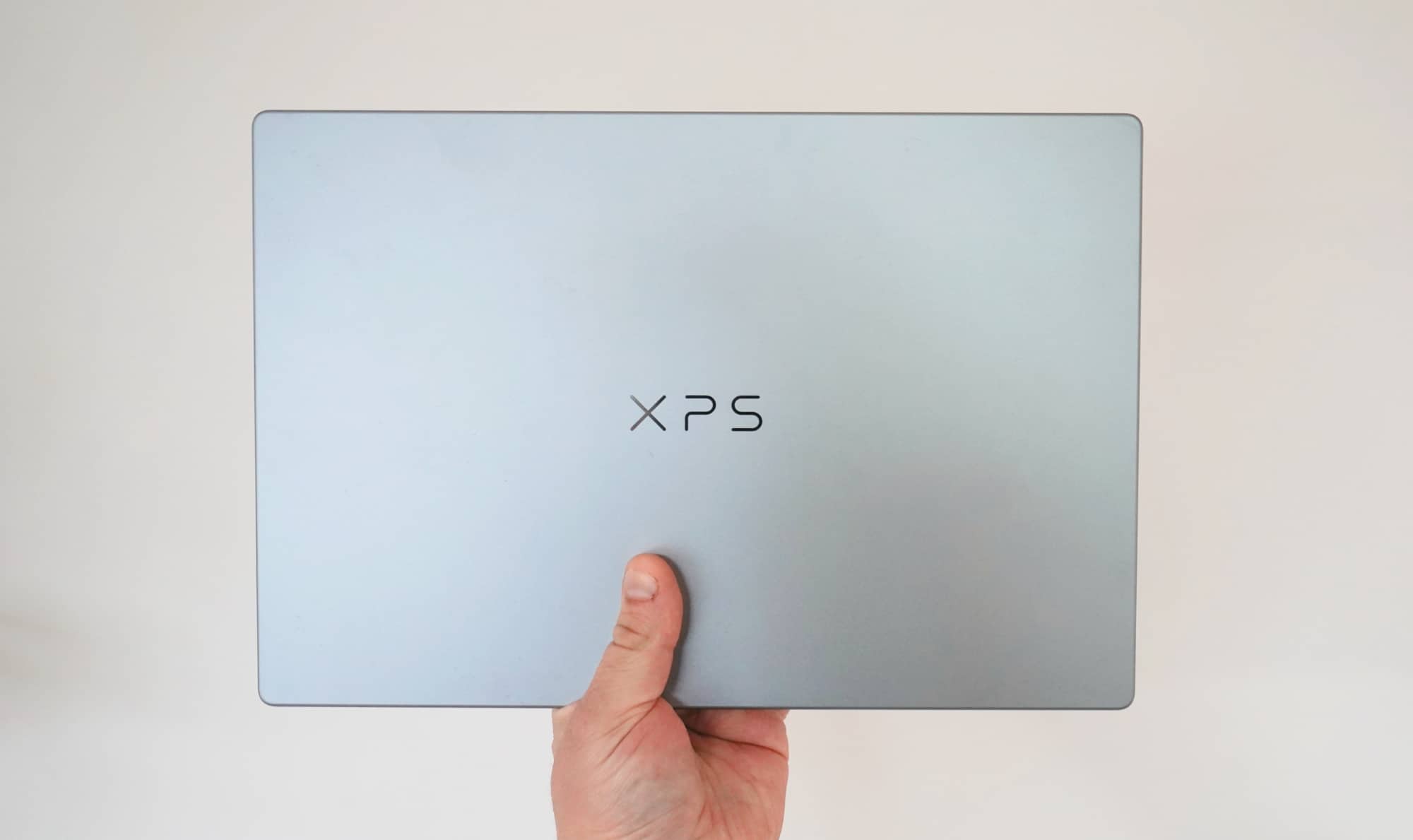
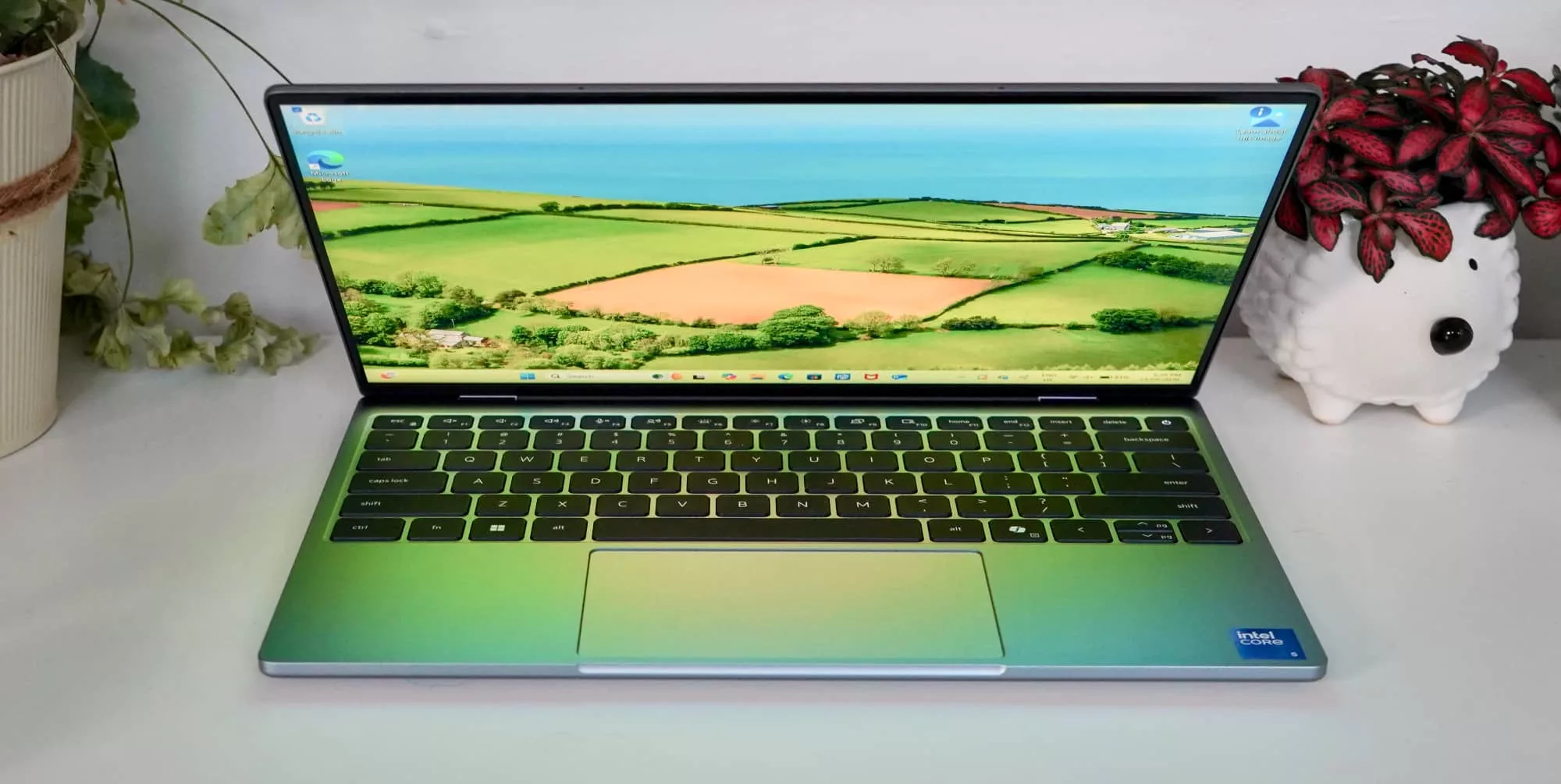
Deliberately minimalist and not really like the showy XPS models we’ve seen prior, the 2026 XPS 13 is very different from any other model to feature the “XPS” name.
While the previous XPS models offered a combination of premium materials with an interesting take on an extra large trackpad (that you almost couldn’t see), this XPS seems very different.
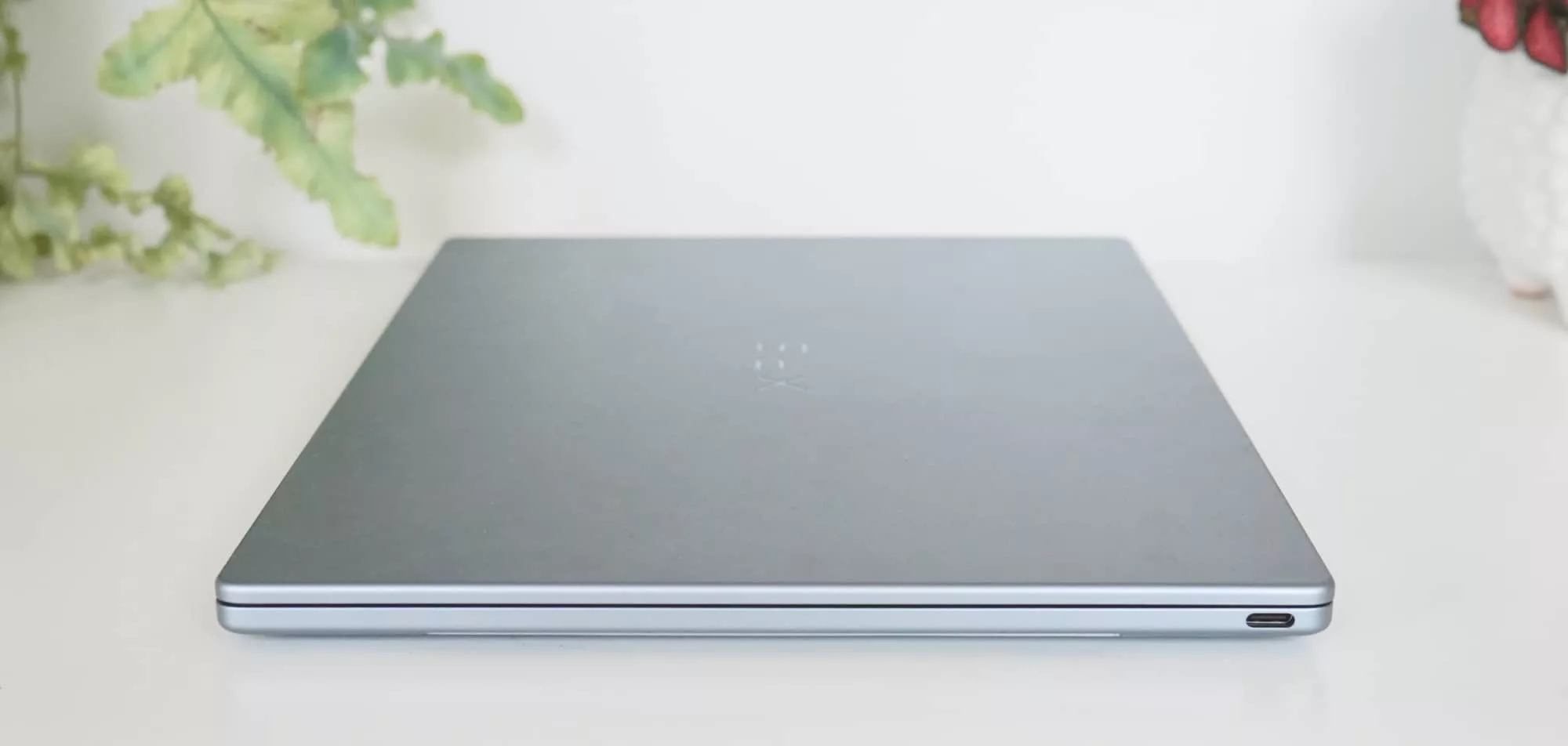
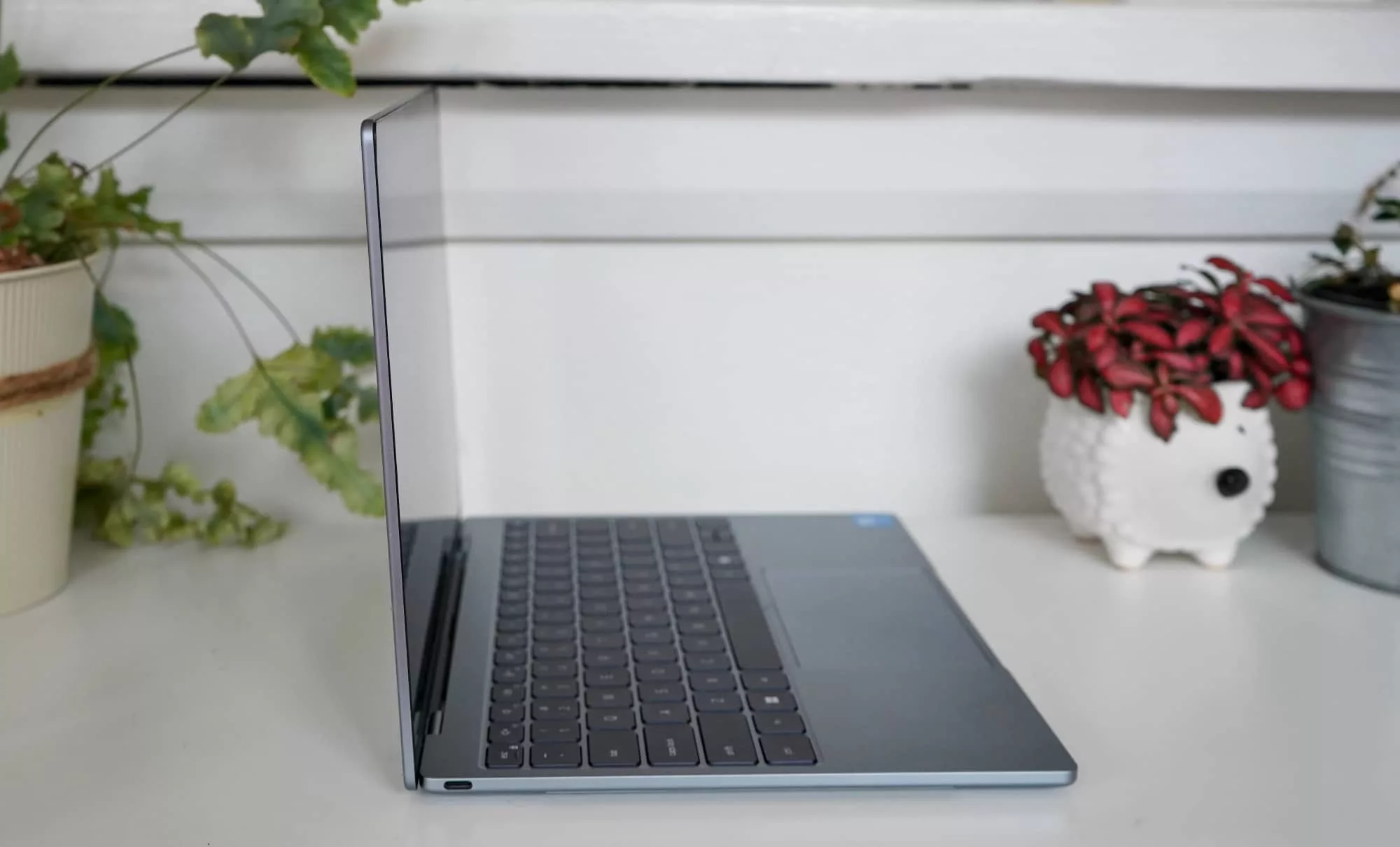
Rather, it’s simple. It’s quite simple. The Dell XPS 13 is basically a 13.4 inch touchscreen connected to a keyboard tray with the hardware underneath, all encased in aluminium with only two ports to its name.
It’s not actually simple; it’s just decidedly minimalist. The 12.7mm thickness isn’t much bigger than an iPhone, putting it at roughly 1.5 times the thickness of a mobile, with the whole thing weighing around a kilogram.
Features
That sense of minimalism is also there in the spec sheet, which offers enough without being too barebones to believe.
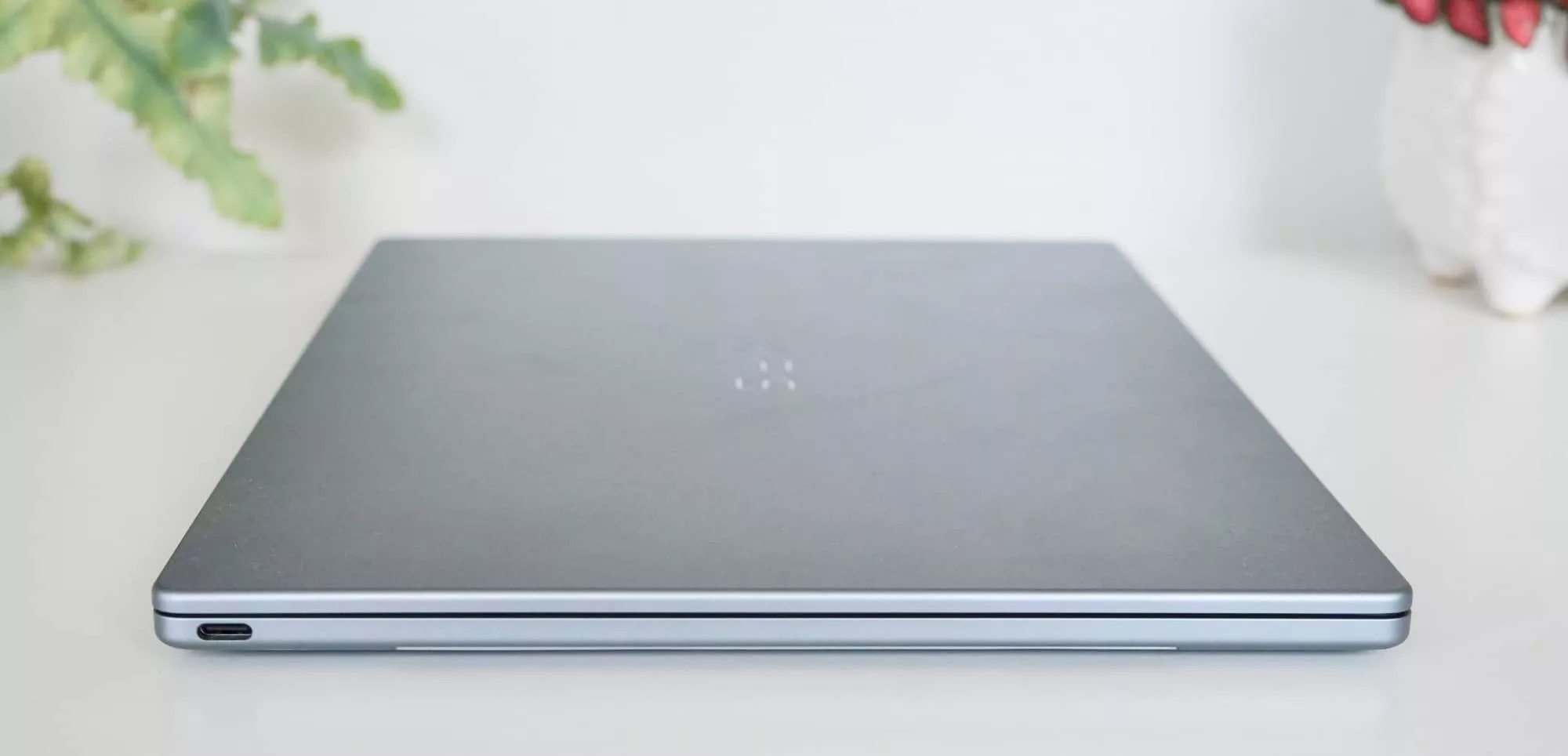
You’ll find an Intel Core 5 processor, the 320 chip, a model that is lower than the Core Ultra AI-ready chips you might have seen on laptops the past few years, paired with 512GB storage regardless of the model you pick, and a choice of either 8GB or 16GB RAM. The 8GB amount is the base model, and the likely model you’ll find around the country.
Microsoft’s Windows 11 Home arrives on the laptop out of the box, as do two ports, both of which are USB-C with support for DisplayPort. No Thunderbolt here, sadly.
There’s also support for Bluetooth 6 and Wi-Fi 7, all sitting in an aluminium body in one colour (“sky blue”), complete with a webcam and Windows Hello, albeit without a privacy screen.
Display
While the specs may well be a touch minimalist, the screen actually goes the other way and gives you more than you might expect.
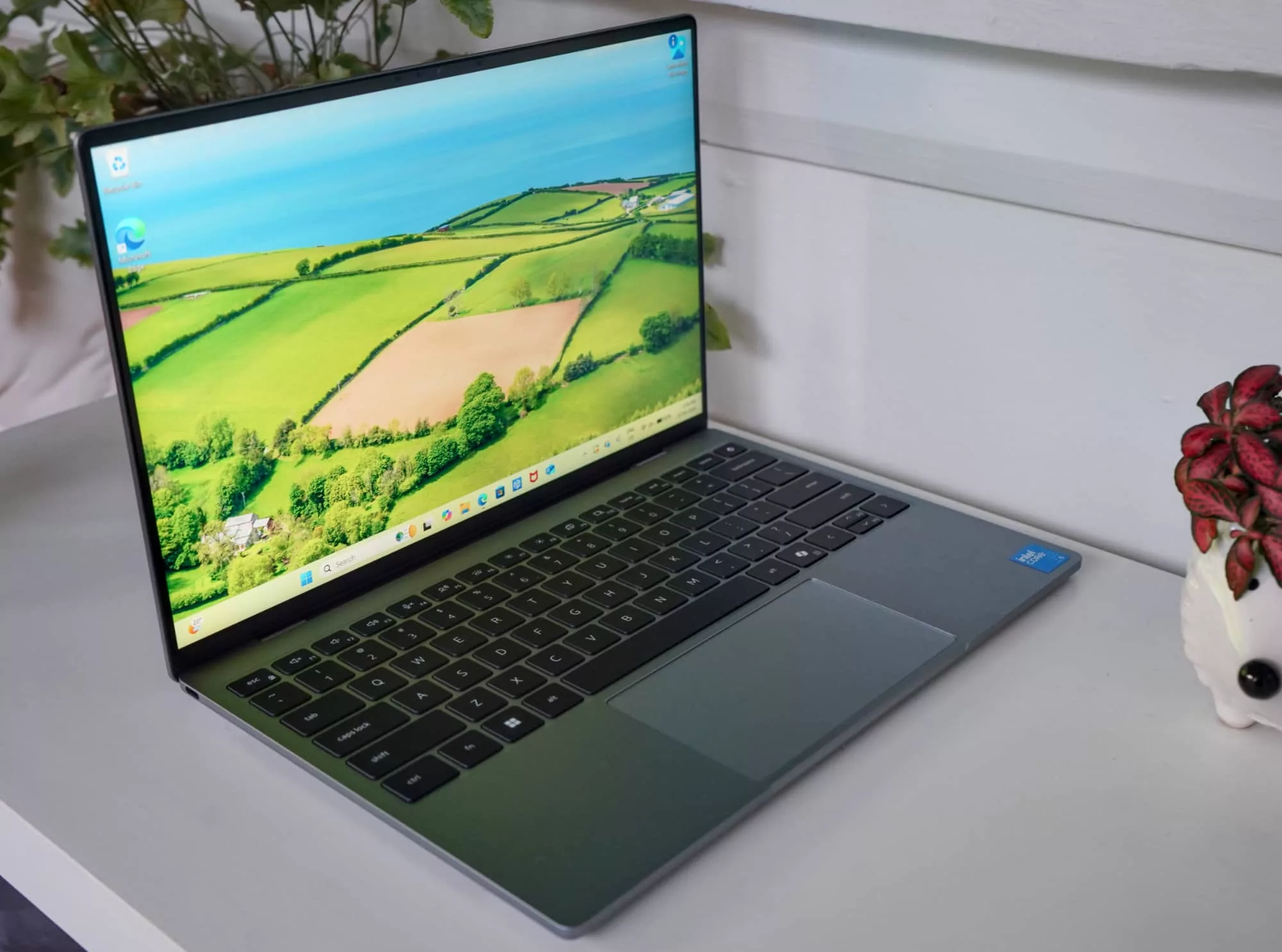
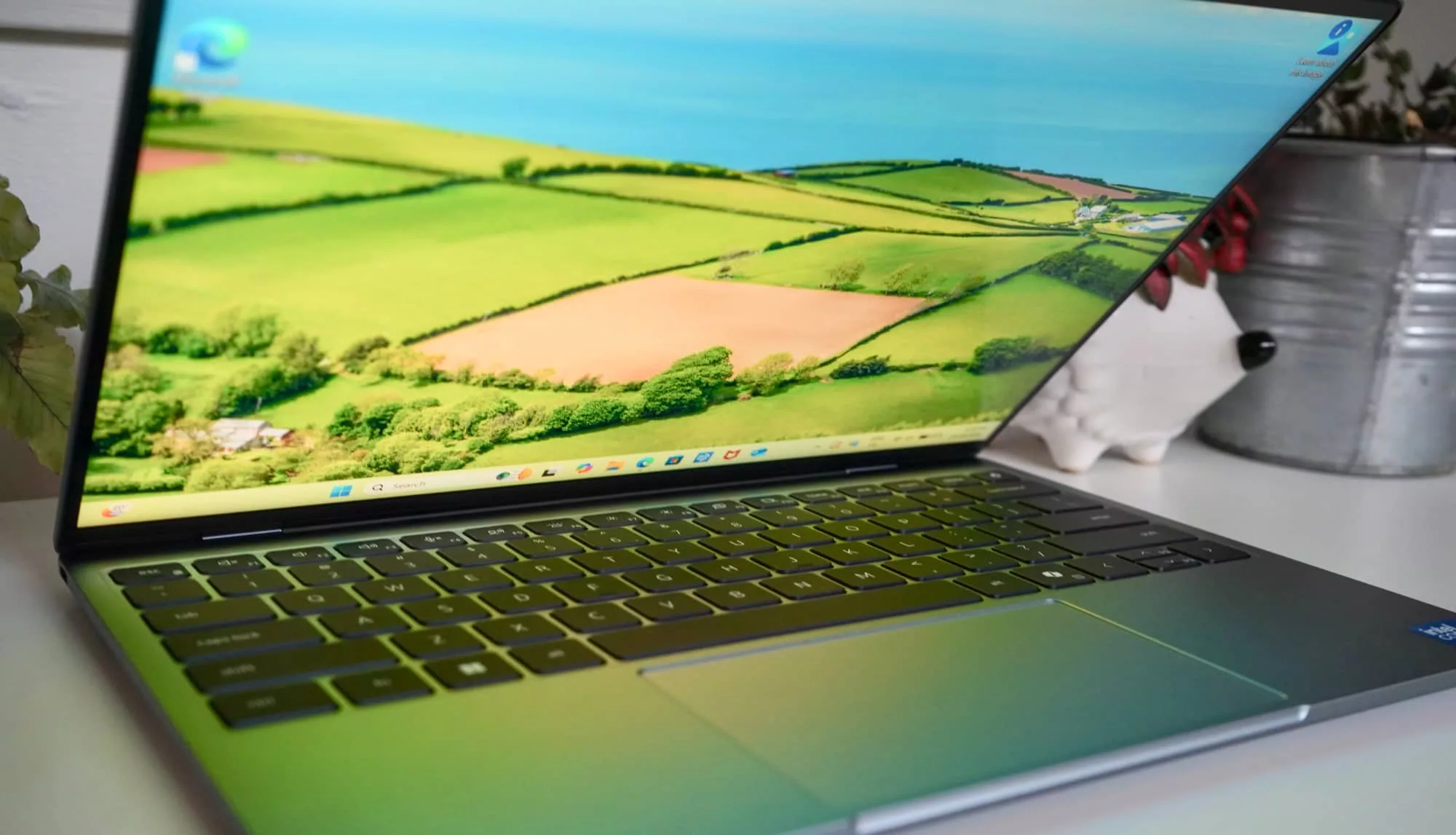
Living up to the expectation of the XPS name, the XPS 13 includes a 13.4 inch 120Hz touchscreen with a better-than-Full HD resolution of 2560×1600. Almost everything about the screen screams premium, which is definitely not what we expected.
It’s bright, easy to look at, and while only 8-bit, we doubt its audience will necessarily care. This may not be an image editing screen, but for watching, writing, and working, the XPS 13 display will be just fine. It even handles HDR, which means watching movies can be a bit of a delight, too.
In-use
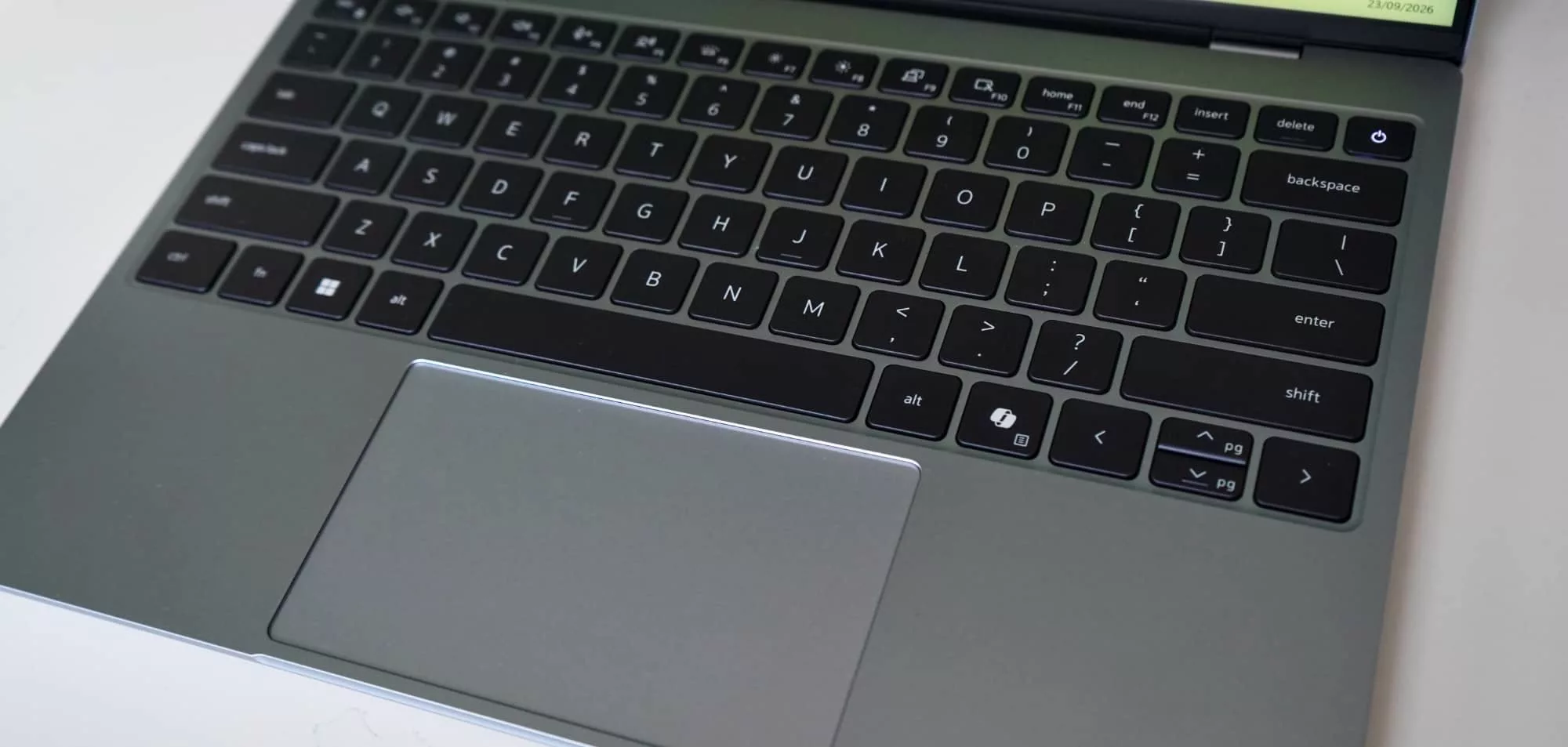
Open the laptop up and you’ll find a fairly comfortable keyboard waiting for you, and a decent trackpad, too. And not just a track pad, but also a display waiting to be pushed and prodded.
While a fairly thin keyboard tray, the keys are easier to type on than we expected, making for a comfortable type when you need to get stuck in. It doesn’t seem exactly where Dell’s premium keyboards have been, but it’s also not bad, and hardly worth complaining about.
The same goes for the assortment of touch and track and click, with the spacious trackpad and touchscreen providing multiple ways to get stuck in, though Windows has definitely eased off reasons to touch it of late, and there’s no 360 degree hinge, so the XPS 13 is hardly a tablet replacement.
Performance
Where things can get a little murky is the processor, which has clearly taken a knee for the fact that this laptop is meant to be less expensive than other laptops.
Armed with an Intel Series 3 Core 5 processor, Dell has clearly skipped the “Ultra” nomenclature we’ve become used to, which also means you get a somewhat lower power processor, at least compared to what we normally see on XPS machines. No doubt, that’s how the company has managed to keep some of the costs down, though it does mean a less powerful system.
| Device | CPU Single Core | CPU Multicore | GPU OpenCL |
|---|---|---|---|
|
Dell XPS 13 (2026)
Intel Core 5 320
|
2141
|
6338
|
11916
|
|
Apple MacBook Neo (2026)
Apple A18 Pro
|
3612
|
9265
|
19725
|
|
HP OmniBook 5 (2025)
Snapdragon X
|
2107
|
10133
|
9560
|
|
Acer Swift Go 14 (2024)
Intel Core Ultra 7
|
2307
|
12400
|
34621
|
The result means less raw performance, even if it will possibly be enough for the day-to-day. The 8GB minimum isn’t a good sign of long-term stability, and much like how Mac has moved to 16GB minimums, 8GB isn’t a stellar starting amount, especially when you can’t upgrade this laptop.
But if all you’re doing is work, web surfing, email, video watching, and keeping tabs below 10 or 20, life shouldn’t be too problematic. It’ll do the job, as long as that job isn’t games or workstation-y things.
Light productivity is definitely the focus of the XPS 13, somewhat making a mockery of the “XPS” name. Honestly, this would have been better off being called a Dell Pro or Dell Plus. Performance this machine is not.
Battery
While the system isn’t fast, the battery is at least long, with our tests able to beat Dell’s expected battery runtime of 17 hours by a full hour at least.
Tested with Pickr’s Battery Bench app, we found a good 18 hours and 36 minutes was possible from the XPS 13, longer than the “up to 17 hours” claim by the company that made the thing.
That’s not a bad result at all, telling you it’s possibly to survive a school day or a day in the office without needing to bring the charger. It’s actually better battery life than what we saw on the MacBook Neo.
| Device | Battery |
|---|---|
| Dell XPS 13 |
18:36
|
| Apple MacBook Neo |
13:35
|
Given that the charger is just a compact 65 watt USB box, you could also use this for your phone if you wanted.
Value
While the battery is quite decent for the size, we have reservations on the price, which feels like it should be better, and yet could end up being a victim of pricing in the AI era.
Priced from $1614.95 in Australia — which was the 8GB RAM base model XPS 13 being reviewed — this laptop seems a lot more expensive than it should be. Back when the 2026 XPS 13 launched, Dell was mum on pricing, but the laptop looked like it was going to compete with the $899 MacBook Neo. A few months later, and the Neo had risen in price, fetching $1049.
It seemed like Dell could take on the MacBook Neo with the XPS 13, and offer a sub-$1000 PC. Sadly, this isn’t that PC.
In fact, priced over the $1500 mark, the XPS 13 is definitely not the budget-focused premium laptop we had hoped it would be. Not in the way the MacBook Neo is.
Rather, it is priced more like what we’d expect from the XPS range, with price tag closer to being premium, even if this premium machine is spec’d under where a premium laptop would normally be.
It’s also frustrating that the $699 USD cost happens to translate so damn high comparatively. Before GST, it should be around the thousand dollar mark, and after, it should be a max of near $1200. Street pricing can get you closer to this value if you look, but only at certain times. Even Dell charges near the $1600 mark.
Overall, the 2026 XPS 13 does end up feeling less like it belongs in the premium part of the economic notebook world — which is what the MacBook Neo targets — and more like the economic end of the premium notebook world. It’s a bit of a flip, and that dollar value does scream it.
With the 2026 XPS 14 attracting a price tag of $3249 right now, the XPS 13’s $1615 price tag is technically half that, so you can see where Dell is reaching.
That said, the tech is very different and the specs don’t really line up at all. The 14 inch XPS is a much faster system without even trying, leaving the XPS 13 for dust.
By comparison, this year’s XPS 13 is actually near the performance of an XPS from roughly five years ago. The model will clearly handle work and productivity, but in terms of Dell’s whole naming convention of XPS translating to “Extreme Performance System”, this machine is definitely not that. It’s an XPS for naming sake.
| Device | CPU Single Core | CPU Multicore | GPU OpenCL |
|---|---|---|---|
|
Dell XPS 13 (2026)
Intel Core 5 320
|
2141
|
6338
|
11916
|
|
Dell XPS 15 9510 (2021)
Intel Core i7
|
1540
|
7144
|
59917
|
|
Dell XPS 14 (2024)
Intel Core Ultra 7
|
2020
|
10678
|
61832
|
|
Dell XPS 13 9345 (2024)
Snapdragon X Elite
|
2701
|
14583
|
19164
|
|
Dell XPS 14 (2026)
Intel Core Ultra X7 358H
|
2664
|
15462
|
55043
|
What needs work?
So the speed could definitely be better, and that would mean a new processor.
That’s not helped by the 8GB RAM you get for the price, nor the two USB-C ports, one of which is pretty much just going to be for power, leaving you with one. You might want to grab a port adapter ASAP, but it’ll only be a USB-C, with no support for Thunderbolt here at all.
You can upgrade to 16GB RAM — a more normal amount for Windows today — but it will set you back another $300, which is a lot of money for what should be a standard amount of RAM. It’s just weird.
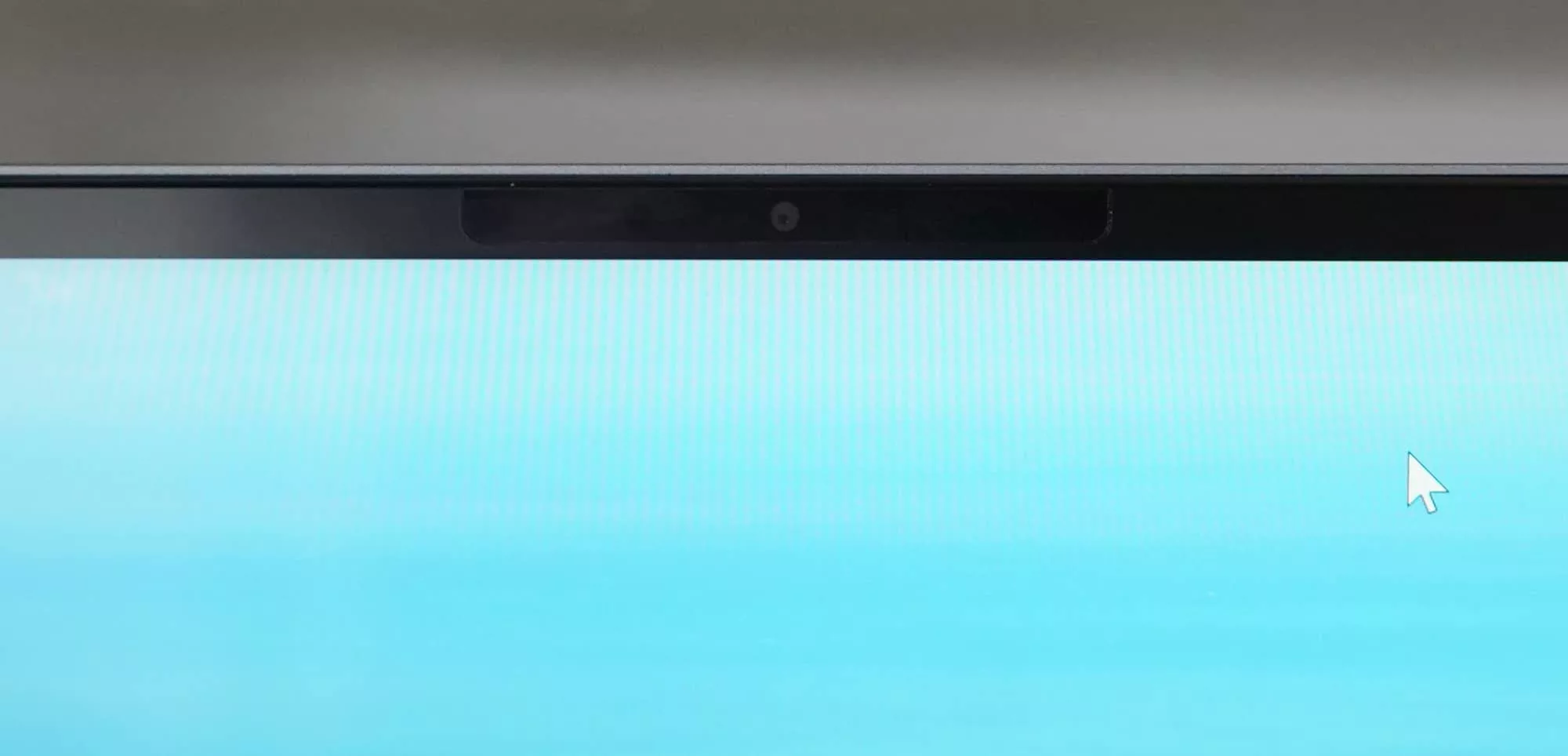
All up, it’s a fairly minimum-feeling machine. There’s no Thunderbolt or 3.5mm headset jack. You don’t even get a webcam cover. Get out the masking tape and random merch-supplied plastic bits to cover the camera.
A premium price with a less premium set of specs. It’s an odd combination that feels like it only works because everything else these days is just so expensive.
Speaking of, the price would also be next on the cards, because despite Dell’s chiming in to join the MacBook Neo with a similarly priced system, the 2026 XPS 13 is absolutely not that. Even with the Neo’s recent AI-induced price rise, the XPS 13 is still more expensive.
While this is clearly not a MacBook Neo competitor, something the price more or less indicates, it’s also not overly premium, either. You get aspects of the premium vibe, but not the whole thing.
Yes, it’s less expensive than the rest of the Dell XPS line-up. That’s definitely something. But it also happens to be pricier than other machines like it, and doesn’t nearly match the value Apple delivers with its MacBook Neo. It even manages to be more expensive than the Lenovo IdeaPad Slim 3 14 inch, which runs the same process for a good $400 less.
You’re basically paying a premium for a slimmer machine by Dell.
Final thoughts (TLDR)
It might have been in our collective heads, but we had high hopes for the Dell XPS 13. Its arrival seems to portend Windows PCs arriving for the same premium-focused economic laptop world Apple set itself up with the MacBook Neo. The US $699 price even led you there, getting near enough to the Neo and basically planting a flag in the sand.
“Here I am,” Dell almost appeared to say, as if the laptop could speak for itself, which it definitely cannot.
That was not to be. Not quite, anyway.
For the price, the Dell XPS 13 isn’t a bad laptop, but it hardly commands the same level of respect as the MacBook Neo, and was never going to quite match the price of its US counterpart. In a way, it feels like Australians are being short-changed by the dollar, which they very well could be.
If anything, it feels focused on one part of the market: Windows users who crave a premium machine without the premium price or performance.
That’s a really strange place. Windows users in that spot could easily consider a laptop with an AMD Ryzen or Qualcomm’s Snapdragon on-board for less. Even machines from last year might be better placed in price and performance.
The 2026 Dell XPS 13 an oddly placed XPS, yet a decent thin laptop.
Right now, the MacBook Neo doesn’t really have a Windows competitor, but this is as close as you can find. It probably won’t take too long for that to change — CES 2027 is when we expect that will happen — but if you need the premium vibe sans premium cost, the Dell XPS 13 is worth a look.
We’d look around a bit more, but if the price falls, the 2026 XPS 13 could end up being better value altogether.