Quick review
The good
The not-so-good
A sleek design and solid specs keep Dell’s ultra-portable on our highly desired list, but there are one or two things stopping us from giving this year’s edition of the XPS 14 rave reviews.
It’s been over a year since we checked out an XPS, and you really have Dell to thank for that. Last year heralded a change for the company, shifting away from familiar names to something far more generic, opting for Pro and Premium and Plus, as opposed to names we’ve known for ages.
But this year, XPS is back, and with it some clear changes.
Design
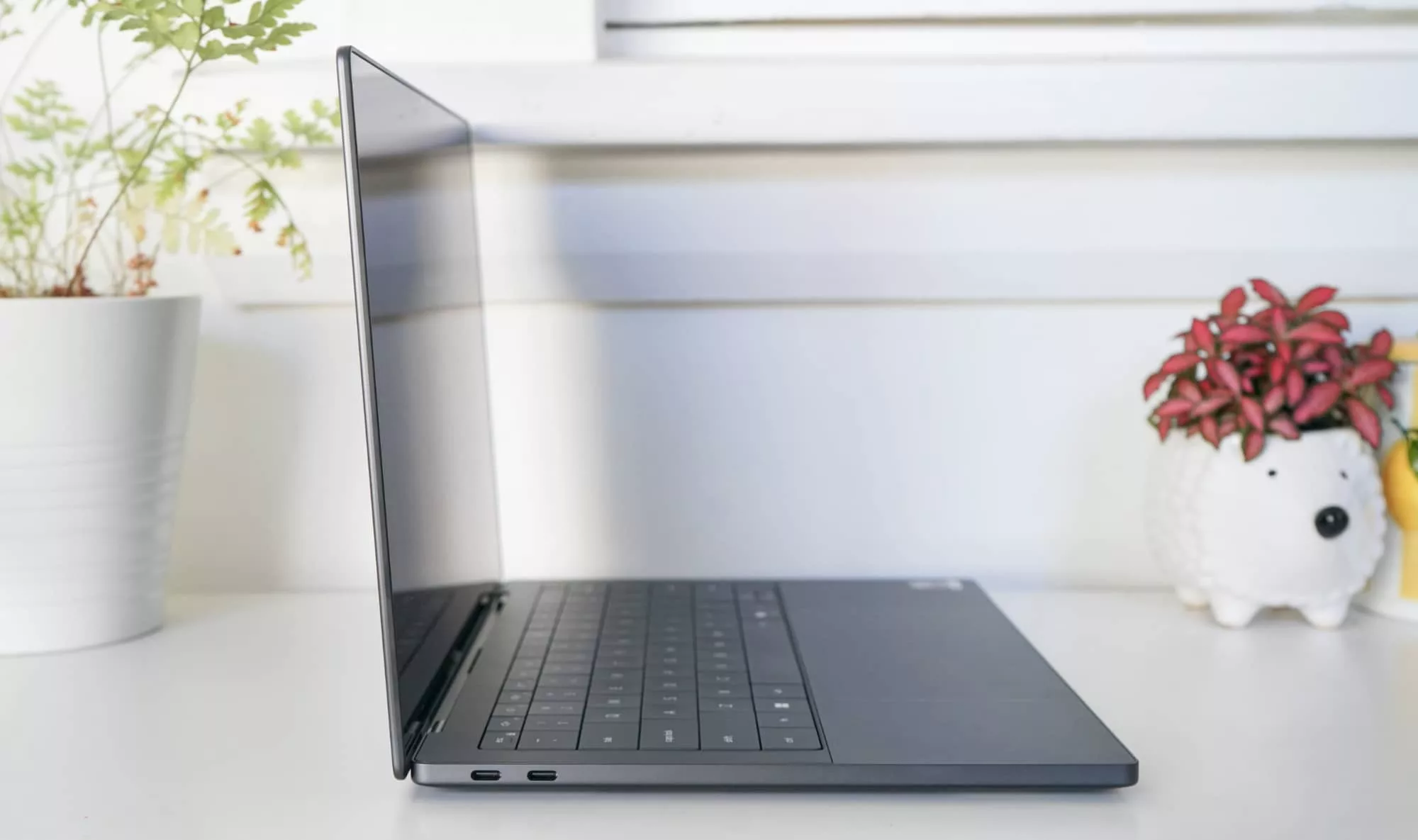
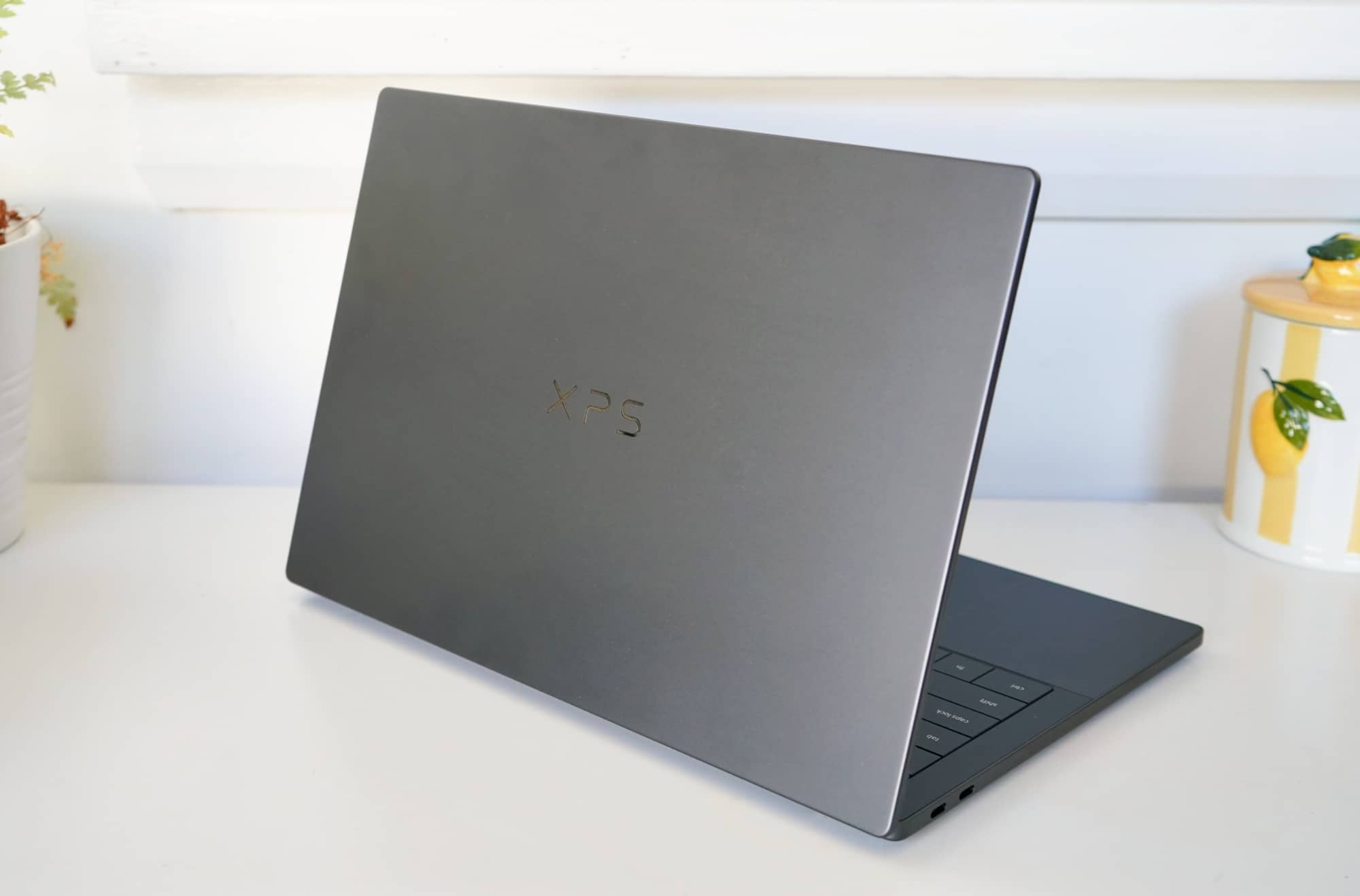
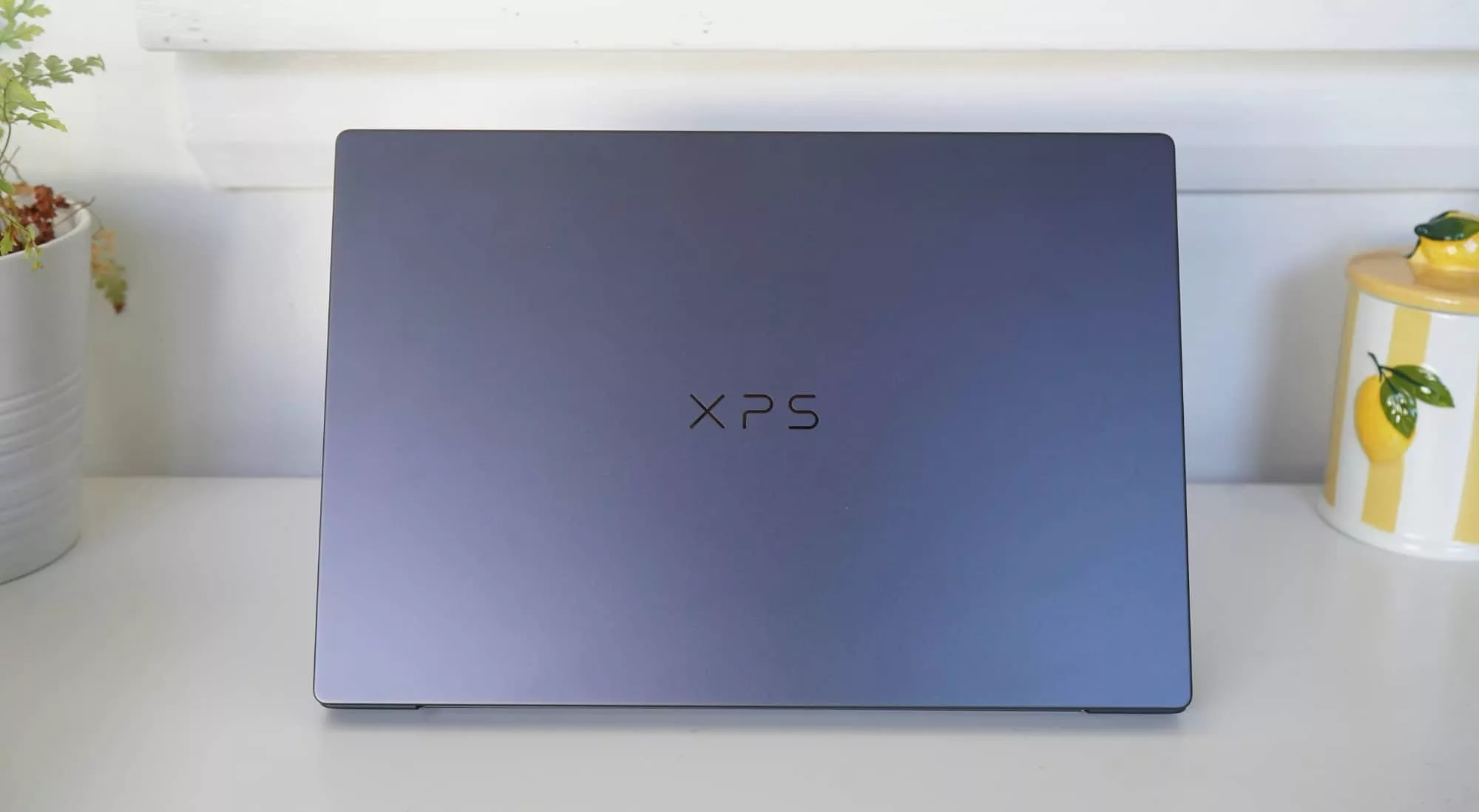
Starting with the design, which instead of an angled side that looks more like a wedge, the 2026 XPS 14 (DA14260) is flatter and more obvious.
Appearing a little like a flat monolith with a hinge for the screen, the XPS 14 for this year is similar to what we’ve seen in prior years, albeit feeling slightly more refined. It’s a tweak on the style the XPS is known for, while also blending some of the look the new Dell Pro models were known for, which were more easily described as “like a MacBook with Windows on it”.
Back is a slight sense of self merged with a slightly generic look, one that appears less to be about standards and more simply because there are only so many ways to slim down a laptop in this day and age before it becomes a tablet.
The Dell XPS 14, also known as the DA14260, arrives in an aluminium case that looks the part, made for people who want something sleek and professional on the Windows side that is perhaps a touch durable.
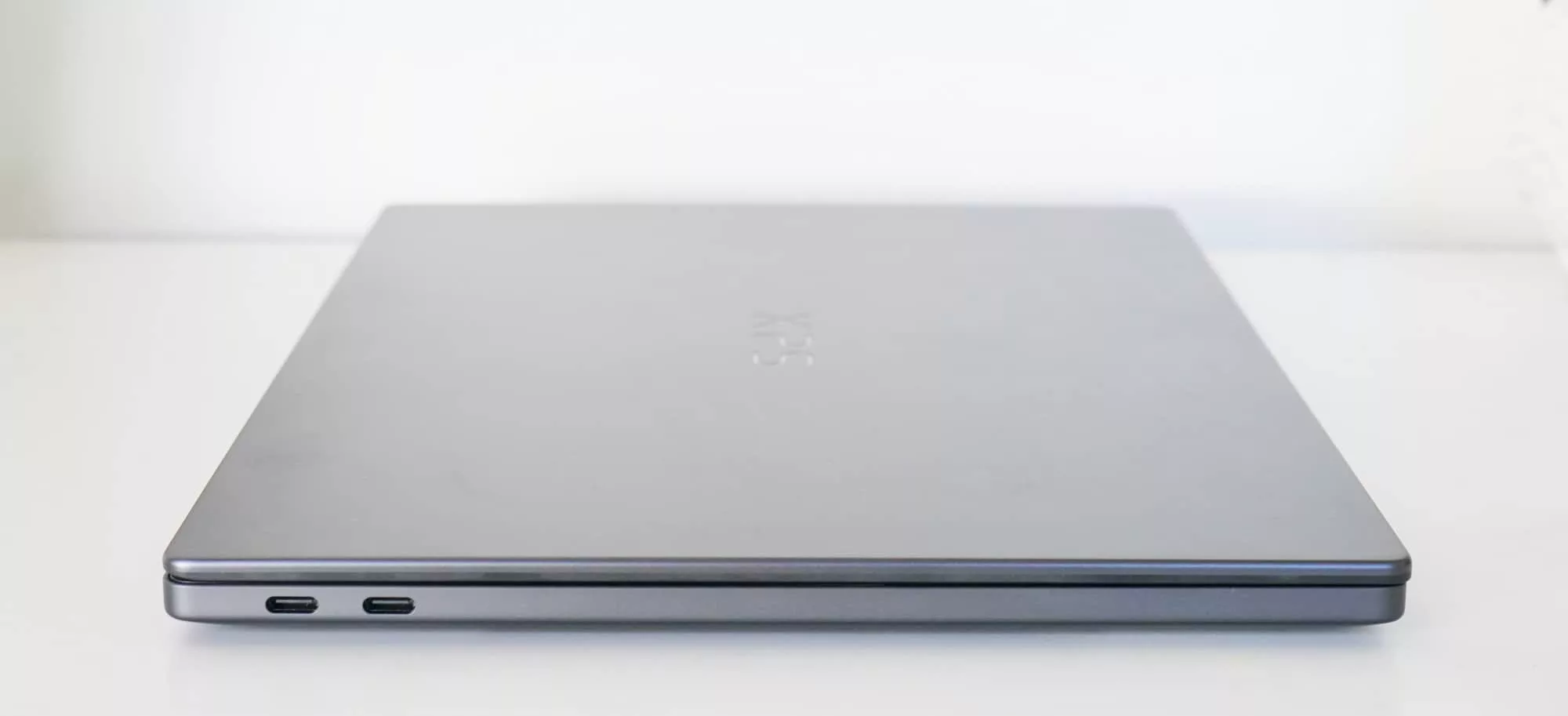
While there’s no IP rating or use of the MIL-STD-810H classification we typically see on some other notebooks, Dell notes the laptop is been tested to “withstand drops, heat, pressure, and wear”. That should not be an invitation to hurl the laptop around. Treat all laptops with care.
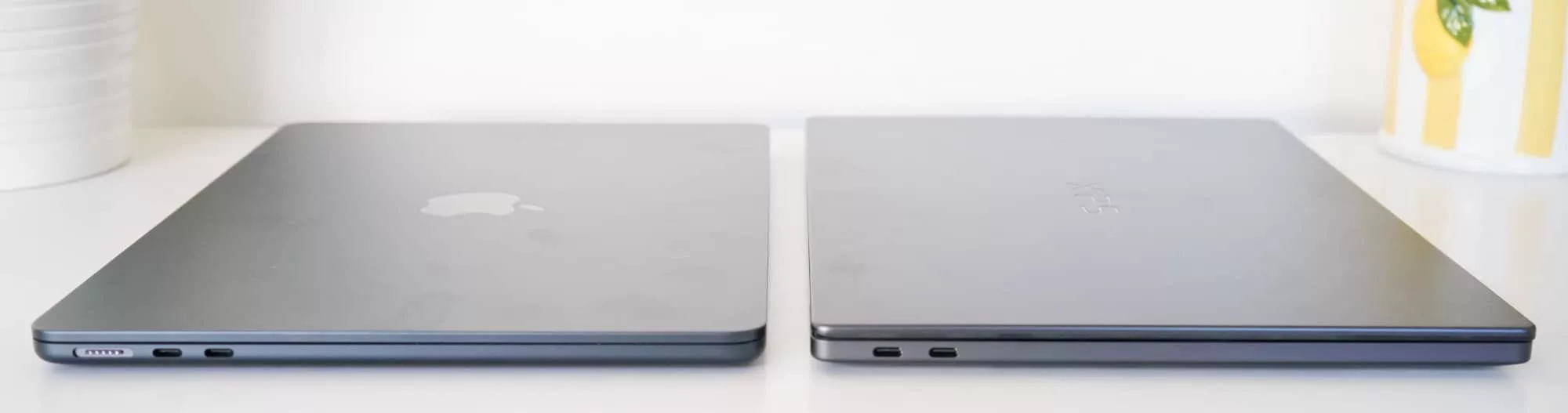
Sized at 14.6mm when closed and weighing around 1.36 kilograms, it does feel in many ways like it’s meant to be the Windows answer to the MacBook Air, handy for folks who don’t want a Mac.
Features
Regardless of the position, you’ll find some pretty high-end hardware inside this laptop.
The Dell XPS 14 DA14260 is the first 2026 laptop we’re looking at with Intel’s third-generation inside, providing Core Ultra technology inside, but kicking things off with the Core Ultra X7. You can go higher or lower in this model, with options that reportedly include Core Ultra 5, 7, and X9 variants, all in the third-gen Core Ultra line. For the purposes of this review, we’re checking out the Intel 358H, also known as the X7.
Dell has set memory to be a choice of between 16 and 64GB RAM, though you need the “X” chips for 32 and 64GB, while storage ranges between 512GB and 4TB.
Our review model opted for 32GB and 1TB in the OLED touchscreen variant, making it more high-end than the base model, clearly.
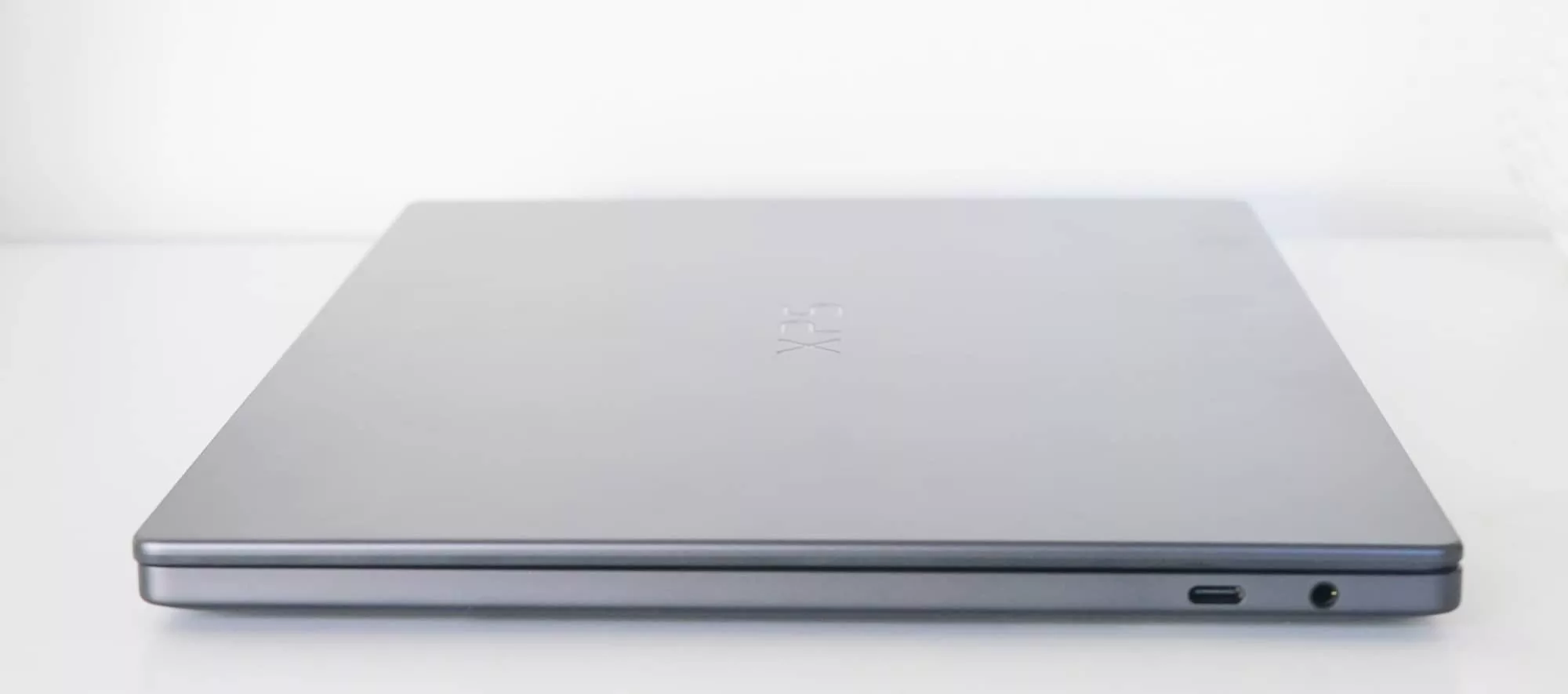
Whatever you choose, some things will remain standard. You’ll get Windows 11. You’ll get WiFi 7 and Bluetooth 6. You’ll find Windows Hello face authentication security, and a grand total of three USB-C Thunderbolt 4 ports, any of which can be used for charging, plus a 3.5mm headset jack. There’s a glass trackpad and a spacious keyboard, plus four speakers and two microphones.
Given its size, all of this seems about normal.
Display
There’s also a nice and mostly bezel-free 14 inch screen, which in our model was a 2.8K 2880×1800 touchscreen running at 120Hz and with OLED as the panel type. That’s the more premium option, though if you want to save a little, Dell also makes a variant without touch, without OLED, and running at 1920×1200 instead.
Both are protected by Corning’s Gorilla Glass 3, however, so there’s a little more durability in the thing than you might expect.
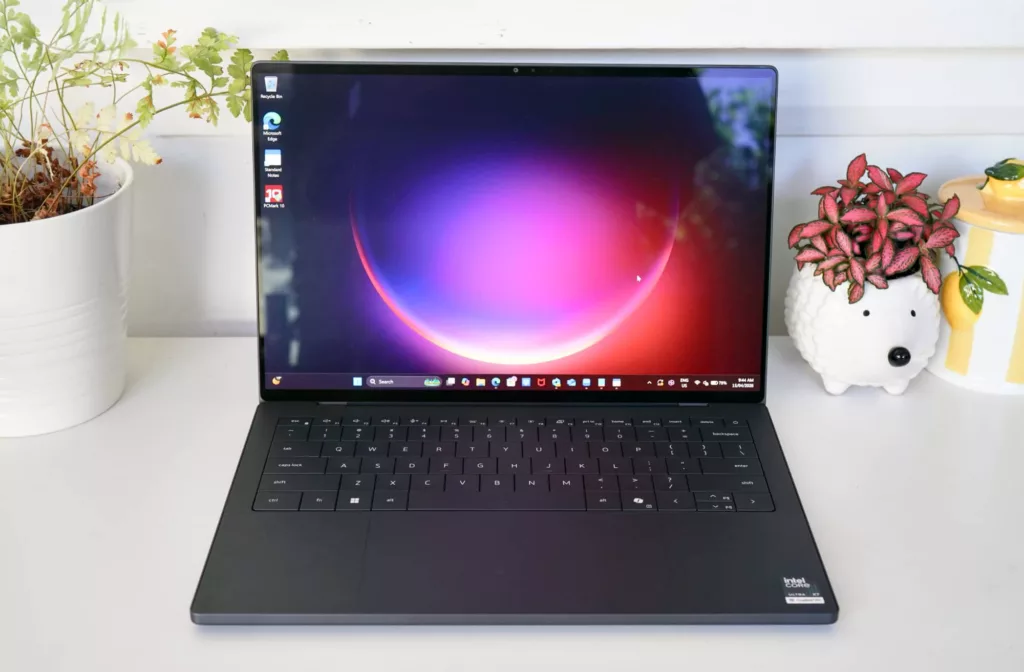
In our review model, the look was clear and display quite nice. It’s a bright screen with slim bezels, basically framing a bright and sharp screen, big enough and clear enough for a 14 inch computer, for sure.
The clarity is there, and if you need touch, it’s there, too.
You won’t find the hinge leans back on this model; it’s not a 2-in-1 model like some of the other Dell tablet-laptop hybrids, so you’re largely limited to touching and prodding the screen when using the glass trackpad gets tiring.
Or simply waiting for a coworker to do it because, you know, life.
In-use
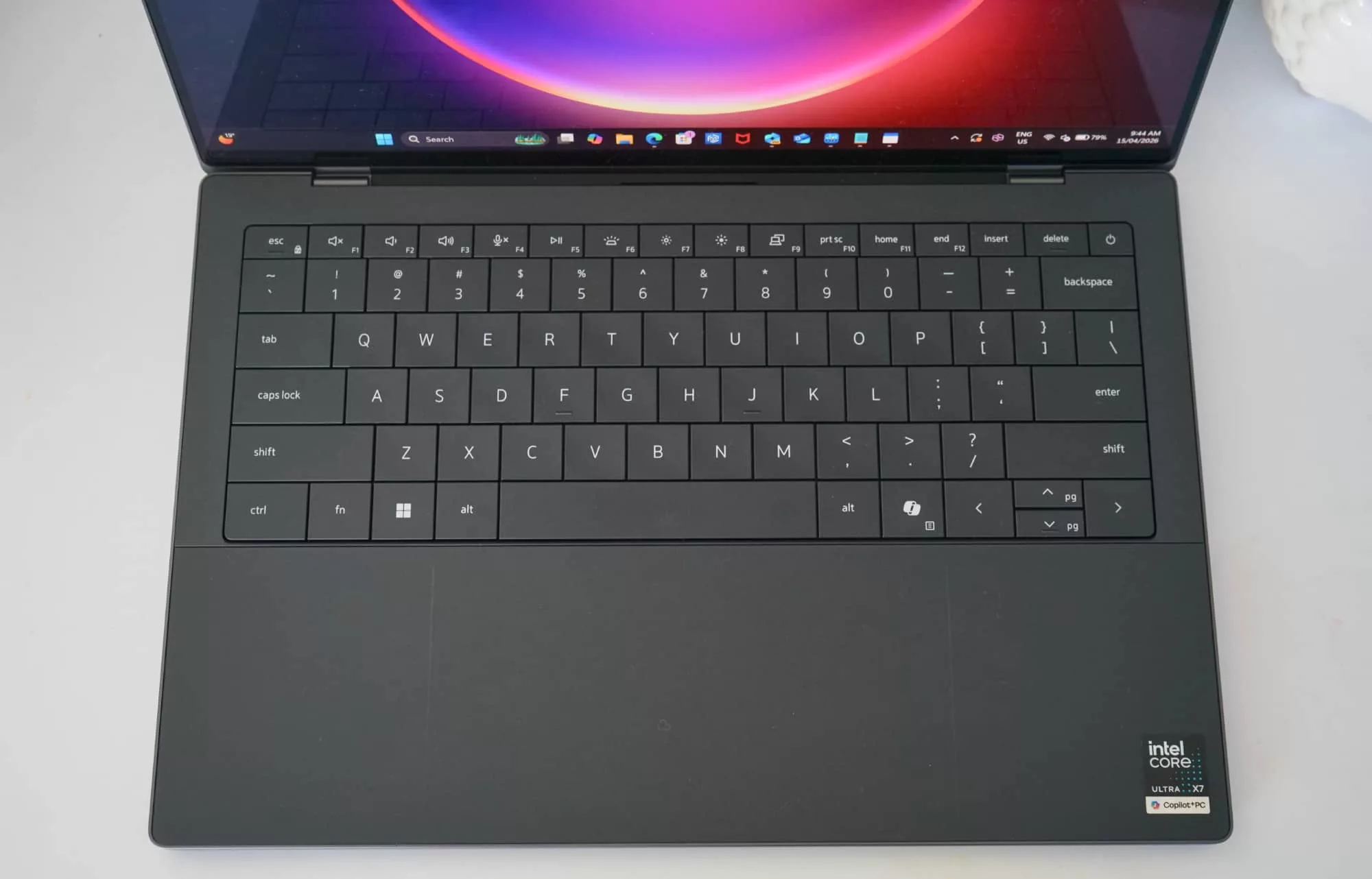
When it comes time to use the laptop, you’ll find a capable keyboard and mouse with minor tweaks, though not necessarily for the better.
The keyboard, for instance, manages to feel a little shallow at times and takes some getting used to. The design is as good as we recall on other laptops, but the actual punching of keys with our fingers managed to feel less reliable.
We definitely got the hang of typing, but some keys feel so shallow, you have to wonder just how light a touch this keyboard really needs. Our error rate was a little higher than expected, but you can adjust.
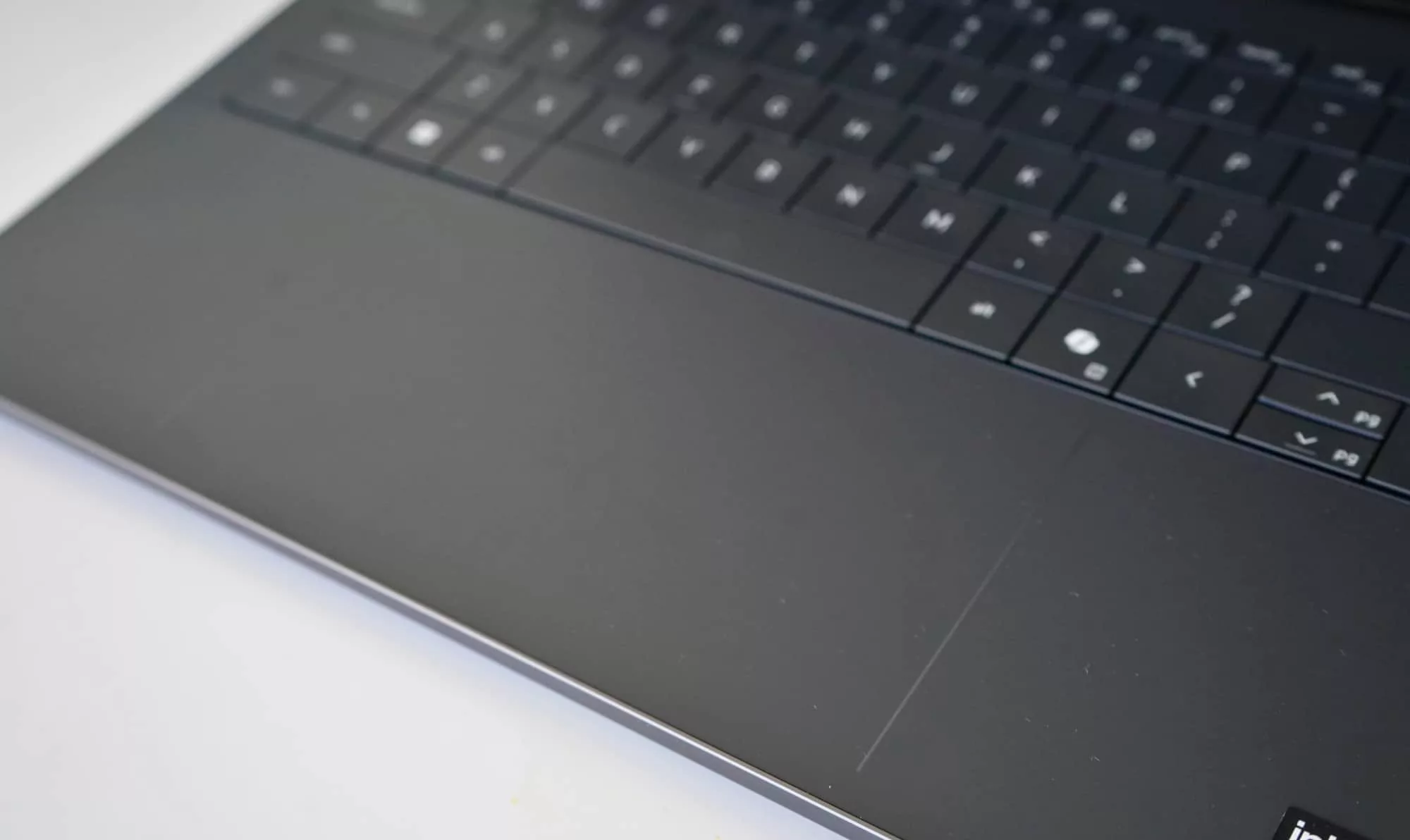
At least the trackpad scores a win, complete with a subtle set of lines on the wrist pad that actually help you centre yourself and find the thing.
That was one of our complaints on the previous generation, which simply saw the touchpad blend into the glass wrist pad. Nice idea in theory, but it means your fingers would end up touching glass that did nothing simply because they weren’t exactly centred.
This fixes it, and gives you obvious lines to work inside of. It’s a little like colouring inside the lines of paper, only with more that you can do.
Performance
One thing that does really deliver is the performance, which offers a good example of what everyone has in store for them with the third-generation Intel Core Ultra technology: speed, and plenty of it.
| Device | CPU Single Core | CPU Multicore | GPU OpenCL |
|---|---|---|---|
|
Dell XPS 13 9345 (2024)
Snapdragon X Elite
|
2701
|
14583
|
19164
|
|
Dell XPS 14 (2026)
Intel Core Ultra X7 358H
|
2664
|
15462
|
55043
|
|
Dell XPS 15 9510 (2021)
Intel Core i7
|
1540
|
7144
|
59917
|
|
Dell XPS 14 (2024)
Intel Core Ultra 7
|
2020
|
10678
|
61832
|
Tested against an assortment of laptops we’ve previously tested, it’s pretty clear that this year’s Dell XPS 14 has the guts to take on previous models, with more to work with than another XPS you might be upgrading from.
That’s probably a given: new chips are faster than old chips.
However, it gets more interesting when you see the Core Ultra 3 performance even against the second-gen models from last year.
| Device | CPU Single Core | CPU Multicore | GPU OpenCL | GPU Vulkan |
|---|---|---|---|---|
|
Asus Zenbook S 14 (2025)
Intel Core Ultra 7 258V
|
2450
|
10069
|
24848
|
26121
|
|
Lenovo Yoga Slim 7i Aura Edition (2025)
Intel Core Ultra 7 258V
|
2690
|
11007
|
27090
|
36607
|
|
HP ZBook Ultra G1a 14 inch (2025)
AMD Ryzen AI Max Pro 390
|
1563
|
9334
|
27938
|
35760
|
|
Dell Pro 14 Premium (2025)
Intel Core Ultra 7 268V
|
1631
|
8625
|
30479
|
28526
|
|
Dell XPS 14 (2026)
Intel Core Ultra X7 358H
|
2664
|
15462
|
55043
|
63137
|
There’s a clear bump in speed here, both on CPU and GPU (graphics, for those playing along at home), and it shows this year’s Intel laptops are likely to be a cut above where they were in the past.
It potentially makes the 2026 XPS 14 a great option for anyone with an older XPS 13 or 14, or perhaps anyone looking for hardware to keep them through the next few years.
Battery
Depending on how you use the XPS 14, you’ll find the battery inside ticks along rather well, offering a decent all-day life for productivity, but markedly less if you use it for anything needing to take advantage of all that processing power.
This variation of the Dell XPS 14 isn’t a gaming machine, with no dedicated or discrete graphics processor, so we’re not shocked that it’s not going to last all that long for hefty apps and games. That said, a two hour lifespan (2:28) is better than expected.
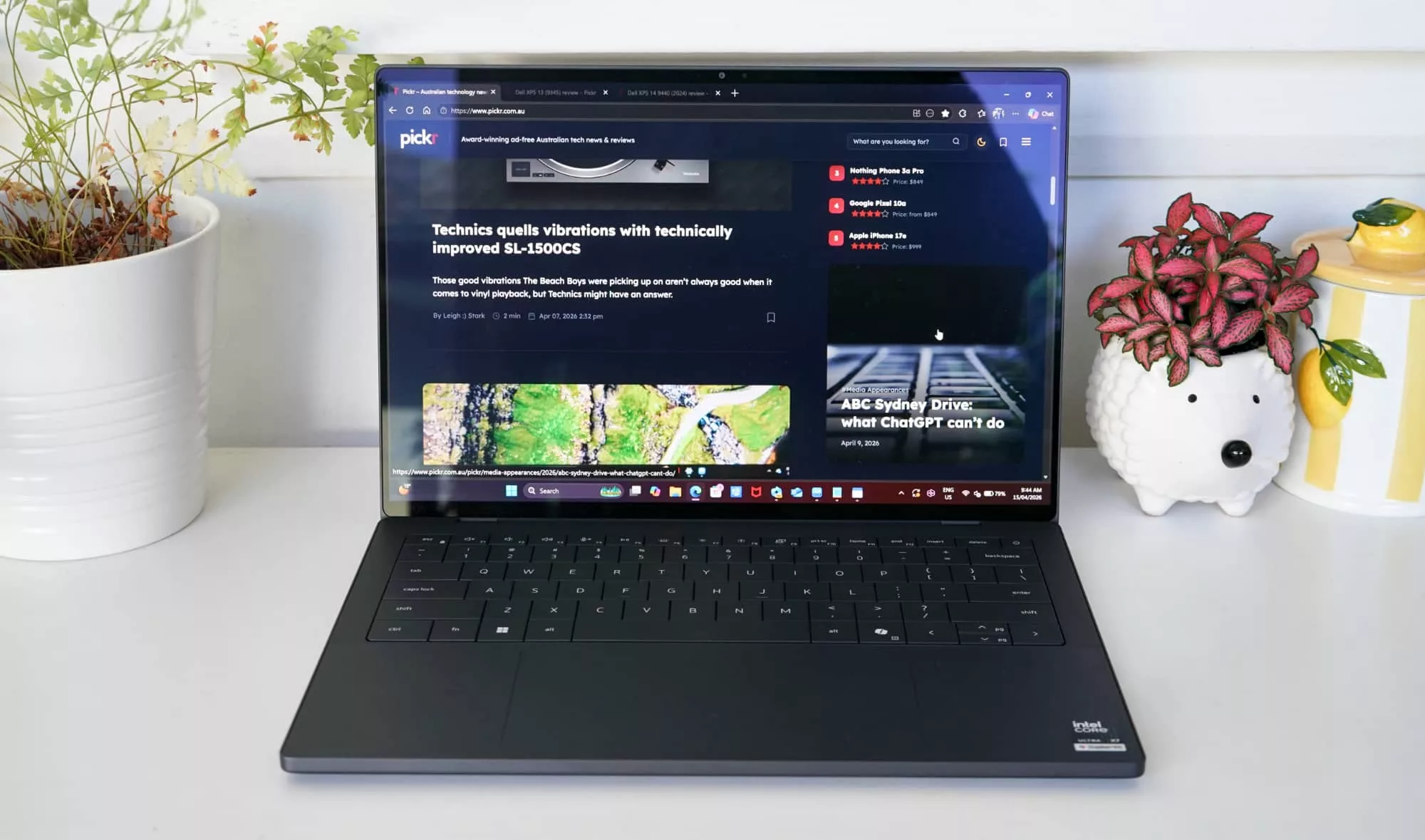
Most people will get closer to at least ten hours, and as much as 12, with a runtime of 12:29 with the battery rundown we use from PC Mark. While not a full 24 hours, half a full day is admirable, especially when the laptop is as thin and light, and clearly not a 16 inch size machine with a larger battery inside.
Officially, Dell puts the battery life at a maximum of 31 hours, an amount we couldn’t replicate. Based on running at 250 nits and simply streaming Netflix over the time, it does suggest over 24 hours is possible if you’re simply watching videos on the laptop. Fine if you’re mid-flight, but hardly relevant to the real world.
But even outside of that, 12 hours isn’t bad, and is practically all-day battery life all the same.
| Device | Battery |
|---|---|
| Dell XPS 14 |
12:29
|
| Dell Pro 14 Premium |
11:20
|
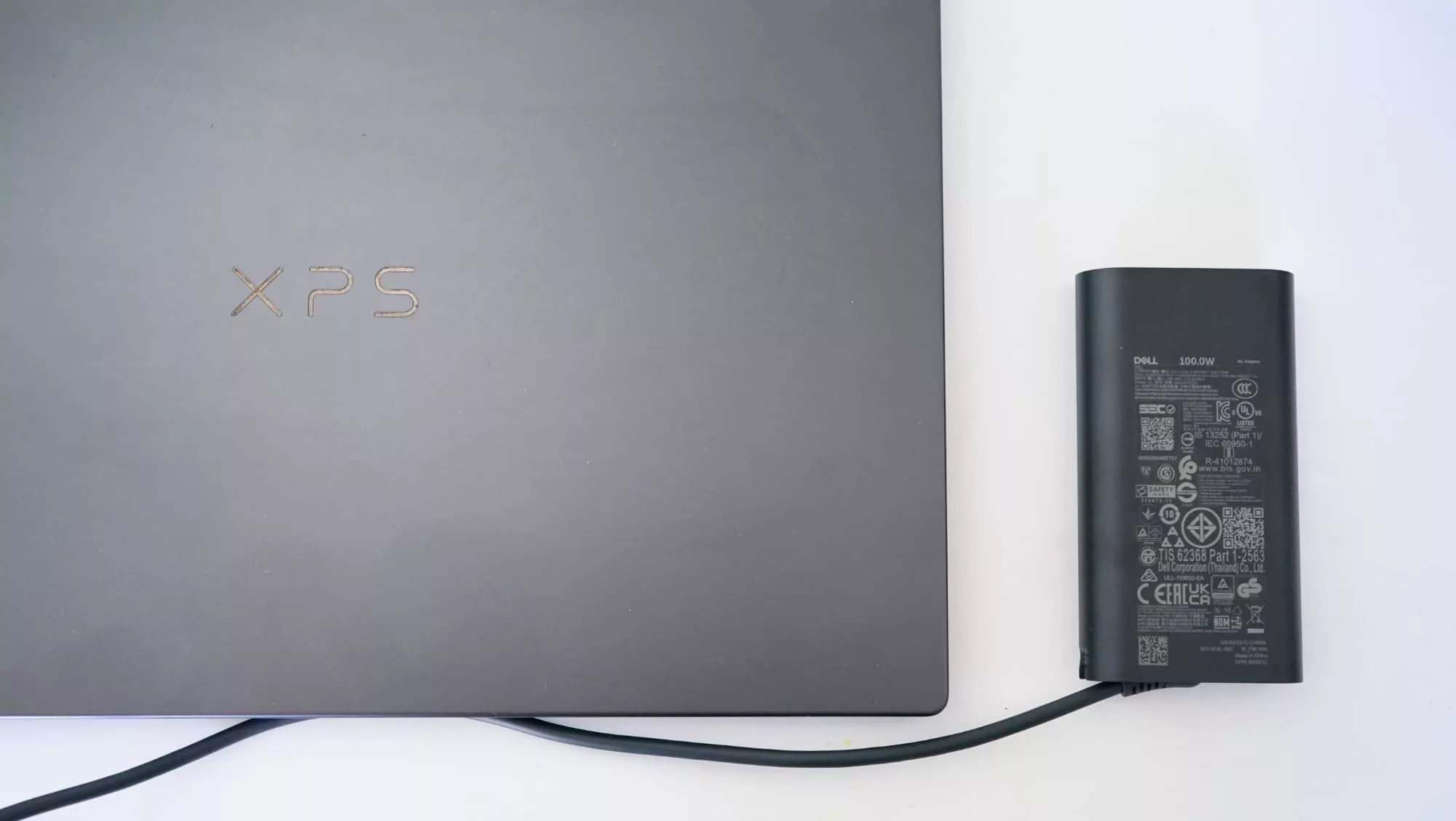
Dell also has a nice touch of a surprisingly big power pack in a surprisingly small size.
While the included power pack isn’t quite as small as the tiny chargers the MacBook Air arrives with, the charge pack is a staggering 100 watt charger, giving you plenty of power for your laptop and then some.
The obvious downside is there are no extra USB ports on the charger, so you can’t boost your phone’s life while charging your laptop. Minor first world problems, sure, but still worth noting all the same, especially as Apple offers a charge pack in its MacBook Air that does let you do that.
Value
The biggest problem is arguably the price, which in Australia starts at just under $3300, but can cost a lot more if you opt for the all the fix-ins our review model came with.
While the XPS 14 is a stunning laptop, a minimum price of $3249 is not inexpensive, especially for a laptop competing with the $1799 MacBook Air. There’s not a lot of difference between that 13 inch Apple and 14 inch Dell, either in size, screen, or even performance hardware.
In fact, while we’ll never suggest a direct head-to-head comparison (because the hardware is very different), the Apples vs oranges (Windows) battle of the 2026 M5 MacBook Air 13 vs the 2026 Dell XPS 14 shows that they’re both fast, but the Air just barely edges out its competitor, while also simultaneously being less expensive.
It’s a difficult comparison, though, largely because Apple versus anything rarely lines up. We’re clearly getting closer in performance, just not in price.
| Device | CPU Single Core | CPU Multicore | GPU OpenCL |
|---|---|---|---|
|
Apple MacBook Air 13
Apple M5
|
4129
|
16906
|
40545
|
|
Dell XPS 14
Intel Core Ultra X7 358H
|
2664
|
15462
|
55043
|
What Dell has made doesn’t scream value, but in this day and age when AI is driving up costs of consumer hardware, even the idea of value in laptops can seem a little far-fetched, MacBook Neo notwithstanding.
For a high-end PC laptop, Dell’s XPS 14 2026 is excellent and is surely made to match a high price, but at over twice the price of one of its obvious competitors, it still feels higher than it should be.
You’ll get a great PC, but you’ll also pay for it.
What needs work?
The price has this reviewer a little stuck, and so does the keyboard, which just doesn’t feel up to Dell’s typically quality.
Somewhere between too shallow and sticky, the usability of the laptop just isn’t as high quality as Dell has offered in the past, and that’s a shame. It’s the one place that shouldn’t have been compromised, and yet manages to feel a little like it has, even ever so slightly.
Final thoughts (TLDR)
You can get used to the keyboard, but it’s just not as premium as it once was. And right now in terms of raw performance, the 2026 Dell XPS 14 offers an otherwise fantastic experience.
As far as thin and light PCs go, the 14 inch Dell XPS is a great PC made to go. There’s power to spare in a truly portable way.
But it’s not perfect, and with just a bit more refinement not to mention a better price, you get the feeling that the 2027 model will be even better.