
Quick review
The good
The not-so-good
Performance to go isn’t always as performant as creators would want, but in the Dell Pro Precision 5 14S, the mouthful of a name is focused on power to chew. Does it succeed?
There are high-end phones and low-end phones, plus phones made for the middle ground and people who don’t want to spend too much or too little, but what about laptops? It turns out things aren’t quite the same there.
While computers of all kinds can be priced in all sorts of ways, computers are typically focused on users as opposed to merely prices, and they can vary. Simple productivity machines for the day-to-day tend to be the most common, and you can find them across an assortment of price packets, and there are also machines focused on gaming with hefty specs.
But then there are also workstation-class systems meant to do a little more.
What that little more is doesn’t always have to be strictly defined; you might be analysing large amounts of data or poring over heavy spreadsheets, or maybe building 3D worlds for the next generation of AR and spatial hardware, or maybe working on games or animation. The point is that bigger needs demand bigger specs, and if you’re in this category, you probably know that you’re spending up to get it.
It’s a known issue, and one that the demands of AI have potentially made worse this year, except in one place: performance. Systems have never been faster, and you can now take the equivalent of a high-speed desktop-to-go in your personal luggage.
That’s where the Dell Pro Precision 5 14S aims to sit, a laptop boasting a lot in the kitty inside a machine that no one would pick. Is it the one for data-hungry creators to consider?
Design
You might expect that expensive computers come with flashy designs, but that’s not the way every company or range or design tends to roll. In fact, some are downright ordinary.
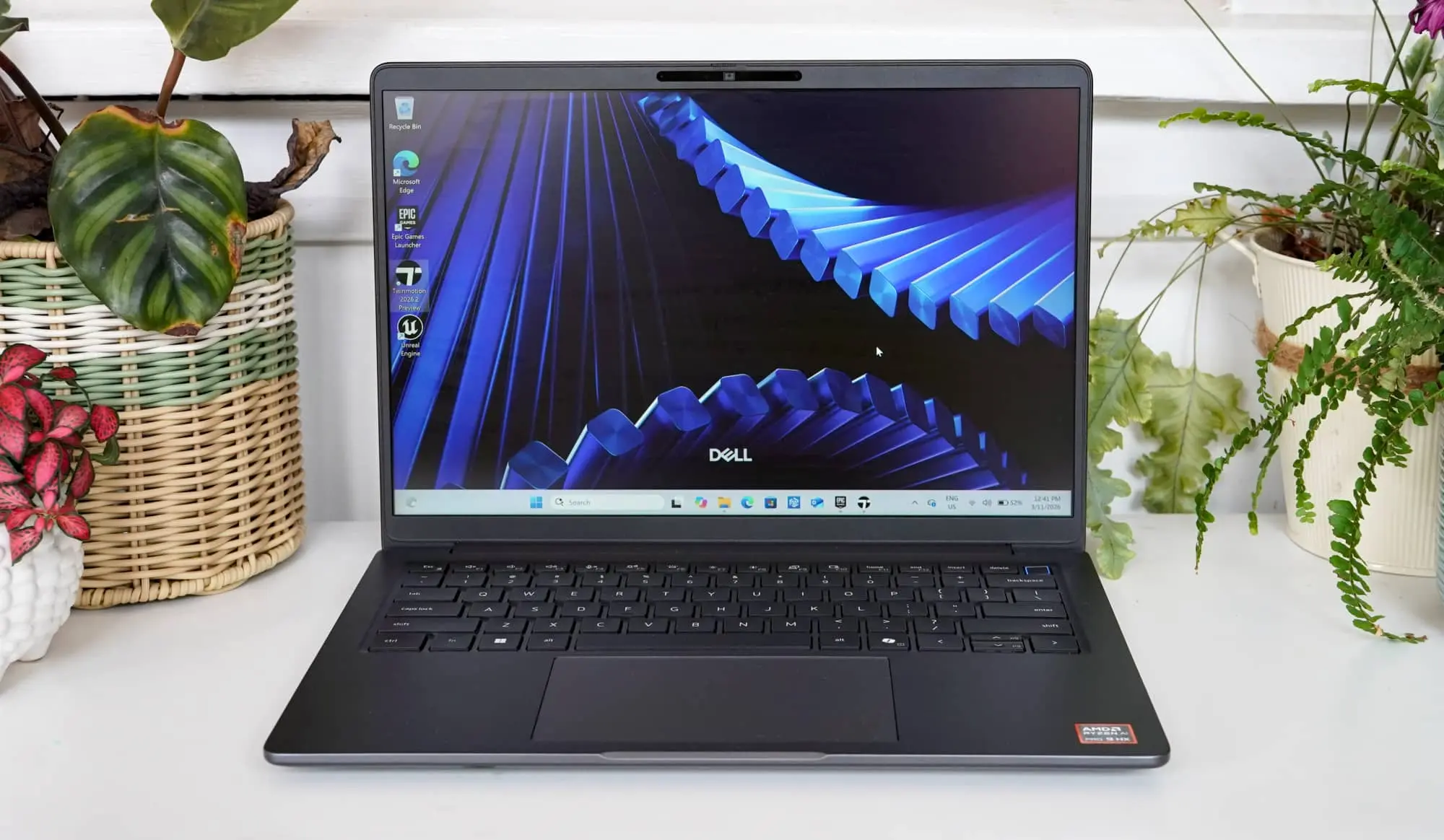
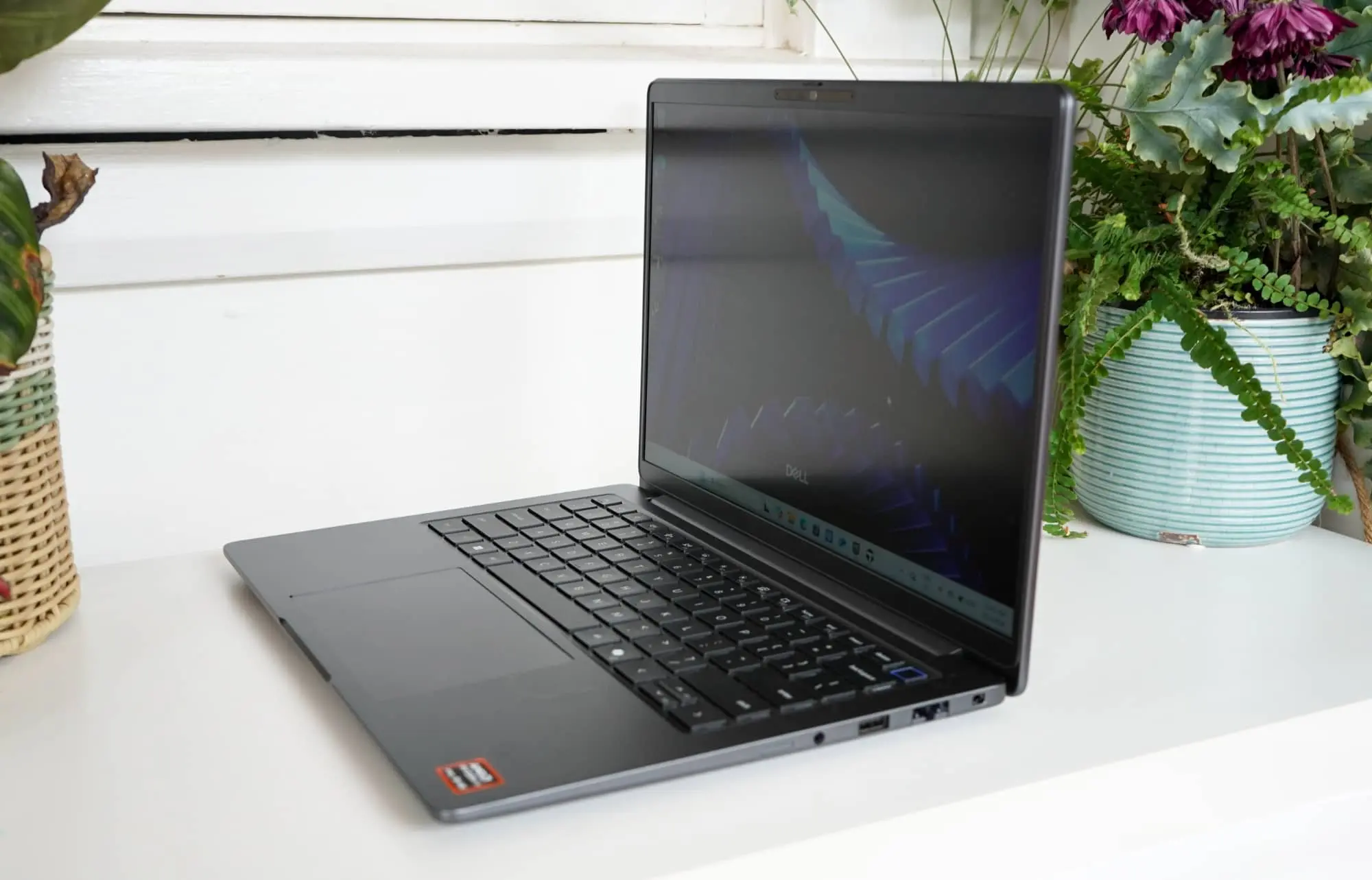
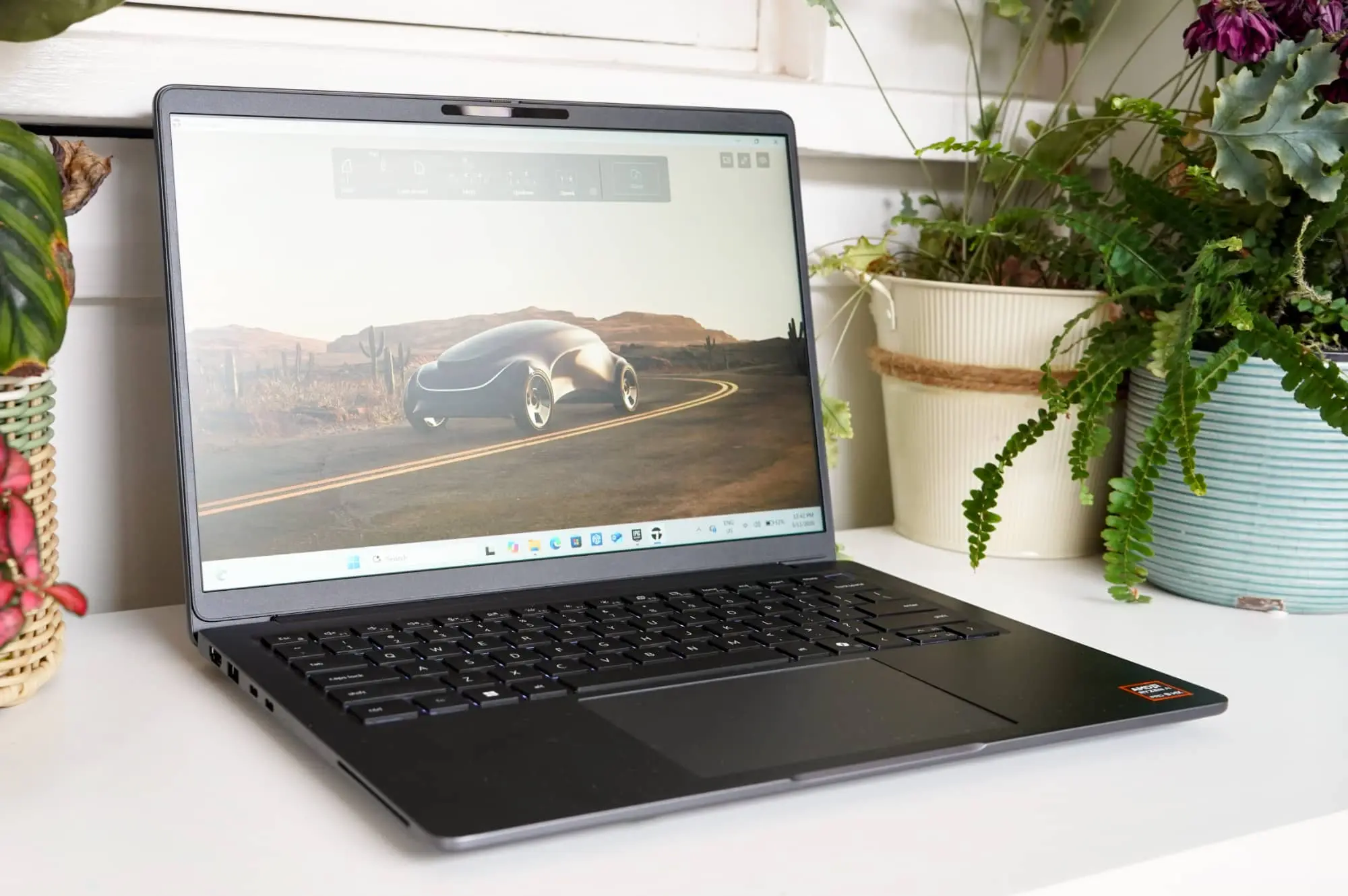
In the Dell Pro Precision 5 14S, “ordinary” is very much the name of the game, because this is an ordinary-looking computer. Virtually no one would be able to tell that you’re rocking a workstation made for business. We suppose that’s basically the point.
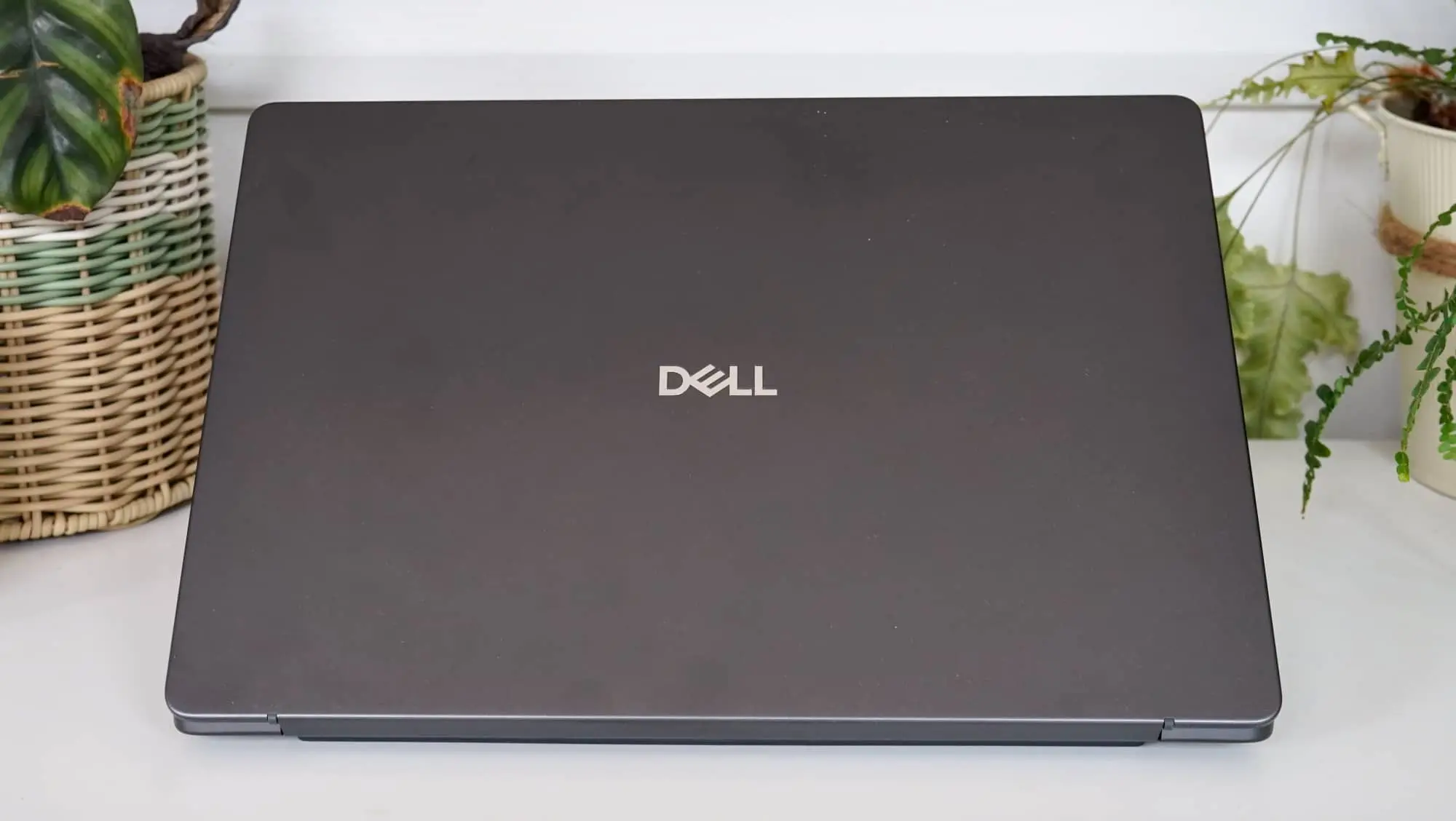
Sitting near 2.2cm thickness and made from aluminium, the roughly 1.4kg laptop doesn’t look remarkably different from other laptops. There’s a softened rectangular back and a tapered front, but it’s all a look. The tray is still pretty much there, and this is Dell’s take on a somewhat slim machine that still specs it up.
It’s ordinary, but it’s not ugly.
Features
Inside, the specification is anything but ordinary, offering a choice of Intel or AMD depending on the variant of laptop.
For this review, the Dell Pro Precision 5 14 inch included a definitely high-end AMD chip, the Ryzen AI 9 HX Pro 475 clocked at 2GHz, paired with a staggering 64GB RAM. That’s plenty to work with for anyone. No complaints here.
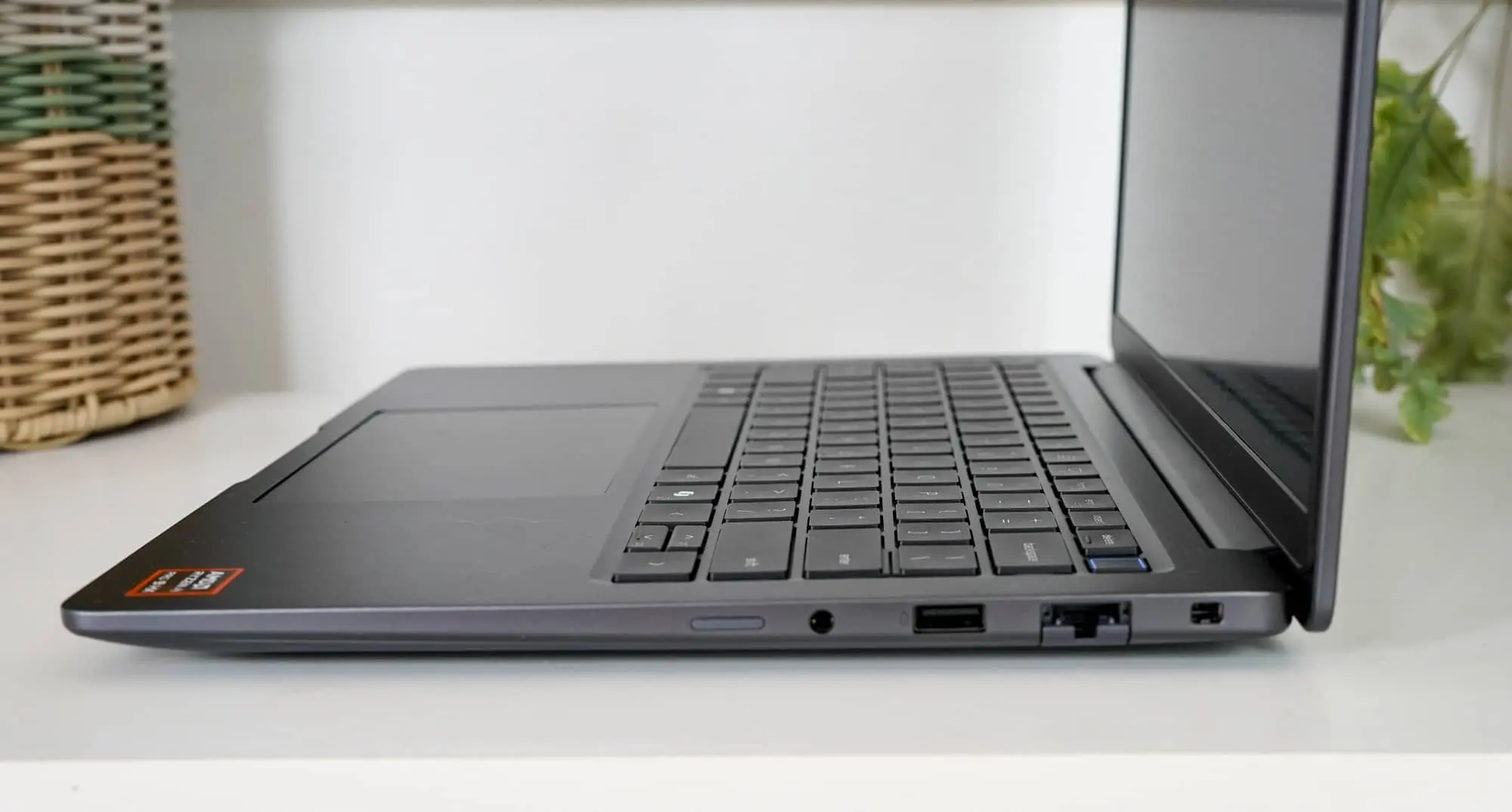
You’ll find Windows 11 Pro on this machine, with two Thunderbolt 4 USB-C ports, two USB-A ports (the old school rectangular kind) set for USB 3.2, one HDMI 2.1 port, a 3.5mm headset jack, and an Ethernet port.
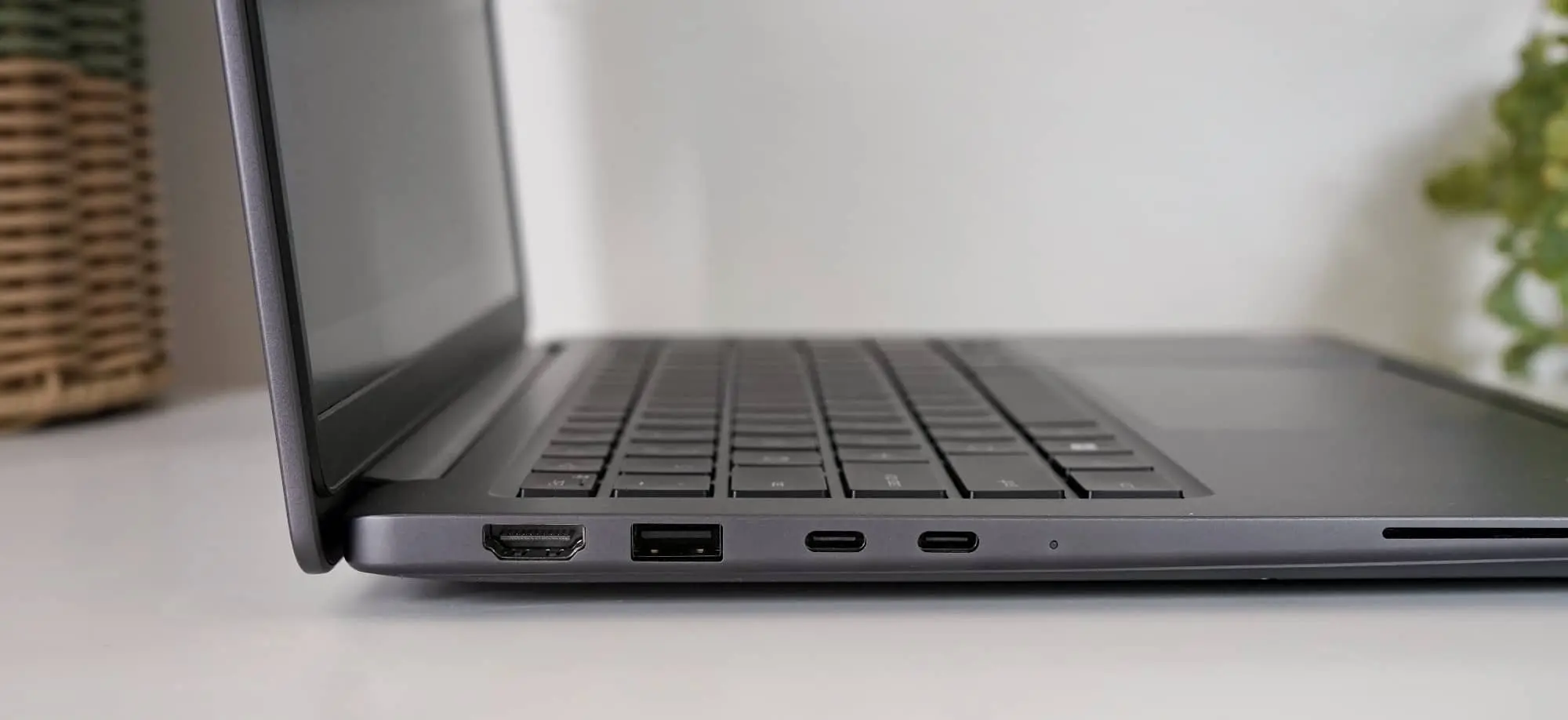
There is technically room for a smart card reader in the body, but it’s an optional entry, as is the SIM card slot, which looked like it should have a pin ejector hole on ours, but didn’t. Clearly, we got the model without the modem, though it’s also an optional extra.
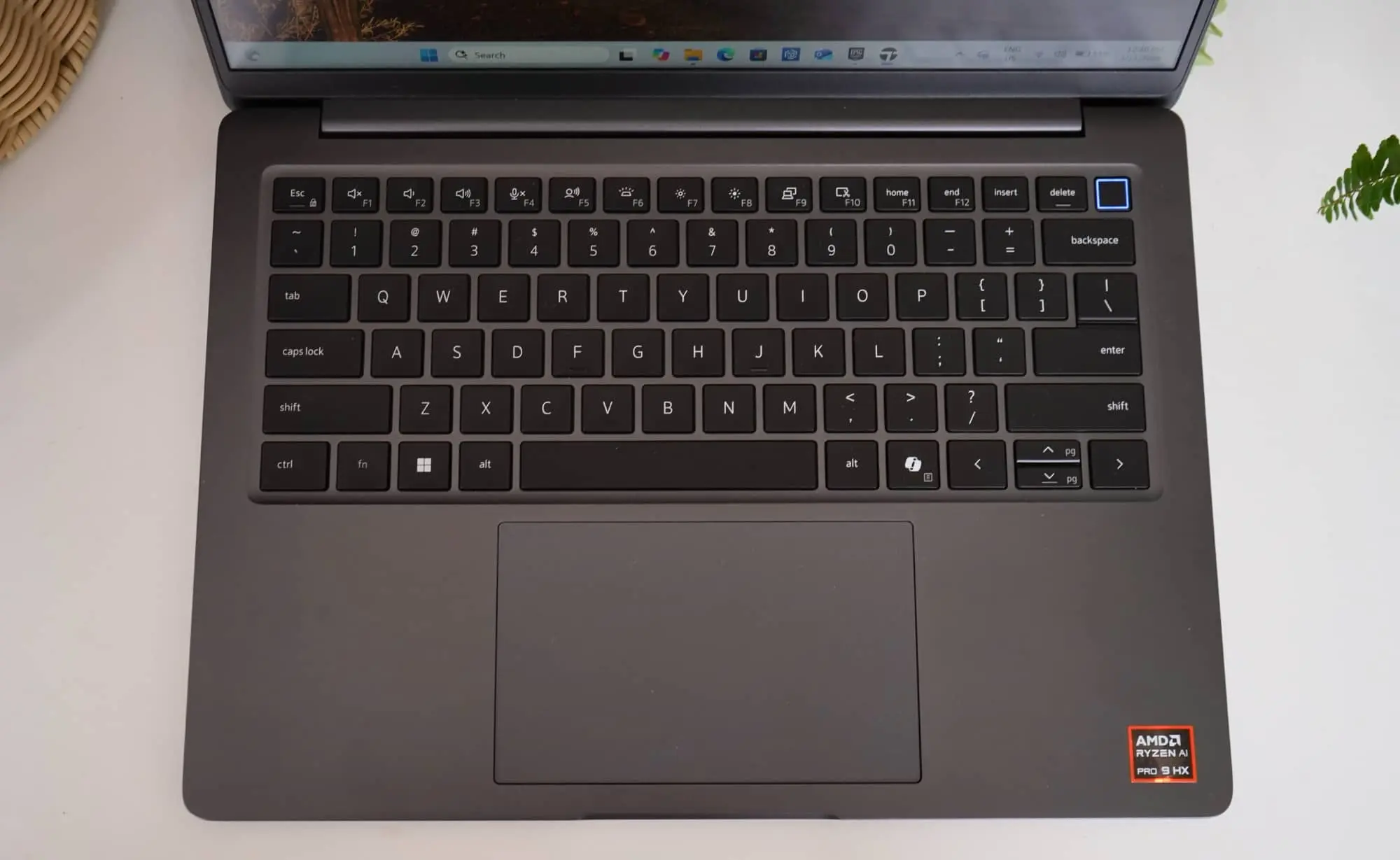
There are other features, such as Bluetooth 6, Wi-Fi 7, and a fingerprint sensor built into the backlit keyboard, plus an assortment of storage choices from 256GB and higher (though our review unit was a 1TB option).
Display
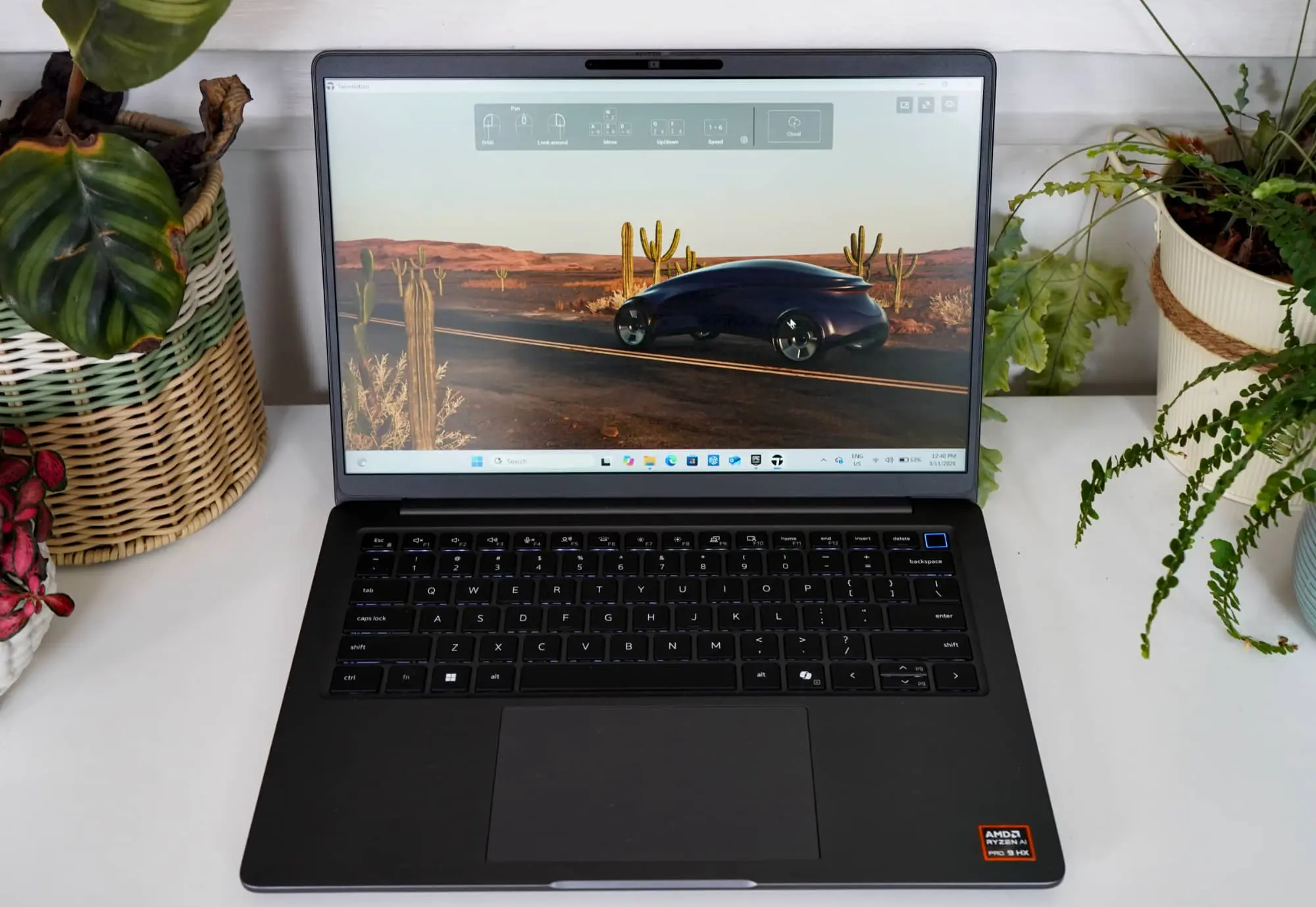
You won’t find a touchscreen to control things, but the display isn’t one to shy away from capability, offering a matte finish screen that’s fairly easy on the eyes running at 2560×1600.
The display doesn’t seem to be super high-end, apparently missing out on Mini-LED and OLED, and instead opting for a standard In-Plane Switching (IPS) display. That said, it does run at 120Hz, so animations will at least look fairly slick at times, and the matte screen does make it easy to gaze at without reflections. That’s always a good thing.
In-use
Built as a laptop first and foremost, Dell’s Precision line can feel like it’s meant to be a PC and only a PC. As in keyboard and mouse and screen and system spec, because that’s what it is.
There is no touchscreen here, and the trackpad doesn’t seem quite as spacious as the option afforded on the XPS line which largely bleeds into the space left for your wrists,
You will find a fingerprint sensor in the power button, though, adding to the Windows Hello forms of security that also includes facial recognition at the camera level. Unlike its XPS 13 cousin that offers no webcam cover, this one does, so there’s no need for any awkwardness.
Performance
With a fairly meaty AMD processor under the hood not to mention a staggering 64GB RAM in our Dell Pro Precision 5 14S review unit, the expectations were solid for what the system could handle.
Testing it against the Ryzen 7 chips we’ve seen this year, the AMD Ryzen 9 definitely has a little more to work with, both in system performance and graphics, at least when comparing the raw capabilities. It’s not quite a MacBook Pro competitor, but the Ryzen 9 chip really has the guts where it counts.
| Device | CPU Single Core | CPU Multicore | GPU OpenCL |
|---|---|---|---|
|
Lenovo 10th-gen Yoga 7 2-in-1
AMD Ryzen AI 7 350
|
2773
|
12372
|
27336
|
|
HP ZBook Ultra G1a 14 inch
AMD Ryzen AI Max Pro 390
|
1563
|
9334
|
27938
|
|
Dell Pro 14 Premium
Intel Core Ultra 7 268V
|
1631
|
8625
|
30479
|
|
Dell Pro Precision 5 14S
AMD Ryzen AI 9 HX Pro 475
|
2426
|
15407
|
31389
|
Where it needs some more prowess, however, is in the graphical department, where the Radeon 890M chip doesn’t quite compare to the likes of an Nvidia chipset found in similar devices.
In fact, in actual graphical testing, the Pro Precision 5 struggled in both our test layouts for TwinMotion and Unreal Engine 5, struggling to hit reliable frame rates without stuttering. That could be the Quad HD resolution, but it’s more likely the graphics chipset is just a little under where it needs to be.
The system is strong, but the graphical side needs a bit more in the kitty. There’s definitely grunt-to-go, but it’s not the be-all, end-all you may be expecting.
Machines with discrete graphics chips are doing more heavy lifting, as are Intel X chips from this year, and that’s a point worth making if you happen to need a workstation lappy for these specific reasons.
| Device | CPU Single Core | CPU Multicore | GPU OpenCL |
|---|---|---|---|
|
Dell XPS 13
Intel Core 5 320
|
2141
|
6338
|
11916
|
|
Dell Pro Precision 5 14S
AMD Ryzen AI 9 HX Pro 475
|
2426
|
15407
|
31389
|
|
Acer Swift 16 AI
Intel Core Ultra X7 358H
|
2420
|
16732
|
52600
|
|
Asus Zenbook Duo
Intel Core Ultra X9 388H
|
2927
|
17029
|
56223
|
Battery
The battery is where things get complicated because it varies greatly based on what you’re doing.
Workstation can mean a lot of things. It can mean a station simply to work at, and it can mean a more meaty laptop for data-hungry Excel spreadsheets. Typically, “workstation” implies a laptop made to do more: 3D, visuals, engineering, CAD, data science, and so on.
The uses vary, and that means the battery life will, too. There’s nothing out of the ordinary there.
Here in the Precision Pro 5, the battery life is actually quite good for basic productivity, achieving 16 hours and 35 minutes in our test designed to simulate that type of office-y working activity. That’s great.
| Device | Battery |
|---|---|
| Dell Pro Precision 5 14S |
16:35
|
| HP ZBook Ultra G1a 14 inch |
6:40
|
| Lenovo Yoga Pro 9 Aura Edition |
4:30
|
The problem, however, is while the battery is capable when you’re doing basic productivity work, the long runtime falls over the moment you need to do a lot more.
Using the Pro Precision 5 14S as a 3D workstation — because it technically has the guts to do that — we found the battery life dropped to a maximum of roughly two hours, giving you an idea of just how much the guts can take out of this laptop.
Clearly that’s the extreme case, and like all workstations, the meatier the work, the worse the battery life. There’s really no fix beyond bringing a power pack. Fortunately, the laptop works from USB-C, however, so at least you’ll only need to bring one, which will no doubt power your phone and almost anything else you carry.
Value
The biggest conundrum is the price, which doesn’t really have an obvious listed price.
As a workstation machine, Dell puts this one more in the commercial category, and so it doesn’t come with an obvious $4999 sort of price tag. In fact, based on our research, the 14 inch Dell Pro Precision 5 would be lucky to hit that sort of money, especially with the spec we were sent.
It does technically start from just under $4K, but the review unit sent to Pickr came with an impressive 64GB RAM and we couldn’t find its exact price. The only model we could find that managed near that was a 32GB Intel edition, and it was close to a hefty $8K.
With double the RAM and a faster processor in the sort of AI-induced memory crisis we’re in right now, the smart money is on this laptop being a rough $9 to $10K build, and if that’s the case, we’re just not sure.
Yes, the Dell Pro Precision 5 is a fast 14 inch machine, and yes there’s a lot of grunt, but if the price really is that high, there some some clear points worth getting a little angry about the value.
What needs work?
One is the sheer lack of a price, which basically makes it feel like Dell can charge whatever it likes and keep on flipping the price. Another variation paints the 32GB Ryzen model closer to the $5K price, suggesting the 64GB model might be near $7K in that instance. It’s just not easy to work out value when Dell isn’t upfront about overall price tags.
While the lack of a price makes reviewing (and buying) a little awkward, the biggest problems with the Dell Pro Precision 5 stem from its sheer capability to the sound that comes from it.
Benchmarks paint this workstation laptop as fast, and from the get-go, the laptop feels like it’s a bit of a beast. Clearly going after the MacBook Pro crown, the Dell Pro has pro Windows users in its sights.
The problem is the performance beyond the benchmark can be a little hit and miss.
The Dell Pro Precision 5 should deliver excellent performance, and it can. But it just won’t always, and that is an issue, especially for a machine competing with juggernauts such as the M5 Pro MacBook Pro 14. As it is, our benchmarks show it barely matching the MacBook Air.
| Device | CPU Single Core | CPU Multicore | GPU OpenCL |
|---|---|---|---|
|
Dell Pro Precision 5 14S (2026)
AMD Ryzen AI 9 HX Pro 475
|
2426
|
15407
|
31389
|
|
Apple MacBook Air 13 (2026)
Apple M5
|
4129
|
16906
|
40545
|
|
Apple MacBook Pro 14 (2026)
Apple M5 Pro
|
4267
|
27886
|
88053
|
And then there’s the sound, which kicks in when the hardware clearly needs cooling, but occurs when it’s not even doing much of anything. Simply downloading assets for Unreal Engine caused the cooling tech to spin up and stay that way even when nothing else was happening.
It’s the sort of sound you’d expect from a white noise generator, a gentle fuzz to lull you to a tender slumber, even though it’s also a reminder that your laptop is probably doing meaty processing in the background. Because it’s supposed to be.
The issue is it spins up when things are on that shouldn’t need the fan to spin up. The Unreal Engine launcher, for instance. Downloading assets shouldn’t need the full weight of the processing system, and yet the fan says otherwise. At one point, it happened while the machine should have been on standby. Exactly when the hardware isn’t supposed to be overly toasty.
And it can get quite toasty at times, too. There’s a reason why you definitely want that cooling system to fire up, and it might be to stop your thighs from feeling like they’re on fire, which is a possibility. At least the noise of the fan lets you know your legs aren’t baking, so that’s at least a positive.
Final thoughts (TLDR)
Laptops aren’t typically cheap these days, and if you need a lot of power, the problem is potentially worse for you. High-performance workstation-grade machines have never been cheap, but it feels much, much worse lately.
Dell’s Pro Precision line doesn’t make that any easier. It’s expensive, but for people that need that level of spec and system performance, the price might be of little concern.
In terms of what you get, the Pro Precision 5 14S doesn’t always feel like the right choice. It’s definitely a choice, and offers a lot to work with for someone who needs grunt to go, but there are definitely other options, too.
This is more grunt for some, or specifically, grunt for some applications, because it definitely does some apps and uses better than others.
The battery life question mark makes its grunty status a little difficult to account for, but at least it has support. AMD is a known quantity, and compared with some of the other newer processors, it’s an easy gamble.
But with Nvidia’s RTX Spark hardware on the cards shortly, buyers of the Precision 5 may want to wait to see whether their apps will run on that chip, and whether the battery life is any better. And if not, there’s always this model that can fulfil an option, if need be.