Quick review
The good
The not-so-good

With an upgrade in performance the main feature on the M5 Pro MacBook Pro, Apple’s update to its portable workstations delivers another best-in-class machine.
For the longest time, desktops have been the machines we refer to as being the big and powerful models. They’re the ones with big processors and meaty graphics cards, and larger than normal energy requirements in a design you definitely can’t take with you.
Desktops are where the power has been, but that’s not where it is now. No, these days you can take much of that power with you, thanks to portable machines.
Ever since Apple introduced its M-class silicon, we’ve seen generations that basically rolled workstation-grade power into a smaller form-factor, delivering high-end hardware into its laptop range, the MacBook Pro. With every subsequent year, the hardware gets faster and more capable, and buyers have more of that to look forward to.
This year, the range is even faster again, delivering performance like we’ve never seen in a laptop, and making it possible to really do anything anywhere. Is the M5 Pro MacBook Pro this year’s must have machine?

Design
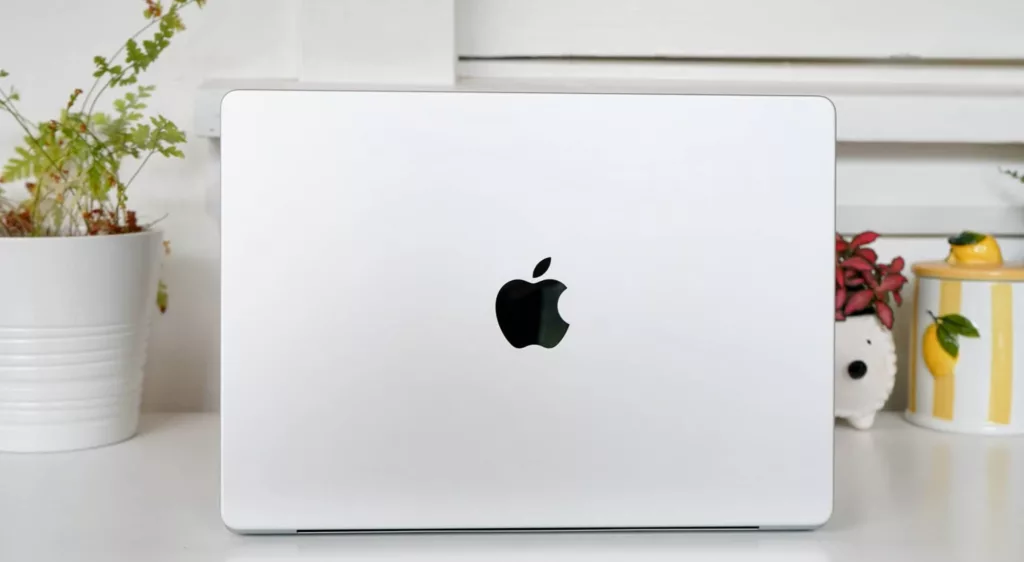
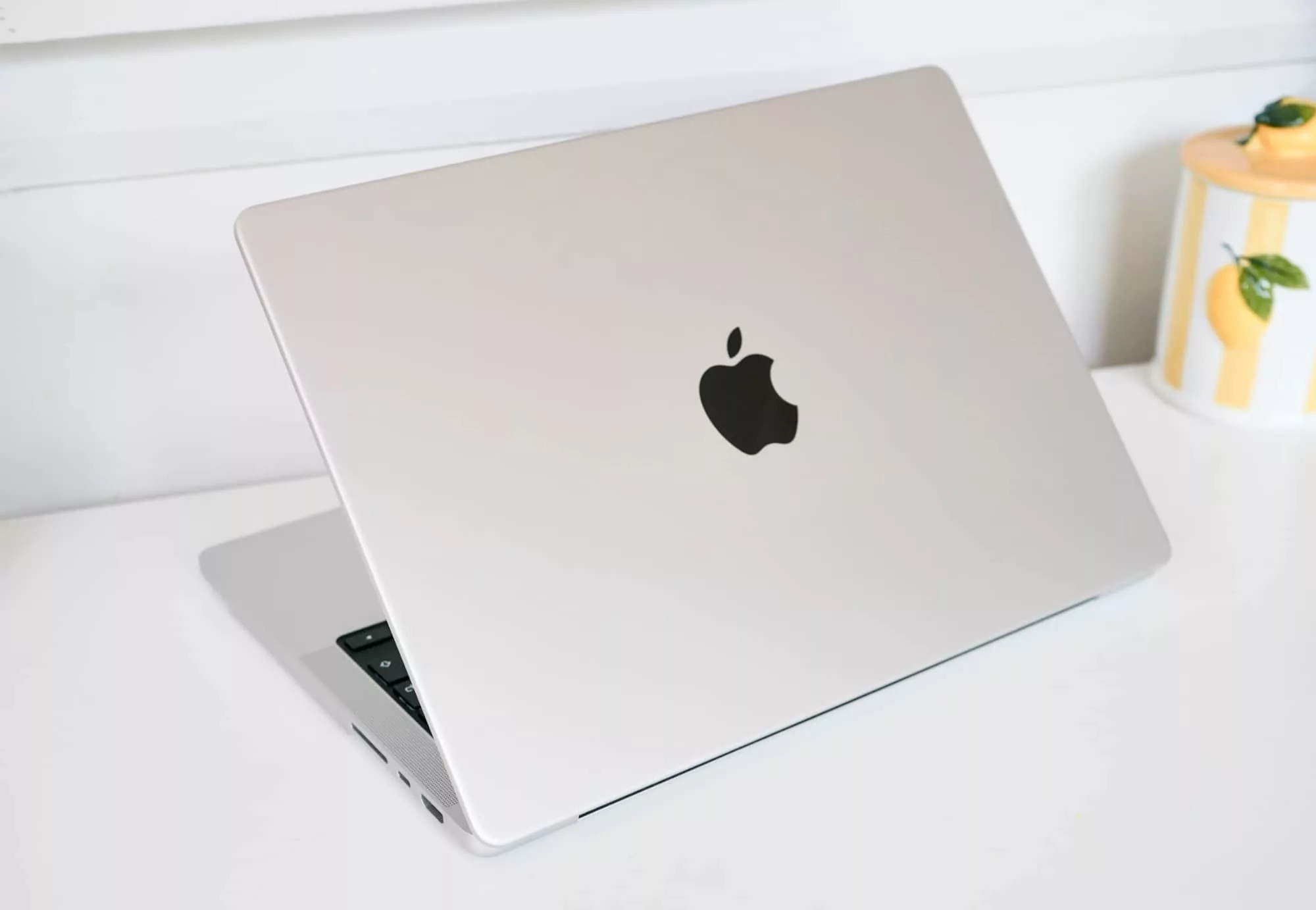
The latest MacBook Pro may well be the latest, but that doesn’t mean Apple has made any changes to the design.
Much like how this year’s MacBook Air is very much like last year’s MacBook Air, this year’s MacBook Pro is also more or less identical to the last MacBook Pro before it, as well.
Yes, it’s Apple applying the logic “if it ain’t broke”, and you know the rest.
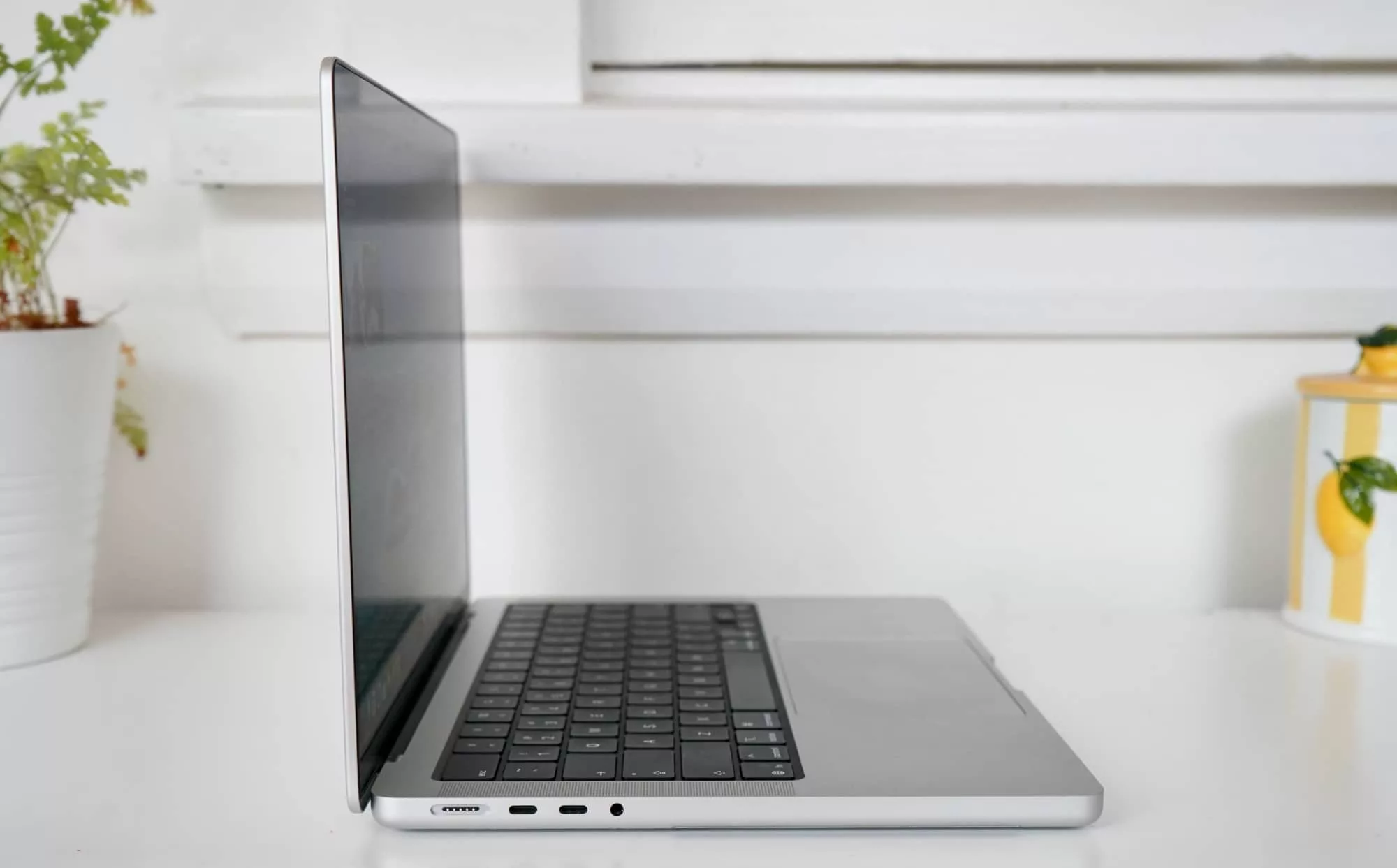
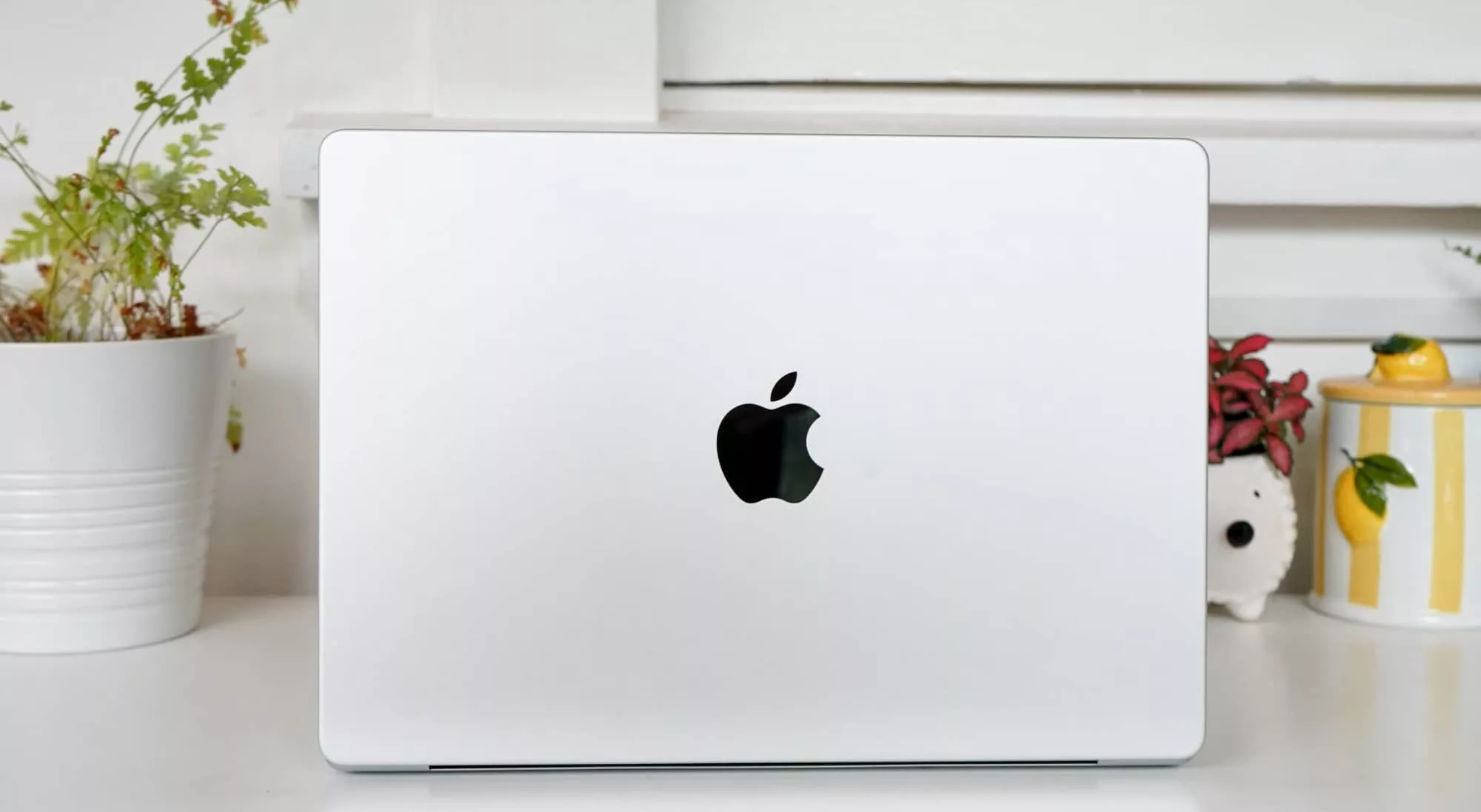
That means you’ll find an aluminium body in either silver or space black, with the casing holding similar parts across the two sizes on offer: 14 or 16 inches.
The bigger model holds a bigger battery, while the smaller features a smaller one. None of this should be a surprise, and is a simple fact of physics: bigger laptops can hold bigger batteries, and beyond the screen resolution, that’s the major point of difference.
Both are designed the same way, and the 14 inch M5 MacBook Pro review we’re doing will (outside of size) look exactly the same as the 16 inch model we don’t have on the desk this year. As such, they both tip the scales a little differently, as well, with the 14 inch sitting at 1.55cm closed and 1.6 kilograms, and the 16 inch at 1.68cm closed and 2.14kg.

Features
Outside of the size differences, the features are largely the same.
Regardless of what size you go for, you’ll find a variant of the M5, which is either the standard M5 used in the MacBook Air, or faster chips in the M5 Pro and M5 Max. The M5 Pro we’re reviewing is the high-end model, using an 18-core CPU and 20-core GPU, plus 48GB RAM and 2TB storage. That’s not where the models start, however.
The base M5 Pro MBP starts from a 15-core CPU and 16-core GPU with 24GB RAM, but expandable to 36 or 48GB, upgrading to the maximum 18-core CPU and 20-core GPU model we’re reviewing. Meanwhile the M5 Max edition boosts the CPU and GPU count to start from 18-core CPU and 32-core GPU (or as high as 40), and comes with 36GB RAM but can hit all the way up to 128GB RAM. Yikes.
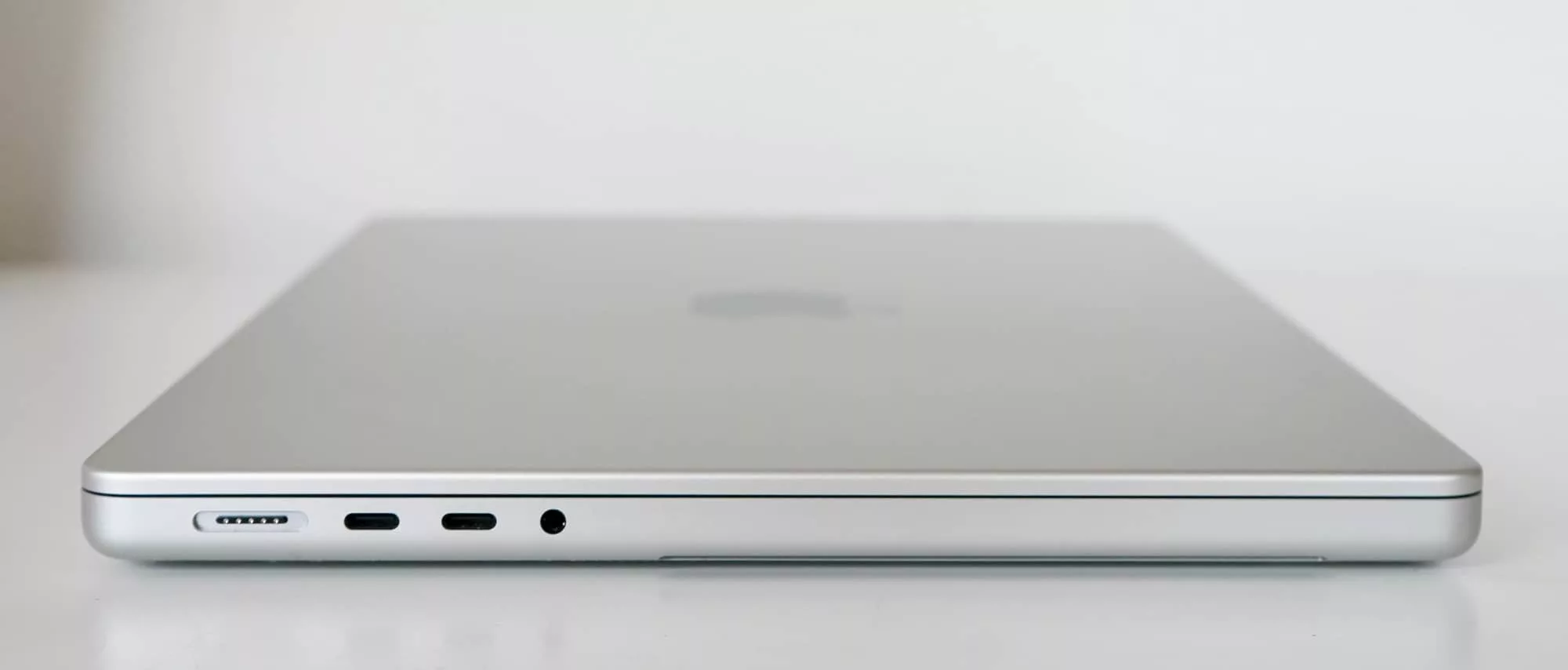
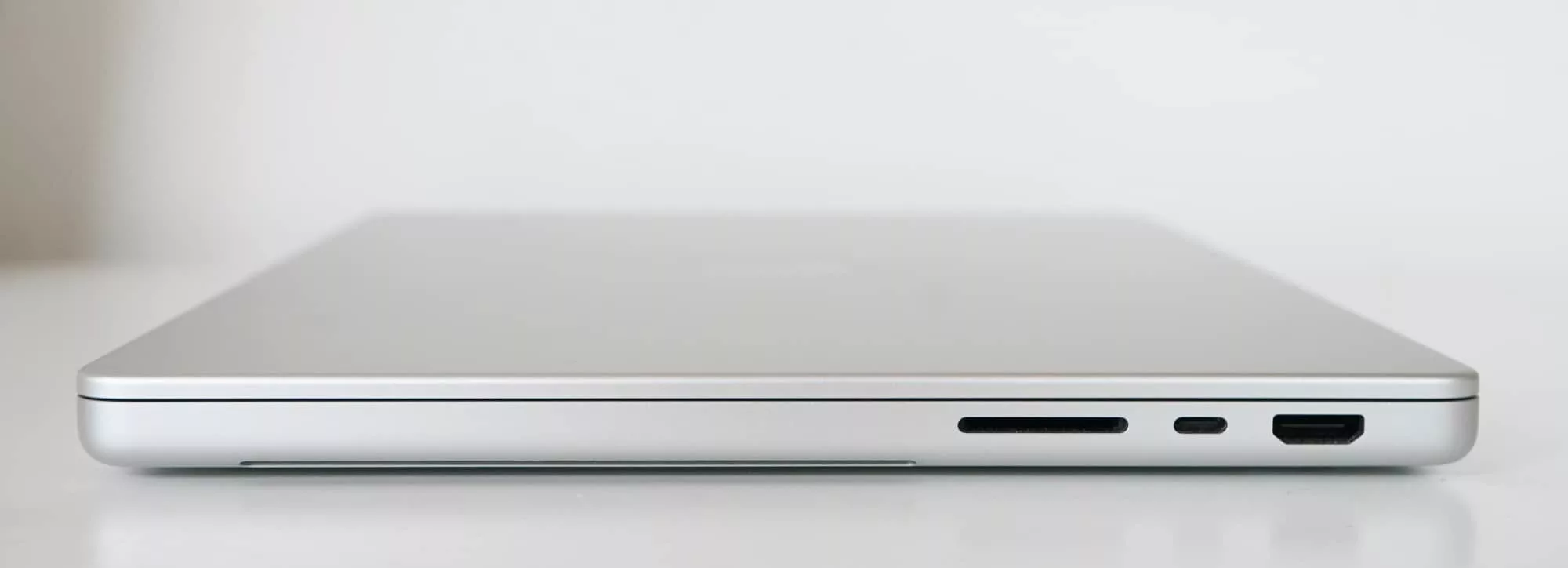
There’s also a minimum of 1TB SSD expandable to 4 or 8TB dependent on your configuration and how much you spend, plus three USB-C ports with Thunderbolt 5 and charging, a single HDMI port, a 3.5mm headset jack, the Apple MagSafe charging port, and an SDXC card slot. The only difference between that set and the standard M5 model is the Thunderbolt support, which handles Thunderbolt 4 and not Thunderbolt 5.
Wireless is also where the differences are, with the M5 standard MacBook Pro supporting a max of WiFi 6E and Bluetooth 5.3, while the M5 Pro and M5 Max MacBook Pro models support WiFi 7 and Bluetooth 6, as well as the Thread smart home technology, thanks in part to Apple’s N1 networking chip.
You can also expect a keyboard and trackpad, plus six speakers with support for spatial audio and three microphones, and there’s even a 12 megapixel camera supporting 1080p Full HD video capture using Center Stage, which uses AI to track your position and lock it as you talk on video chat.
Oh, and there’s a fingerprint scanner built into the keyboard, as there is on most Mac keyboards, except for maybe the base model MacBook Neo.
Display
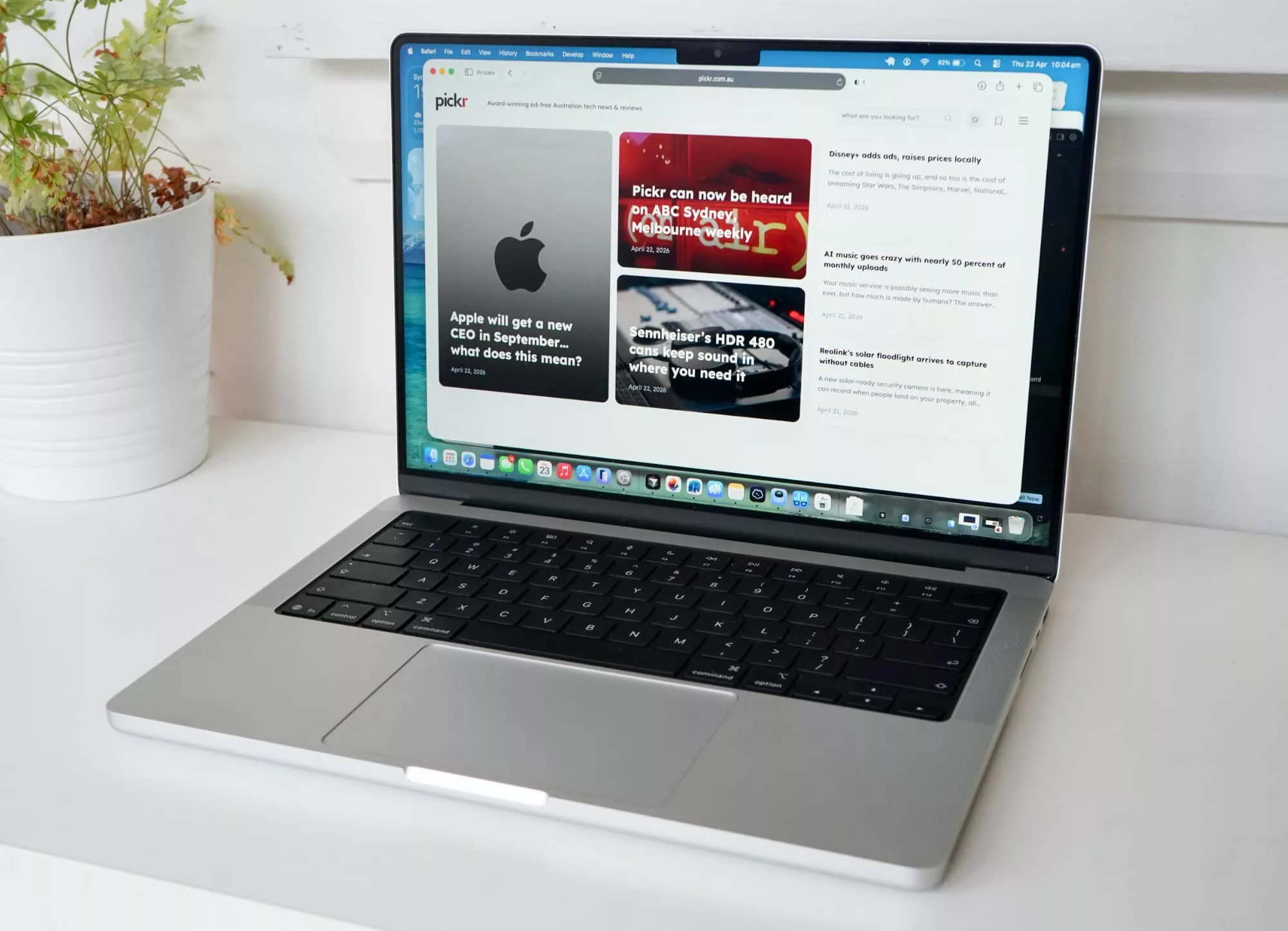
You also won’t find any changes to its screen, either, which is something Apple has left largely the same for a few years. While a touchscreen MacBook Pro is largely expected this year or next, the M5 MacBook isn’t it, and means you’ll get the same screen as we’ve seen in prior years, albeit with maybe a glare-free nano coating as an optional extra.
Mind you, it’s not a bad screen by any stretch of the imagination.
While neither Mini LED nor OLED are part of the package, the 14.2 inch Liquid Retina XDR screen running a resolution of 3024×1964 is bright, clear, and colourful, supporting a good billion colours or so, and also handling Apple’s ProMotion technology. For those not down with the jargon, it means an adaptive refresh rate of up to 120Hz, making animations smoother as you use the laptop, and the sort of thing high-end phones offer, too.
If you opt for the $200-odd extra that is nano-texture glass, you’ll even get a coating that cuts glare to the point of zero. That is you won’t get any glare from sunlight, though you might get glares from jealous laptop owners missing out on this excellent addition.
In short, it’s a great screen, but it is still a great screen, because nothing much has changed. Though outside of performance, that may become quite normal as you work your way through this review (there’s a theme).
In-use
And very much in the category of “if it ain’t broke”, the MacBook Pro M5 continues what we’ve seen from prior MacBook Pro models by keeping literally everything about how you use it in play.
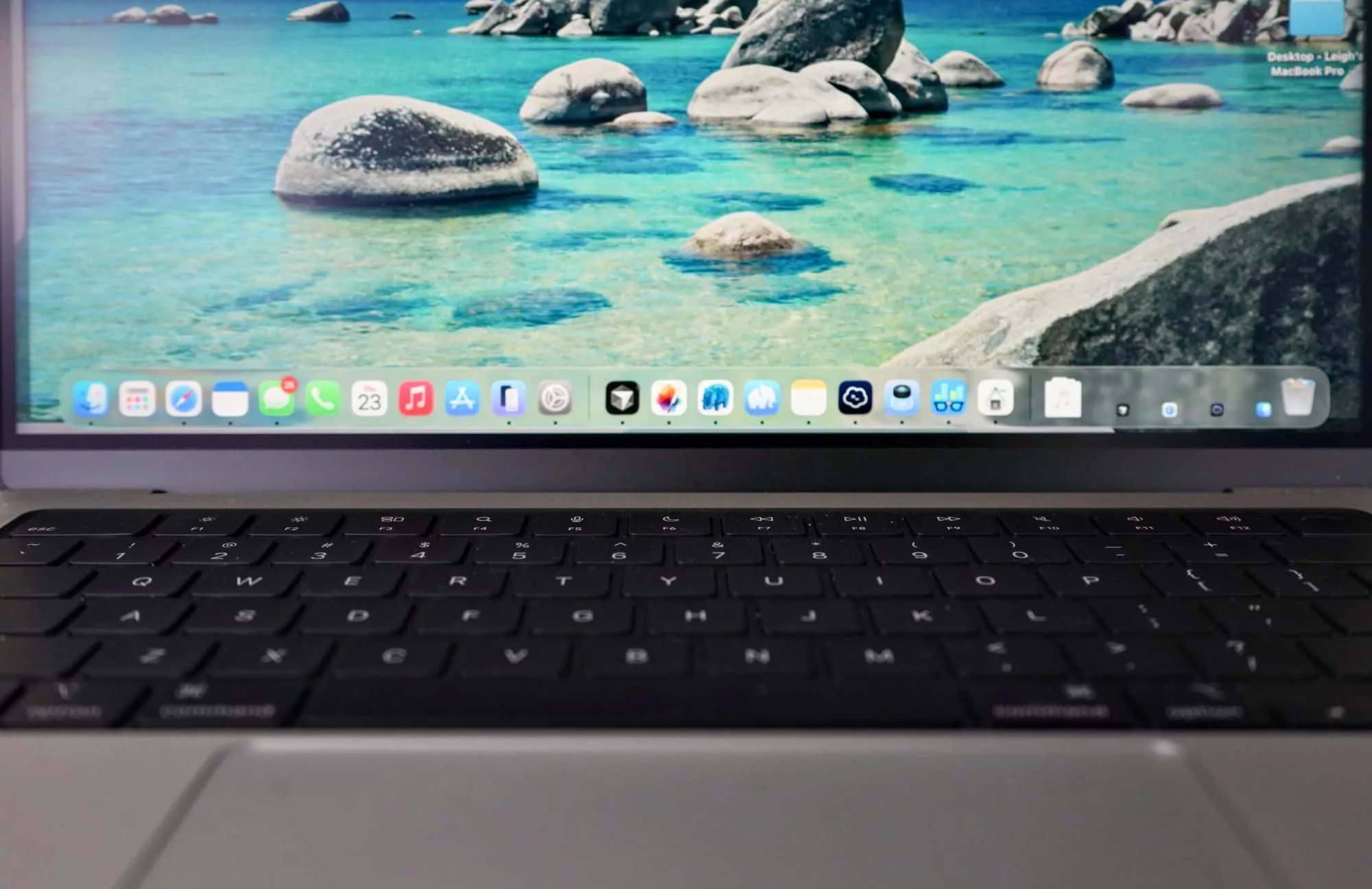
There’s a big glass trackpad, a fantastic keyboard, and macOS Tahoe is possibly one of the best iterations of the operating system yet.
Like previous versions, it’s clear and easy to use, but the addition of a windowed and organised version of the app launcher Launchpad makes it easy to find what you need to run, while widgets on the desktop bring a sense of iOS that’s not to in your face.
If you’re someone who uses an iPhone or iPad, the similarities are easy to adjust to, and Mac delivers a great experience altogether.
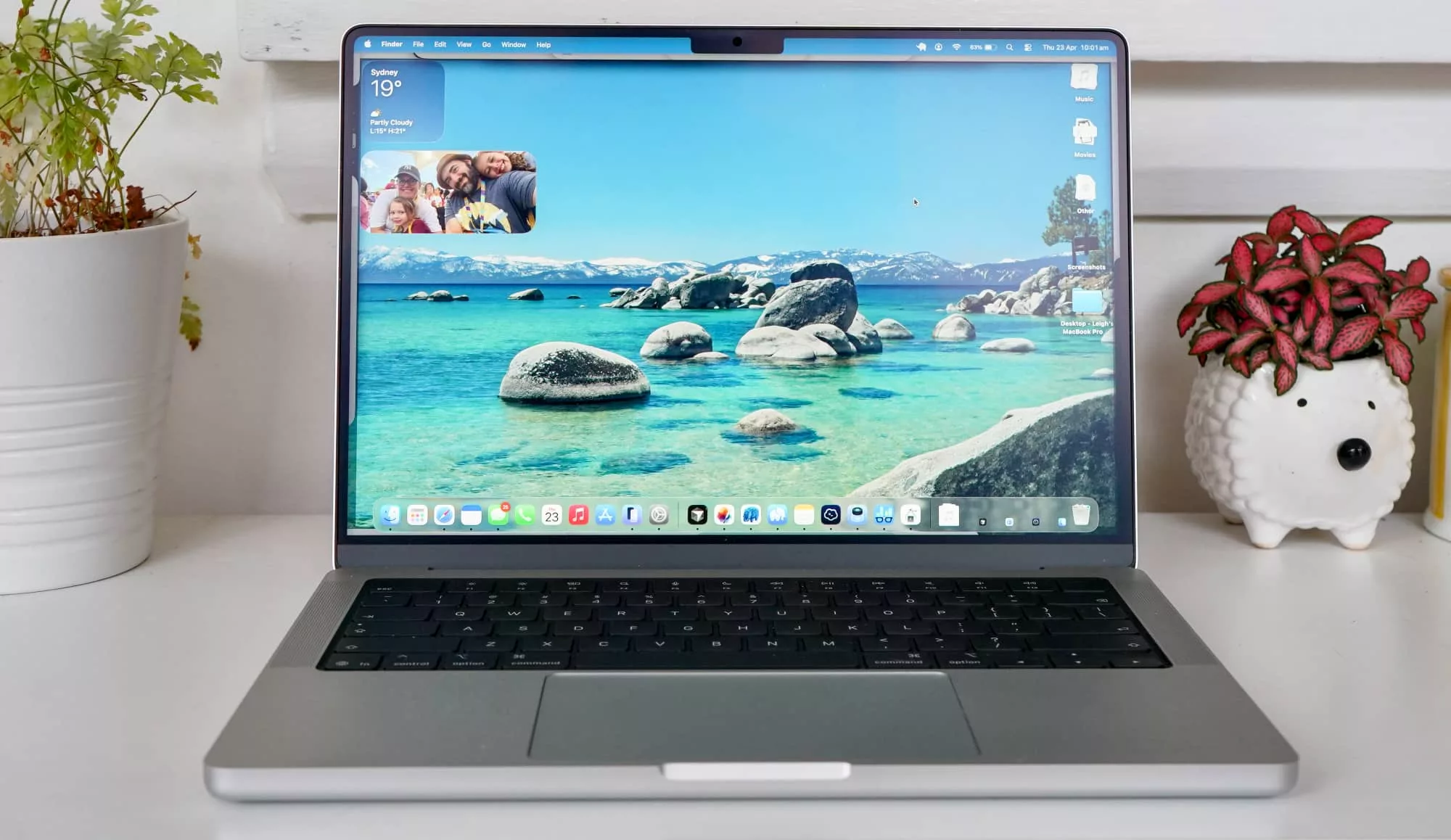
You will find the mostly full screen display to work with, the notch or shelf cut out for the webcam, delivering a massive view of whatever you’re working on, or just some pretty pictures to stare at when you’re idly taking a few seconds for yourself.
Performance
With practically zero changes to the design or how you use the thing, the best reason to consider this year’s MacBook Pro is the hardware under the hood, which sees upgrades in the form of Apple’s M5 silicon.
The latest from Apple’s hardware design people, the M5 on the MacBook Pro actually comes in three flavours: M5, M5 Pro, and M5 Max. Also known more easily as “good M5”, “better M5”, and “blazingly fast and expensive M5” in a more direct vernacular.
For the purposes of this MacBook Pro review, we’re checking out the M5 Pro, a high-end chip that gets a lot more processing power than its M5 sibling, but doesn’t push out budgets anywhere near as much as the M5 Max.
The difference is largely in the graphics, because the M5 Pro and M5 Max share the same 18-core CPU, but the M5 Pro gets a max of 20 GPU cores compared to the maximum of 40 in the M5 Max. There’s also more memory bandwidth offered in the Max, with this spot of hardware essentially there for people who need 3D, visual effects, data visualisation, and even massive AI needs working with large language models.
Some of that may be perfectly fine on the M5 Pro, though, with some blazingly fast speeds on offer here, too.
We’re testing that 20-core GPU variant, and the benchmarks definitely satisfy.
| Device | CPU Single Core | CPU Multicore | GPU OpenCL |
|---|---|---|---|
|
Apple MacBook Pro 14 (2021)
Apple M1 Pro
|
1769
|
12230
|
37975
|
|
Apple MacBook Pro 14 (2023)
Apple M2 Max
|
1959
|
15289
|
68418
|
|
Apple MacBook Air 13 (2026)
Apple M5
|
4129
|
16906
|
40545
|
|
Apple MacBook Pro 16 (2024)
Apple M4 Pro
|
3907
|
22524
|
70272
|
|
Apple MacBook Pro 14 (2026)
Apple M5 Pro
|
4267
|
27886
|
88053
|
Testing the computer against other serious workhorses, and it’ll be pretty clear just how much ahead of the game the M5 Pro MacBook really is.
There’s almost double the power of a third-gen Intel Core Ultra X7 processor, and it even pushes up against the prowess of Apple’s workstation desktop, the M3 Ultra Mac Studio.
| Device | CPU Single Core | CPU Multicore | GPU OpenCL |
|---|---|---|---|
|
Apple Mac Studio (2022)
Apple M1 Max
|
1786
|
12754
|
60151
|
|
Acer Nitro 16S AI (2026)
AMD Ryzen 7 350
|
2890
|
12866
|
103344
|
|
Dell Precision 5690 (2024)
Intel Core Ultra 7
|
2372
|
13747
|
71007
|
|
Apple Mac Studio (2023)
Apple M2 Max
|
2696
|
14783
|
76484
|
|
Apple Mac Studio (2025)
Apple M3 Ultra
|
3221
|
27749
|
147719
|
|
Apple MacBook Pro 14 (2026)
Apple M5 Pro
|
4267
|
27886
|
88053
|
Graphics is the area where the Mac Studio wins over its younger sibling, achieving near twice the performance both in OpenCL and Metal performance. Meanwhile, for people with an older M4 MacBook Pro, you’ll see gains, as well, with reasonable increases by comparison.
But the gains are more noticeable if you happen to have an older Mac, such as an M2 Max Studio desktop, M1 Pro variation, or even one of those machines still featuring the name “Intel” inside.
If your computer happens to be over two or three years of age, you’ll definitely pick up on the speed improvements with ease. The new MacBook is a massive leap for those.
Battery
Under everything is a sizeable battery, the likes of which offers as much as 14 hours of active web usage or up to 22 hours of video streaming.
Granted your actual usage will depend on what you end up doing, though for the few weeks we tested the M5 Pro MBP, we found battery life of between 7 and 12 hours was likely. Some apps will push that a little more, of course; spend more time with plenty of tabs and both Chrome and Safari open, and you might expect the battery life to erode just that little bit more.
Fortunately, there’s also a sizeable power adapter in the box, with either a 70W charger or the 96W adapter that our review unit arrived with.
Lots of power will bring that laptop right back up to full charge when you need it, but i t should survive a full day of work easy.
Value
However priced from $3499 for the M5 Pro, the latest MBP can feel expensive.
In fact, at $800 more than the standard M5 model, it initially does seem quite a bit more. Truthfully, the M5 Pro is only $500 more, given the 24GB M5-only MacBook Pro is $2999 in Australia, and the M5 Pro 14 inch starts at $3499 with 24GB RAM, as well.
That should tell you something: the M5 Pro starts at a rough $500 premium, though the faster M5 Pro variant we’re reviewing starts at $3899, charging another $400 on top for even more speed.
This seems expensive, and we’d totally understand why it might throw people a bit of a curve.
But having seen prior MacBook Pro generations, and also even some of this year’s PCs, the M5 MacBook Pro is actually acceptable value for the workstation it is.
It’s fast, slick, stylish, and truly capable. The price might seem high, but it’s worth it. This is one of the best laptops around. It may well be the best.
What needs work?
That high price — including the most recent price increase — is possibly the only thing we take any issue with. We originally wrote that as “wrong”, but the price isn’t wrong per se, merely high.
Nearly everything about this laptop has been considered and thought of. Apple has more or less nailed its design, screen, ports, and keyboard and mouse over the years, and the M5 edition is just the latest improvement to the lot. It’s better than ever before it has more speed, and should last you that much longer. Especially in an era of AI.
A combination between content creation computer and workstation workhorse, the M5 MacBook Pro is the laptop you buy when you need the guts to get stuff done in a way where it’s totally and utterly portable.
And if you don’t, Apple makes quite a few other options, as well.
Final thoughts (TLDR)
There’s clearly no shortage of selection when it comes to picking a laptop for your needs, but if your needs are demanding, the M5 MacBook Pro should be an easy first choice. If you don’t need Windows, it should be your chief choice.
This is a machine that is just about ready for anything.
It’s ready for the AI scripts we’ve built in Python and MLX executions to dabble with that we first played with on the Mac Studio, ready to take with you. It’s ready for massive Final Cut Pro projects and complex Logic Pro music ideas, and it can handle Photoshop and Pixelmator and just about any form of creativity you might want to get done on the go, or even at home.
Apple has built a machine that can handle it all in one of the most portable takes around.
If you’re making something, this MacBook can handle it. Highly recommended.