
Quick review
The good
The not-so-good
It’s 2026, and you can now take your entertainment wherever you go. Your phone is your small-screen gateway to binge, but what if you want a bigger screen? There might be an answer in the Viture Pro 2, a gadget that combines glasses and displays.
The first official Australian release from a company focused entirely on glasses of some kind, Viture is a bit of a surprise.
On the one hand, it’s prone to being constantly misspelled. It reads like it should be “Virtue”, and the sheer number of times this reviewer had to spellcheck “Viture” just to ensure he had the right spelling was frustrating. It’s Viture, not Virtue. How confusing.
Confusion aside, Australians may have been patient waiting for what Viture planned to release, and patience is a virtue. That first release is a pair of glasses designed to let you be entertained by giving you more to look at. It’s a little like a VR headset, only without the extra controls. It has head-tracking, but you probably won’t use it for that.
But if you’re on a flight and want your own personal cinema, or are playing a portable gaming system and the small screen isn’t quite big enough for games, Viture’s Pro 2 glasses could just fix that. All in the guise of glasses that look otherwise mostly normal.
Design and features
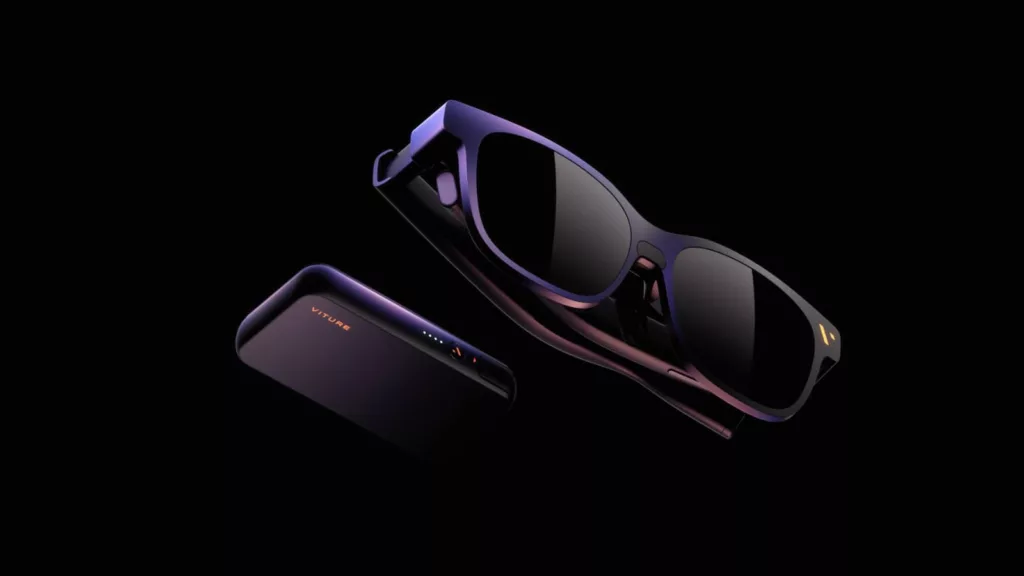
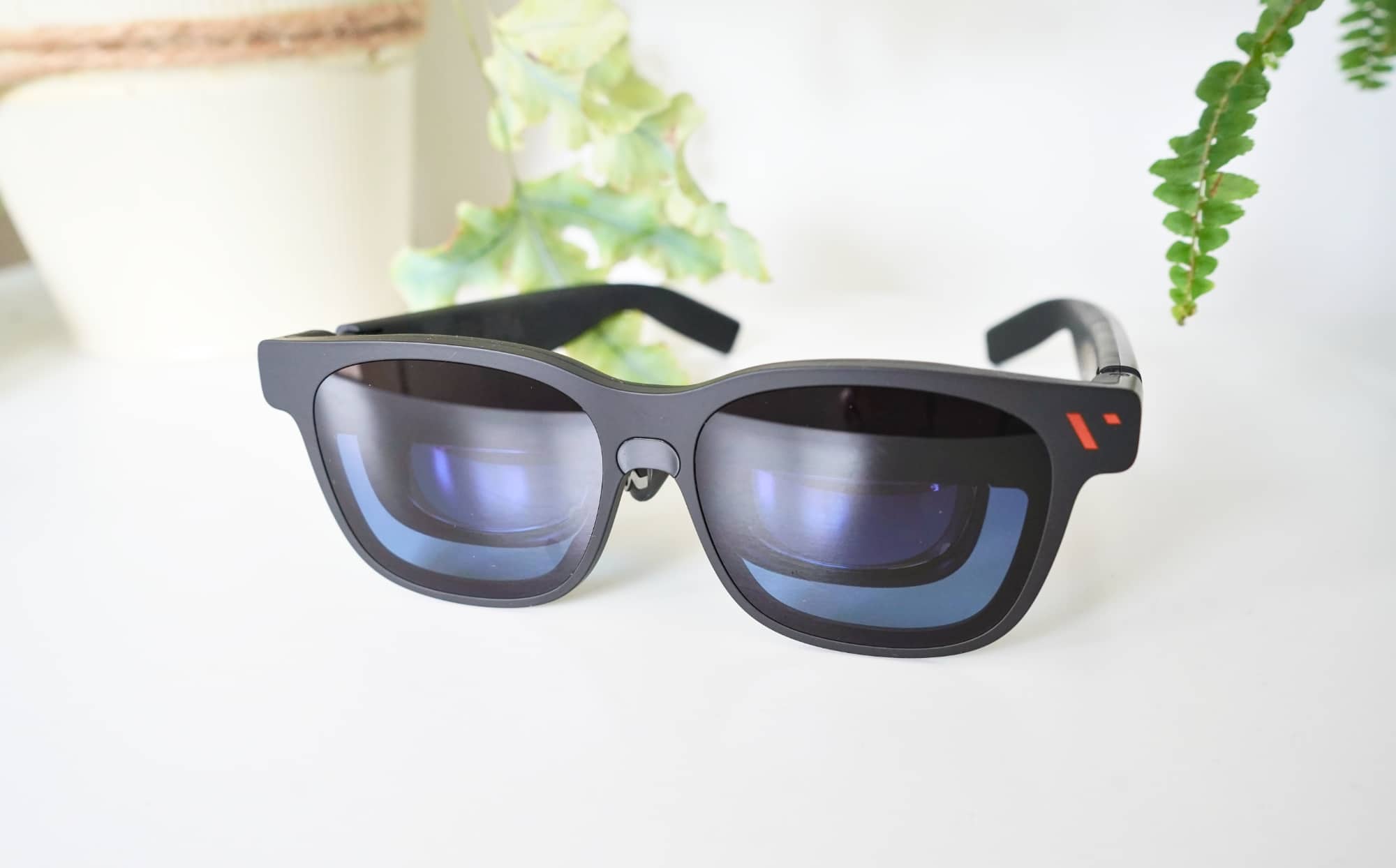
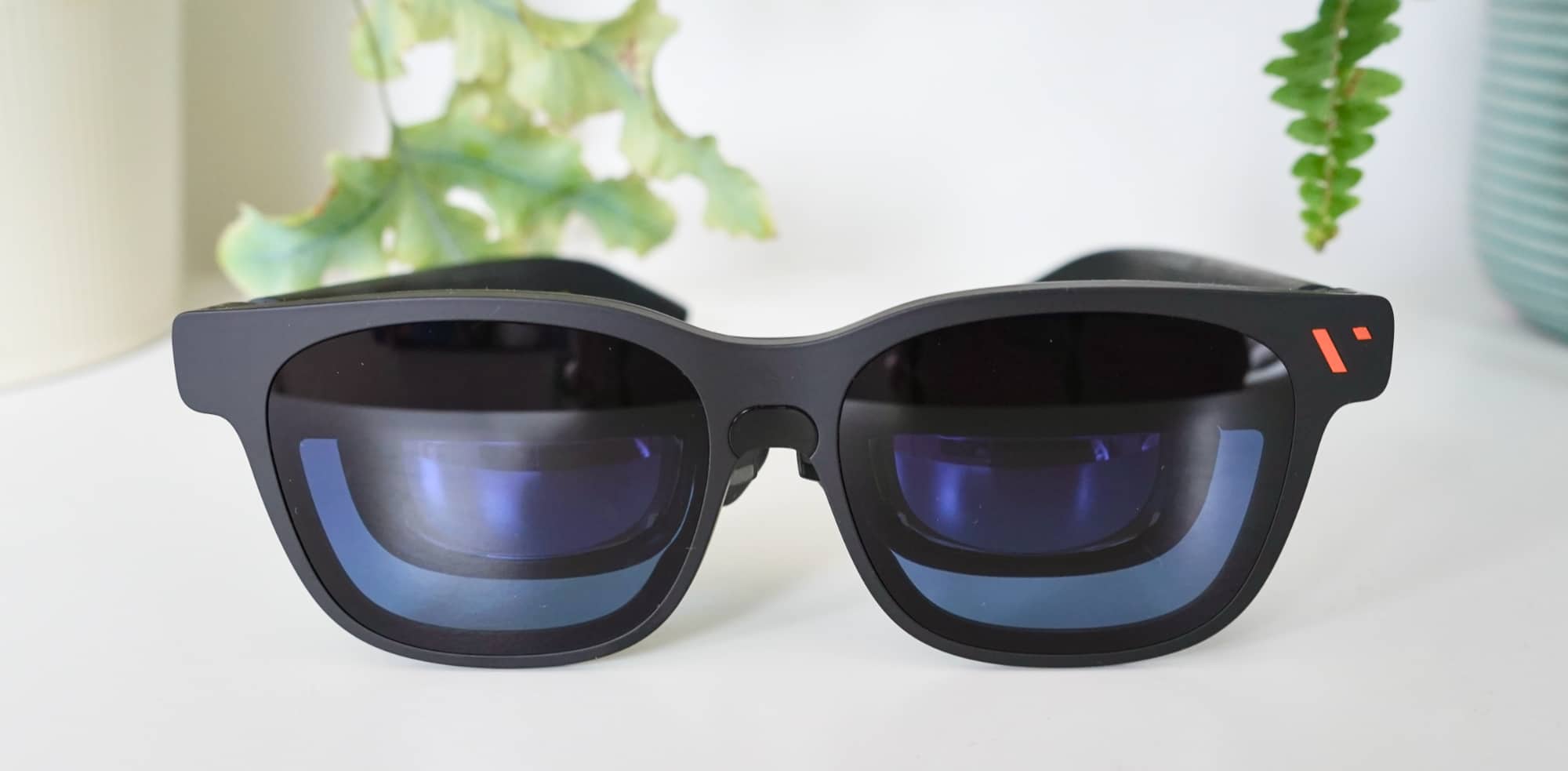
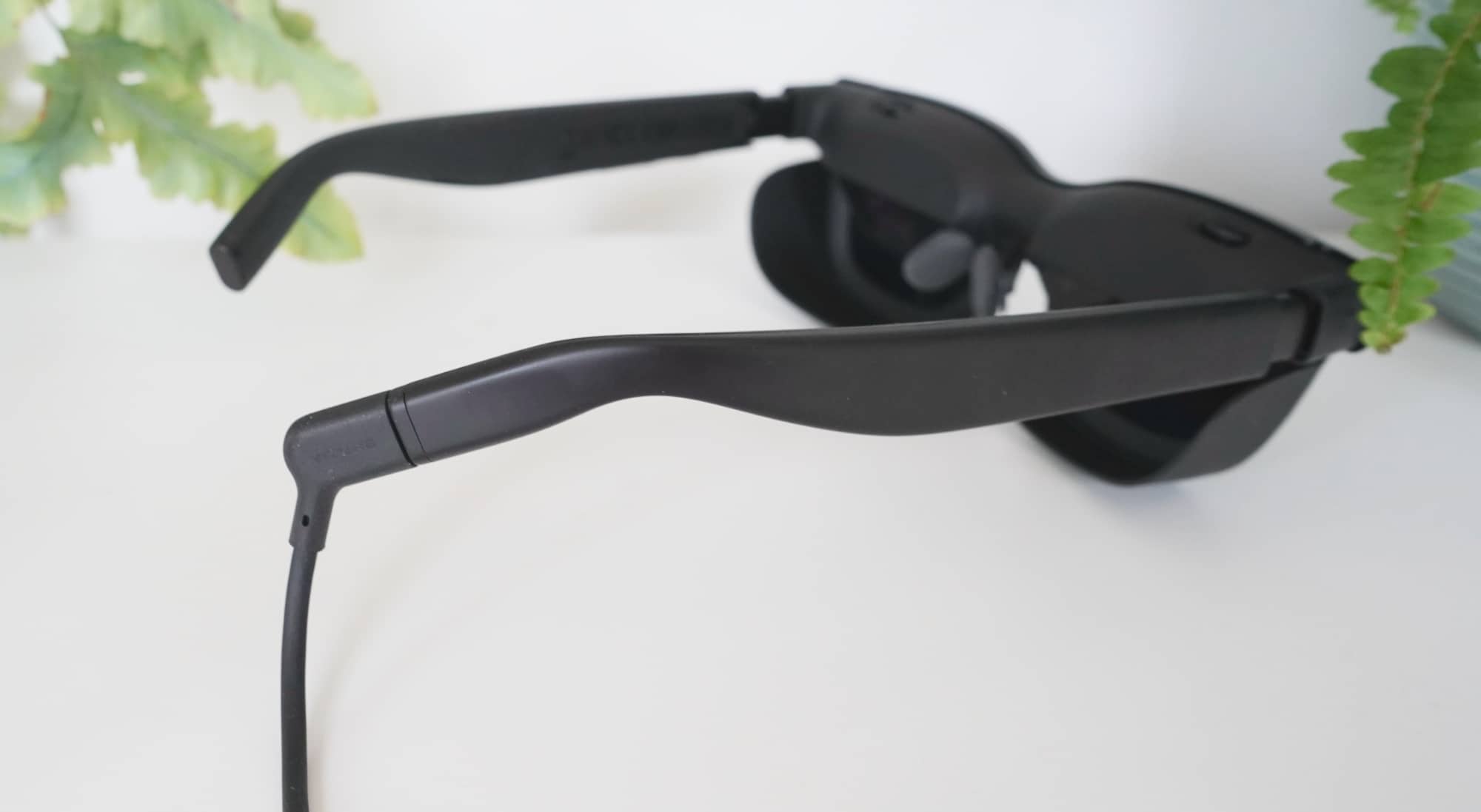
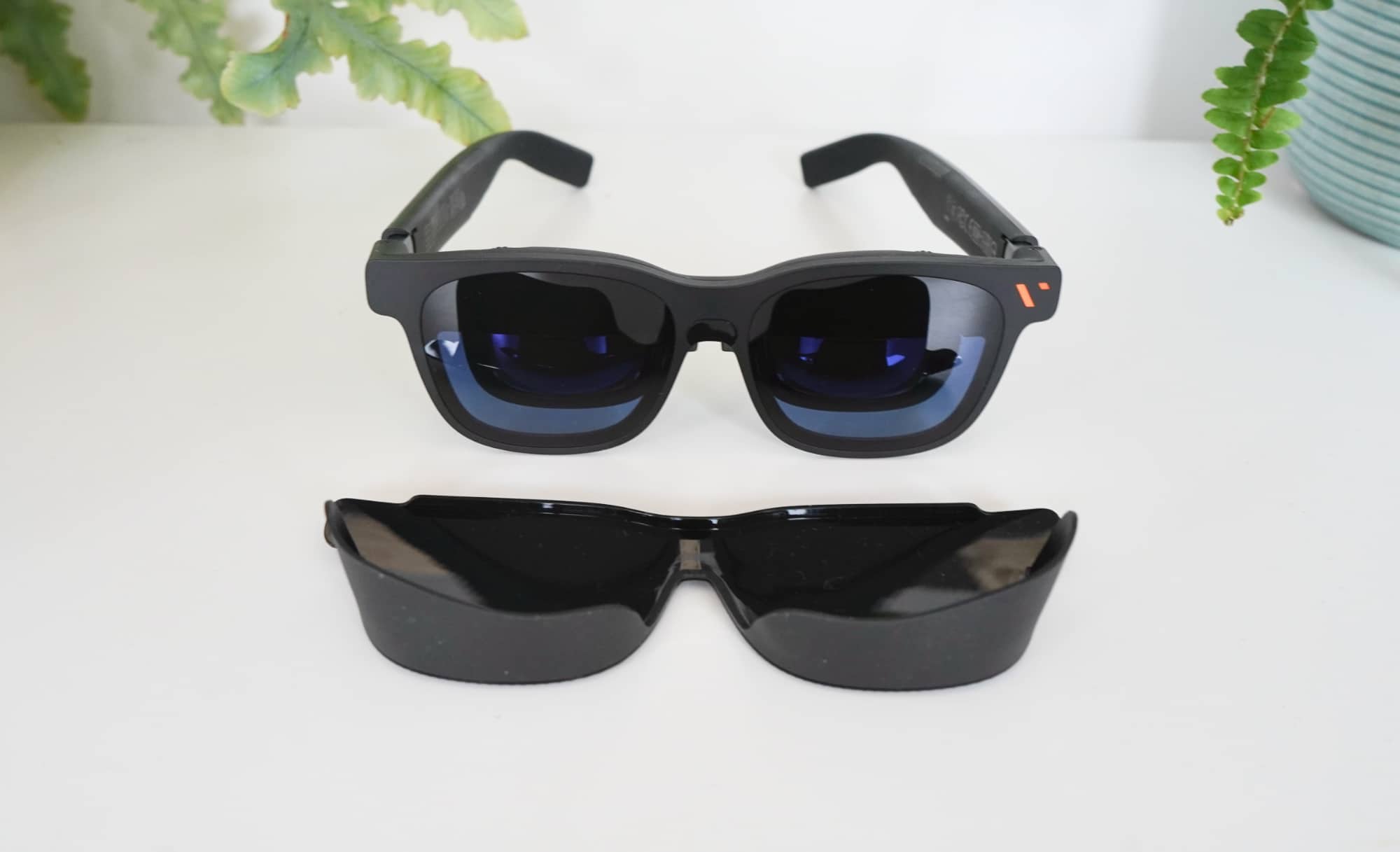
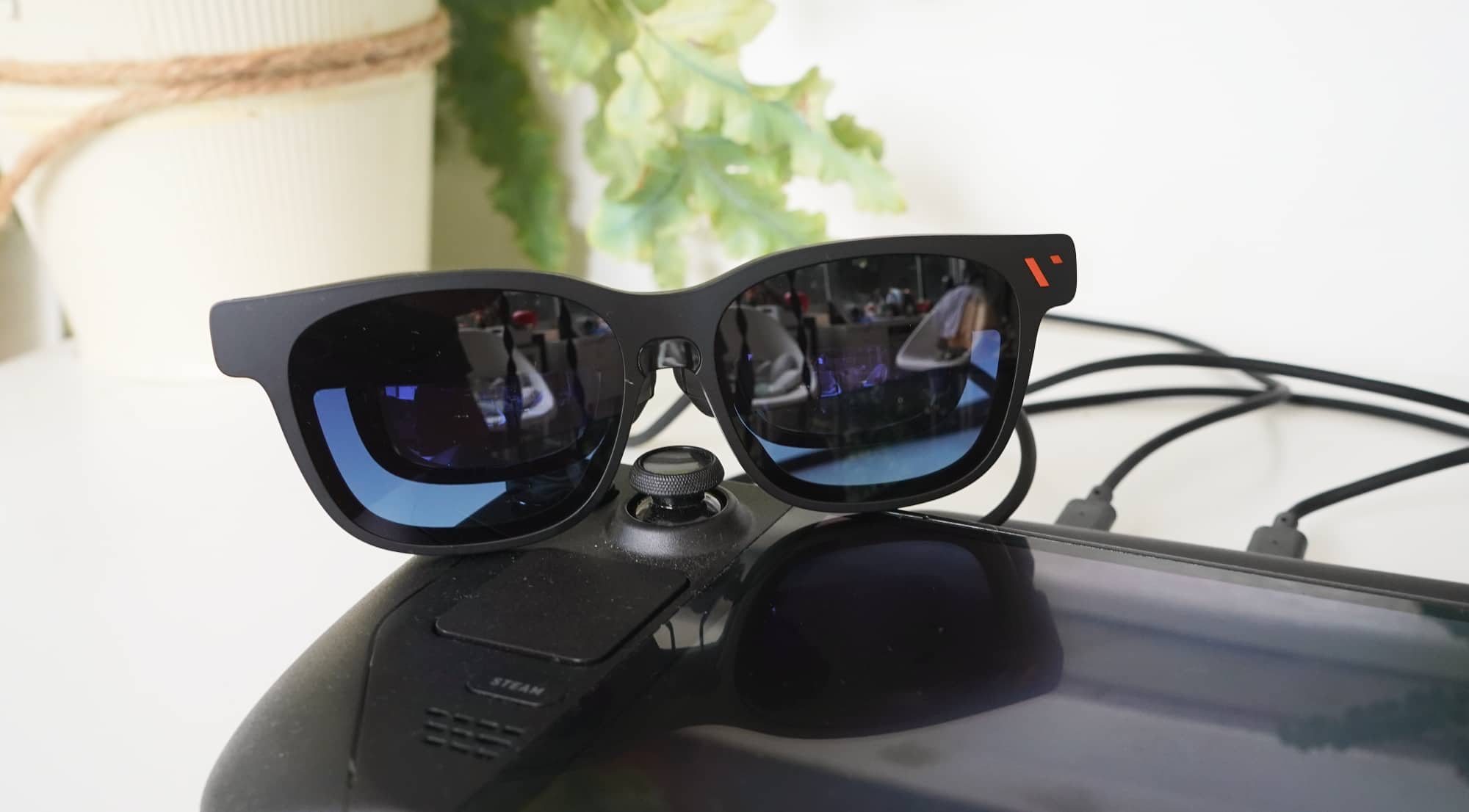
They look just like a pair of sunglasses, but that is just a look. There’s no protective layer for your eyes, and unlike smart glasses, there doesn’t appear to be a camera in the side.
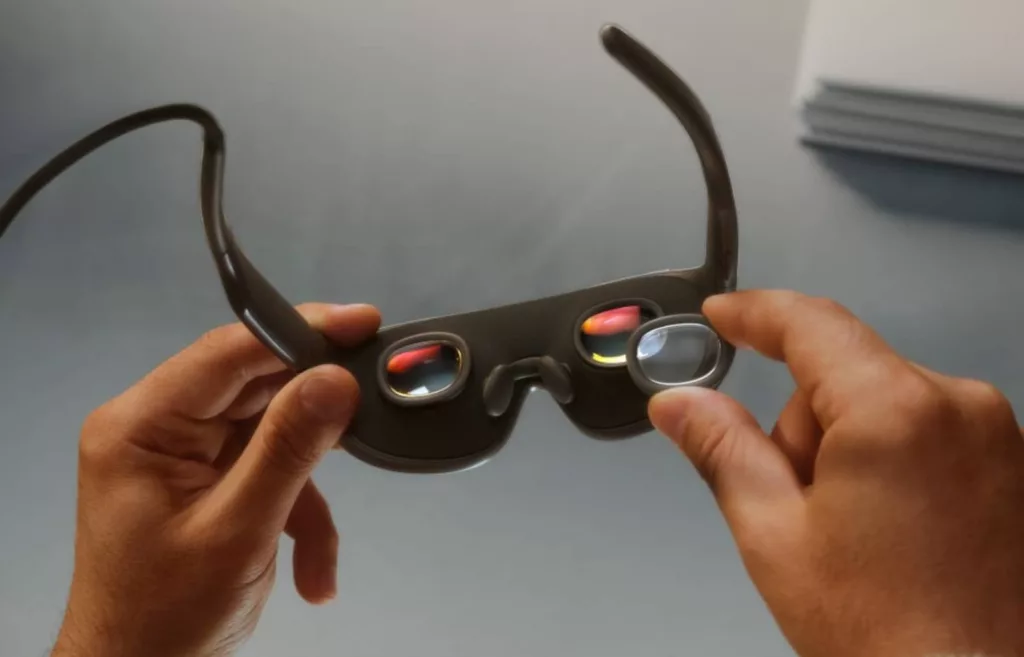
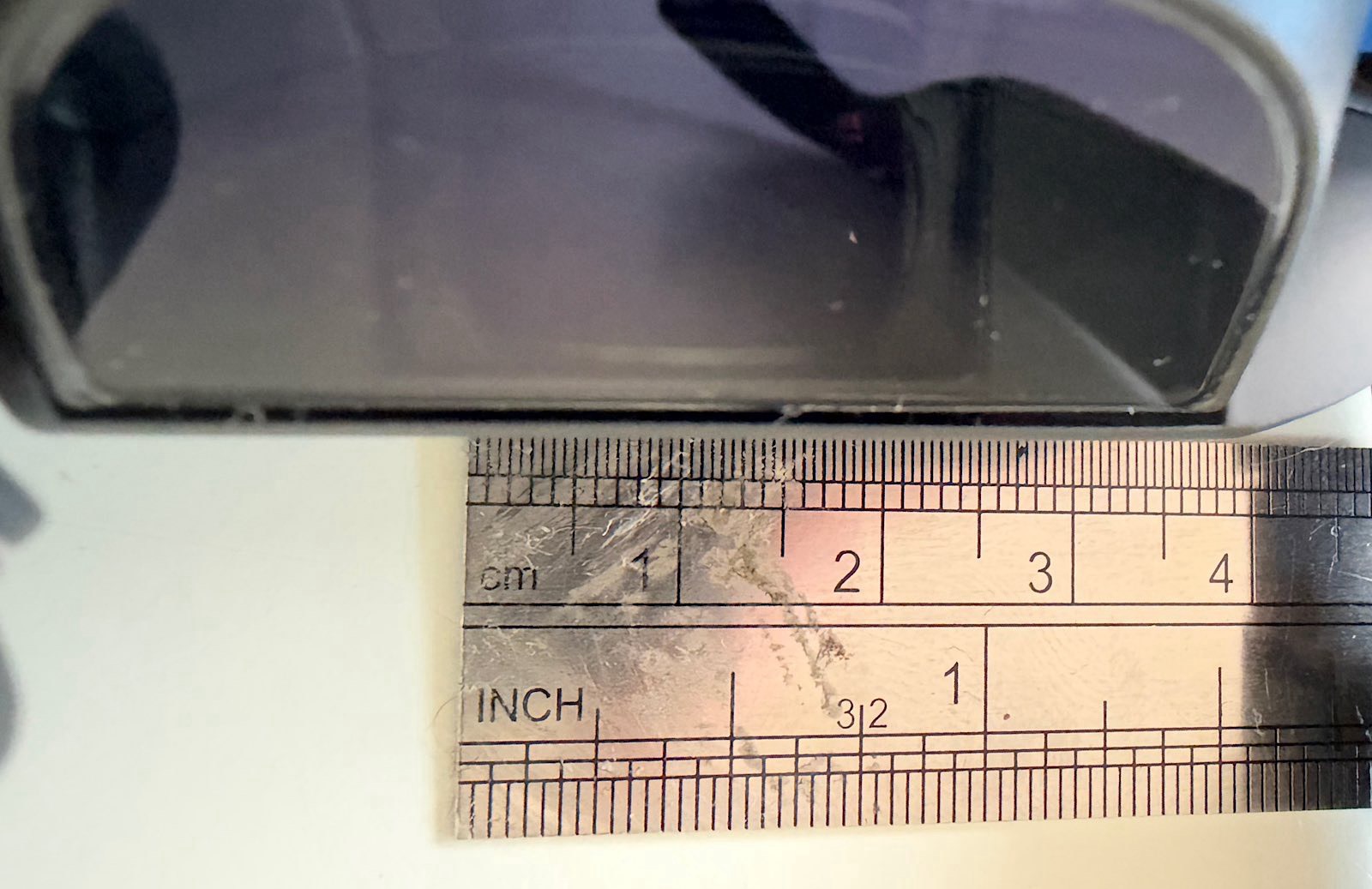
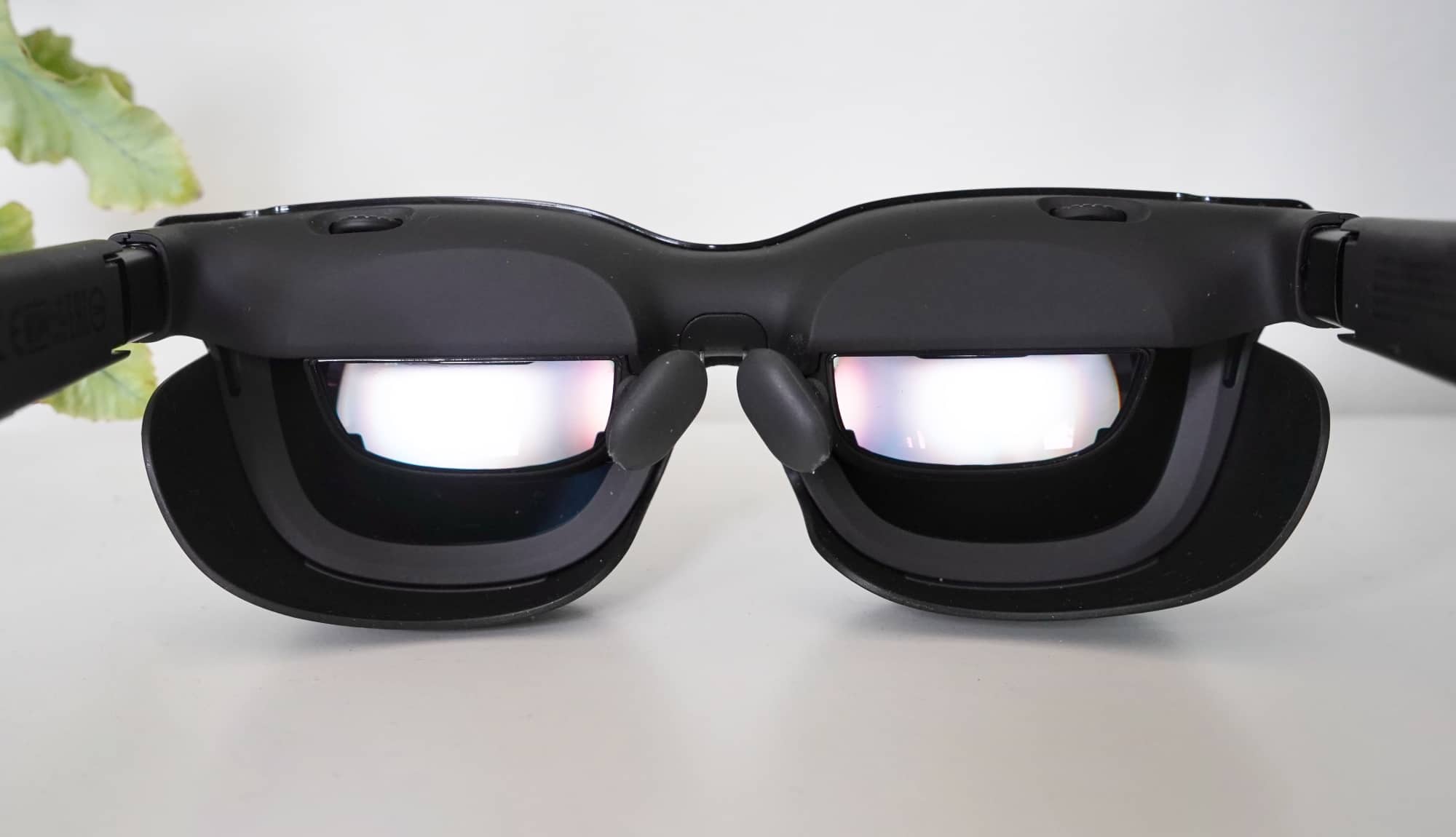
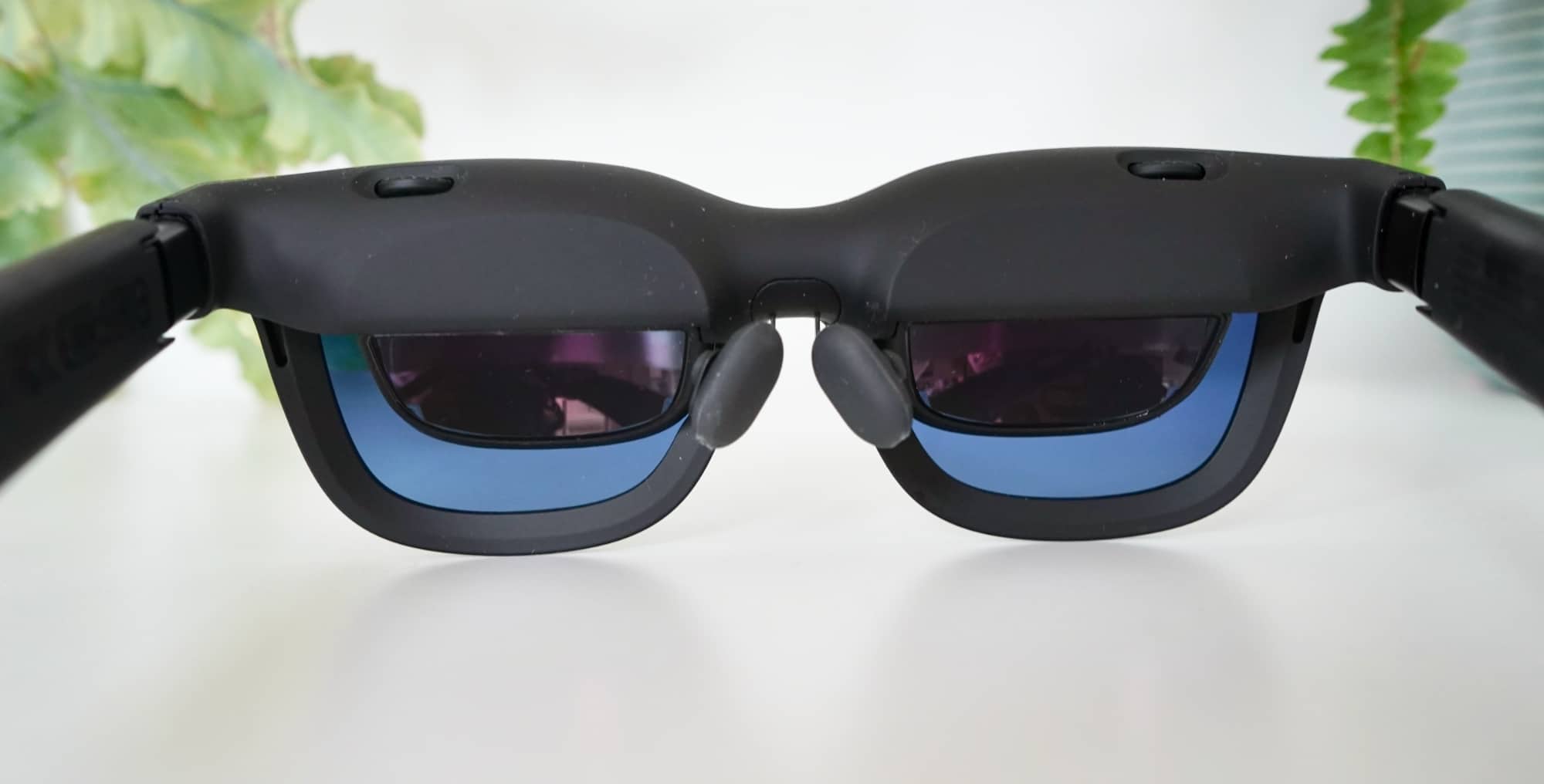
Rather, Viture is using the frame of sunglasses and setting two very small Sony Micro OLED screens next to your eyes. They aren’t much bigger than a centimetre or two — our measurements put them around 1.5 or 1.6cm, and aim screens down from the top. They effectively take the concept of an OLED screen — like from a TV but much smaller — and stick it inside a pair of glasses.
That does a little trick for the human brain when worn: the clarity and short distance convinces your brain that you’re actually looking at something much, much bigger, and so the small screen feels bigger.
It’s like watching a roughly three-metre screen, and acts like your own personal cinema fixed to your head.
The screens run at 1080p each and can technically support 3D content because of the way they’re set up, but clearly won’t take my (or your) assortment of old 3D Blu-ray content unless you plug them into a Blu-ray player, though that is theoretically possible.
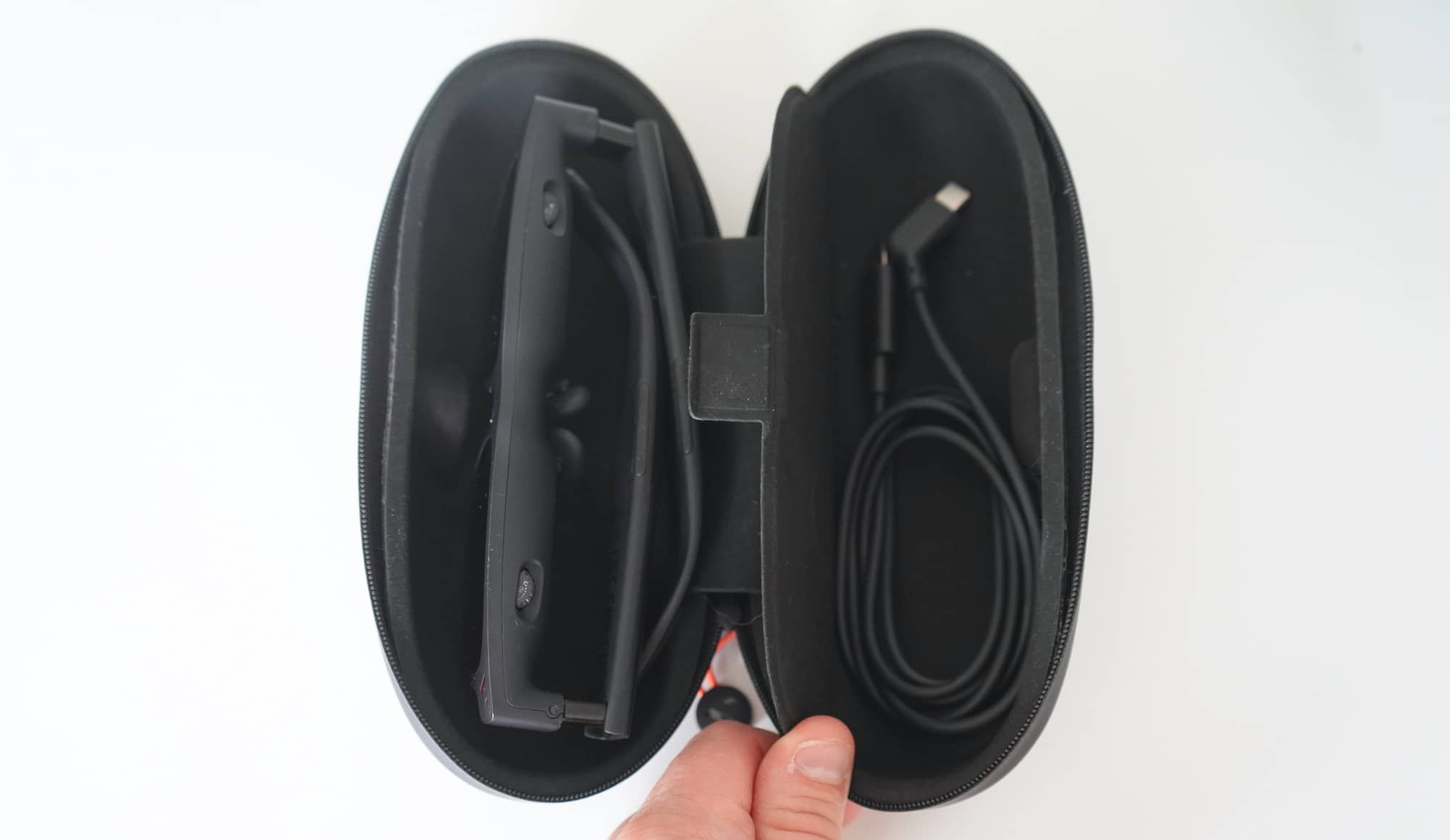
The most likely way to use the Viture Pro 2, however, is to simply plug them in using USB-C, a port that comes out of the back of the right arm of the glasses, and needs to be plugged in to work at all.
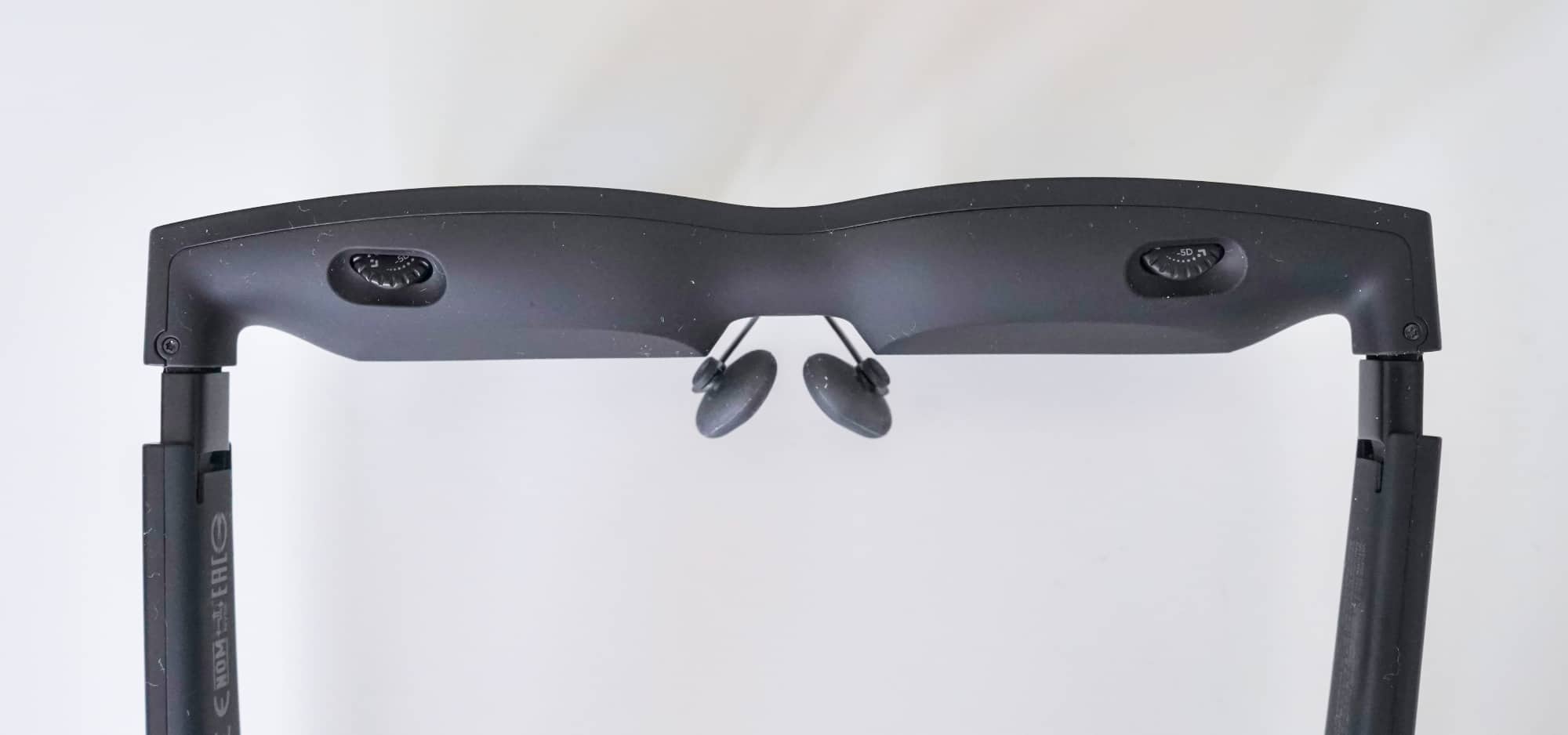
In a mostly wireless world, the Viture Pro 2 are wired and include no battery of their own. You’ll need to plug them in, which could simply be a teething issue of today. They include speakers sitting on the underside of the arms, complete with two buttons. Outside of the diopter controls above the eyes, they are the only controls on the glasses.
In-use
There isn’t a lot of complexity to how you use the Viture Pro 2, with the glasses simply offer two sets of controls — a volume and brightness rocker, and then a button to switch between the two — plus diopter adjustments.
The buttons are pretty easy, providing some tactile control to the small speakers built into the arms and the brightness of the scree , while the diopters can be a test at times. This isn’t one screen matched to a position near your face, but rather two micro-OLED displays controlling the focus against your eyes.
You’ll likely need to control each individually which can be trying at times, though to Viture’s credit, it does at least account for specific situations for eye health, since every person is different.
Put them on, plug them into a device, and you are largely good to go. They work with practically anything that has a USB-C port and a screen, with the glasses acting as a second screen of sorts.
The Viture app
You can also use the app Viture makes, Spacewalker, which is available for both iOS and Android, and provides a virtual interface to do things. Watch random headlines, load a picture and video gallery, run a small web browser, and generally switch between photos and video content, complete with support for 3D and VR images. Kinda sorta.
Using the 3D stuff will mean holding down on that switch button on the arm, a move which puts the glasses into a special mode for 3D viewing of photos and videos. Curiously when you get out, you’ll need to turn it off manually because the app doesn’t do that for you.
However, what it does do is turn your phone into a virtual trackpad of sorts for the app, and also an in-app pointer. Think of it like a micro-desktop of sorts, and almost like having an augmented reality laptop you can use. It isn’t nearly as useful, but you can see what Viture is trying to do: it wants you to move your head around and use the glasses for more than simply viewing content.
This is where AR and VR and XR is going, but this feels a little like a pitstop, especially if you don’t know what “AR” and “VR” and “XR” are all supposed to mean.
XR, AR, VR, and HMD
While Viture calls the Pro 2 “XR glasses”, that’s something this reviewer wouldn’t quite agree with.
XR (or “Extended Reality”) is technically a concept that blends the screen and head tracking of virtual reality (VR) with the data and transposing of digital in augmented reality (AR) for mixed reality (MR) into the same set of glasses.
These aren’t really that. Or they don’t feel like it, anyway.
There is head-tracking provided you use Viture’s Spacewalker software, but often the head-tracking is you just moving your head about a page or a screen and the position changing slightly. For instance, head tracking on a phone mostly moves from side to side, or around an image or video. If you have the head-tracking enabled on a computer monitor, it’s based just to see portions of the screen, rather than seeing multiple screens around you and being able to work on a seemingly infinite number of displays .
But it’s not visuals over the real world, so it doesn’t feel like an extension of mixed reality. This isn’t what this reviewer would call an extended or mixed reality headset.
If anything, it’s more a tracked head-mounted display, but tracked in very small ways.
You’re not doing a heap of head movement here that will need tracking, making the Viture Pro 2 more of a head-mounted display with a little bit of tracking, provided you’re using the right software.
That’s basically the Spacewalker app Viture makes for phones and computers, and that is largely it.
Performance
Compatibility is definitely interesting, though it doesn’t feel entry like a Viture problem, more just a limitation of the operating systems. The app could be better, sure, but it’s a problem with the way phones work with the headset.
Over on the iPhone, Disney+ needs the screen on to let you watch anything, so you can’t just switch some Star Wars on, turn off your at-the-time irrelevant phone screen, and tune into a sizeable version of Rogue One. Meanwhile, Netflix will let you watch with the screen off, but only if you pause the film or show, turn the screen on, and then unpause while the phone is on the lock screen. That was how the iPhone did it, while Netflix on Android made the phone screen stay awake to even work on the Viture.
Rely on Android just wholly and you can run it either as a mirror in the awkward phone aspect ratio, or flip the screen in software and it’ll take up the full 16:9 aspect ratio the glasses use. Alternatively, you can set Android in desktop mode and get a big screen to work with, but no external mouse. You’ll need to bring your own external to make any of this work at all. That’s an Android issue, mind you, but not one made any easier by the app, either.
Clearly none of this is confusing at all. Not at all.
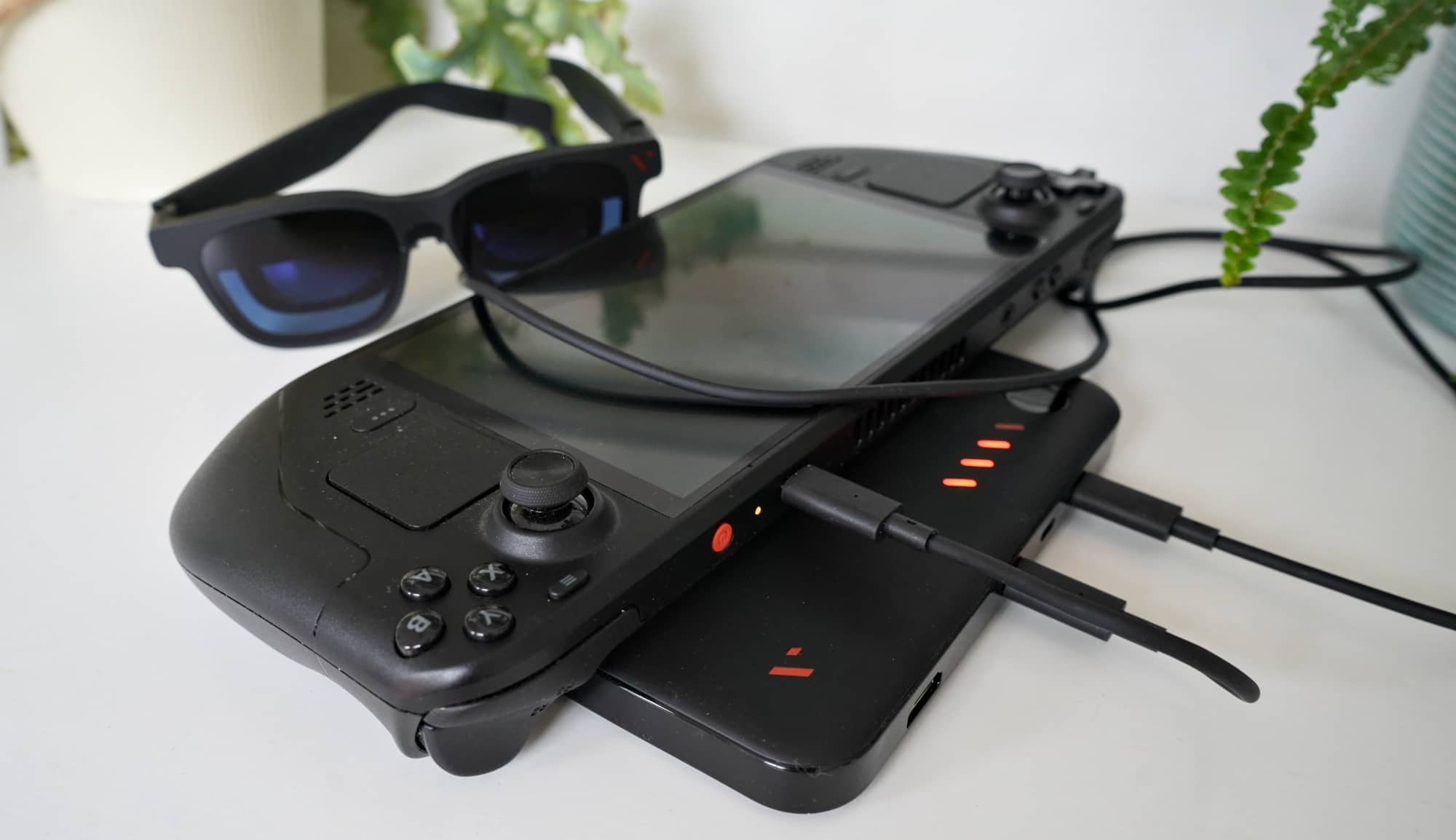
Things are a lot better in the world of the portable video game system and computer, and while we didn’t have a Switch or Switch 2 to test with, we did have portable gaming PCs such as the Steam Deck to play with, and they fared much, much better. We had laptops, too.
Plug the Viture Pro 2 into one of these, and the screen on the computer switches off, leaving you with the controls in your hands ready to game, or use it with your laptop and the Viture is just a second screen, much like an Espresso external monitor, except attached to your head.
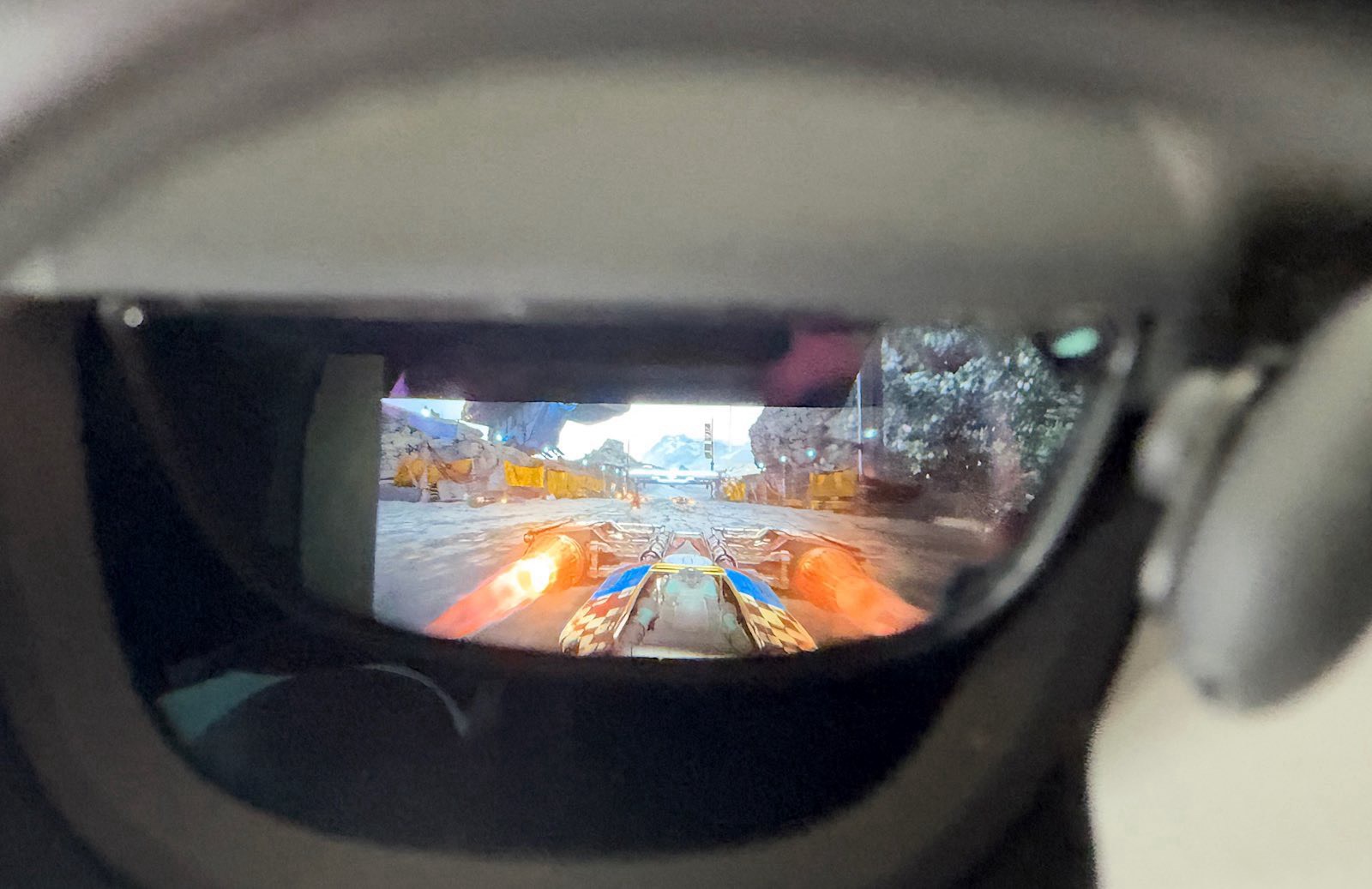
With that one move, the best use case for the Viture Pro 2 becomes apparent: a second screen for gaming on the go, with your eyes convinced you’re looking at a much bigger screen. And when we say much bigger, we really mean it.
To your eyes, the compact OLED displays will emulate the feeling of a roughly three metre display, which is what this screen is trying to do.
The tiny screens are bright and sharp, and certainly better than we expected, giving your head a fixed screen that travels as you move your head, keeping it all in Full HD 1080p (1920×1080) that can run at 120Hz.
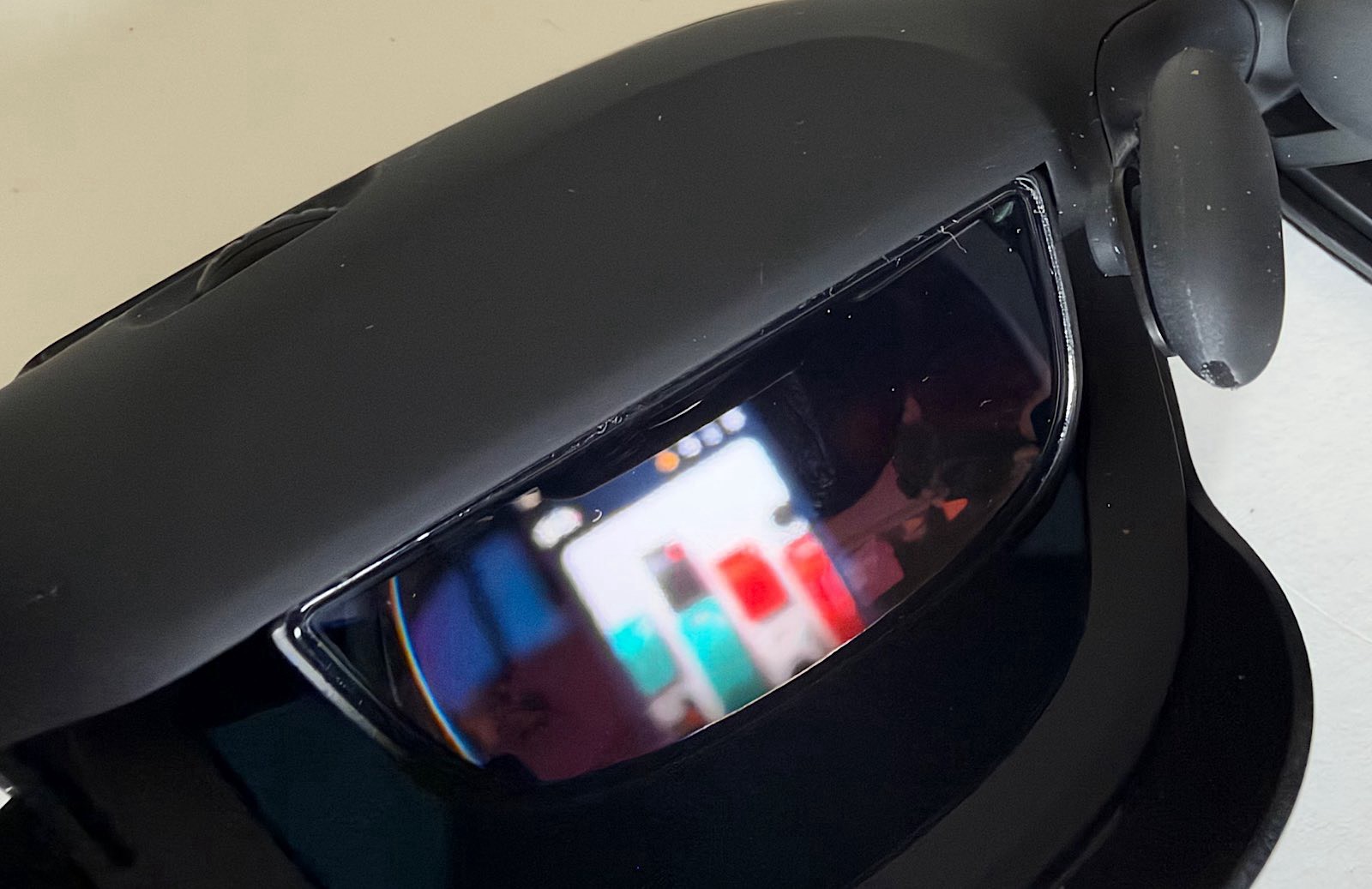
They’re so bright, in fact, that you may want to control the brightness using the buttons on the glasses, but also do one other thing: only wear the glasses for a few hours at a time. Give your eyes some time to refresh and use the glasses in sessions.
There are small speakers in the arms, and while they’re fine, they’re just fine. They’re not going to replace a dedicated pair of headphones with noise cancellation or anything else. They do the job and are a little bright, but could be properly improved.
Battery
What you won’t find is a battery, with the Pro 2 glasses offering no way to run by themselves. They are wired after all, but we should really name this section “no battery”.
However, Viture does offer a dock in the Pro Mobile Dock, and that includes a battery, so in a way, it’s an option. Granted, it will cost you a good $269 extra for the privilege of having 13,000mAh of power in an optional battery pack that also happens to let you connect two pairs of glasses and an HDMI port. If you opt for the USB-C connection, devices such as the Switch 2 and Steam Deck get power to support the glasses and game system, while the HDMI connection lets you turn an Xbox or other console into something the glasses can see.
The battery is the main reason to grab this thing, and it does come with a very short cable, though misses out on a way to each mount it to whatever you’re using. Strap it to your device by bringing your own rubber band, or simply holding a massive power pack with your hands. Really, those are your options.
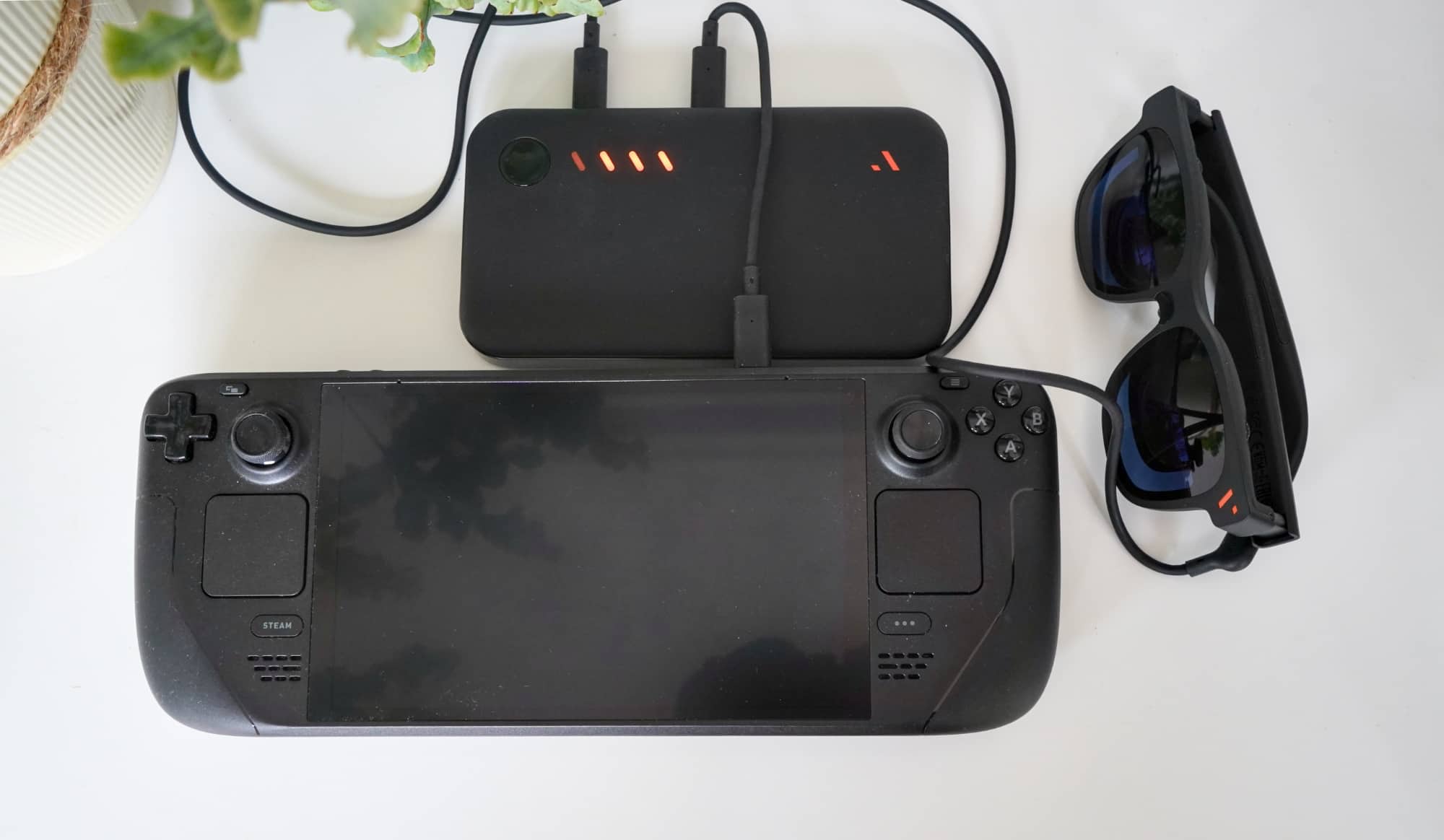
It’s surprising there’s no magnet built in, or even an extendable clip like how you can mount game controllers to a phone. This would have been a useful inclusion, but it’s simply not here.
Without the dock, there is no battery. Rather, there is only the Viture Pro 2 draining your phone or game console’s battery. It’s a little like any other monitor, really, but just for your eyes.
It’s really for your eyes only, pun intended.
Value
Priced at $629 in Australia, the recommended retail price can be a little more than you might be prepared to pay for the concept of a portable big screen that only you can see. The street price is more appealing.
At the time of publishing, we found the Viture Pro 2 at street price for around $499 which makes the concept much easier to swallow, though clearly not for everyone.
While it is not a virtual reality headset and also lacks the spatial awareness that XR and AR typically arrive with, it does offer fantastically bright visuals in a compact screen for not much money.
Could aspects be better? Sure. But for $500, it’s difficult to argue with Viture’s portable screen proposition. It’s a compact big screen that makes you feel like the centre of the cinema. That’s totally fine.
What needs work?
What could be improved is the sound, which can come off a little bright and really needs better speakers. You could go around them and plug in a pair of headphones or go totally wireless, but it can get a little messy.
Viture probably could partner with a company to deliver those improvements, such as a Bose or Harman/Kardon, but it’s a tweak that would make a difference. It’s even a tweak Viture has made for special edition versions of the glasses already involving the latter of those suggestions, it just needs that foresight in the regular tech, not just the special editions.
There are other tweaks Viture could make, such as improving the way the diopter works, something that can feel more like trial and error with the blurriness of your eyes stuck in between.
Or possibly releasing the glasses in different frames, because while the Pro 2 glasses aren’t smart glasses and miss out on the frame selection everywhere, the design can come off a little dorky. They’re fine, but could be better. Maybe with an actual frame designer on board.
What we love
It’s worth noting that these problems feel like teething issues more than anything else.
The sound is good enough for most people, and that extra option of using earphones or headphones does exist, awkward as it might be. And you can still work out how to get the screen switched off if you play around a bit.
These do feel like early adopter issues ultimately, and minor things. If the idea of a big screen to go is ultimately what you crave, and you don’t want to make the move to a bigger tablet, the tech in the Viture Pro 2 makes sense.
Final thoughts (TLDR)
Aside for being at the risk of constantly misspelled, the Viture Pro 2 is a bit of a first of its kind in Australia: a properly convenient display. They’re a compact big screen.
It’s not the first display made to-go, nor is it the only device like this, but the Viture Pro 2 is the first time we’ve seen a head-mounted display feel like it’s meant to be convenient, and to integrate with your life.
Head-mounted displays aren’t that new. They’ve been around for ages, but they’ve been large bulky things that needed planning. You might have a VR headset or one without tracking, a mere head-mounted screen like a VR headset. You probably needed a base station, an HDMI splitter or dock, and the confidence to wear it in public without looking like you walked out of a sci-fi film.
It was a thing.
This feels… different. It feels modern and intentional, as if the world finally grew to match the science fiction world we had been promised.
It’s a screen you can take with you without feeling you need to be prepared. You plug it into your phone or portable game system, and you can move on with your life. It is easy, and it is intentional.
Viture’s Pro 2 glasses aren’t perfect and could get some tweaks here and there. They really give off the vibe that the third time could really be the charm, and make things that much better overall. And they could also end up being a pit stop on the way to actual extended reality glasses, devices that somehow blend computer and glasses to let you carry your laptop from the inside of smart glasses, a concept Meta has signalled is coming.
But for now, in 2026, the Viture Pro 2 deliver an experience unafraid of portability. They’re a big screen to go, and that may be all you want.