Quick review
The good
The not-so-good

Whether you’re working from home or needing to travel, the Espresso Lite 15 is the goldilocks of portable screens. It’s just right, and better on the wallet.
Try as we might, a laptop screen never feels like it’s enough for working. As Sam Reich says on “Game Changer”, sometimes you just want a little more.
That could be a little more size or a little more screen real estate, or maybe just a little more of each, and is firmly where the monitor sits.
If you find yourself regularly behind a desk that doesn’t change, that’s likely to be a big screen to keep you happy. But if work has you coming back into the office, or if you’re travelling by plane or train, you may want more estate that you can take with you.
It’s an area largely serviced by something that’s as clear as it gets: a portable monitor. You don’t need a definition of what that is, as it should be pretty direct, taking the screen with you to go.
But portable screens aren’t created equal, and some are clearly better than others. Most are designed to fit in with the laptops people bring around, which probably means styles of aluminium and silver and sleek and such.
Espresso’s Lite 15 goes a slightly different way, and pops with some colour in a way you won’t expect a monitor to necessarily do. It’s even a little less expensive than its siblings, one might even say affordable.
What’s the catch? Is the Espresso Lite 15 confusingly cost-effective and somehow great value?
What is the Espresso Lite 15?
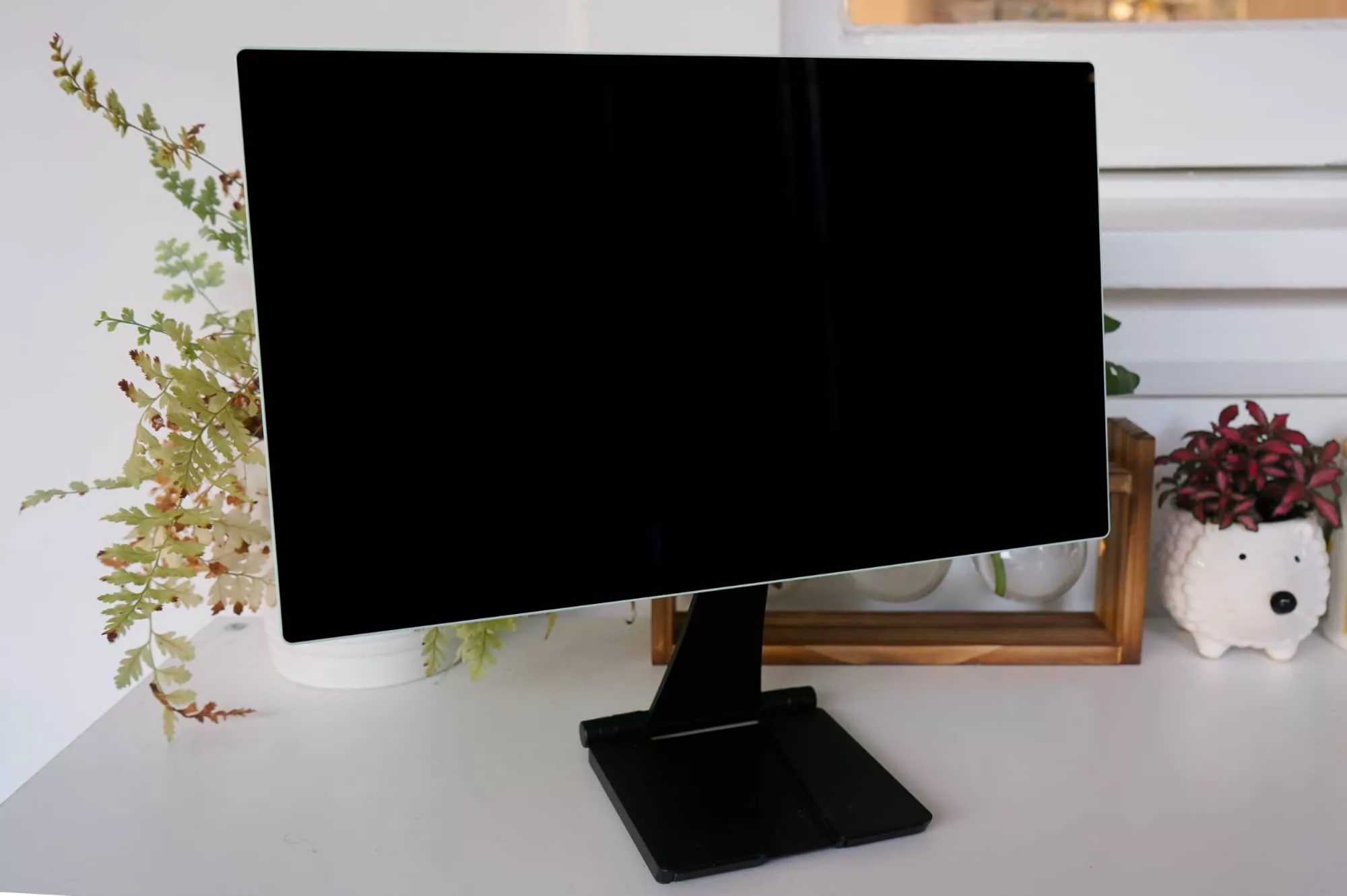
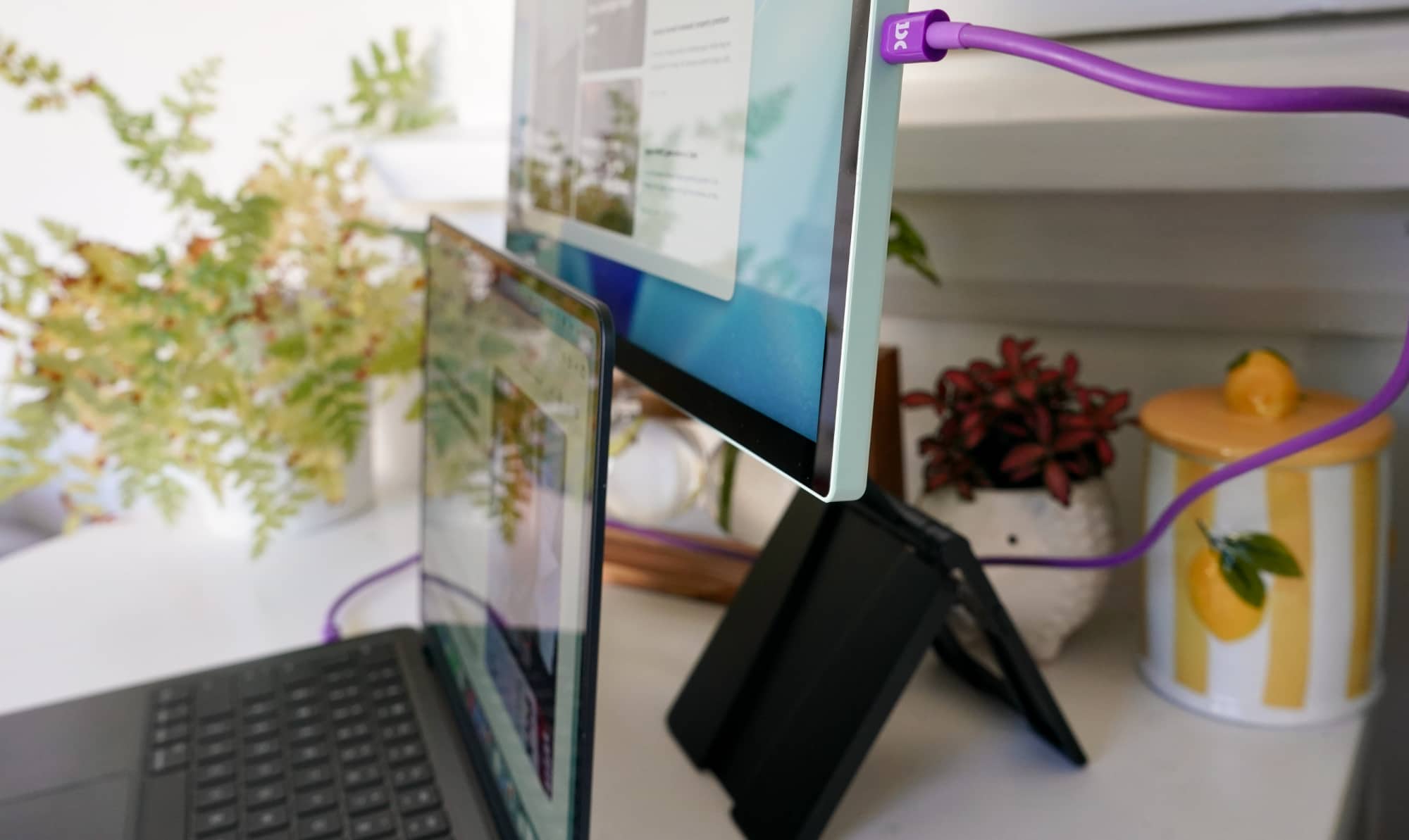
Another variation of Australia’s portable monitor brand, the Espresso Lite 15 is a plastic-encased interpretation of the 15.6 inch touch-less model now simply called the “Espresso Display 15 non-touch”. For those playing along at home, it’s the same model we gave a Best Pick award to last year.
In the Lite variation, the tech is basically the same, with a 16:9 LCD panel measuring 15.6 inches diagonal, running at 60Hz, and yet encased in a plastic chassis compared with the aluminium in the past.
There is interestingly a little more brightness to work with, but it is more or less the same screen… and yet costs less.
Priced at $399, the Espresso Lite 15 is a bit of a surprise, especially in an era where typically everything new costs more. For once, it seems, we’re not thanking AI for the privilege.
What does it do?
Like all monitors, this one is designed to show what’s on your computer and really extend your laptop or gaming system, or any other device you can plug a screen into, such as your phone.
Espresso kind of set the portable monitor movement in motion, building a display that can sit both at home on a desk and bundled in a bag to take to work, and the Lite 15 is another variation on that theme.
But while Espresso’s regular screens typically look like they belong with an aluminium MacBook Air (or another Apple laptop), the Espresso Lite 15 feels more like it draws inspiration from the old iPhone 5C, the plastic-encased iPhone for folks old enough to recall that mobile.
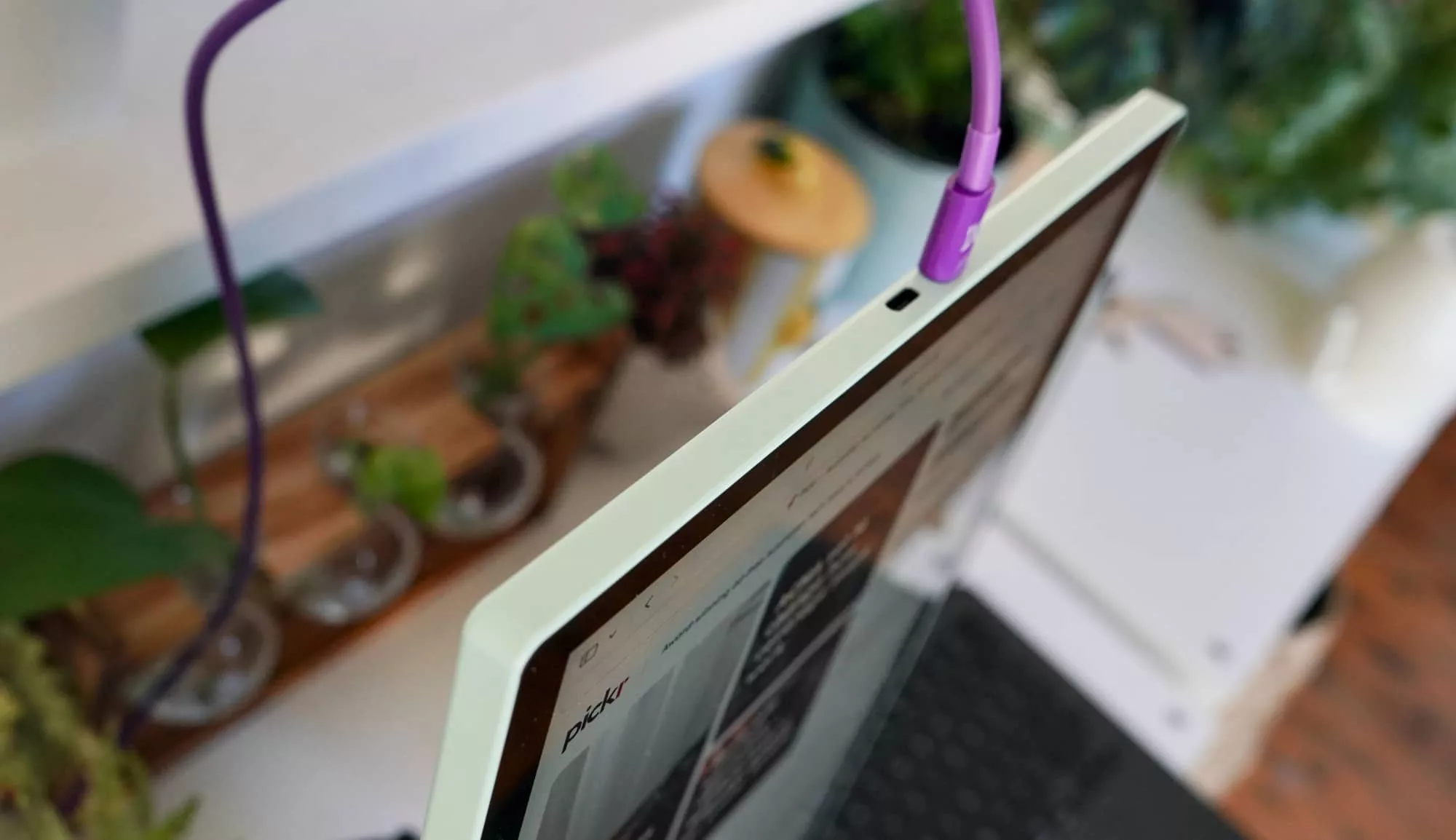
Just like that phone, the technology was wrapped in a colourful plastic shell, and the same is true here. Two USB ports can be found here regardless of what colours you pick, with a choice of five options. Specifically, there are three snazzy colours and two shades, covering the obligatory black and white, but also a light purple, a soft minty green, and an orange that looks more like an excited red of sorts.
That’s a little more exuberance than your traditional monitor supports. And we’re totally here for it.
Does it do the job?
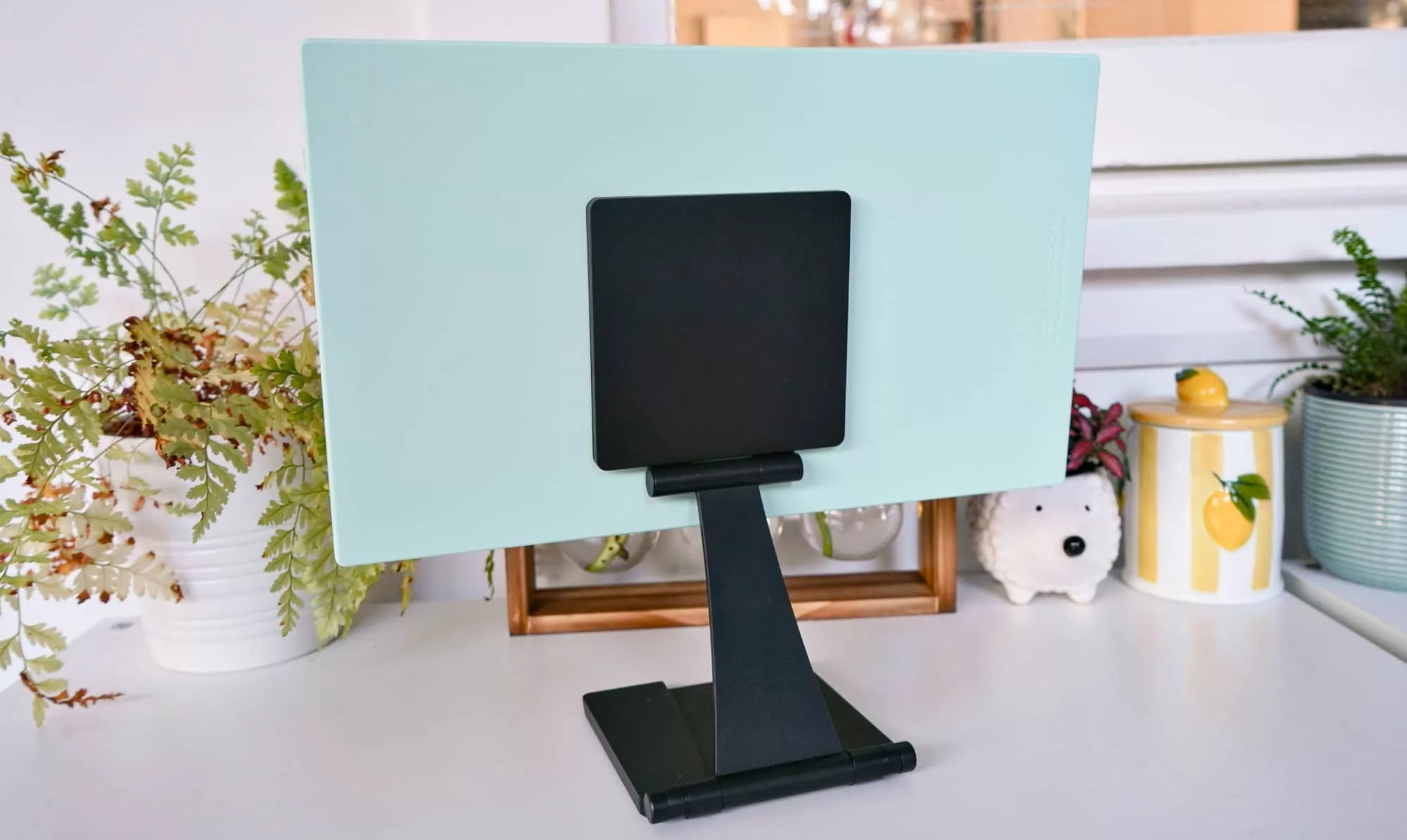
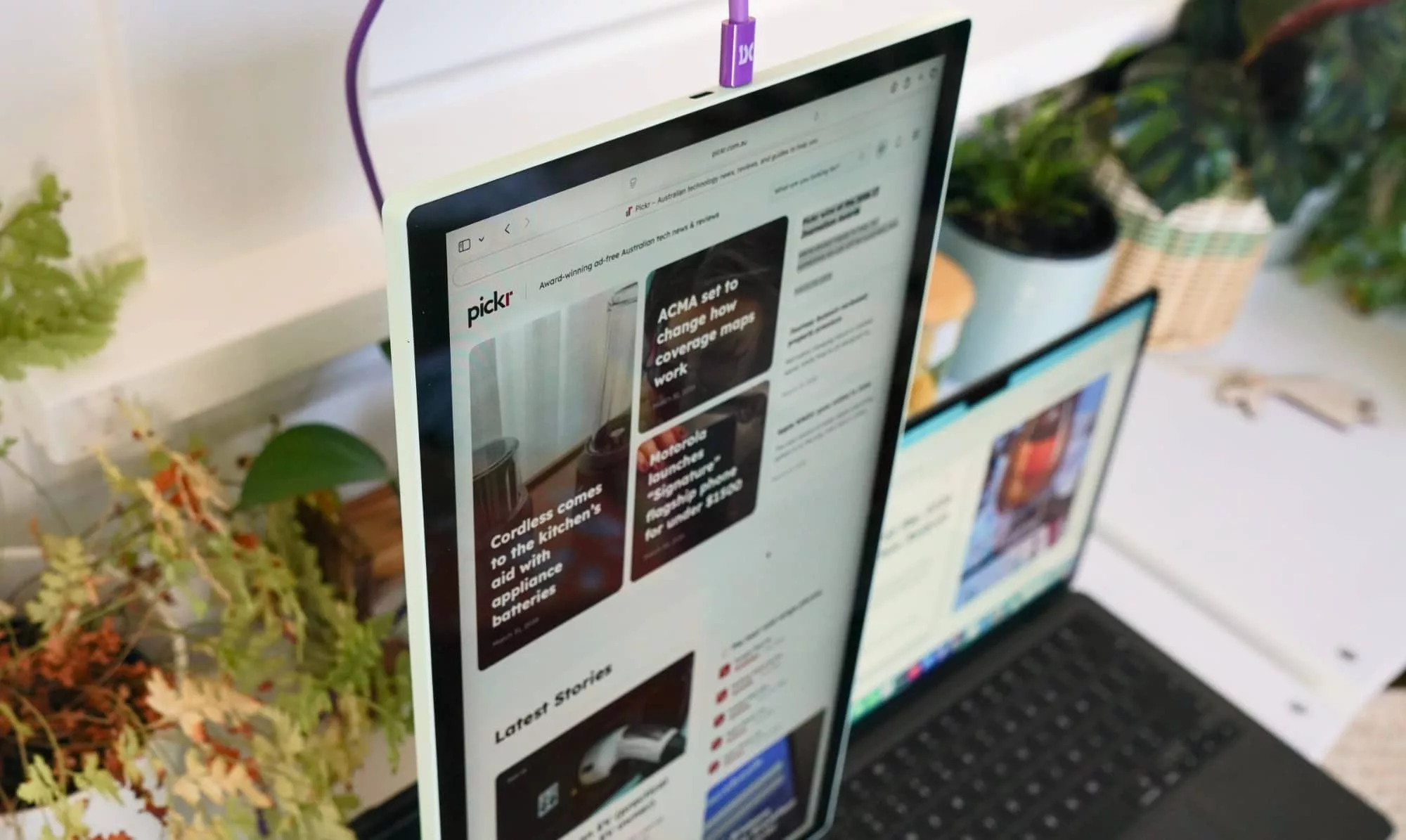
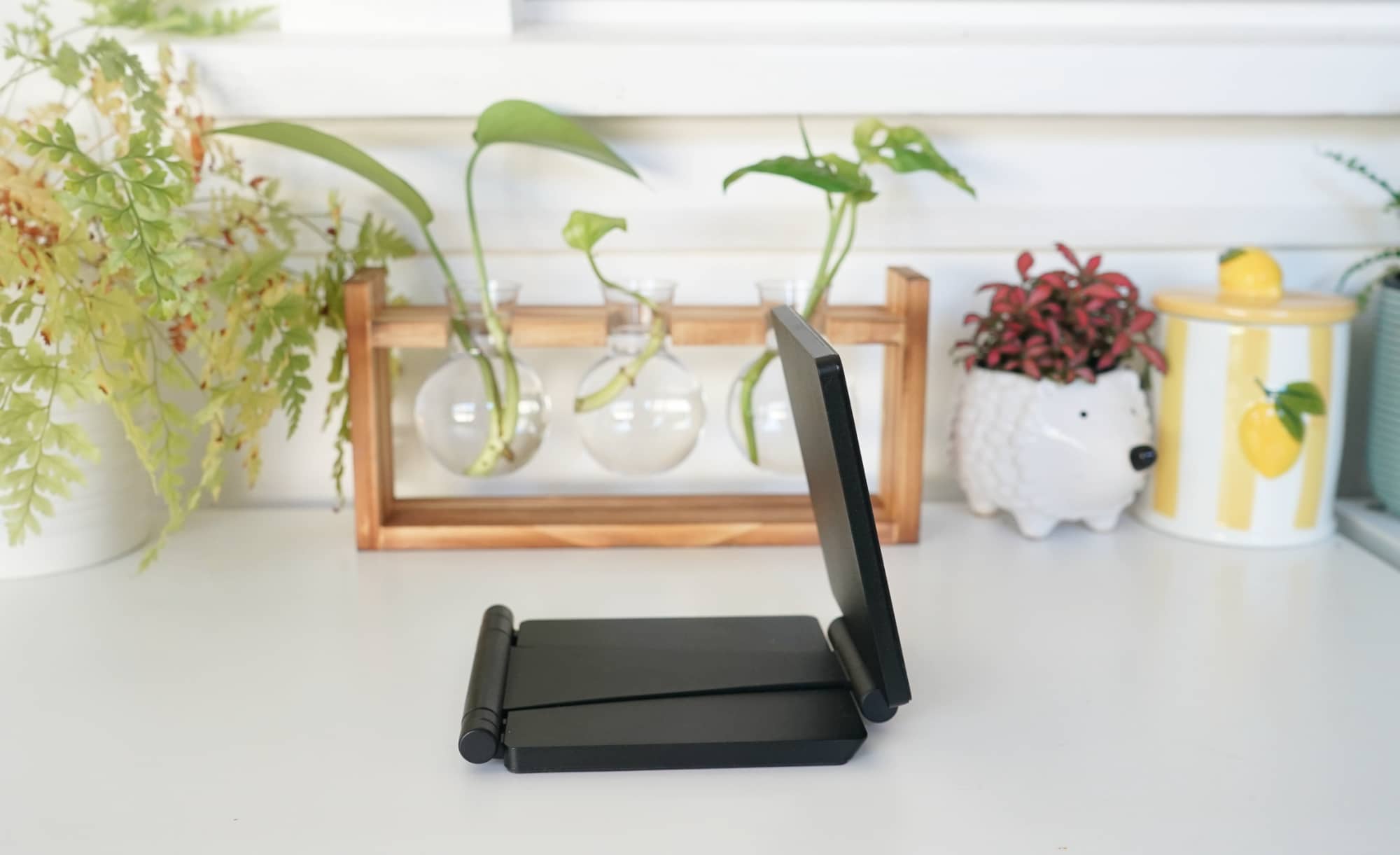
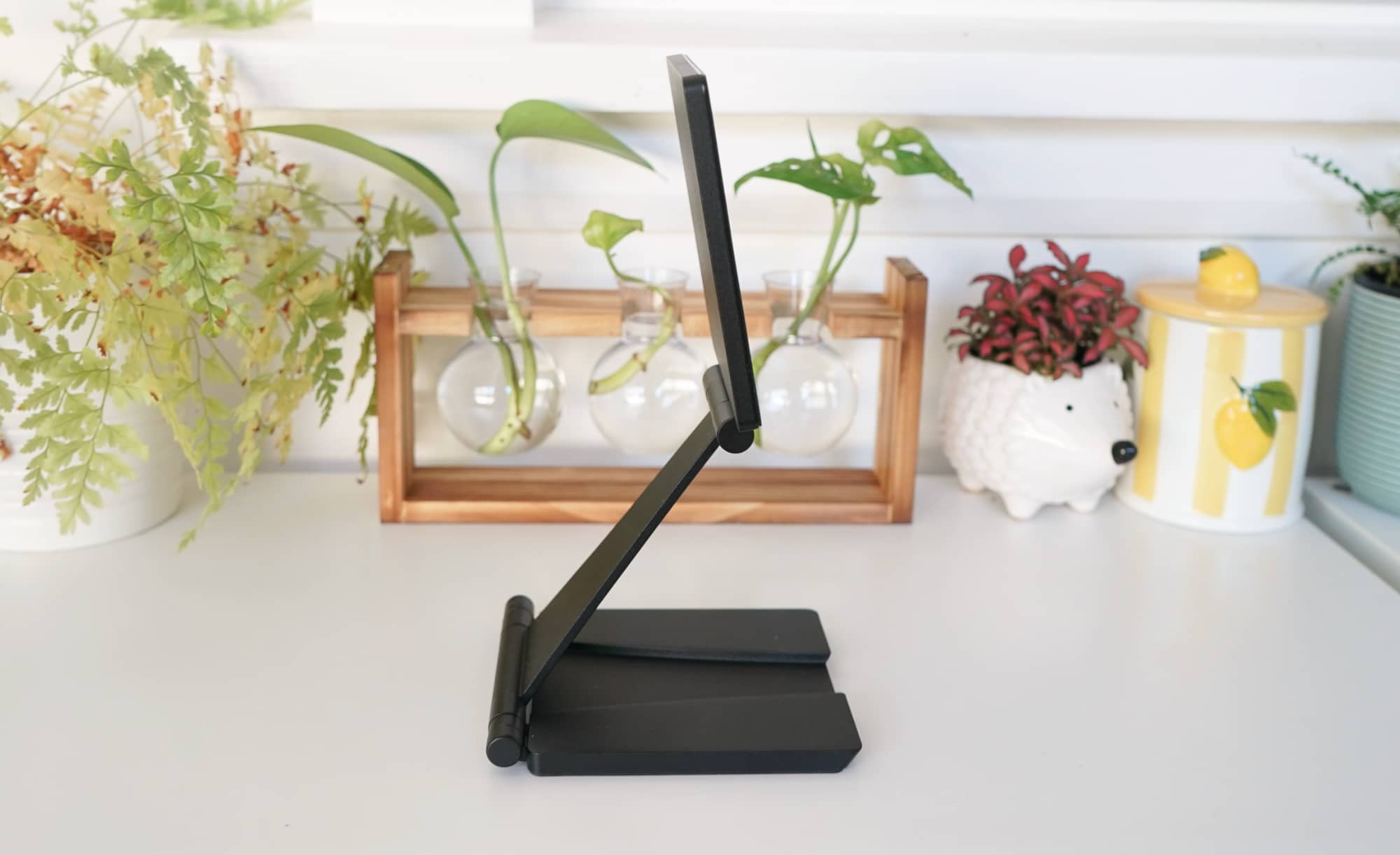
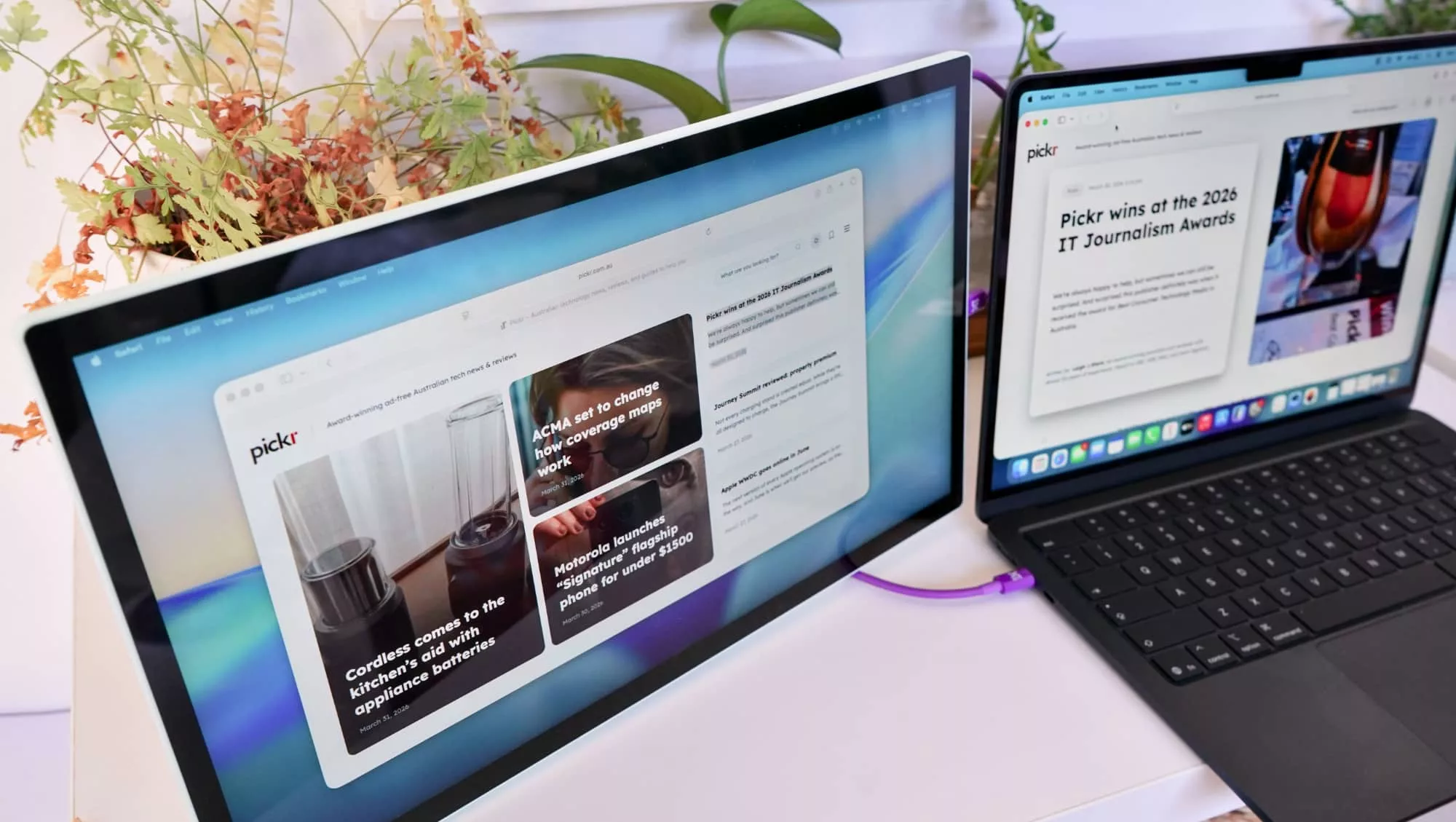
With your colour chosen, you simply need to grab the magnetic “Stand+” stand out of the box, set it up, and place your screen on the stand. Portrait or landscape, either is possible with this display, the magnets locking on with ease, and ready to power on via a supported USB-C port.
These days, that’s a lot of laptops, and quite a few other devices, as well. Laptops with display out over USB-C will handle the Espresso Lite 15, as well phones with USB-C and game systems with USB-C.
Making it work is clearly not rocket science, and is literally the definition of “plug and play” in that you plug in the included USB cable, and then you’re playing. It’s that easy.
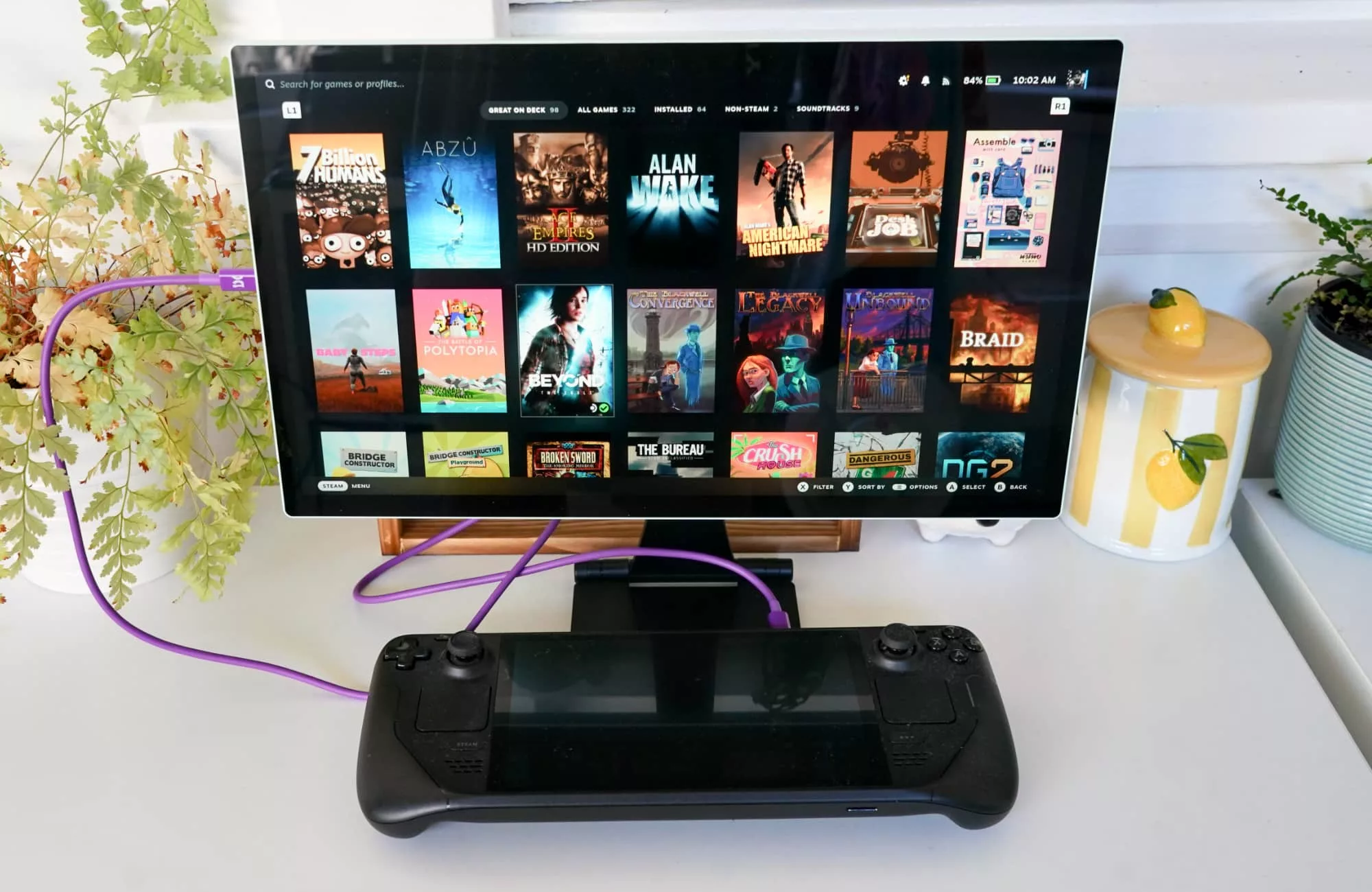
Windows PCs work immediately, as do Macs, and if you happen to have a Steam Deck, it’ll expand the screen from its 8 inch size to a march larger 15 inch screen. Almost twice the size. You’ll miss out on the touchscreen of the Steam Deck, sure, but you also get more screen real estate.
And should you choose to, you can also run Espresso’s extra software, “Flow”, which basically provides a way to move your screen to where your mouse goes, but also manages workspaces and automatically rotates displays to match. It’s not something you need to use, though, and is there as an extra.
Beyond this, Espresso’s Lite 15 is about as easy as a portable monitor should be, simply needing recent USB to work.
What does it need?
You won’t find a 4K resolution here, though, and that’s about the only major omission. That said, it’s also a less expensive take on the Espresso 15, and it also doesn’t have a 4K screen.
In the world of Espresso, you’ll only find 4K on the premium Espresso “Pro”, a model costs roughly three times the price, making it the top model if you need 4K.
With the Espresso Lite 15, you don’t actually need a 4K screen at all. In fact, the Full HD 15.6 screen is totally fine. Sure, the 60Hz display isn’t ground breaking, but the screen is sharp, the colours great, and the design takes everything we’ve loved about the prior models, but basically changes the casing to be less premium, all the while shaving a few bucks here and there.
Like its predecessors and siblings, however, there’s no case in the box, a long-running comment (possibly complaint) with Espresso’s gear. Not a single model comes with a variation of a case, be it the 15 inch non-touch model this one almost feels like is meant to replace, or the premium 4K 15 inch touchscreen variation that exists, as well.
Fortunately, the company does at least now make them, and if you happen to have a laptop sleeve, it may also protect it to a degree, as well. Something is better than nothing, especially given that you get nothing in the way of protection.
Is it worth your money?
About the best part of the Espresso Lite 15 is the price: at $399, the screen is Espresso’s least expensive model, and about the same as the non-touch model we loved last year.
It’s one third the price of the Espresso Pro 15’s $1099 cost, and if you don’t need 4K, touch, or the metal build, there’s plenty in the Lite 15 to be excited about.
This screen is just about everything you might need to extend your desktop, be it at home or on the go.
Yay or nay?
We’ve seen a few Espresso screens in the past couple of years, and it’s one of those gadgets that feels like it’s made to integrate in the modern worker’s life. Not just the modern worker, either, but also a family that mightn’t have a heap of room.
Need an extra screen for your WFH set up that can travel with you? It’s clear the Espresso display collection has you in mind, but you can also share it with your kids and their homework when they need a little more screen real estate, as well.
The problem with Espresso’s screen selection is the same as with every other monitor: which do you pick? Now a little lower in price for very much the same gadget, Espresso confidently answers that question: this one.
You barely even notice the colour in the plastic, which really just sits on the back. It’s never in your face the way you might expect, and the Lite 15 just lets you get on with whatever it is you’re supposed to be doing. The colour pop is nice from the back, but since you’re never really there, it’s just a bit of colour in your life.
Bright, clear, and easy to use, this screen is a cinch, and a logical path for anyone that needs a display in their life. The Espresso Lite 15 is all the screen you need. It’s that easy. Highly recommended.