
Quick review
The good
The not-so-good

With a high price and an impressive spec sheet, the Asus ProArt P16 is a laptop worth paying attention to, and could be one of the best Windows PCs in ages.
Not every laptop is created equal, and depending on what you’re doing, you may need something with serious grunt. We’re not talking the day-to-day regular work, or even the basic life of web surfing and school.
Rather, if you find yourself in the content creation category, or the game developer or 3D animator or someone working with data and perhaps the world of AI, you probably need something with grunt. And you’re reading this nodding your head, knowing full well that your current computer just doesn’t cut it.
That’s actually normal. While any computer can be a productivity-focused machine, only some are truly made to work beyond the basics.
The needs of a developer and animator and data scientist and video editor, and folks dabbling in this world of machine learning and AI tend to need something with more heft and horsepower, and can’t rely solely on the basic chips most laptops come with. While it’s true that all laptops come with a degree of AI inside, some need more.
That need for more capability has led one of the world’s leaders in graphics and AI processing to build a chip made for laptops. Yes, Nvidia has decided to venture beyond the GeForce graphics hardware in computers and take on the likes of Intel and AMD with a spot of hardware that does it all.
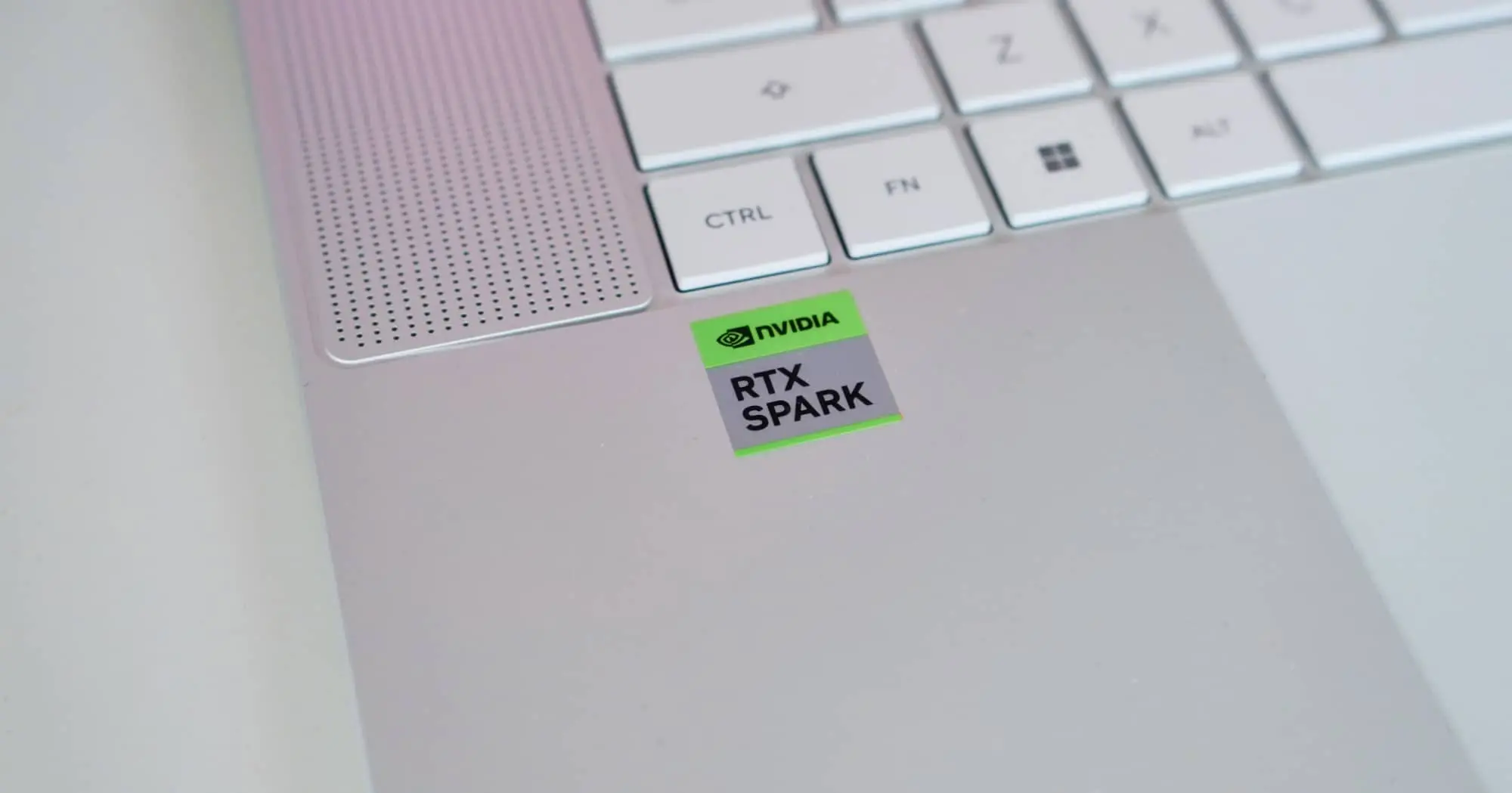
Not just a graphics chip, the RTX Spark is the first of its kind: an Nvidia processor made to deliver CPU and GPU together in the same set, similar to how Apple Silicon works on MacBooks. It’s graphics and processing and AI for good measure, and with over 6,000 graphics cores, it may well be one of the most powerful laptop chips of its time.
Asus appears to be one of the first to bring the Spark to Australia, arriving in a 16 inch laptop made for much more than mere work. Is the ProArt P16 one of the better laptops you can find today?
Design
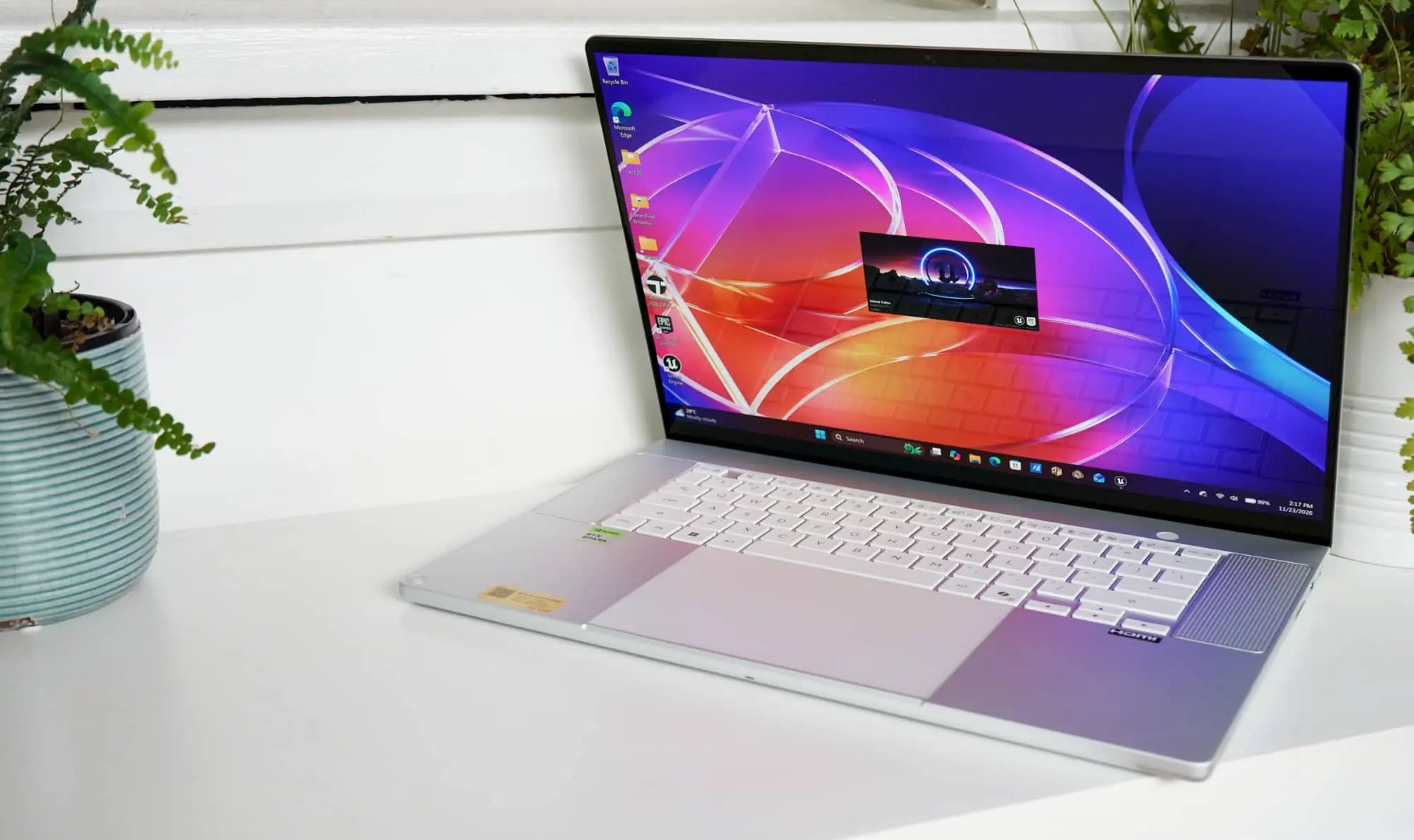
Sleek and stylish is something Asus is no stranger too, but there are also degrees of the concept, too. The ZenBook has always managed to be sleek and stylish, while the Asus ROG models are a little heftier in design, focused on gamers who need something with a little more grunt.
There definitely appear to be different strokes for different folks when it comes to PCs and the like, but there is a consistent approach that makes something more premium: minimalist and metal.
Not being served a mere pea in the former, or even the head banging kind of the latter; rather, minimalist and metal means laptops and taper back the style to be as slim and simplistic as possible, all while keeping a metal design and build.
You’ll know minimalist and metal well if you’ve seen a MacBook Air or a MacBook Pro, machines that offer just the right amount of shape, ports, and simplicity, while still keeping the premium materials and quality up. It’s something Windows laptop makers have never been tremendous at, but are getting better admittedly.
Here in the ProArt P16, Asus has nailed it while imbuing a little personality.
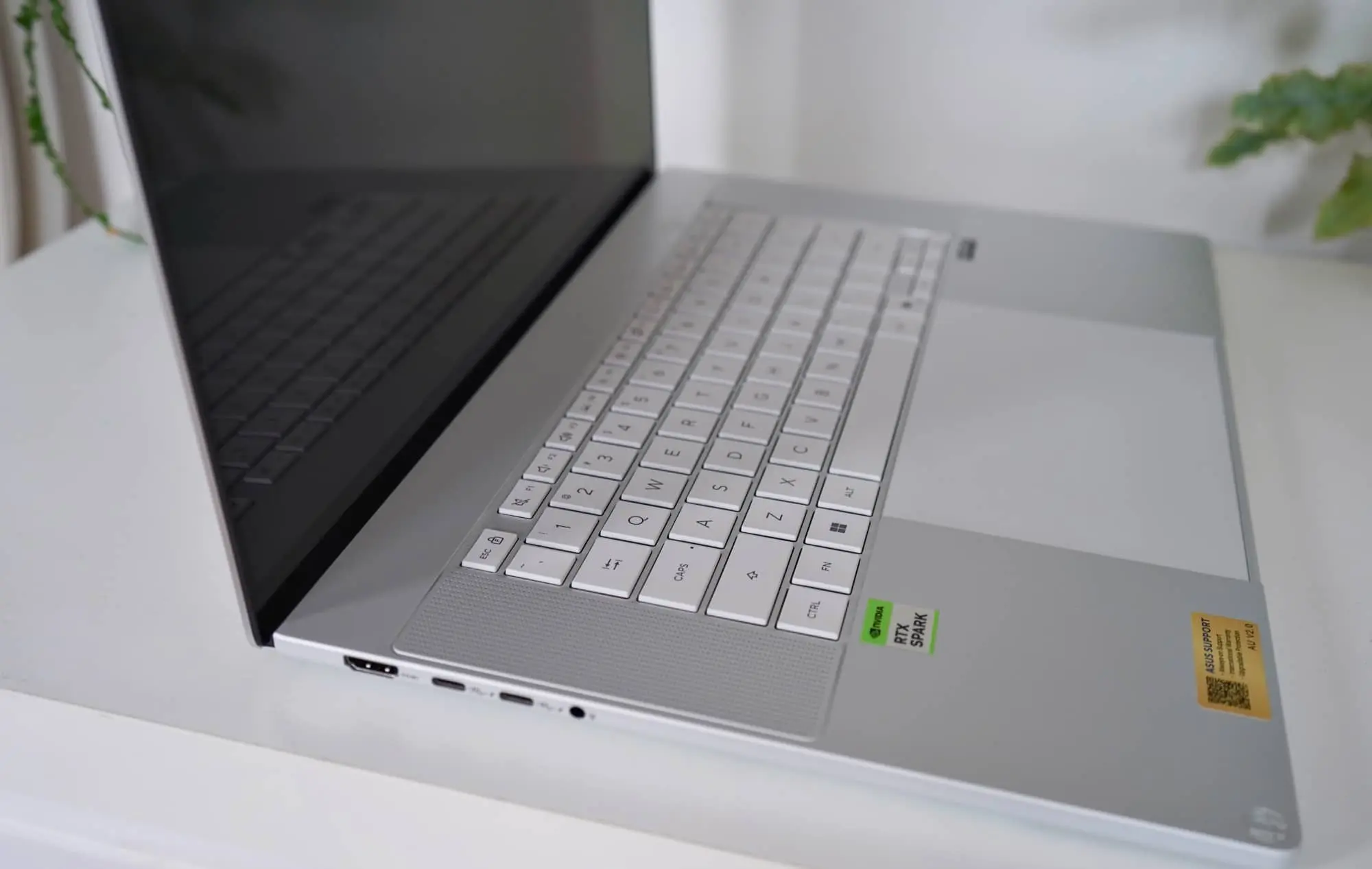
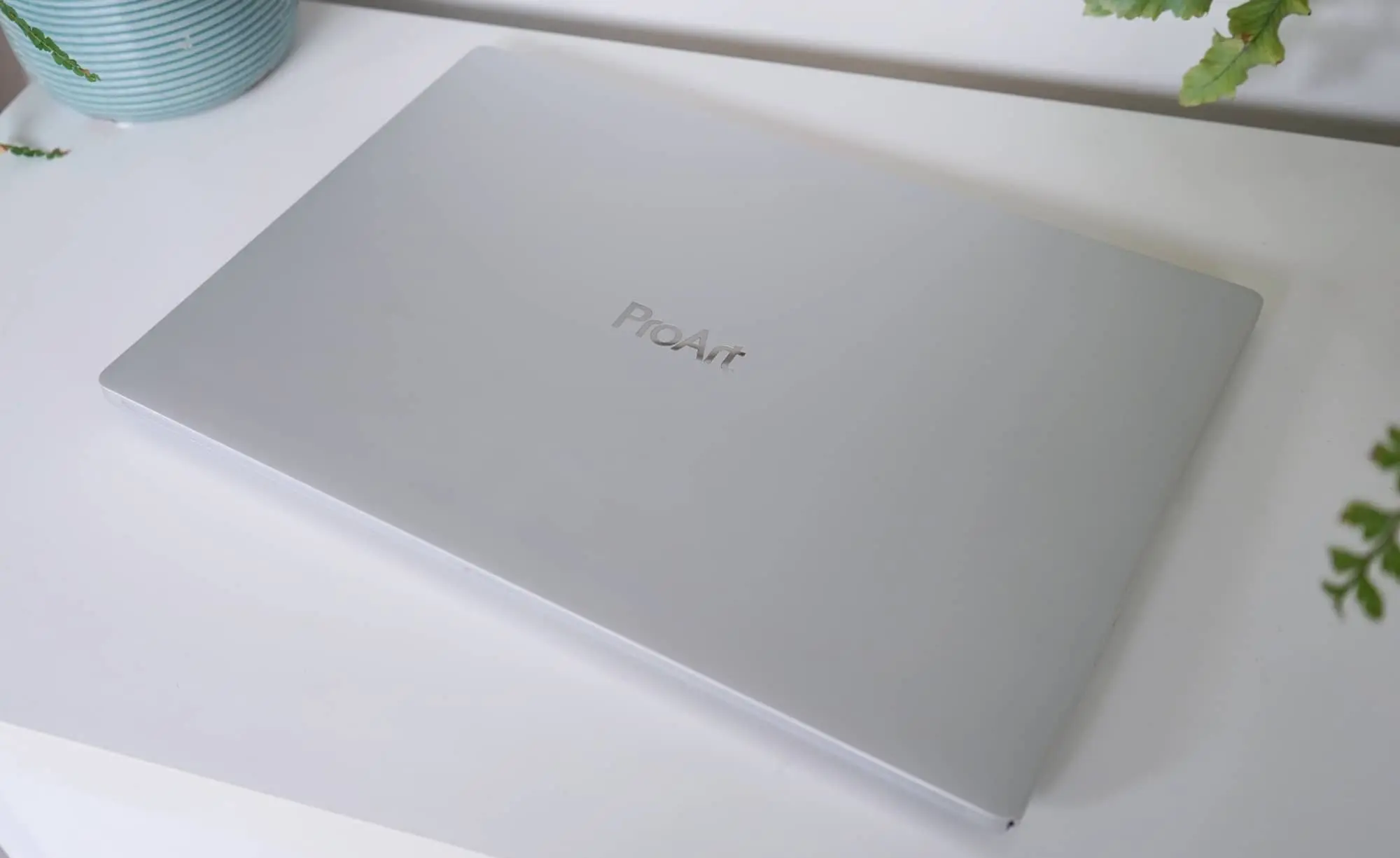
A properly metal aluminium design greets you here while glass sits atop the screen, and for a nice change, it’s not a Mac clone in the slightest. This is different, with a look that’s both clean and professional, while also sharp and solid, too.
You won’t confuse this laptop with any other from the look, and possibly not in the spec sheet, either.
Features
This is a laptop where you won’t find Intel or AMD at the heart, but Nvidia. We’ve seen Nvidia graphics chips inside laptops with either Intel or AMD, but never a laptop CPU handled by Nvidia. That’s the category of AI supercomputers, and it’s largely what Nvidia is hoping for.
That means you’ll find the Nvidia RTX Spark N1X, a processor boasting a 20-core CPU and then a 6144-core GPU. No, that’s not a typo; this thing really has over six thousand cores in it, thanks to the Nvidia Blackwell RTX 6144-core GPU. Yikes.
You’ll find a minimum of 48GB for the ProArt P16, but our review unit arrived with 64GB. Depending on how much you have in the bank account, you can max this laptop to a crazy 128GB RAM.
Curiously, you can’t max the storage any higher than the 1TB SSD it arrives with, at least not without opening it up and checking if the PCI-express port is available for installing an optional extra spot of storage.
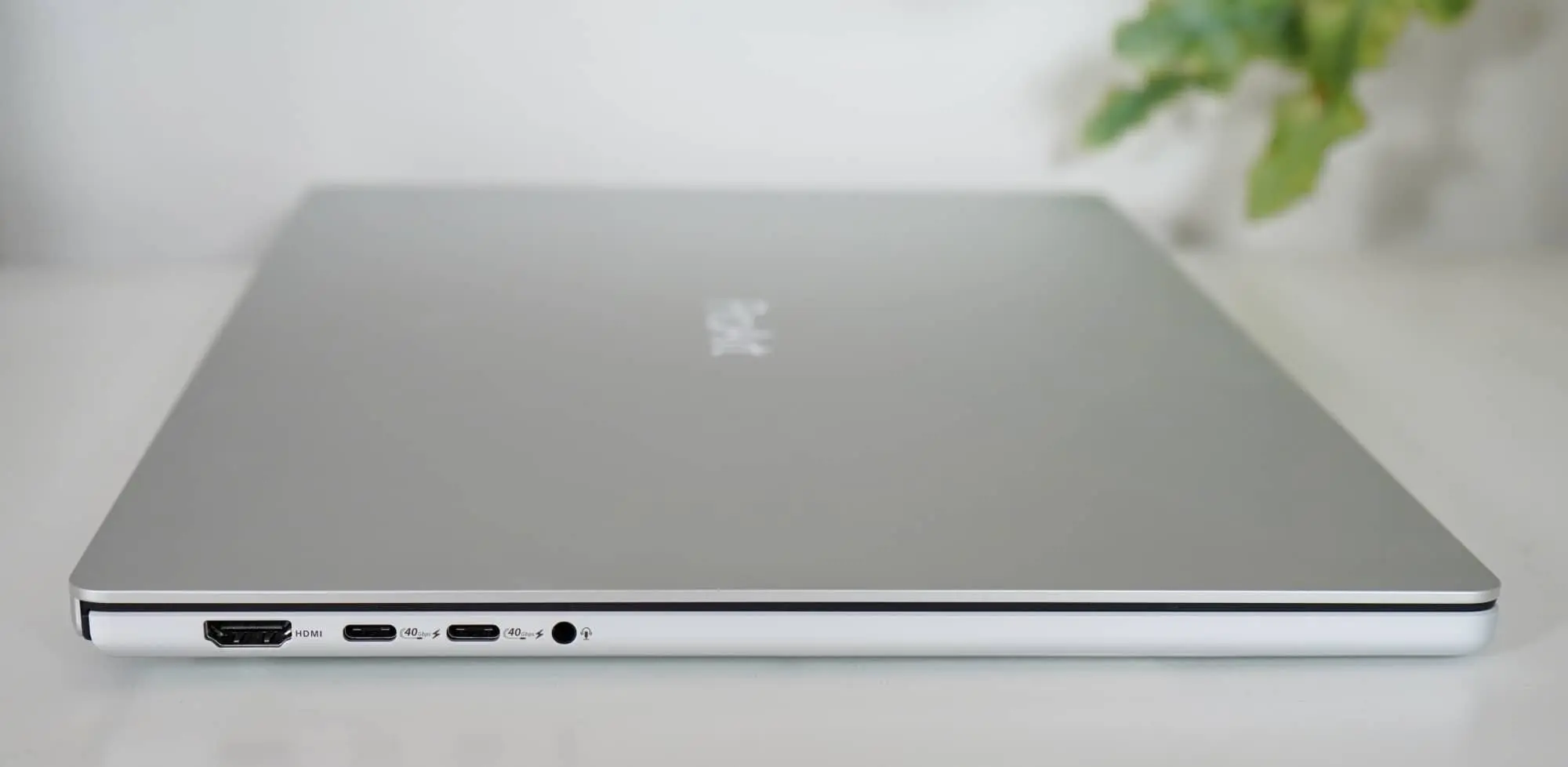
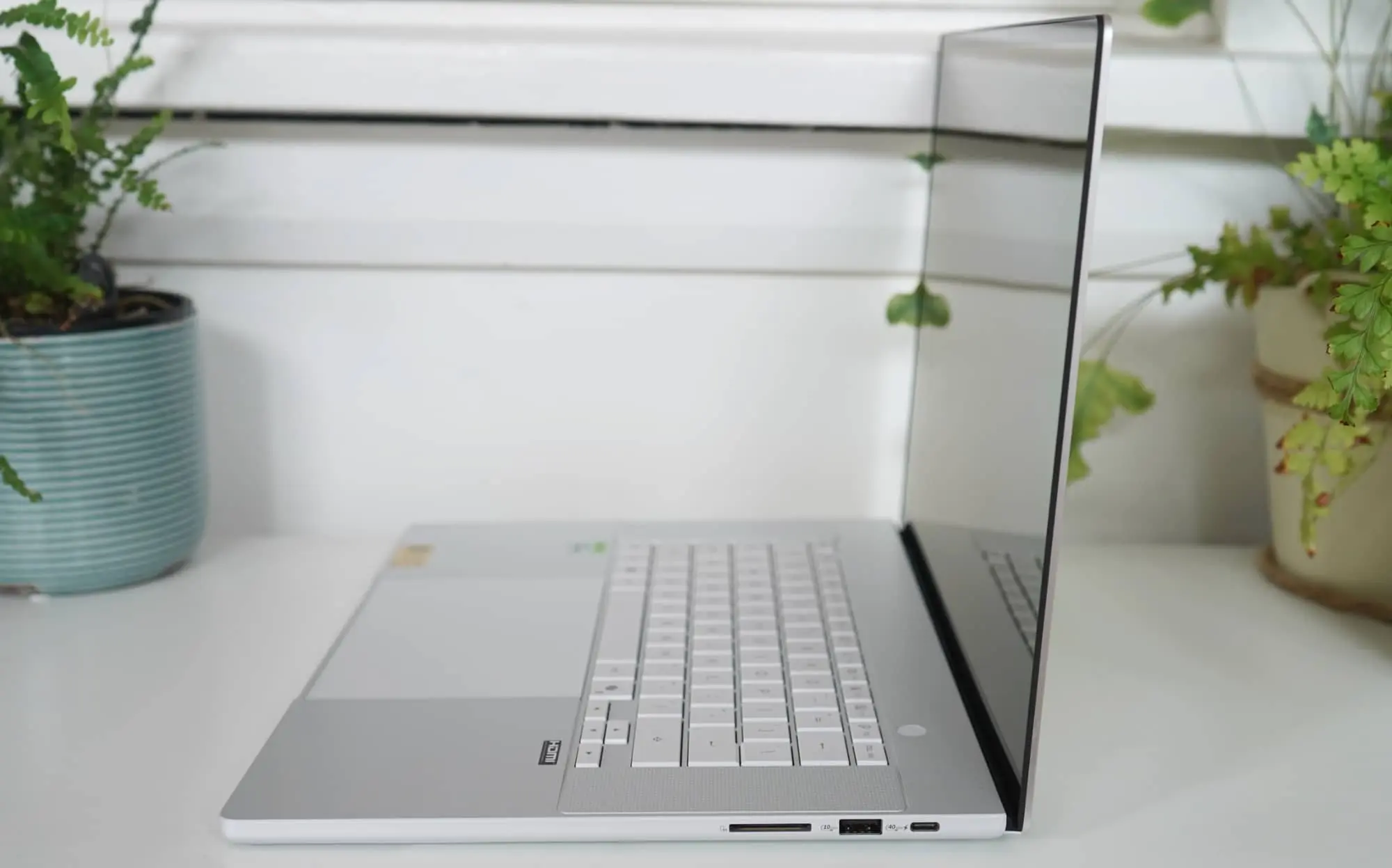
Connections will see you get 802.11be Wi-Fi 7, which also means backwards compatibility for Wi-Fi 6 and 6E, among others, plus Bluetooth 5.4 covering the wireless capabilities. Wired sees three USB Type C ports, one Type A USB (the old rectangular kind), a single 3.5mm headset jack accompanying a single HDMI, and an SD card reader, too. That last one is largely needed by content creatives, particularly those using a camera.
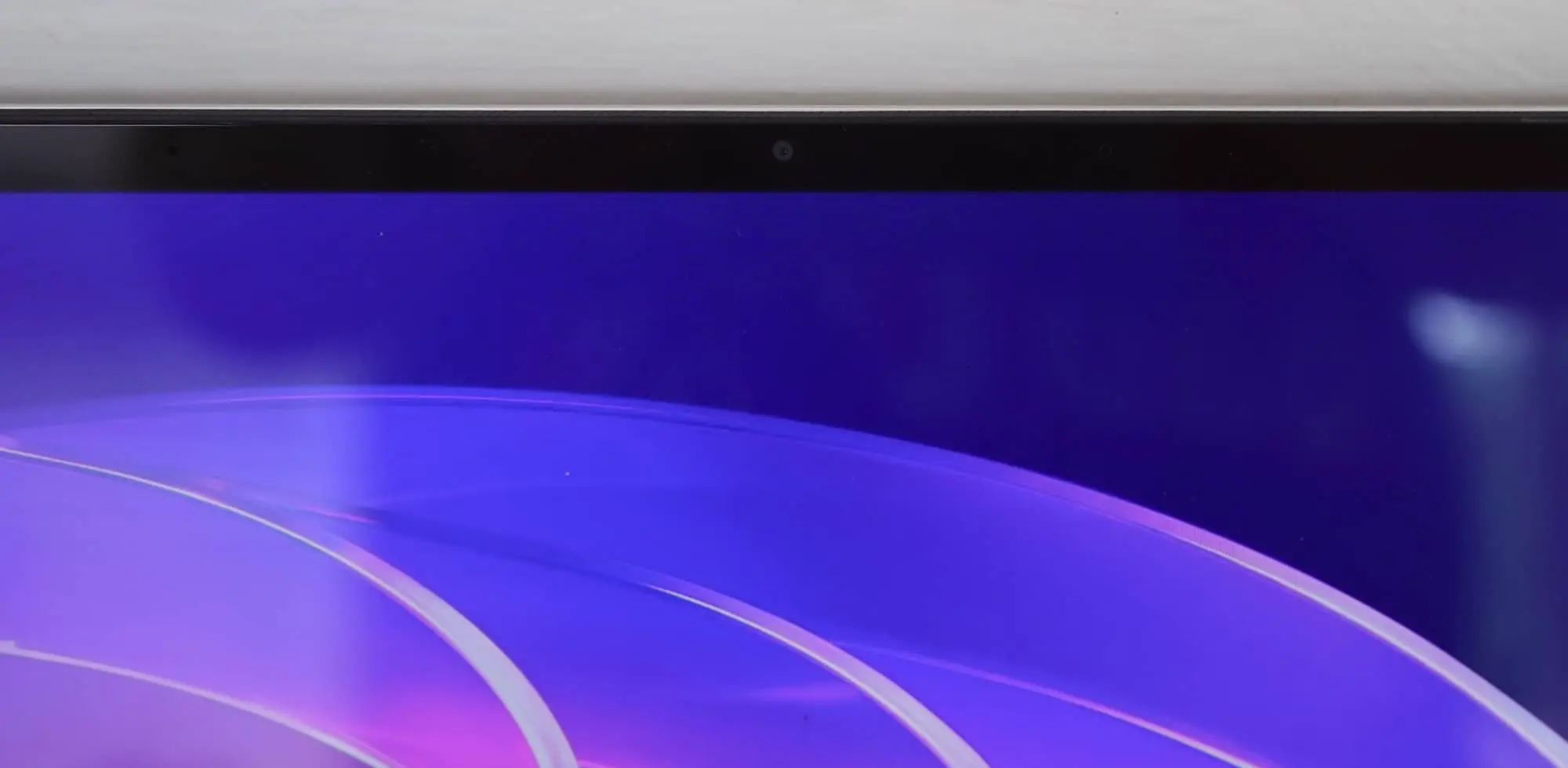
There are also speakers, microphones, and a small Full HD camera with infrared scanning for logging in using Windows Hello, and it all arrives in a laptop weighing roughly 1.77kg. Interestingly, the webcam doesn’t have a cover, making it different from most of the machines we see lately.
The omission of a webcam cover is one side of things, but Asus has something else more than readily taking its place: the ProArt P16 is also made to withstand a little more of life, supporting a specification of MIL-STD 810H, also known as semi-ruggedised and more resistant to water and dust than devices that lack a ruggedised rating of sorts, such as this MIL-STD variety or even an IP-rating.
Display
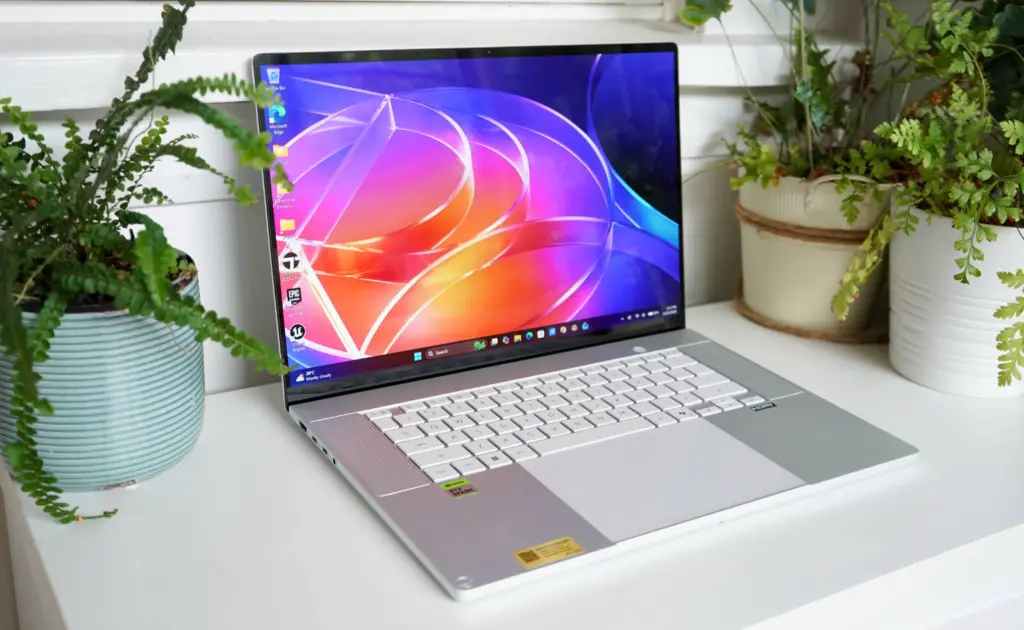
Capping off this impressive spec sheet is an equally impressive display, running a 2880×1800 on the 16-inch Asus Lumina OLED screen, supporting 120Hz depending on what you do. It’s not a full range of refresh rate speed, letting you opt for either 60 or 120Hz, but it is better than nothing.
We left things at 120Hz for Pickr’s tests, and the system looked great, offering bright and sharp visuals, and curiously, more memory available to the graphics side of things than we expected.
While the Nvidia RTX Spark N1X is set for 32GB memory, it also uses an extra 16GB resulting in 48GB to work with, telling you just how much the graphics system is going to work with.
Fortunately, you won’t need to consider all of that hardware (unless you want to), and can simply stare at the lovely visuals available on the ProArt display.
In-use
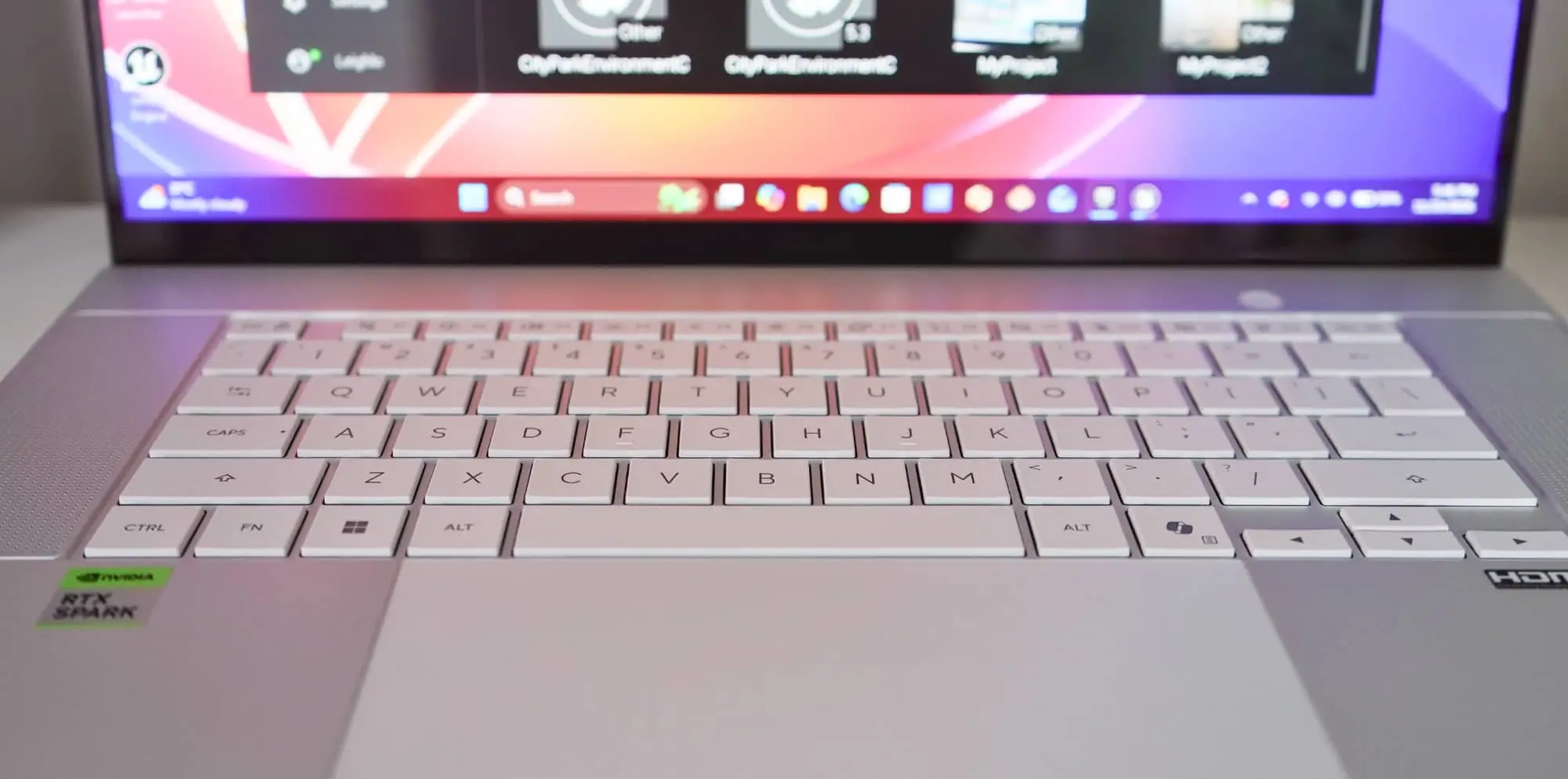
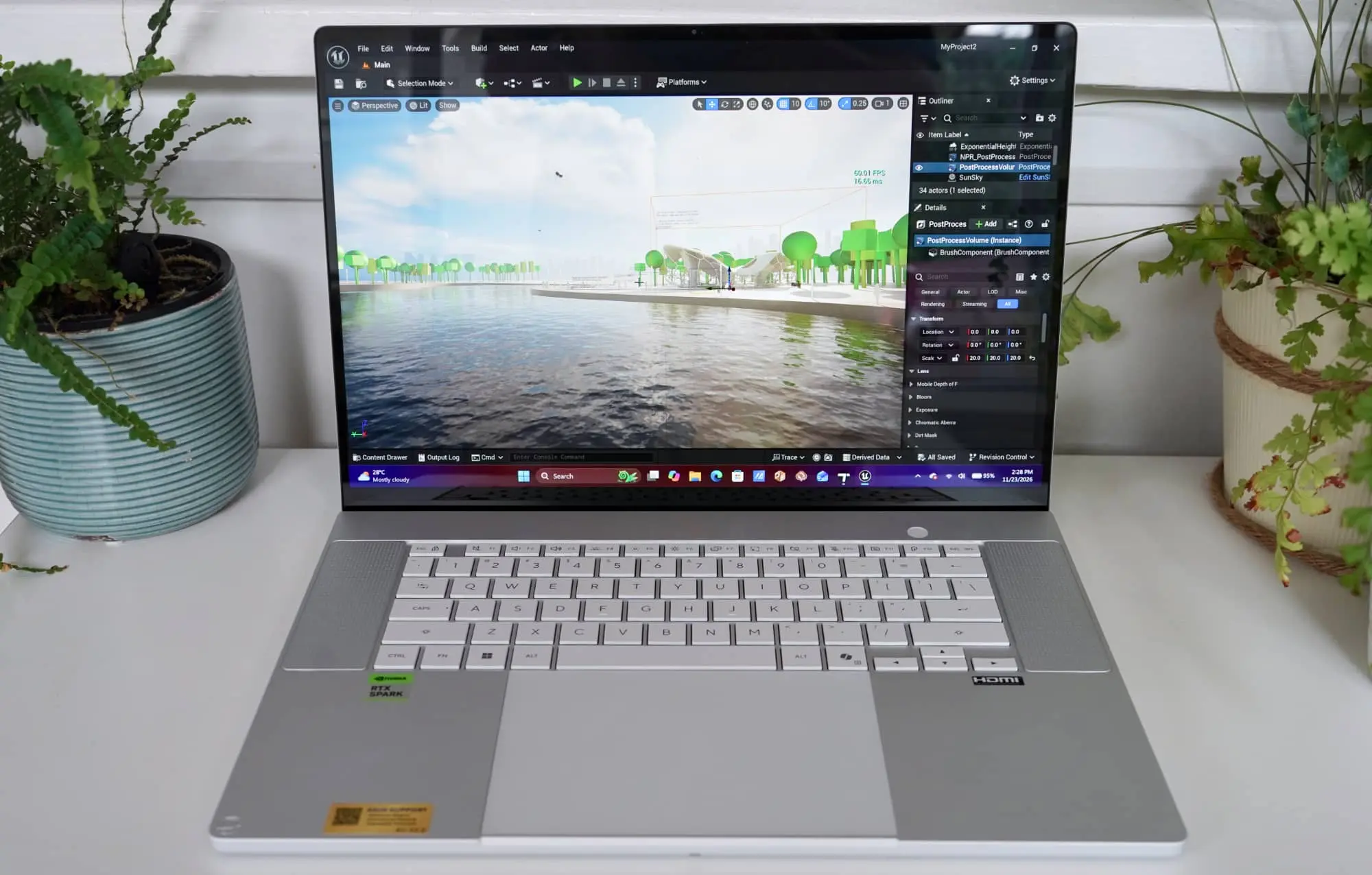
You’ll also find a large keyboard and spacious trackpad to work with, both of which give your fingers some room to stretch out and make it easier for you to type.
This is a comfortable keyboard up there with the best of them, while the trackpad can feel comparatively shallow at times. It’s not a bad effort, that said, and short of this reviewer being a little picky, you should be more than comfortable with your regular load of keys and strokes.
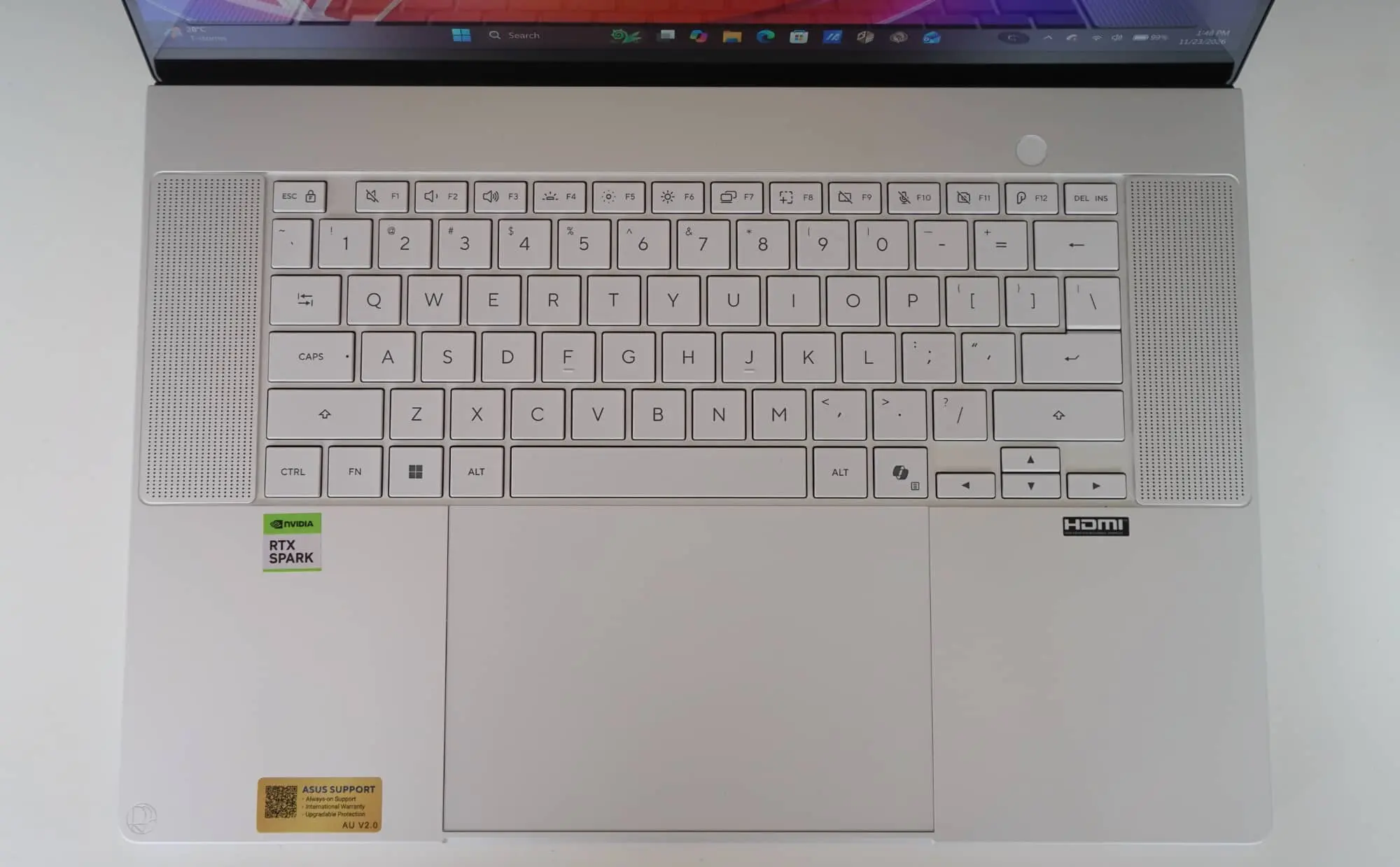
It’s a good experience with a keyboard that doesn’t change the way you should use it, offering a satisfying clack with enough travel, as well as three degrees of keyboard backlighting not including “off”.
Oh, and the screen was also touch-enabled in our ProArt 16 review unit, so yours might be, as well. That doesn’t mean you’ll need to lean on it for everything; Windows with touch is still a pun-intended touch-and-go experience.
AI features
You’ll also find a few AI features to work with, unsurprising because the ProArt P16 is focused on AI, and so with all that tech under the hood, Asus is clearly trying to provide an idea of just what you can do with it.
Consider them a little extra, because that’s really what they are, or even possibly a feature or two aimed to turn high-end AI hardware into something you can use without giving a big data centre more of your money.
That includes an AI photo album system StoryCube, plus a curious bit of locally-hosted generative AI called MuseTree. This might be the most interesting AI feature Asus provides, asking you to install an AI framework, which then uses the local hardware to generate images and videos all on your computer.
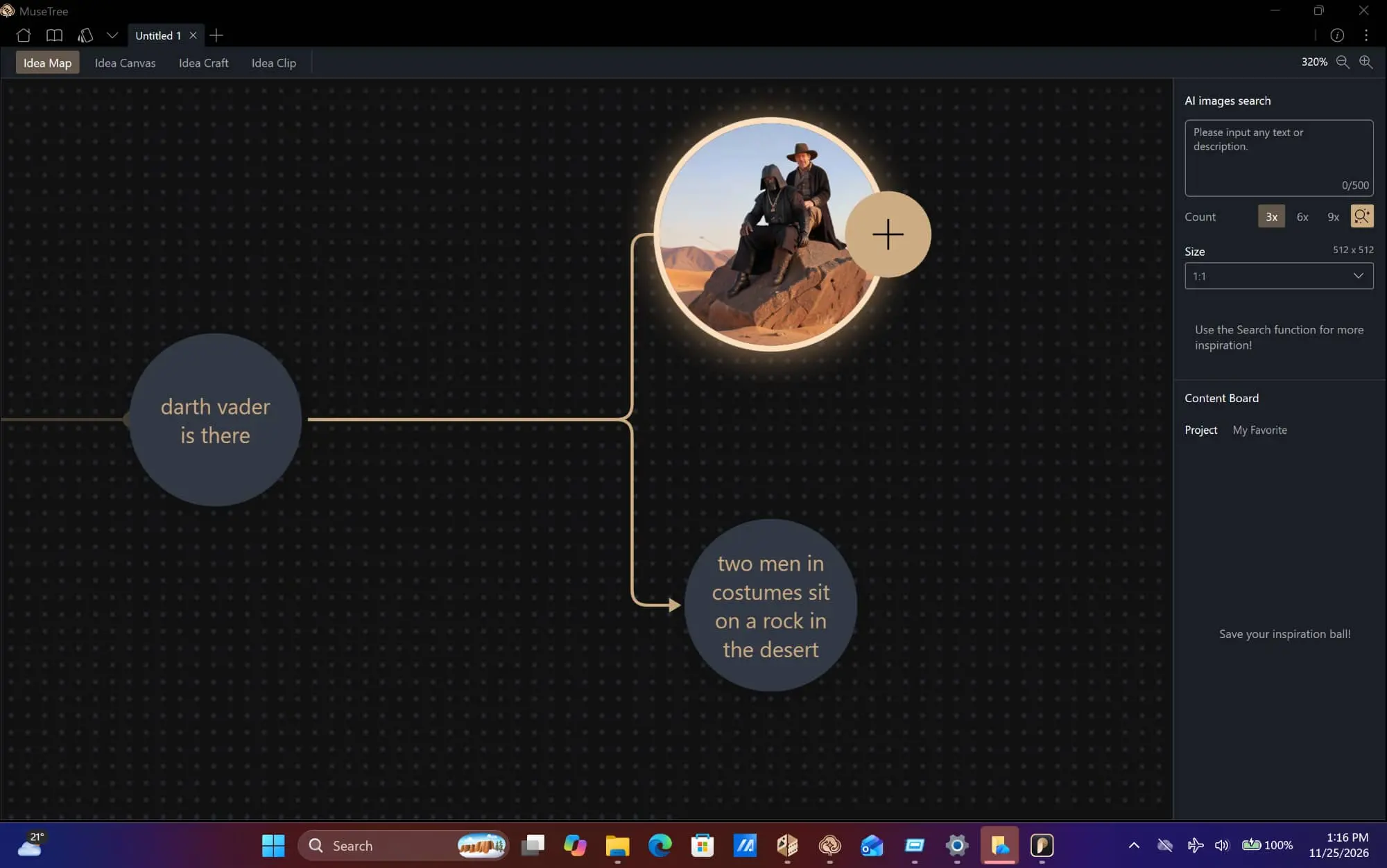
It’s definitely something more interesting than creepy wallpaper generators and yet-another-AI-chatbot you can load on your laptop, though it’s one that doesn’t always get the message.
While you’re not wasting tokens and coins on a data centre service trying to make a video or image, you are wasting time, with media out of the MuseTree hardly worth going through the effort at all. It very much feels nascent and clearly needs work.
Asus also has an a ProArt Creator Hub and a Virtual Assistant, the latter being an animated AI that sits on your screen and seems to fit in with ROG computers, while the former is a system manager for CPU and GPU information, memory usage, colour control, and performance optimisation.

Performance
Ultimately, that performance is what matters most, and testing that new processor is one of the most intriguing aspects of the ProArt P16. Simply put, it’s one of the first machines in Australia to get this technology… and what a technology it is.
Testing the ProArt 16’s performance, the Asus just flies, hitting the sort of benchmarks most laptops would aspire to.
| Device | CPU Single Core | CPU Multicore | GPU OpenCL |
|---|---|---|---|
|
HP Omen 16
Intel Core i9-14900HX
|
2377
|
8871
|
50071
|
|
Dell XPS 14
Intel Core Ultra X7 358H
|
2664
|
15462
|
55043
|
|
Acer Nitro 16S AI
AMD Ryzen 7 350
|
2890
|
12866
|
103344
|
|
Lenovo Yoga Pro 9 Aura Edition
Intel Core Ultra 9 285H
|
1751
|
12452
|
109651
|
|
Asus ProArt P16
Nvidia RTX Spark N1X
|
2654
|
22567
|
111193
|
In the PC world, the Nvidia RTX Spark inside offers twice the performance of the graphics found in the HP Omen 16 from earlier this year, and a little more than the Acer Nitro 16S AI, both AI-ready 16 inch gaming laptops.
There’s more performance compared with damn near every laptop we’ve checked out this year, even managing to take on the world of Macs. By comparison, the Asus ProArt 16 has more in its GPU than the M5 Pro benchmarks we took earlier, though Apple’s CPU has more going for it comparatively.
Depending on the benchmark, it may not be too far from the M3 Ultra inside the last Mac Studio we reviewed. Yes, it really is that fast.
| Device | CPU Single Core | CPU Multicore | GPU OpenCL |
|---|---|---|---|
|
Apple MacBook Pro 14 (M6) (2026)
Apple M6
|
3826
|
19235
|
57041
|
|
Apple MacBook Pro 14 (2026)
Apple M5 Pro
|
4267
|
27886
|
88053
|
|
Asus ProArt P16 (2026)
Nvidia RTX Spark N1X
|
2654
|
22567
|
111193
|
|
Apple Mac Studio (2025)
Apple M3 Ultra
|
3221
|
27749
|
147719
|
There is no other way to say it: this thing is fast. It’s so fast, it may as well be the most impressive PC we’ve seen in ages, and not just for benchmarks.
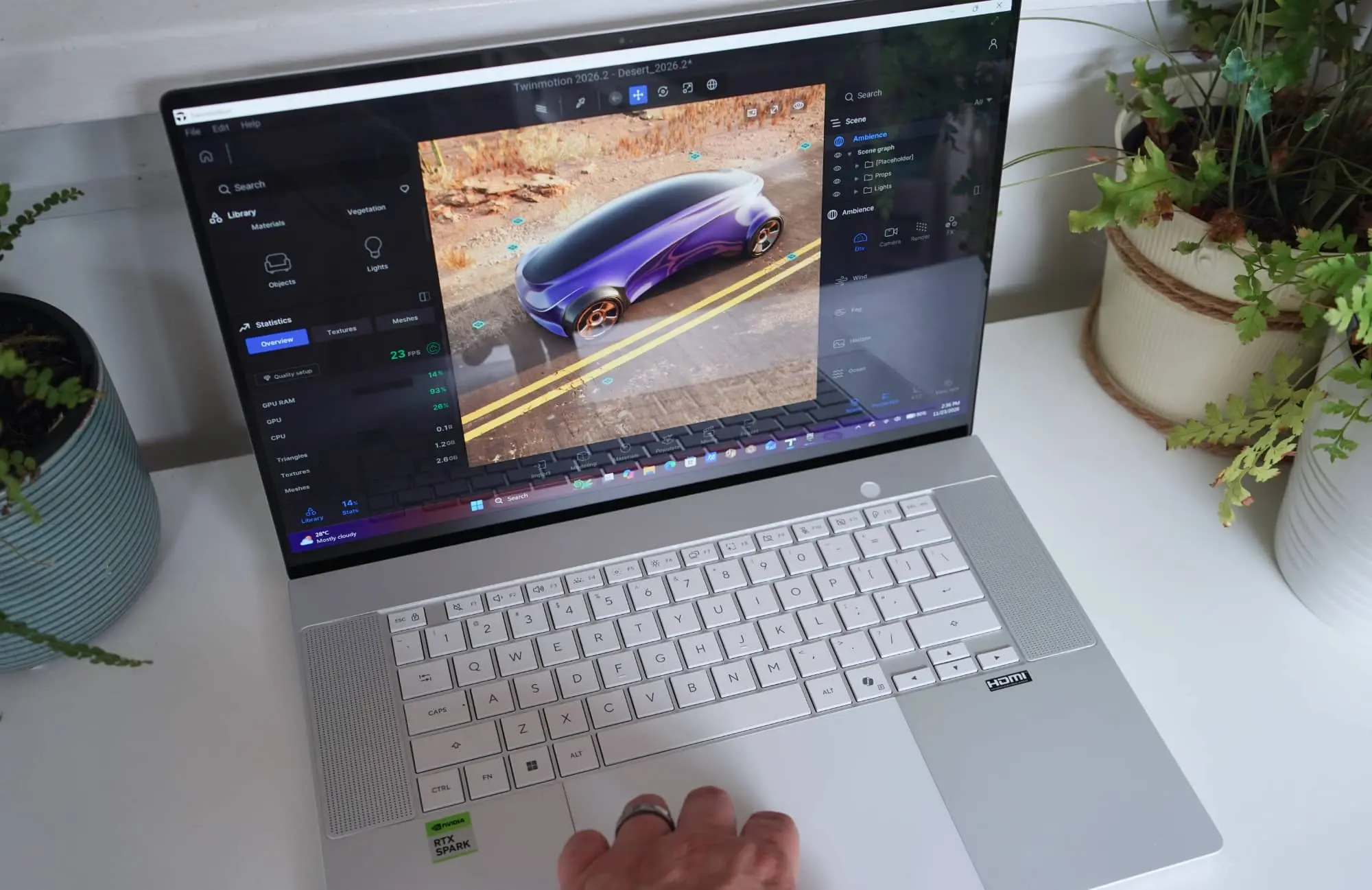
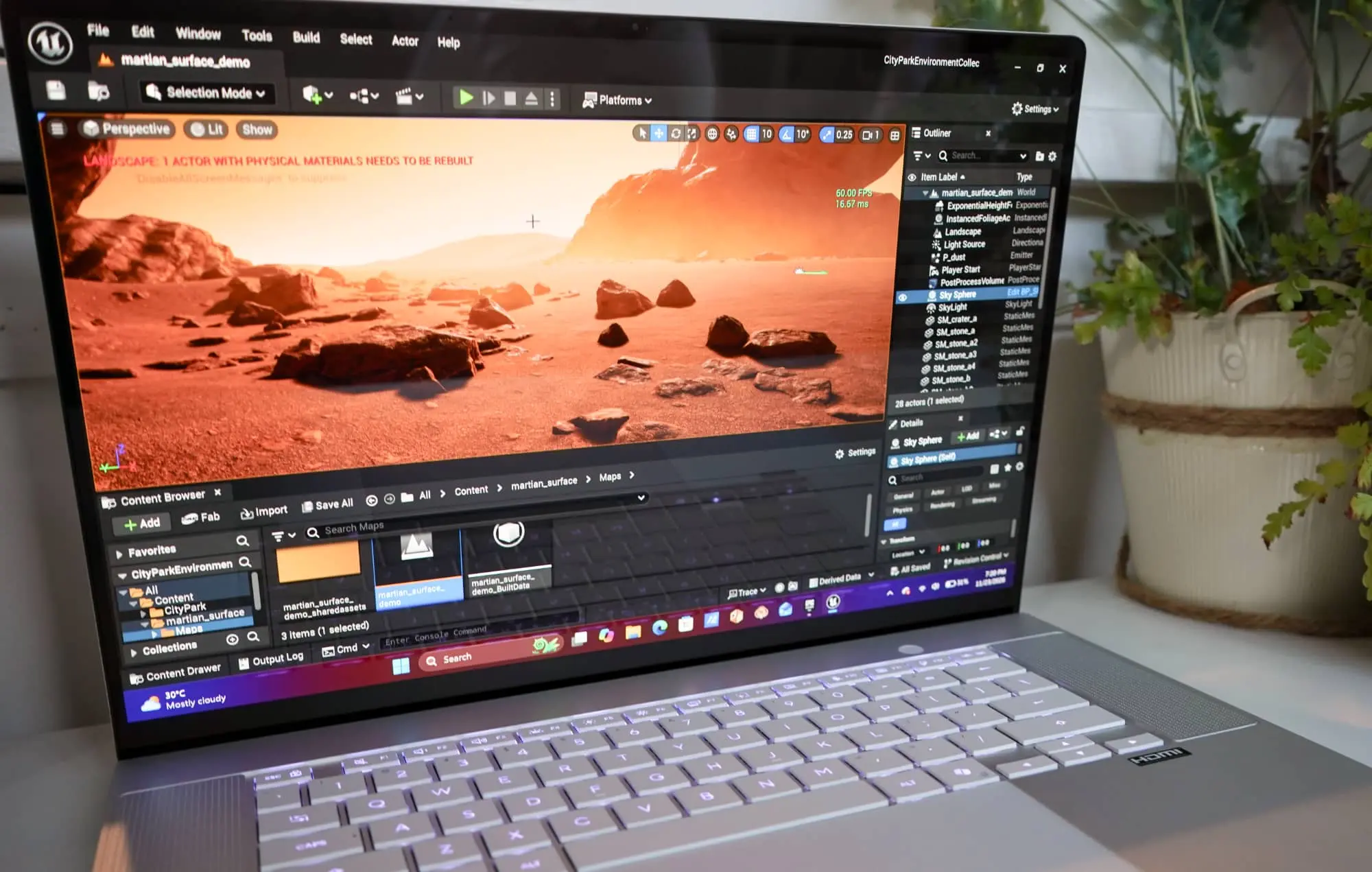
Load up some 3D development in the world of Unreal Engine, and you can see this hardware deliver the goods there, as well. Our regular Mars testing level in Unreal Engine 5 managed to hit a good 60 frames per second, while TwinMotion’s 3D environment testing could hardly find issues with frame rates while being used.
The downside is that while doing these tests, the fans on this laptop actually need to spin up, and they can be a bit of white noise while you’re working. Hopefully you have a pair of noise-cancelling headphones to drown it out, but even if you don’t, the noise isn’t that big a deal.
Battery
Surprisingly, the hardware handles itself better than expected, with our battery tests delivering more life than most high-end workstation-grade laptops receive.
For the day-to-day basic productivity, we found a battery life more like 15 hours and 45 minutes in our tests. That’s a lot better than we anticipated, especially since workstations are normally a bit of a struggle in this department.
That’s not to say you’ll definitely get the 15 hours you may crave from productivity testing. Depending on what you use the laptop for, the answer may be far from it.
In fact, the moment we loaded up graphics apps such as Unreal Engine, the battery life unsurprisingly dropped significantly. We were lucky to get an hour or two in with our 3D engine tests, giving you an idea of just how the battery will perform.
| Device | Battery |
|---|---|
| Apple MacBook Pro 14 (M6) |
20:34
|
| Asus ProArt P16 |
15:45
|
| Dell XPS 14 |
12:29
|
| Acer Nitro 16S AI |
4:48
|
The good news is a lower battery performance may not matter even if you turn up the processing power, because Asus gives you a 140 watt charge pack made to be so small, it could only have Gallium Nitride in there. That’s great news for a speedy and compact charger, and one that should also quickly charge your phone, too.
With basic work and video watching, the ProArt 16 is an all-day laptop. But with actual content creation and editing, you will get markedly less. It’s the price you pay for high performance, it seems, and may need you leaving your charge pack in your luggage. Easy as.
Value
The other price you pay is a literal price you pay, and it can be a little on the high side. That’s typically par for the course in 2026, because nothing in computers is cheap.
While you can probably thank AI for that (thanks AI), the price of the ProArt 16 still feels enormously high, almost as if it were also unnecessarily high, too.
We couldn’t find a price for the 48GB RAM model, but the 64GB ProArt P16 we reviewed started at $7999, making it one of the most expensive laptops you can find in Australia from the outset.
With a chip this powerful, we’re not really surprised that the ProArt P16 is as expensive as it is. The M5 Pro edition of the MacBook Pro that naturally competes with it also carries a high cost, and in an age of AI-everything, practically everything else does, too. None of this really surprises.
But $8K is also really expensive, especially for a laptop.
There’s little doubting that the hardware is worth it if you need it, and the combination of a great screen and excellent spec sheet really helps bring this together, even with only 1TB of storage, an amount that seems paltry compared to everything else.
The problem is practically impossible to ignore: $8000 is a lot to consider, and we’re not quite sure the value is there. Mind you, the 128GB model is a staggering $10,999 in Australia for 128GB RAM and still 1TB storage, and that price manages to feel even worse. Oof.
What needs work?
Curiously, beyond the price, there’s not much to complain about with the ProArt 16. It really is a lovely laptop.
In fact, it’s one of those machines where nearly every aspect has been considered. The problem is the price is also considered in that it is considerably high.
Truthfully, it may not be simply an Asus problem. It’s likely all of that AI thing and the demands of data centres swallowing up memory and storage components ruining the cost of a workstation so good, a problem affecting every computer maker today.
It’s just that Asus has managed to really deliver despite this, you just need to be cool with spending the cost.
Final thoughts (TLDR)
Whether you’re a fan of AI or not, it’s difficult to ignore the technology’s presence in devices we’re buying, or even considering buying. It’s in phones. It’s in laptops. It’s in desktops. You can even find AI in appliances if you look hard enough.
There aren’t a heap of uses for AI on-device just yet, but that will change.
While most of our AI tends to run from the cloud, eventually the AI processes we use might just lean on the hardware we already have, so we’re not as reliant on enormous data centres that consumer water and energy like it’s their right. It’s clearly another question for how an AI is trained, particularly with regard to legally acquired training materials, but sometime in the next few years, our hardware will be better suited to run AI locally.
Truth be told, the Asus ProArt P16 isn’t the first example of a device like that; Apple has been putting neural processing into its laptops for over five years, and both AMD and Intel have offered AI-hardware for a few years, too. But the Asus ProArt P16 is a little bit different.
The Asus ProArt P16 is extraordinarily fast for an AI PC. It actually feels like it has been made for the AI era, something no other Windows laptop we’ve seen prior has managed.
Curiously, it’s not just the Nvidia RTX Spark that gets it there. The Spark chip is very impressive, but the ProArt P16 is the whole package. It’s a machine that feels very much like it’s designed to last several years, rather than barely get by after one or two.
Fast, capable, and built to deliver, the Asus ProArt P16 is the first genuinely impressive Windows laptop we’ve seen in ages. If the price doesn’t make you flinch, this is definitely worth the attention and ultimately worthy.
Surprisingly recommended, but only if you can afford it.