It’s the new year, and AI will likely be a part of it. But what if you want to start the new year without it? Here are some ideas.
A new year is upon us, and we just want to say “happy new year”. And if our 2026 tech trends predictions was anything to go by, the year will have plenty of AI in it, whether you want it or not.
So to start the year, you might want to kick off sans-AI. If you want to kick things off, what are some un-AI ways you can start the year?
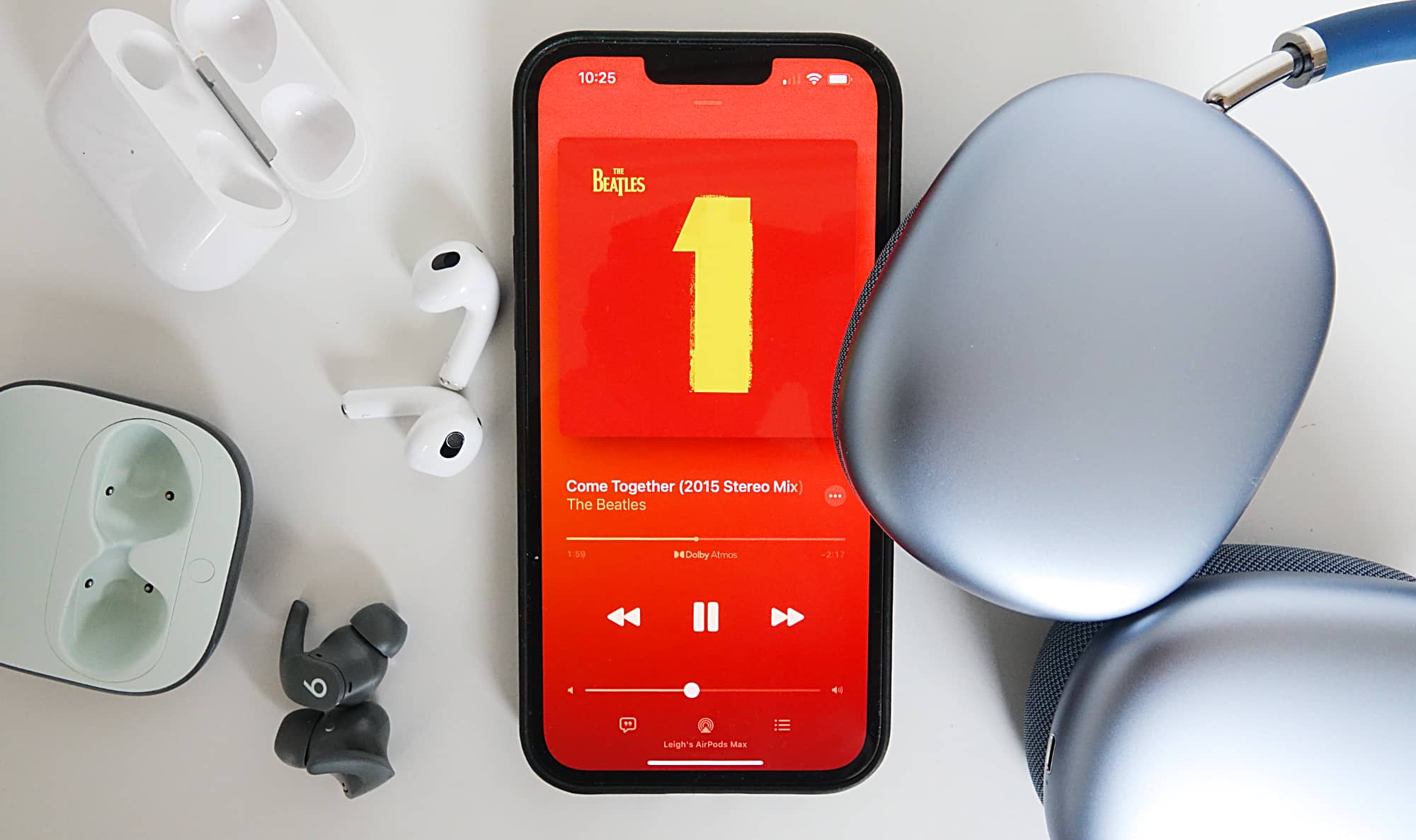
Build a playlist like a mixtape
Whether or not you’re a paid subscriber to a music service, or even if you happen to just use Spotify on a free tier, there’s a good chance AI plays a part.
Spotify Premium offers an AI DJ to control your music and even take requests, and many of the recommendation engines are based on a combination of likes and dislikes, using AI to make suggestions, but it wasn’t always this way.
Before the era of automated suggestions, people made mixtapes based on tracks they loved from albums they heard.
The process is clearly different now, and most of us aren’t using an analogue medium like a cassette tape, but you can use a playlist in much the same way, and go old school.
Simply make a playlist on your music service, maybe one to kick off the new year, and find tracks you love from albums or singles. You can use suggestions if you want to, but creating a playlist sans-AI for a walk, a run, your return to work, a friend, a special event, or simply just to make a playlist could be the thing that kicks off the year in an un-AI kind of way, if you’re so inclined.
If anything, you’re guaranteed to get songs you love because you picked them. As opposed to simply hoping that automatic computer-assisted suggestions hope they know you well, and end up causing you to skip, skip, skip.
And if you need a playlist to start from, consider one of Pickr’s Sound Tests, used for all the headphone and speaker reviews.
Switch off AI mode
The next time you go to search something, there’s a good chance AI will be there. It’s in everything, so it’s definitely in search, and Google’s rollout of AI mode in search in Australia definitely means it’s there, too.
But it doesn’t have to be.
You can’t really remove AI mode from the possibilities of search, but if you use Google’s Chrome web browser, you can use special browser flags to hide aspects, removing the AI mode button and a direct link to Google Gemini.
There’s a similar sort of tweak you can make on mobile versions of Chrome, but another option available is to try a different browser, or even try a different search engine.
A switch to a different browser, such as Brave or Vivaldi, could just remove some of the built-in AI from the web browsing experience, but switching to an old school search engine could get you there, as well.
Consider DuckDuckGo as a solid option for that, which offers an AI system but doesn’t have it switched on by default in contrast to Google.
Alternatively, there’s an AI-less search engine in Ecosia, a search engine focused on the environment, which isn’t something you can probably apply to any other search engine. And if you need a third option, there’s also Qwant, a French search engine that works in Australia which even has a curious kid-focused edition in French.
Try one of these options and watch the AI disappear from your search experience, and start the year potentially with a little less AI.
Brainstorm, not ChatGPT
Over the past few years that AI has popped up in the world, many are using it as part of their daily process.
You might lean on it to answer a question, or ask Microsoft’s CoPilot built directly into Office and Windows 11 for some small advice regarding a bit of text you’ve written. If you’re using an iPhone, ChatGPT is there to edit your text, and maybe to spruce it up, while Android owners have Gemini built-in to do much the same. Owners of a Nothing phone may have both ChatGPT and Gemini.
We’re not going to say if there’s anything wrong with using ChatGPT or any other AI service — we give an AI service an award as part of our Best Picks yearly — but if you’re trying to start a new year with less AI, you may want to consider closing the AI assistant tab for a day or three, and do things old school.
Grab a pencil, some paper, and brainstorm. Write ideas. Be unfiltered. Say things you’ve wanted to say for ages in your words, and chart out ideas.
Let your brain simply do what it can do, and stretch out and flex that muscle without AI assisting you.
It might even end up feeling liberating.
Back up your phone and computer

AI can assist in a bunch of ways, but backing up your phone and computer aren’t ways it typically works.
You can ask it things. It can write you mediocre copy and generate images that may or may not be fantastic. You can even use AI to build music that sounds like it was from a real person. It may even confuse people on radio.
You can make music lists for you and find answers in search and brainstorm ideas, but it can’t yet back up your computer or your phone.
AI is supposed to help with the whole thing, and it will eventually be a part of Windows, but none of the AI systems in laptops we’ve reviewed in the past year have included it, which means you probably don’t have it yet, either.
That means chores like computer and phone maintenance are still very much your responsibility, but it also means it’s something you can do without AI, and rest assured knowing you’ve done it.
Last year, we wrote that you can start the year by doing things like changing your passwords and changing your phone’s wallpaper, little bits of maintenance that can make a difference, but the same is true with backing up your devices.
Grab your phone and check its settings, backing up photos to a photo storage service such as Google Photos or Apple’s iCloud. Over on your computer, consider finding an external hard drive (if you have one), or create an account at one of the many cloud storage services, and pick the folders and files you want to back up.
And then just do it, and let your maintenance kick off without AI, knowing you’ve done something important on the first moments of the new year.