
Quick review
The good
The not-so-good
A laptop that doubles as both a sizeable tablet complete with stylus? The 10th-gen Lenovo Yoga 7 2-in-1 flexes what it can do, and it can do a little more than other laptops.
It’s next to impossible to get by without a laptop these days, but they do tend to come in all sorts of shapes and sizes, and specs, and styles. You have a choice of what you want and the distance it can go, much of which is properly portable yet powerful, and typically able to last several years.
In an era where the boom of AI data centres means every bit of technology costs a little more, holding on is important, ideally because you’ll want to stretch that dollar as far as it can. That’s why it can be so crucial to buy something good and long-lasting.
But picking something where it feels like it’ll go the distance isn’t easy, and short of channeling Michael Bolton to go the distance (because you must really love his music), working out what will go the distance isn’t easy.
Do you go on specs, on design, or maybe on price tag?
The answer is to go with something that matches all three if you can, stretching the latter to accommodate the former, and then finding something that fits your idea of what a portable should look and feel like to satisfy the middle.
At ten generations in, Lenovo’s Yoga 7 2-in-1 aims to match all of those, bringing decent specs to a decent design with a surprisingly decent price, at that.

Design
Appearing mildly reminiscent of something we’ve seen before, Lenovo is clearly returning to a design that works in the Yoga 7 2-in-1, all without flexing the design muscle of the engineers too much.
If you’ve seen Lenovo’s recent efforts in the premium Chromebook space, you have also largely seen what the company is trying for in the Yoga models, as well.
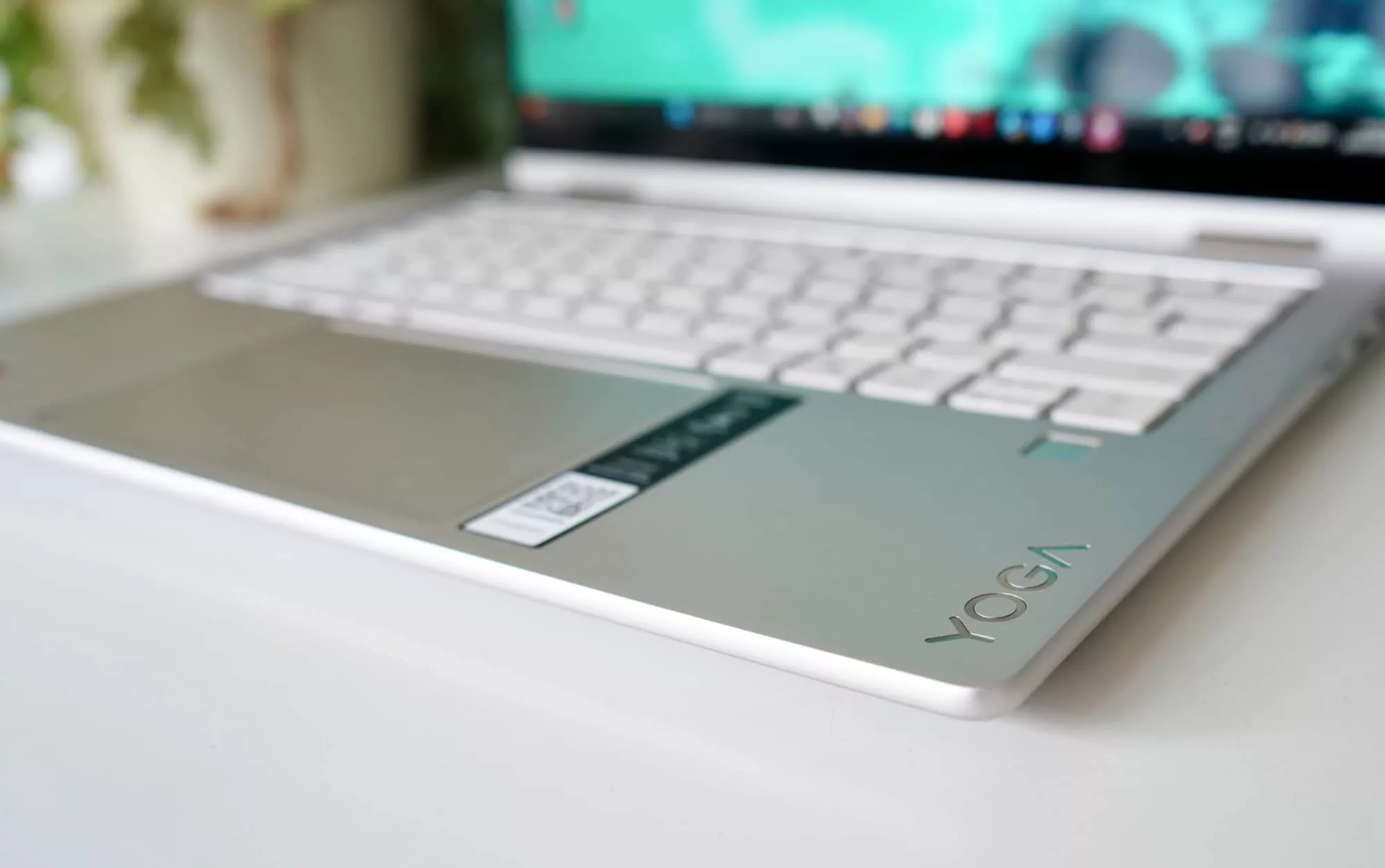
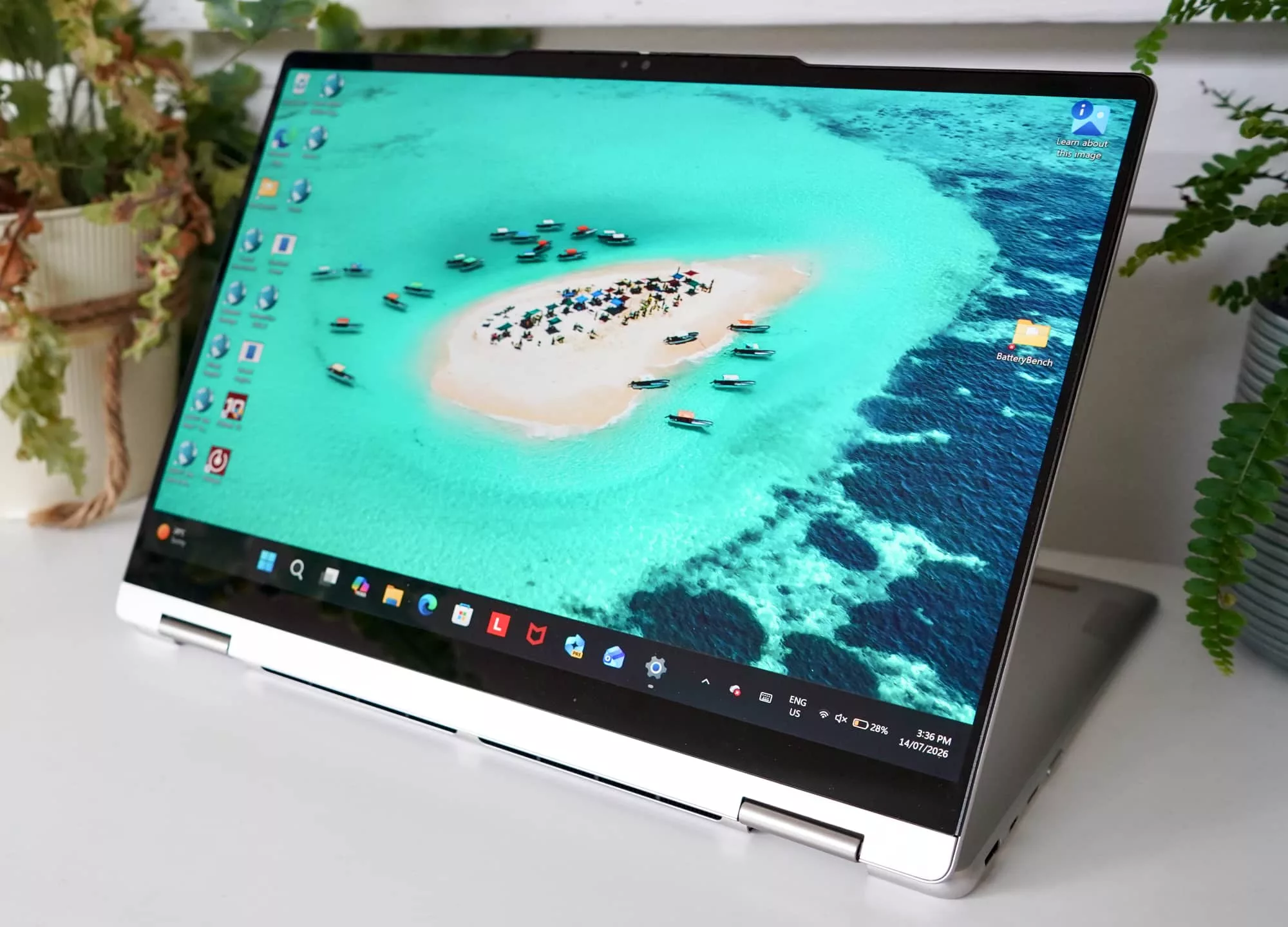
There’s a difference in the hinge, of course — this one includes a special hinge that can allow the laptop to lie completely flat and even spin the screen around, making it both laptops and tablet. But outside of this, the design is similar, almost as if Lenovo was reusing the styles and changing how the screens connect.
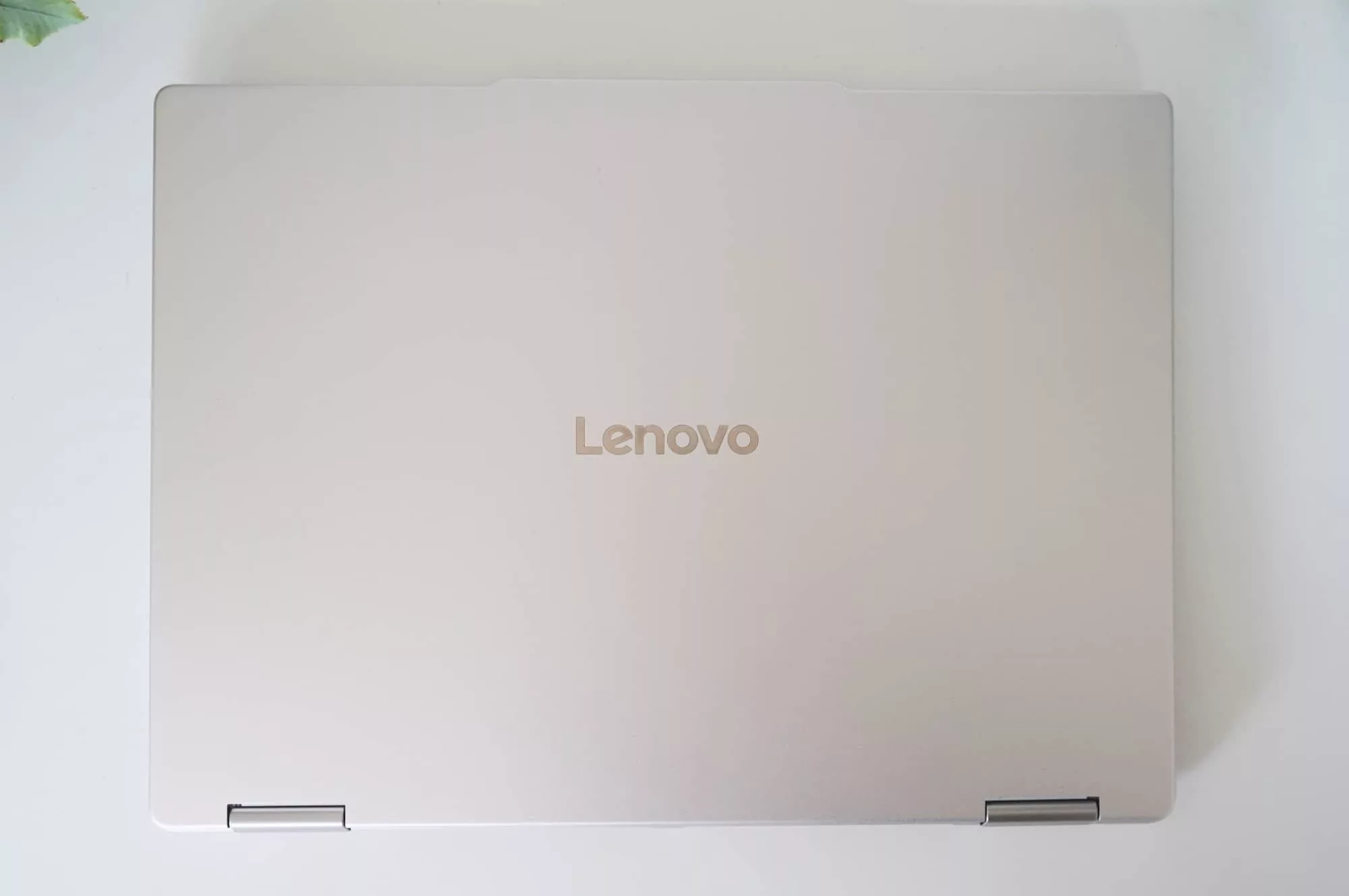
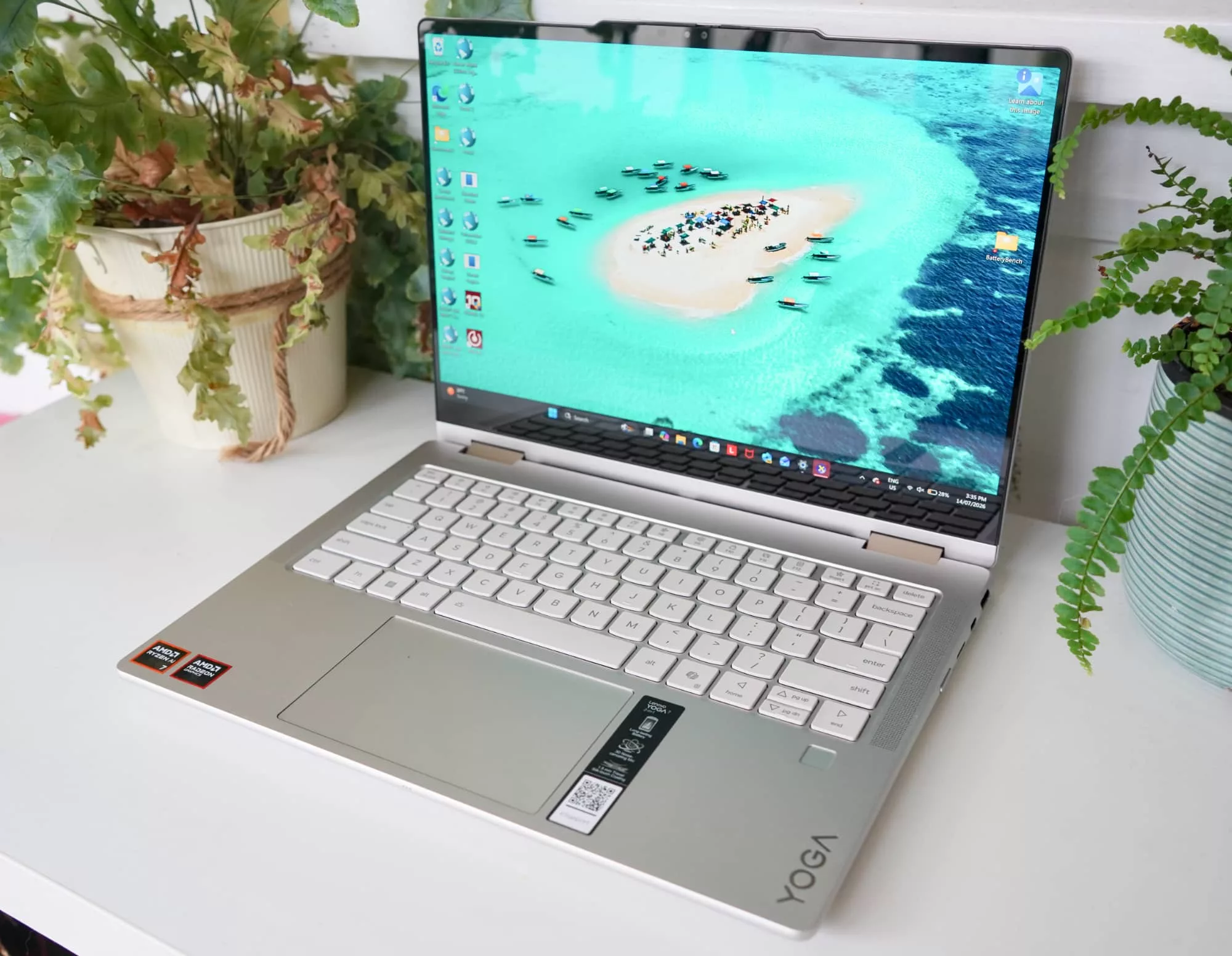
That includes an aluminium casing both on the top and bottom, one that’s available in two colours but arrived in our review in “seashell”, a pearl gold-silver that clearly wasn’t the other choice: “tidal teal”. We don’t make up the names, we simply write them down.
A weight of roughly 1.38 kilograms makes it fairly easy to carry, while a thickness of 15.45 mm means shut and closed, it’s near the size of two iPhone 17 Pro Max models wedged together. It’s clearly not two phones held together by a hinge, nor is it two screens held together like the Asus dual-screen laptop.
Rather, this is a laptop’s keyboard tray section hinged to a laptop’s touchscreen that also works as a tablet. It’s a fairly direction Windows PC.
Features
Inside, you’ll find a feature set specific to AMD, with an AMD processor and AMD graphics, meaning you get a meaty chip and some reasonable graphics, too.
Going by the spec sheet, it means seeing an AMD APU that combines the Ryzen 7 350 AI-capable processor and the AMD Radeon 860M graphics chip, coming together in a system on a chip that kind of does it all.
A good 32GB is matched to the system, but maxes out there, as is 1TB of solid-state storage, though you can at least add more using the microSD slot on the side for temporary storage or image checks.

Elsewhere, you’ll find two USB-C ports (one on each side), a singular USB-A on the right, an HDMI on the left, plus a 3.5mm headset jack on that same side, as well. There’s a power button on the right edge, a fingerprint sensor under the keyboard’s right arrow key, and a slide-over webcam cover up top protecting the camera with infrared, handy for logging in using Windows Hello.
That just above covers the physical connections, but you’ll also find 802.11a/b/g/n/ac/ax/be WiFi 7 and Bluetooth 5.4, as wireless is offered for networking, but no wired Ethernet. That’s very much a case of BYO if you need to.

Display
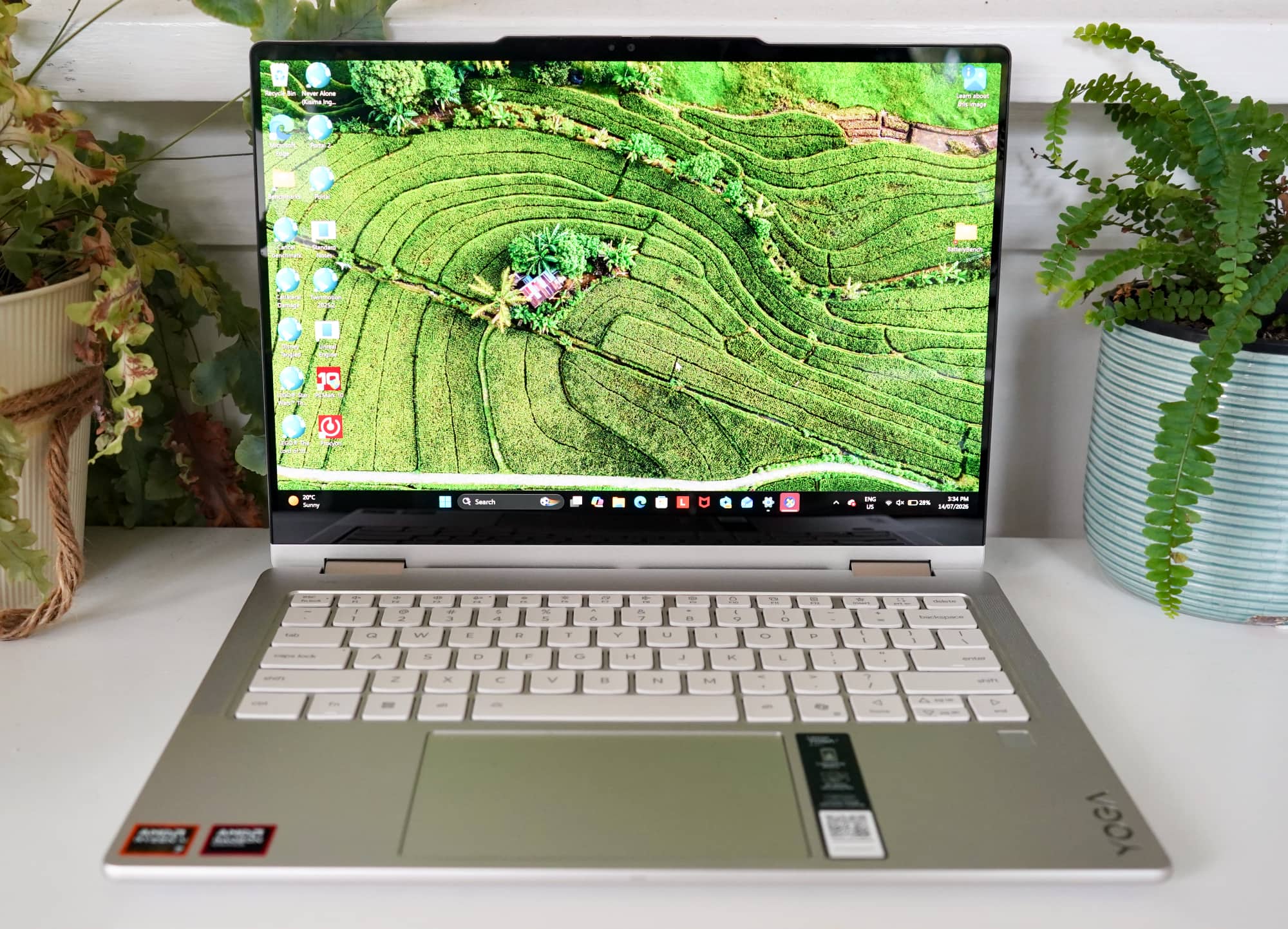
A reasonably spacious 14 inch screen comes with the laptop, delivering an OLED resolution bigger than Full HD offering 2880×1800 amidst a 120Hz refresh rate.
It’s a screen you’d have little reason to complain about, offering plenty of brightness and clarity, but still being quite shiny and glossy. If anything, that’s possibly the one thing you will complain about, because the screen’s reflectivity can make it difficult to absorb into what you’re doing.
Reflections from lights or just a sunny window are picked up by the screen all too easily, and the display simply begs for an anti-reflective coating which just isn’t here.
OLED is one of those display technologies that can do this sort of thing, and is why screen types like Mini-LED can be better, or even seeing an anti-reflective tech improving things. Here on the Lenovo Yoga 7 2-in-1, you get a great screen that doesn’t do well with reflections, so you might want to close a window or change the display angle.
It’s a small price to pay for decent visuals.
In-use
Lenovo is known for its keyboards, and while the set of keys here isn’t of the ThinkPad ilk, the keys aren’t bad, either. Fairly spacious and comfortable to enter words in, the Yoga’s keyboard is better than it probably should be, while the trackpad can feel a little too tight at times.
The good news is you also have a touchscreen to work with, even if Windows doesn’t exactly match the touchscreen approach anymore. But it’s there, complete with a 360 degree hinge, which is where the 2-in-1 gets its name: it’s both a laptop and a tablet, provided you fold the screen back on itself.
Lenovo is no stranger to this approach, and things have largely been this way for several years now. This generation is actually the 10th-gen, giving you an idea of how just how long Lenovo has been beating this drum.
Despite the 10th-gen moniker, the style is more of what we’ve seen prior, and that’s fine. It’s a laptop mostly and a tablet if you need it.

Performance
Regardless of what you end up using it as, you’ll find an AMD double set ready to serve you, and it definitely does the job.
The processor is no slouch, delivering faster speeds than what you might be upgrading from, especially if your hardware happens to be several years old.
| Device | CPU Single Core | CPU Multicore | GPU OpenCL |
|---|---|---|---|
|
Asus Zenbook S 14
Intel Core Ultra 7 258V
|
2450
|
10069
|
24848
|
|
Dell XPS 14
Intel Core Ultra X7 358H
|
2664
|
15462
|
55043
|
|
HP ZBook Ultra G1a 14 inch
AMD Ryzen AI Max Pro 390
|
1563
|
9334
|
27938
|
|
Lenovo 10th-gen Yoga 7 2-in-1
AMD Ryzen AI 7 350
|
2773
|
12372
|
27336
|
We’d stop short in saying it’s the fastest system around, but the spec listing definitely helps it along. Windows 11 matched with 32GB RAM means there’s plenty of memory and little in the way of lag, while the 1TB storage our review model came equipped with meant it was going to go a little longer, as well.
In terms of those specs that go the distance, 32GB RAM and 1TB SSD definitely gets us much of the way there.
Battery
The battery won’t blow you away, unfortunately, with a maximum of roughly 10 hours of life, at least from our Battery Bench tests. For folks using the laptop on the day-to-day, it roughly means you can take it with you, do some work, and leave the USB-C charger in your backpack, but take it out if it gets dire.
Our testing with the 10th generation 2-in-1 saw that on-brand 10 hours rough maximum, and barely escaped beyond it. Turn WiFi off, lower the brightness, and in general use the laptop less by having an actual lunch break, and you may see yourself rewarded with a little more longevity.
But it’s not as if you’re going to leave the charger at home, merely in your backpack.
| Device | Battery |
|---|---|
| Asus Zenbook Duo (laptop) |
16:45
|
| Dell XPS 14 |
12:29
|
| Lenovo 10th-gen Yoga 7 2-in-1 |
10:29
|
Things could be better here, though, and depending on how much you push the hardware, you’ll likely find a lifespan between 6 and 10 hours, all things considered.
Officially, Lenovo paints the battery life at between 12 and 18 hours based on performance and video playback testing, but we suspect you’re only getting that if you lower the brightness and keep to basic activities, covering video watching and the like. Productivity will hold the battery life down a little more, it seems.
Value
One thing that Lenovo’s laptop really has going for it is value, or at the very least, the perceived value of it all.
You get a laptop, a sleeve, a wireless compact mouse, a stylus, and pair of truly wireless earphones. That’s a lot of extra value for a laptop, and the sort of options not a single laptop ever comes with.
The Yoga 7 2-in-1 will set you back $2499 in Australia, which can seem like a lot. Truth be told, it’s better value than you might expect, especially as laptop prices are on the rise again.
Our review model also appeared to come with a little more value when the box was opened.
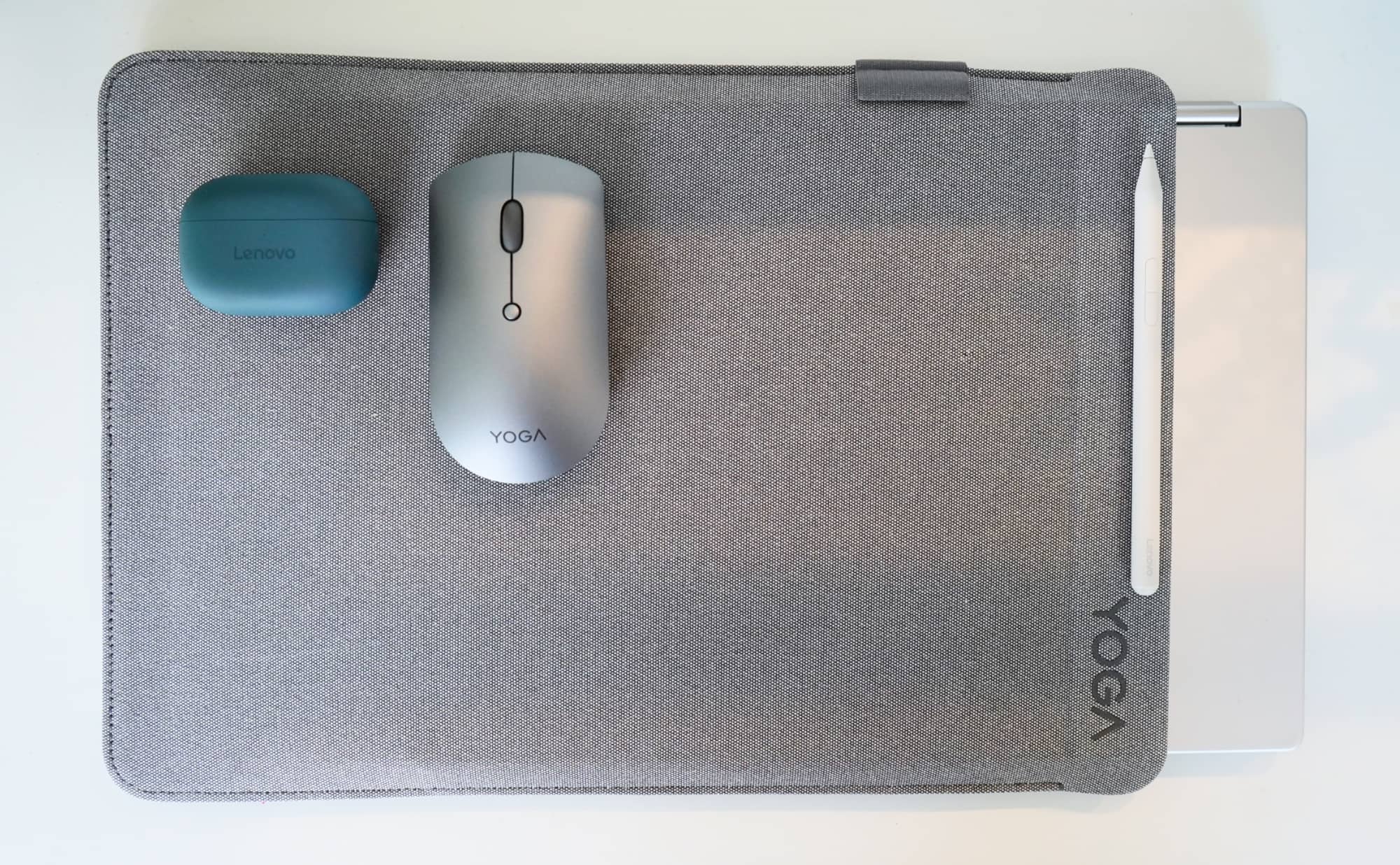
Glancing in the cardboard of the 10th-generation Yoga 7 revealed a stylus with a USB-C port, a pair of truly wireless earphones, a wireless portable mouse, and a folio to hold the Yoga, basically giving you the full kit and caboodle without having to spend a cent extra.
It’s a solid kit in terms of value.
If you can find it. In evert model variation — in every SKU — we couldn’t find the Yoga 7 2-in-1 10th generation with those extras, and would all cost a little extra. The mouse would add $1, the sleeve $40, the earphones $121, but at least the stylus was included. However, none of the models on the Australian store included the fingerprint reader, even though this one did.
It makes for a confusing package, and one that when you take those bundled-in extras found in our review model out of the package, can make the laptop’s value more ordinary.
That said, $2500 for a machine with 32GB RAM and 1TB SSD is admitted better value than a lot of other laptops reach. If you can get the Lenovo Yoga 7 2-in-1 for this price, you’re actually laughing a bit.
What needs work?
While the system spec is actually surprisingly good, the graphics performance can feel under where it should be, and it’s easy to see why.
Technically, it’s on par with other AMD chips. That’s fine.
| Device | CPU Single Core | CPU Multicore | GPU OpenCL |
|---|---|---|---|
|
Apple MacBook Air 13 (2026)
Apple M5
|
4129
|
16906
|
40545
|
|
Apple MacBook Air 13 (2023)
Apple M3
|
2899
|
11312
|
30371
|
|
Lenovo 10th-gen Yoga 7 2-in-1 (2026)
AMD Ryzen AI 7 350
|
2773
|
12372
|
27336
|
The problem is when we start comparing it to performance from other systems, like this year’s Intel processors used in the Dell XPS 14, which just beats it. Or even an Apples vs oranges bench between the Lenovo and the 2026 MacBook Air 13, which is different enough to give Apple an edge.
The sticking point appears to be the AMD chip offers last year’s Intel performance, a point you can see when comparing the Lenovo Yoga Slim 7i to the Yoga 7 2-in-1. Different chip, but similar performance, and a result that while handy for keeping things consistent, seems like it could be that little bit better.
| Device | CPU Single Core | CPU Multicore | GPU OpenCL |
|---|---|---|---|
|
Lenovo 10th-gen Yoga 7 2-in-1
|
2773
|
12372
|
27336
|
|
Lenovo Yoga Slim 7i Aura Edition
|
2690
|
11007
|
27090
|
It’s a similar vibe when considering for battery life, which also feels like it could deliver a little more.
Most of the laptops we’re seeing lately tend to offer over 11 hours of battery life as part of the norm. Gaming machines don’t, and typically hit between 4 and 5 hours, but a regular workday machine can nail between 12 and 16. Some can do even more.
Lenovo’s Yoga 7 2-in-1 maximum of a little over 10 hours runs just short of the minimum of where we’d expect the battery life to be. It’s low for laptops today, and could easily be better.
Final thoughts (TLDR)
Finding a decent laptop to go the distance isn’t always easy, but there are signs Lenovo’s system could. A good looking laptop focused on versatility, the Yoga 7 2-in-1 is more likely to be a laptop than a tablet, but the option is still there, and the inclusion of the stylus helps that, too.
You probably won’t find a pack with mouse, earphones, and sleeve, and that’s okay. The included USB-C charge stylus is handy, and actually makes the tablet more worthwhile than simply touching and prodding with your fingers.
We’d still lean more on the laptop side than anything else, and that’s because the 10th gen Yoga 7 2-in-1 is more of a laptop than a tablet. But the versatility is there, and given the specs, so too should be the longevity. This should go the distance and keep you going for a few years.