Quick review
The good
The not-so-good
Launched for $99, the Laser 14 inch screen isn’t perfect and feels cheap, but it nails what it aims to deliver: solid value for portable options.
Your laptop is great for portability, but one thing your laptop typically isn’t going to be great with is screen real estate. You’ll get some, but not a massive amount, which is really why you probably have a big screen at home.
Out and about, however, the compact 13 to 16 inch screen sizes that occupy the assortment of laptops today are big enough to go, but still lack the space an extra display offers. And it’s not like you can pack a 27 inch display or bigger in your hand luggage or backpack.
It’s no wonder then that portable displays are so popular, with the assortment of choices providing easily stood up screens that can quickly be matched to your computer of choice, or maybe even a game system.
While there’s plenty of choice in this category, most go for over $300, making them a somewhat costly accessory.
Is there such a thing as a budget display, and if there was, what would it be like?
We may not have to wonder or guess anymore, as Australia’s Laser is trying its hand in the idea, offering a $99 screen. Is it too low a price for a screen, or is the value too hard to pass up?
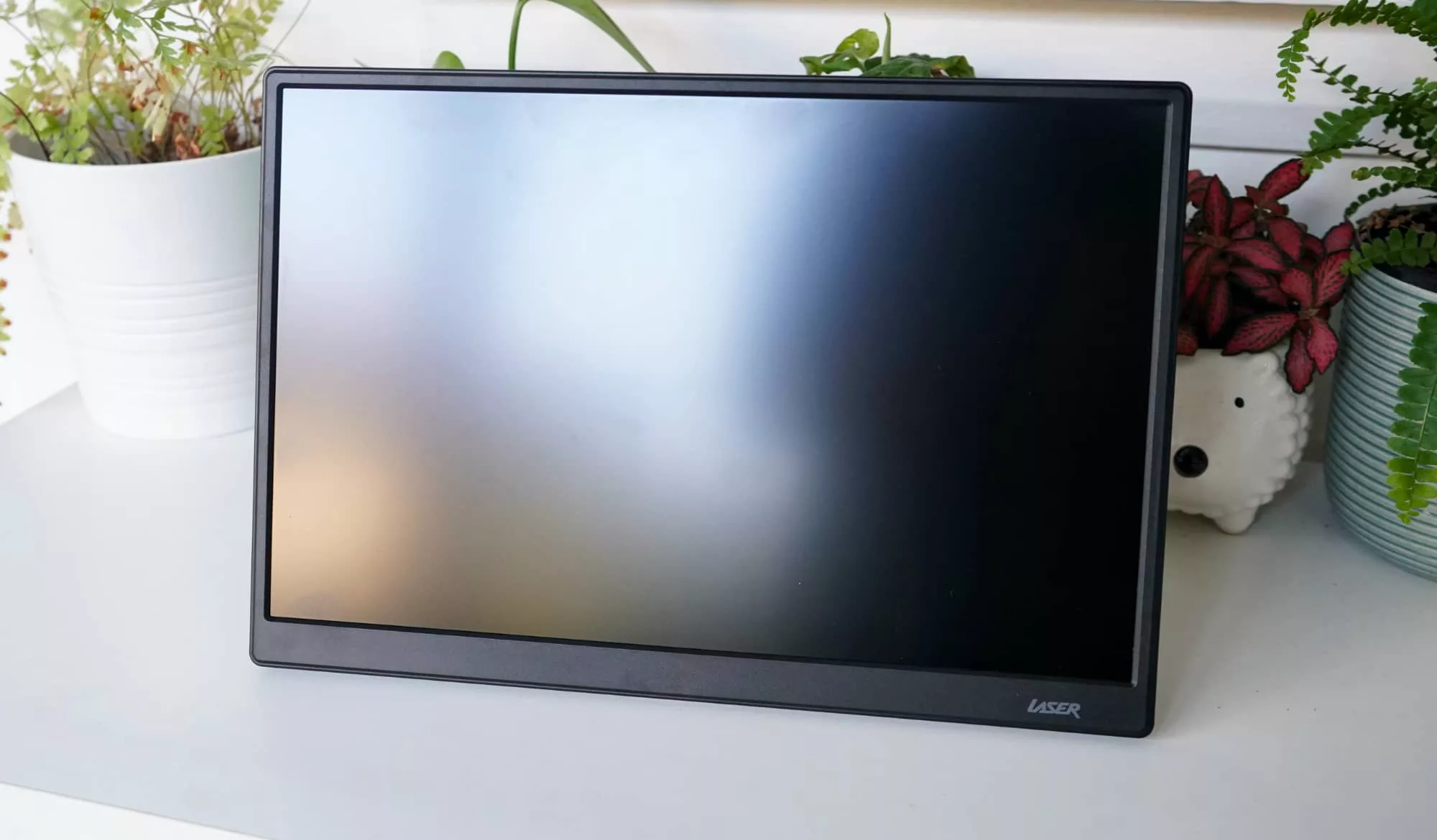
What is Laser’s 14 inch screen?
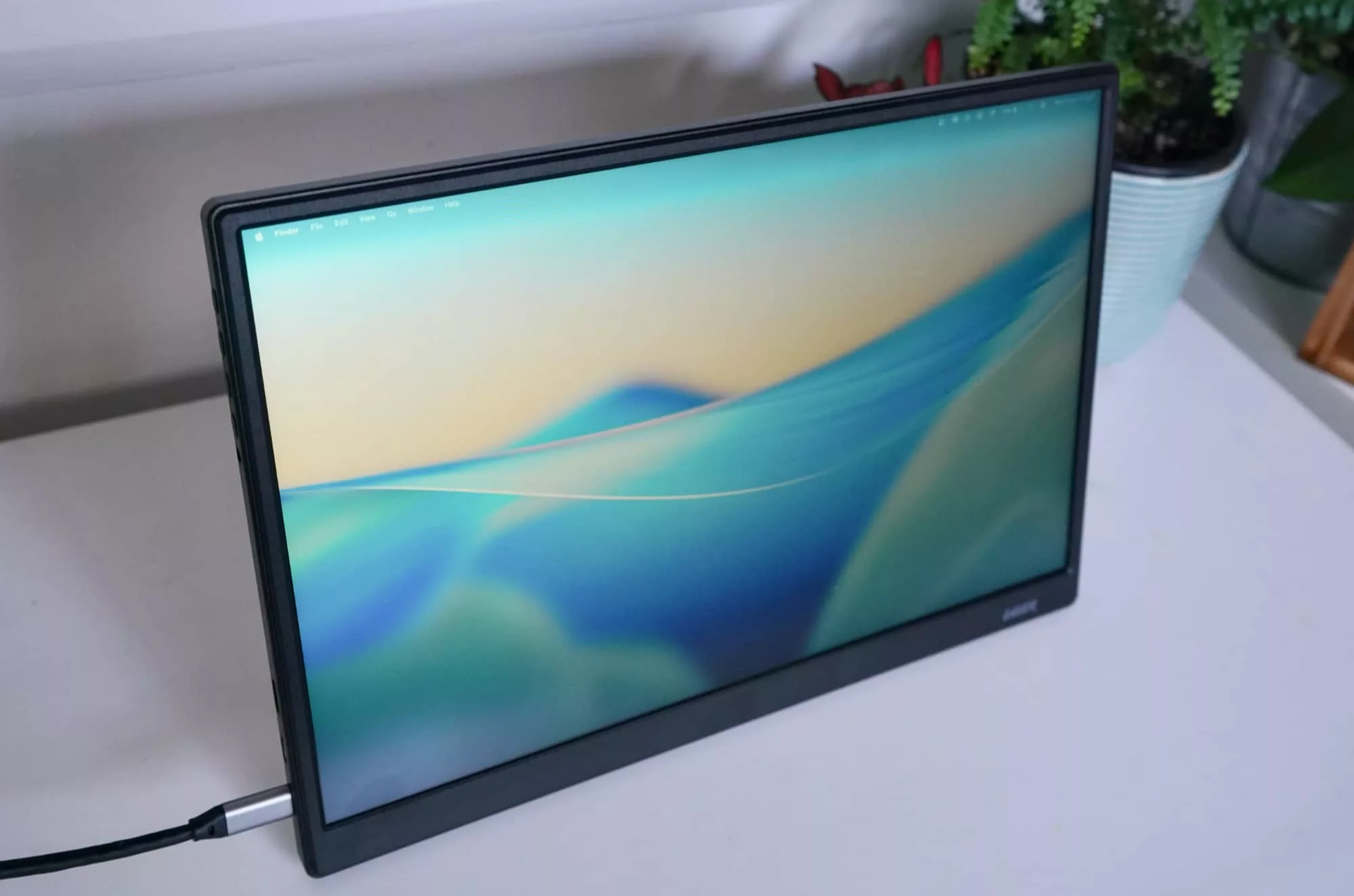
Technically named the Laser PC-14PTMB-004, the Laser 14 inch Portable Monitor is exactly what it says it is: a 14 inch screen with a Full HD 1920×1200 resolution, and a stand built into the back. There are also little speakers built into the back, as well, plus some old school push buttons to change settings on the screen.
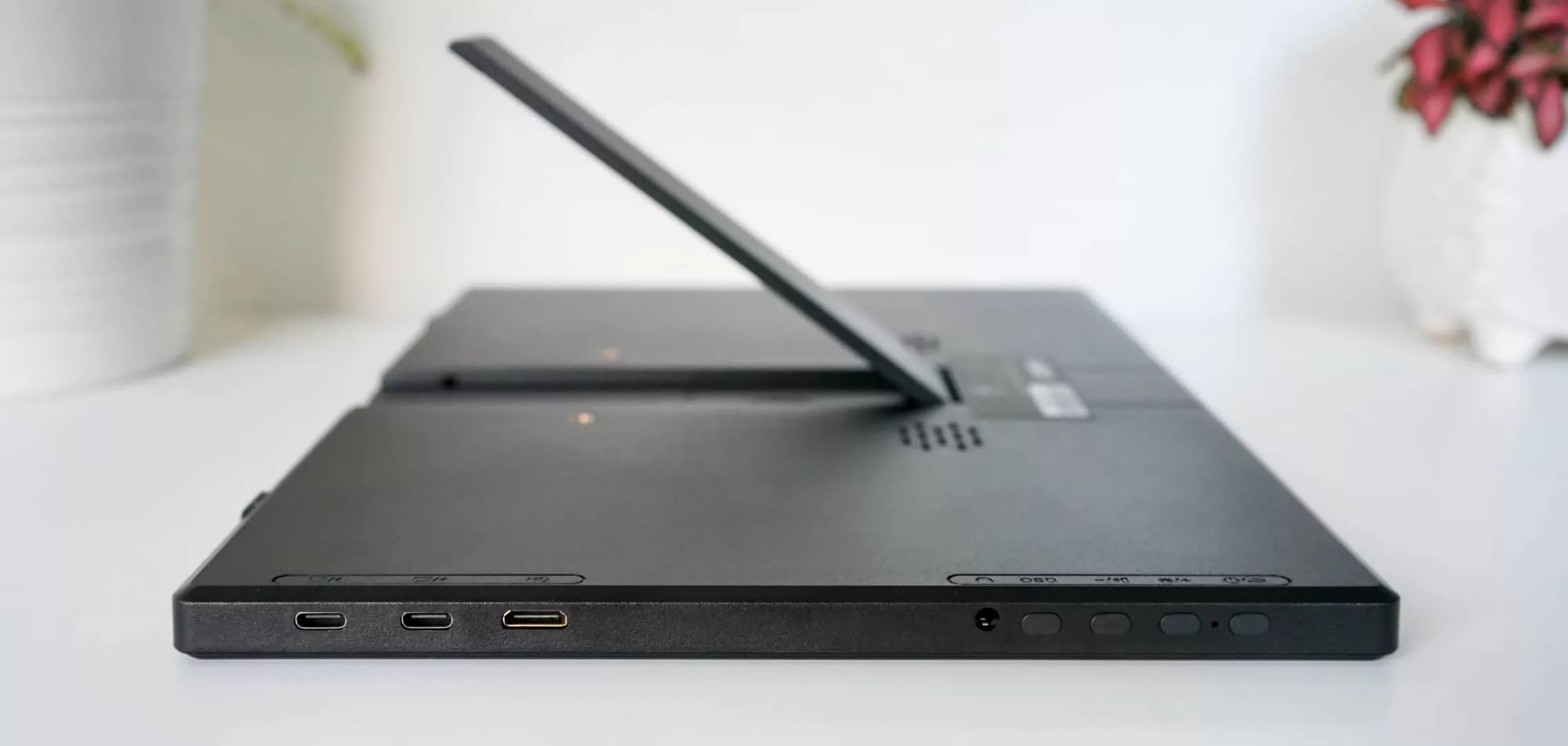
Arriving with cables that end in both USB-C and mini-HDMI, Laser’s 14 inch portable screen already comes with more than most displays we’ve seen. Normally, it’s just a stand, a screen, and a USB-C to USB-C cable. The include of an HDMI to mini-HDMI goes a little further, which means you’re getting a little more that would typically cost extra.
What does it do?
Like all portable screens, the idea of this one is to provide an external display that sits rather easily next to your laptop, giving you a little extra to work with.
The stand pops out of the back, sitting on a small hinge and allowing you to position it at a small assortment of angles, though this is not a touchscreen so it doesn’t really matter how you position it.
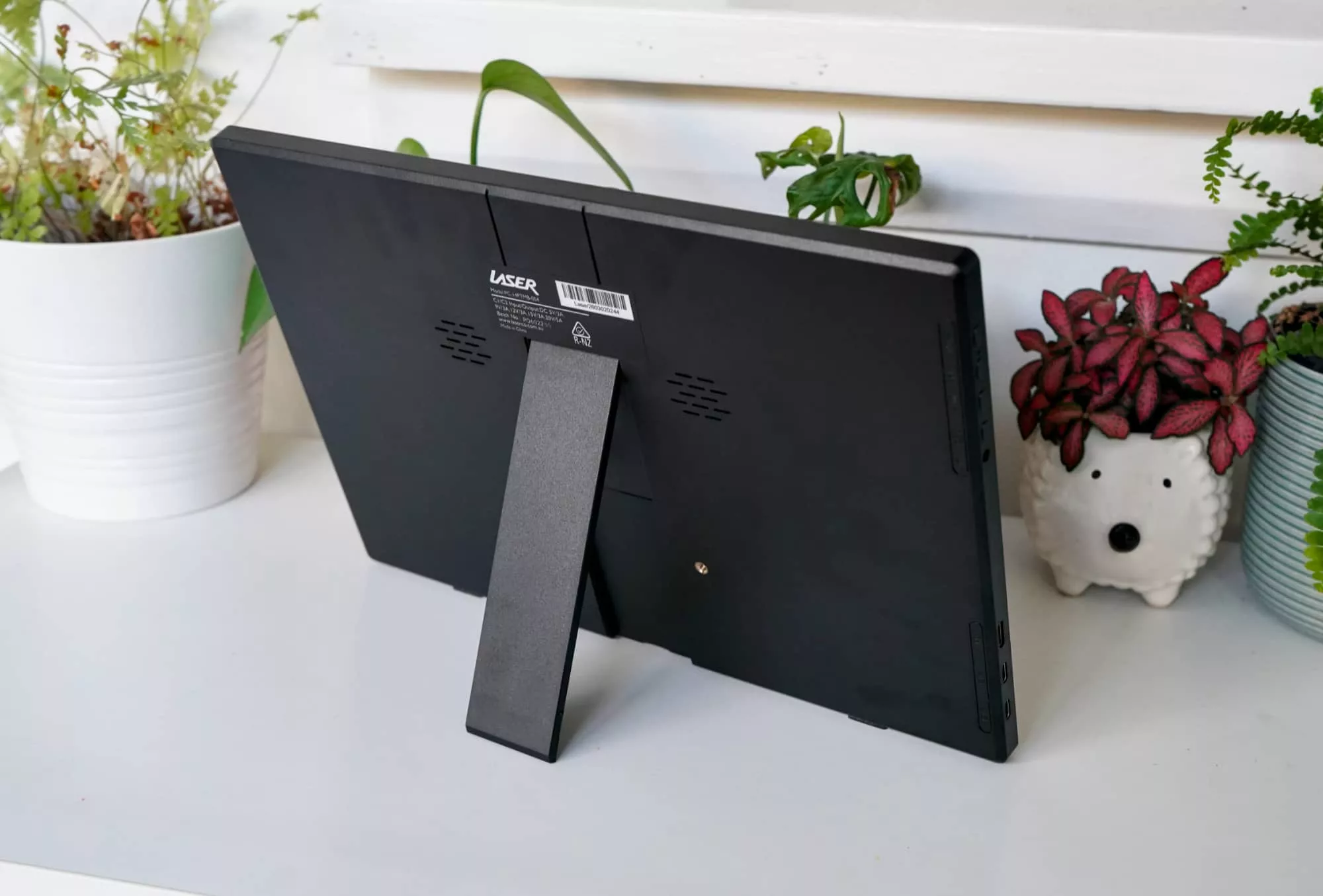
Once in place, grab one of the included cables — USB-C or HDMI to Mini-HDMI — and simply plug it in. Your computer should detect the screen, and you’re ready to go.
If you use the HDMI option, you’ll still need the Type C cable to power the thing, but everyone with a USB-C port should also have it work as power and video through the one port. Easy.
There are physical control buttons on the side, old style button presses that can help you tweak brightness and contrast, and just like the monitors of old, it’s a bit of a pain to do anything here. It’ll make you relive the meh times of owning an old screen, that’s for sure.
Fortunately, there’s no degaussing, though this reviewer is clearly showing his age.
Does it do the job?
While the old school approach to maintenance fortunately isn’t a part of this display, the lack of overall brightness is. It’s bright enough for most office work, but compare the display to any other screens and you’ll see a clear difference.
Despite this, the Laser 14 inch screen doesn’t fare too badly.
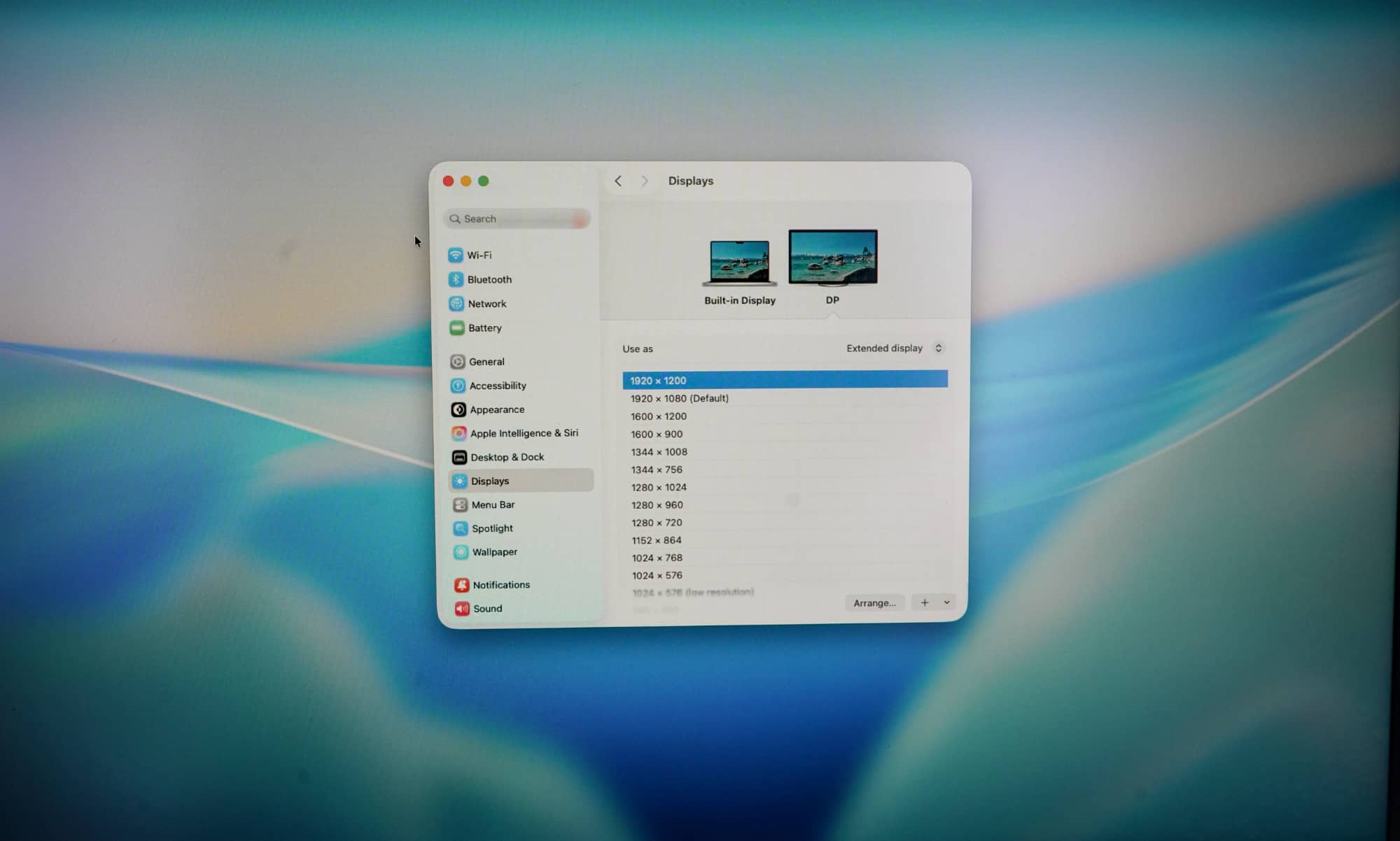
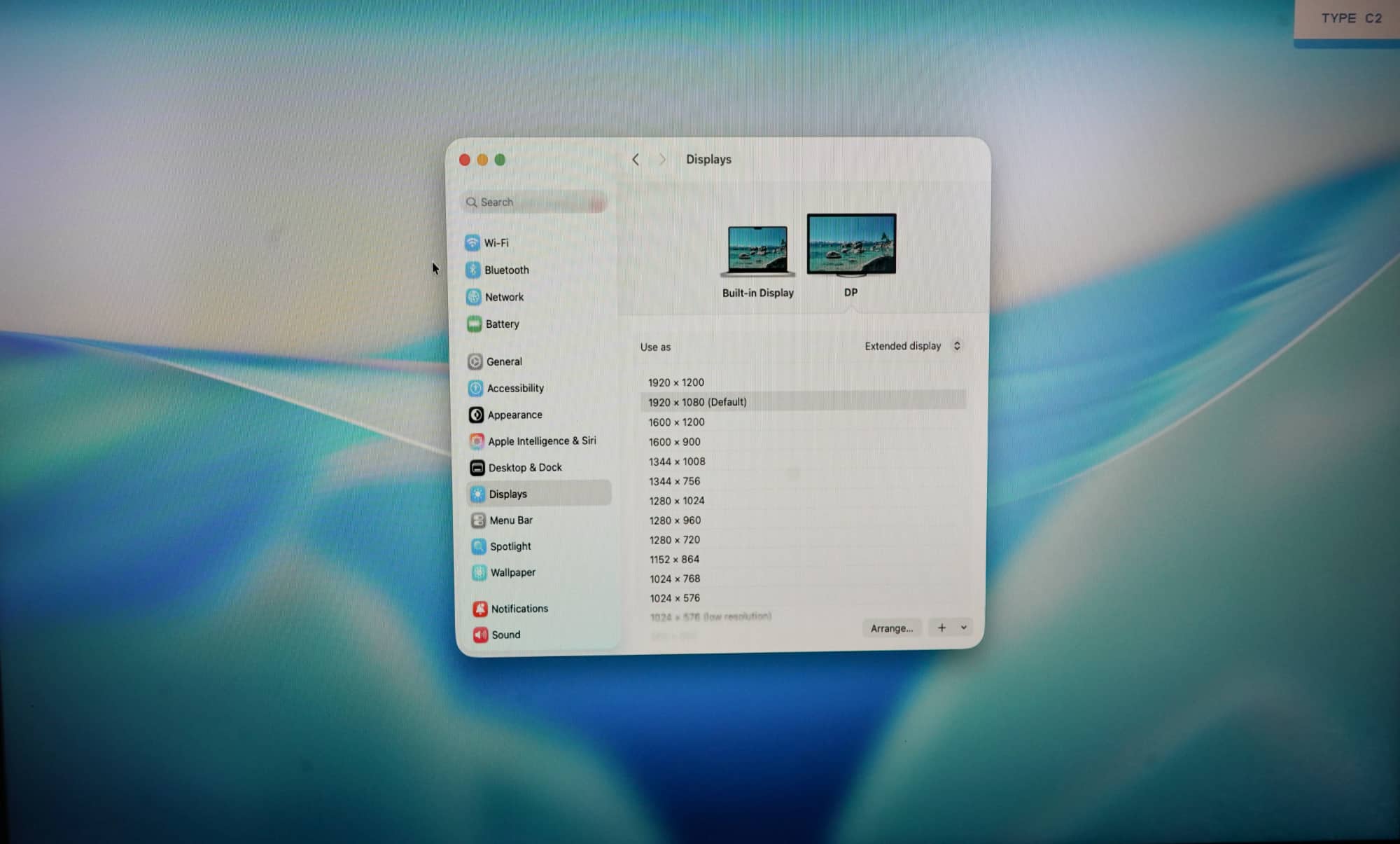
The display is matte, the screen easy to look at, and while the angles could be better, you do get a Full HD resolution at 60Hz, though it’s not a Full HD 1920×1080. That will work, of course, but it stretches the vertical slightly. Rather, it’s a 1920×1200 display, with that resolution appearing best.
Consider that a tip no matter what you decide to plug into the screen, because while it’ll default to 1920×1080 — the 16:9 standard for Full HD — this screen performs best with just a few more vertical pixels, running instead at Full HD in 16:10, also known as 1920×1200.
When loaded like this, the display is easy to look at when sitting in front, and really offers a simple external screen. It’s no nonsense and just seems to work.
What does it need?
But it’s not all perfect for Laser’s budget display, which is a nice screen, but not quite at the level where competitors from Dell or Espresso deliver. There are premium displays, and then there’s this, which is clearly not premium.
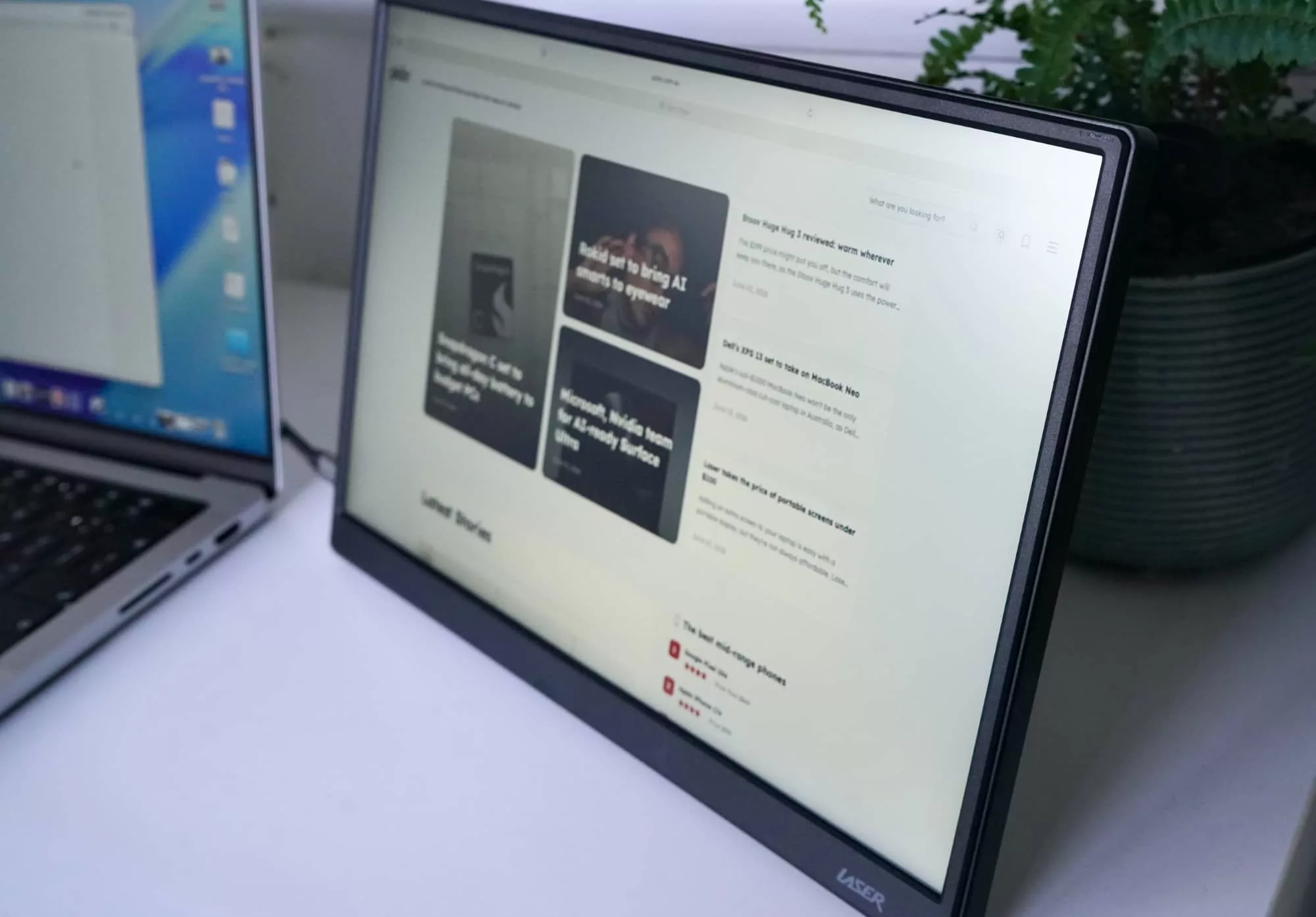
You can see it in the viewing angles, which aren’t horrific and works well enough from the sides, but dead on is clearly where Laser’s screen works best.
The lower quality really shows up in the build, however, which is so plasticky, it can feel like you’re going to break the thing simply by prying open the stand. It’s really wedged in there, and while the hinge is quite flexible, the stand and plastic casing of the screen feel cheap and fragile, as if the most minor touch will snap it all.
Espresso’s 15 Lite is plastic, too, but it feels a whole lot better by comparison. This feels cheap.
Is it worth your money?
There is a pretty clear reason why the Laser feels this way, though: it is cheap.
Indeed, the craziest thing about Laser’s 14 inch portable screen is the price, because it is just a stellar deal for what you get. For $99, Laser’s 14 inch portable is about the best value display out there.
While there’s definitely an air of “you get what you pay for”, the fact that you’re not paying much in the first place and still getting so much makes it impossible to look past.
Sure, it lacks the cool magnetic stand of the Espresso options, the brightness and colour fidelity, and misses out on the swanky industrial design, that may not really matter. The price does.
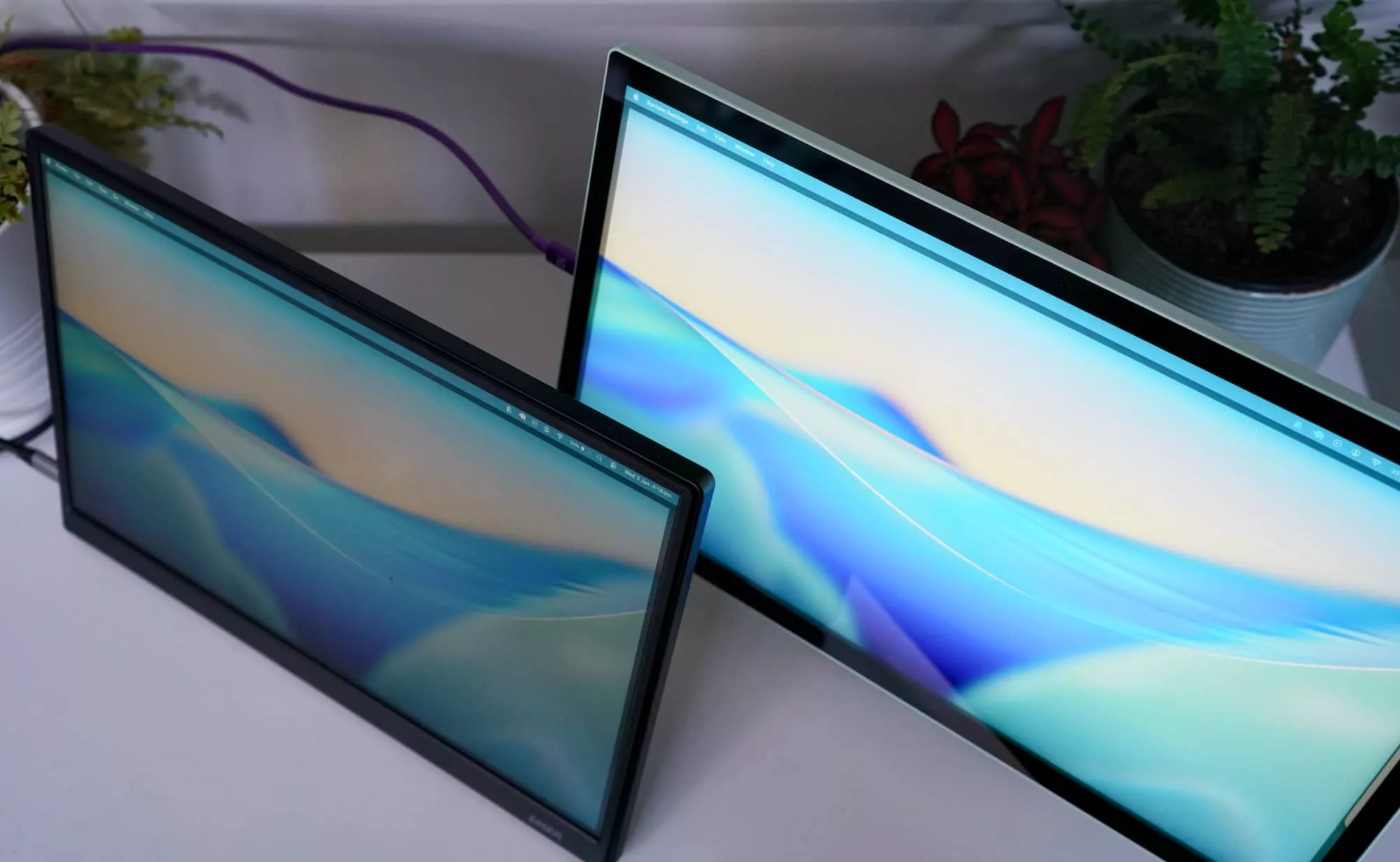
Laser’s screen is a 14 inch Full HD display that actually looks sharp enough for most eyes when it’s set to its actual resolution, and the price just feels like a sweetener. It’s not quite in the ballpark of the tech Espresso uses for its superior screens, but there’s a good $300 apart right now.
These are very different portable monitors.
At $99, this screen is a steal. When it reverts to the $149 price point at the end of the month, the Laser 14 inch portable screen will still be decent value, but competing with similarly cheap-as-chips offering from the $137 Blaupunkt offering.
Yay or nay?
Everyone loves a good bargain, and some are clearly better than others. But the near-$100 price of a portable display in Full HD res makes the Laser Portable 14 inch screen just about one of the best bargains you can have in computer peripherals today.
It’s difficult to look past.
Laser’s display definitely isn’t the best screen around, and it probably won’t be our recommendation for it over say a better screen.
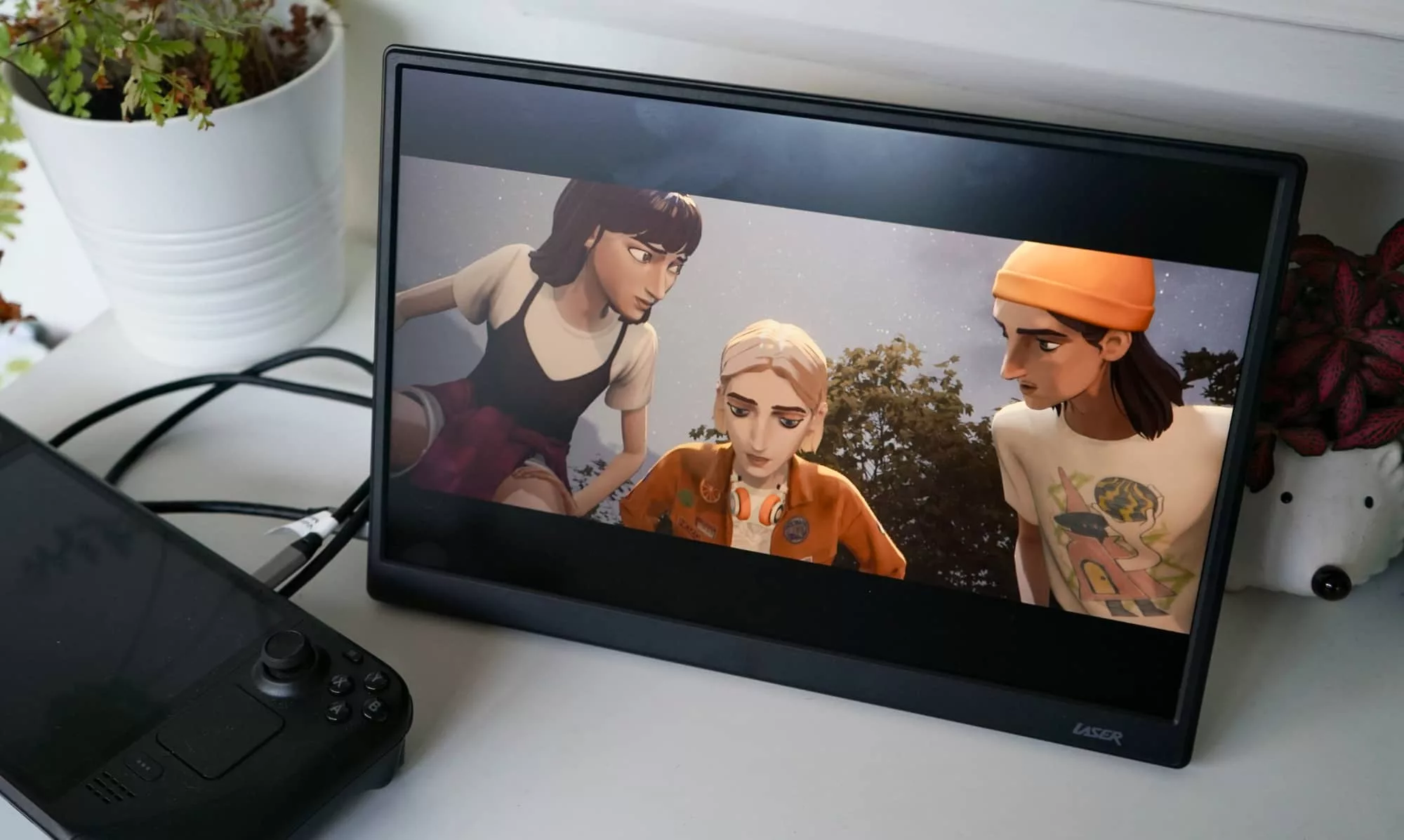
But the price makes it clear who this screen is for: anyone who needs a little more room without spending serious dollar bucks. It might just be a way to expand on your laptop, or it could be a way to make a Steam Deck play games a little bigger, something we did while playing Mixtape.
For kids, students, or really just anyone who needs a little more real estate and doesn’t want to break the bank — any bank — Laser’s portable screen is worth checking out.
There’s really nothing else priced like it in Australia. That’s a surprise and worth checking out all the same.