The way you use your phone and computer are probably the same or similar to many people, but not for everyone. Those with more specific needs tend to have to do other things that a mere mouse or keyboard can’t do.
That’s simply why companies invest in accessibility, expanding the way they connect with individuals who mightn’t have the best eyesight or struggle with reading.
There are lots of things that can change the way someone uses a computer or phone, or really any gadget, and they might need a little bit of help.
In time for Global Accessibility Awareness Day this year, Apple has added and tweaked its feature set to support controls for people who need that smidgen of assistance, bolstering its hardware and operating systems with a few improvements to accessibility, something the company already does fairly well in.
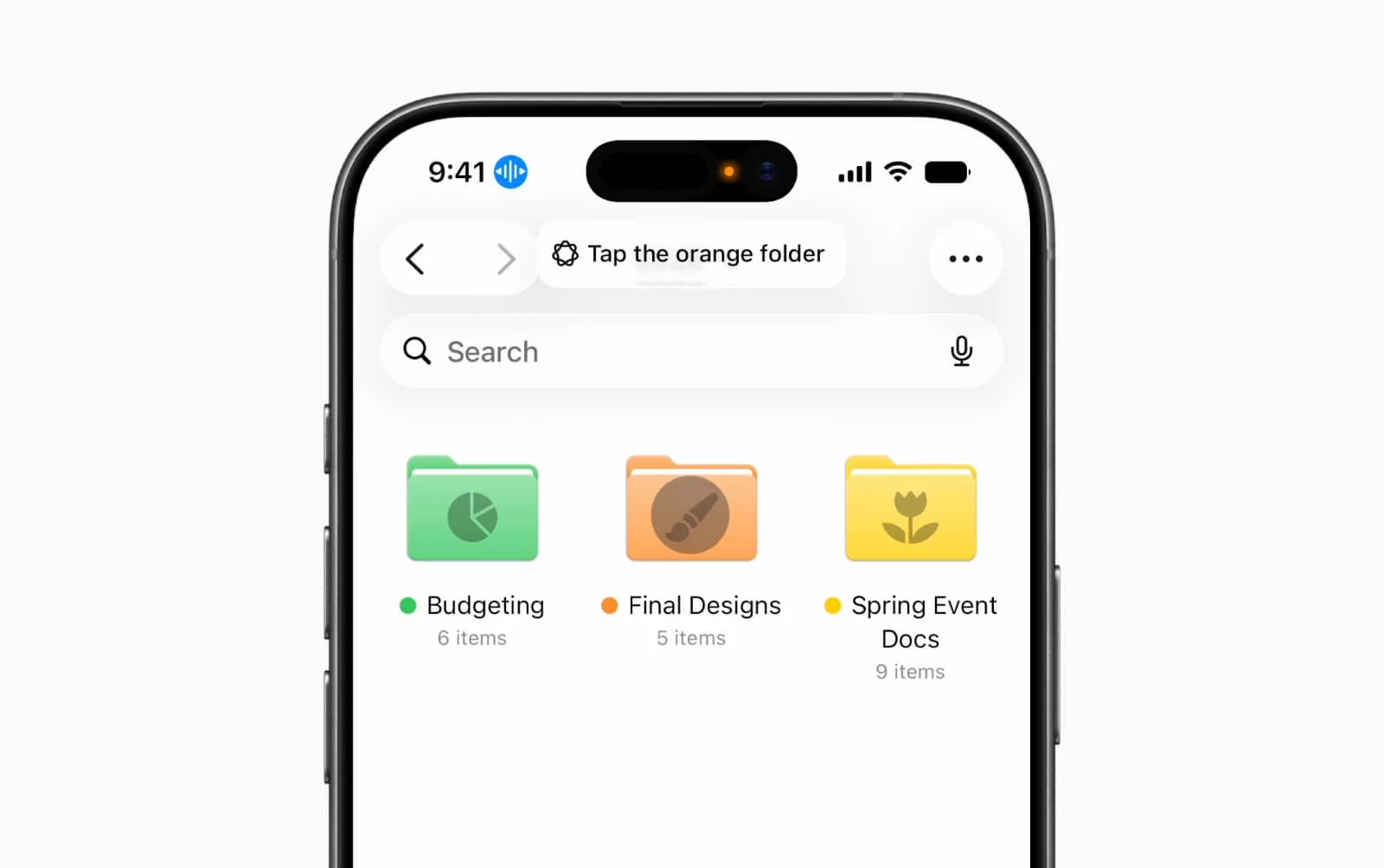
For instance, the iPhone and iPad will now get voice control, allowing people to use their natural language to say what they see and control apps by telling their device what to do.
You’ll be able to say “tap the purple button” or “scroll down”, allowing voice control to actually do what the technology says: control using your voice, describing buttons and controls and letting Apple Intelligence work out what you’re talking about.
Apple Intelligence will improve other areas, too.
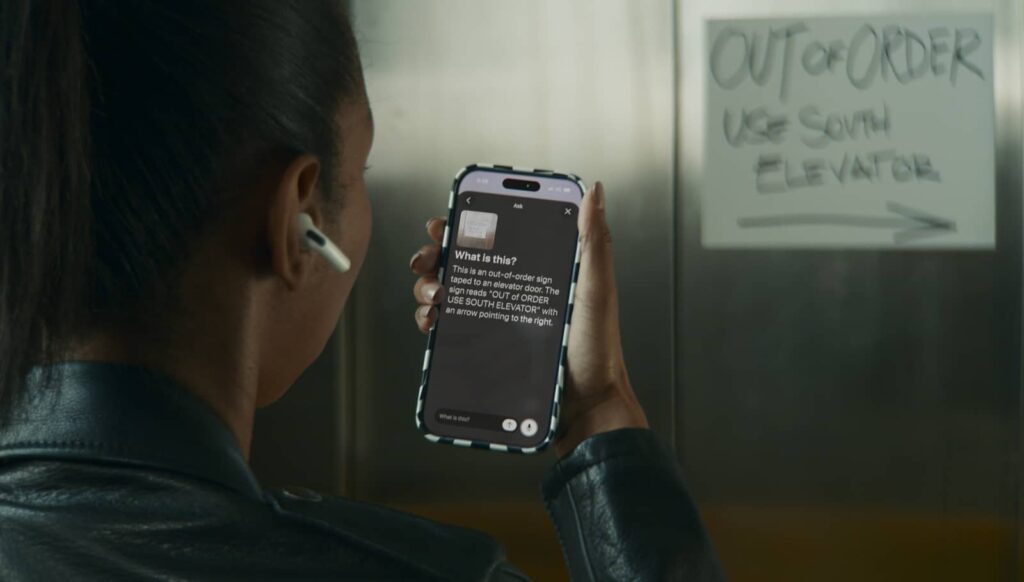
Apple’s talking “VoiceOver” technology will now use Apple Intelligence to describe what it sees in photos, providing almost closed caption-style descriptive language to detail photos and scanned documents, while VoiceOver mapped to the action button on an iPhone will allow the camera viewfinder to be described in voice, as well.
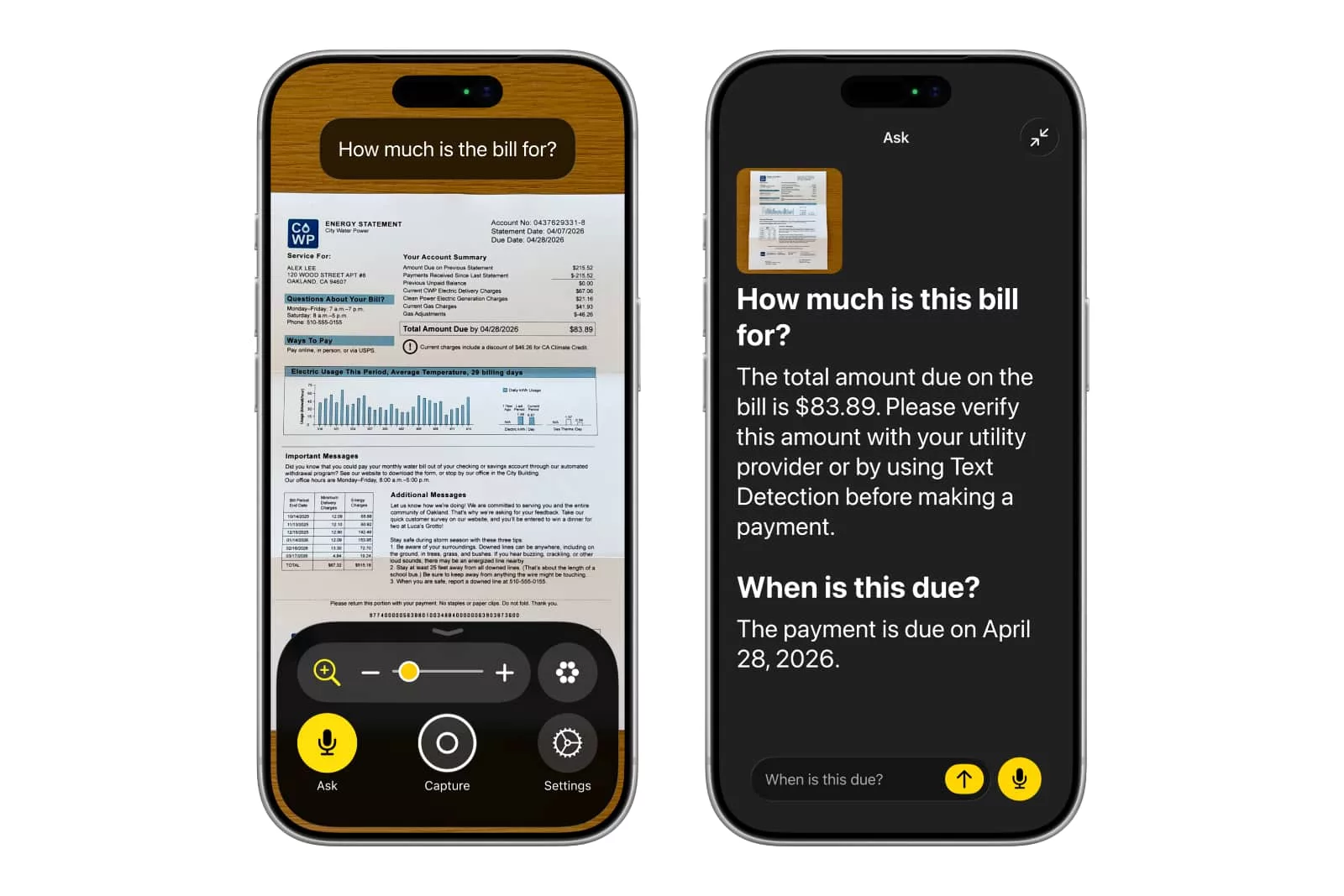
The in-app Magnifier function benefits from Apple Intelligence with spoken requests of its own, assisting by changing the interface and magnifying on-screen based on what it sees.
There are other features, such as how the Accessibility Reader can use Apple Intelligence to understand different source material, adapting it for different conditions. Low vision, dyslexia, and potentially colour blindness mean the reader can change formatting, while built-in translation can reformat text to match different languages.
If you’re watching video, captioning can now be loaded for clips where subtitles aren’t there natively, such as videos recording on an iPhone, while an iPhone will support hand-off with more hearing aids that are supported under the “Made for iPhone” program, working like a pair of AirPods would between devices.
There’s also support for adding a human interpreter in FaceTime video calls via the API, while Apple TV manages to get some of the feature set, with larger text support on tvOS.
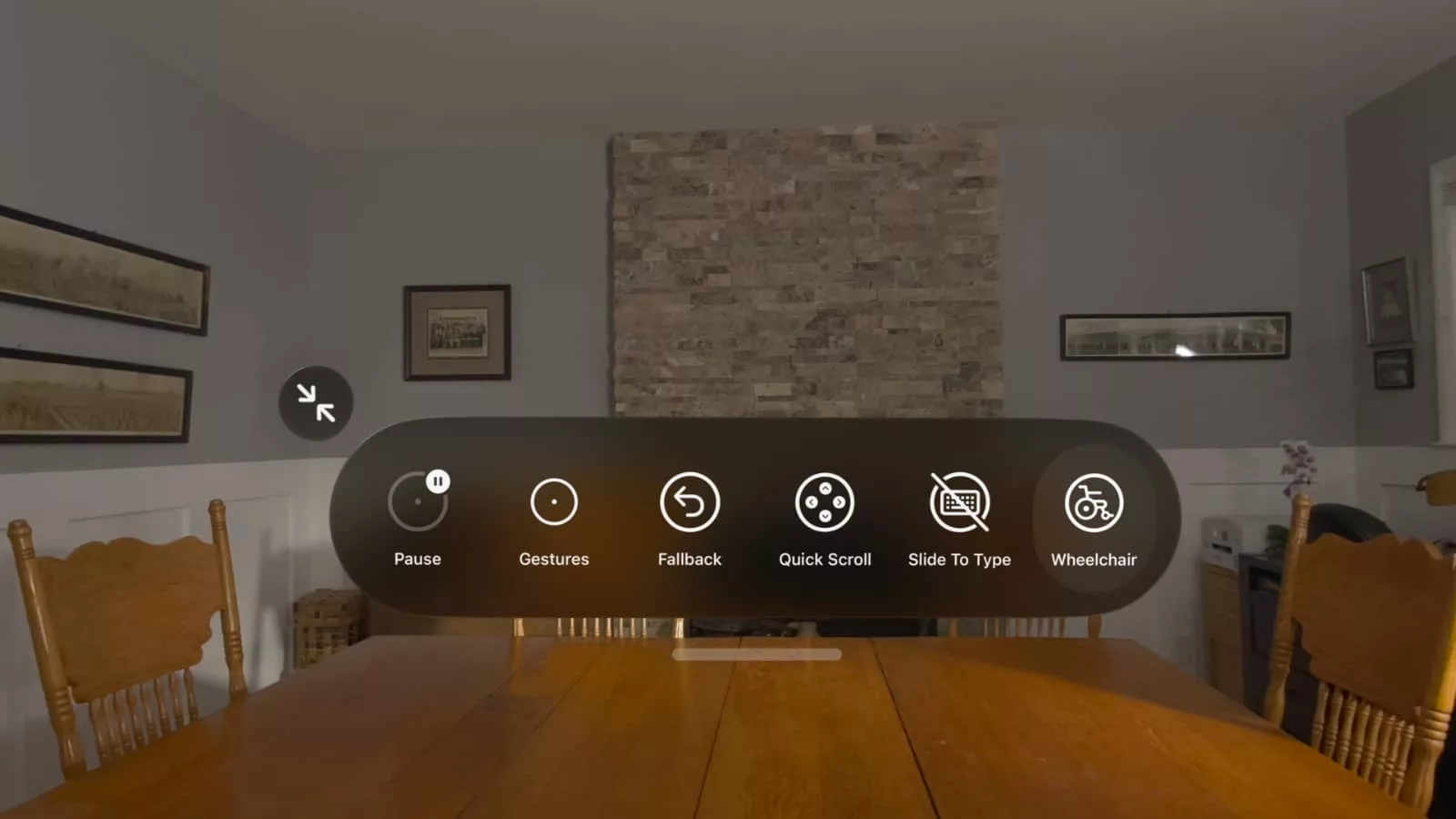
And if you use a Vision Pro, Apple’s high-priced head-based computer, the maker is rolling out a way to control power wheelchairs using eye-tracking from the headset itself. It will only work with drive systems from Tolt and Luci, but the concept will mean people can steer clear of joysticks almost literally, trusting their eyes to do the job.
“The accessibility features our users rely on every day become even more powerful with Apple Intelligence,” said Sarah Herrlinger, Senior Director of Global Accessibility Policy and Initiatives at Apple.
“With these updates, we’re bringing new, intuitive options for input, exploration and personalisation — designed to protect users’ privacy at every step,” she said.
Apple’s features look set to roll out shortly, many of which require Apple Intelligence, which is in beta for several languages.