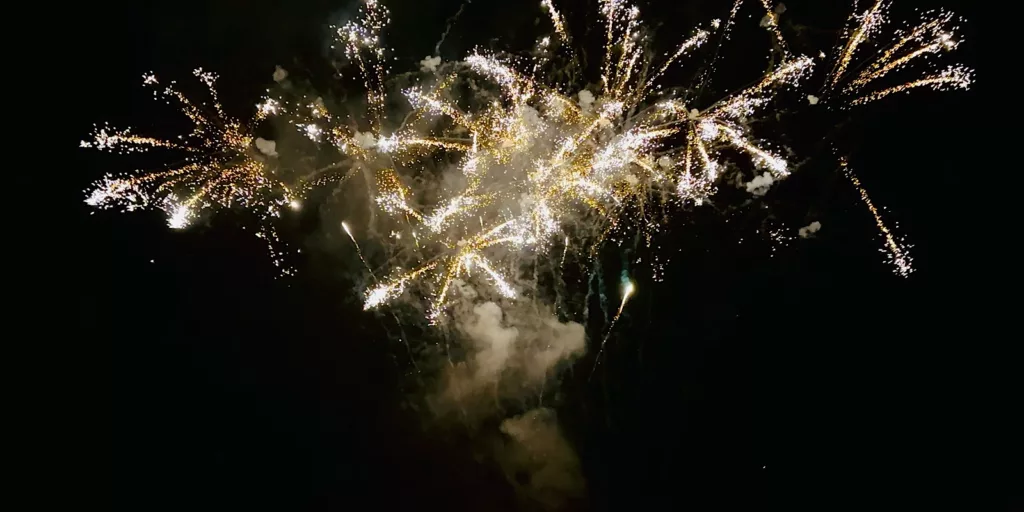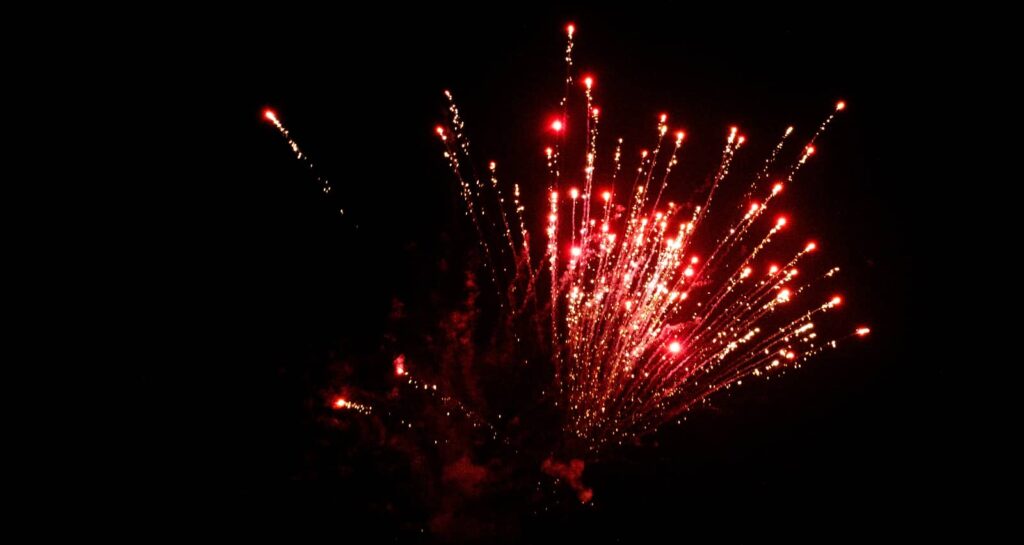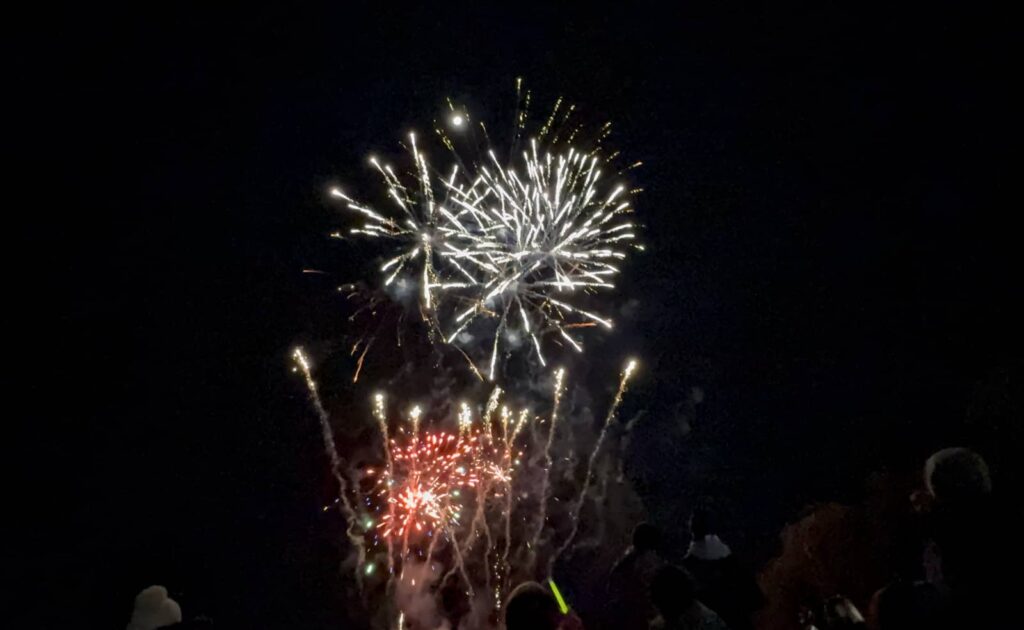
Every phone has a capable camera, it’s just knowing how to use it that matters. Get ready for any fireworks or drone photos with these tips.
You probably know your phone is also a capable camera, and that it can handle pictures of people pretty well. Naturally when New Year’s arrives, it makes sense to switch things up, aim that phone at the sky, and capture some photos of the year making its way into the next one.
Whether snapping friends and family under the explosive light of fireworks, or capturing shapes projected by drones in the night sky, your phone camera can do it all, you just need to know how, and maybe have a bit of patience, as well.
We’ve certainly written this story a few times and covered important details like patience and turning yourself into a human tripod of sorts, but what easy tips are there to make snapping fireworks and drones even easier?
How to easily take great fireworks photos on your phone
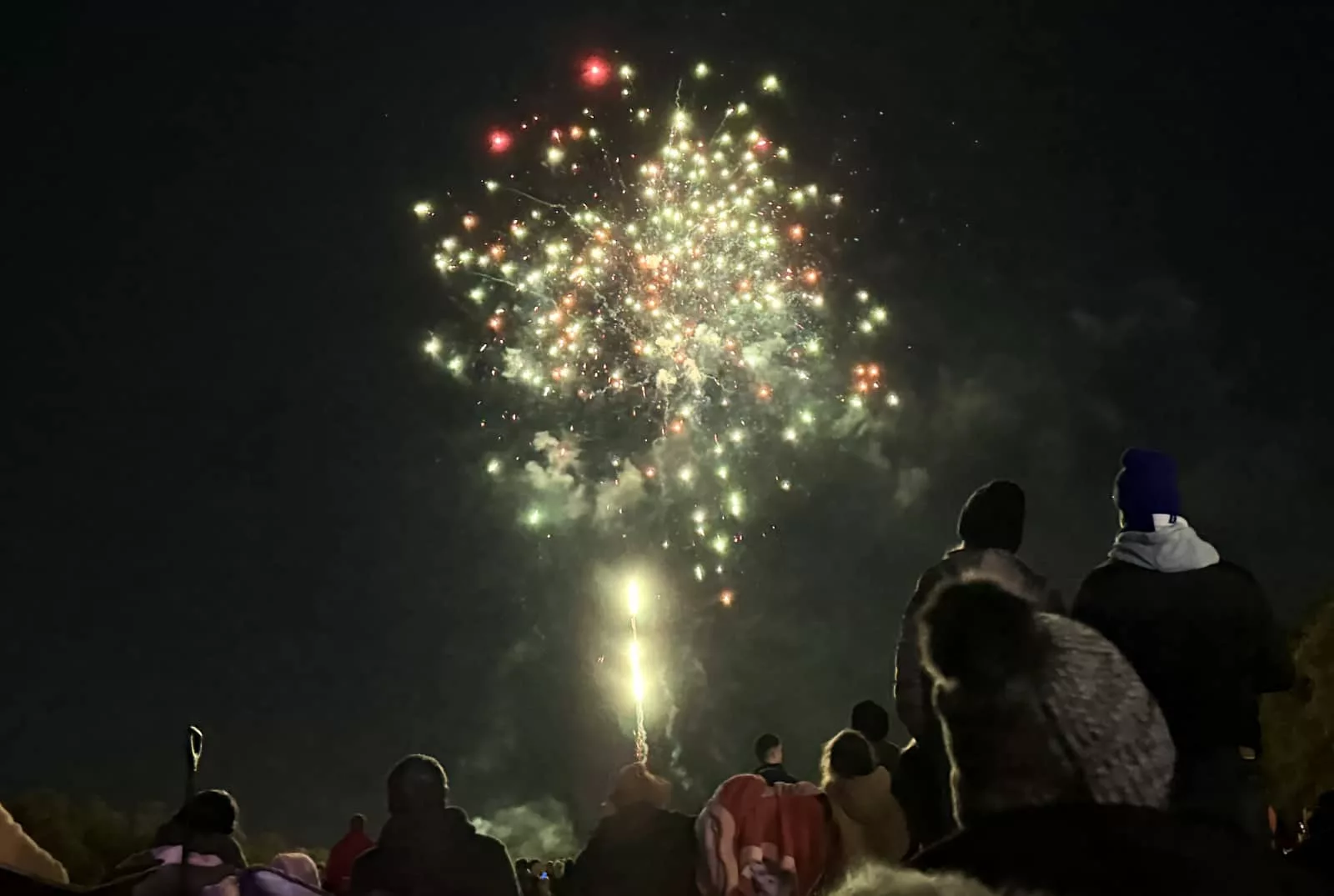
We’ll start with fireworks, since the explosions of colour in the sky will be a lot of what people snap, particularly when they ring in the new year.
Regardless of whether you’re doing for the end of the year or really any other time such as every night at a Disney theme park, knowing how to capture fireworks on the night sky is a skill most smartphone cameras can handle with ease these days.
Use Live Photos on iPhone
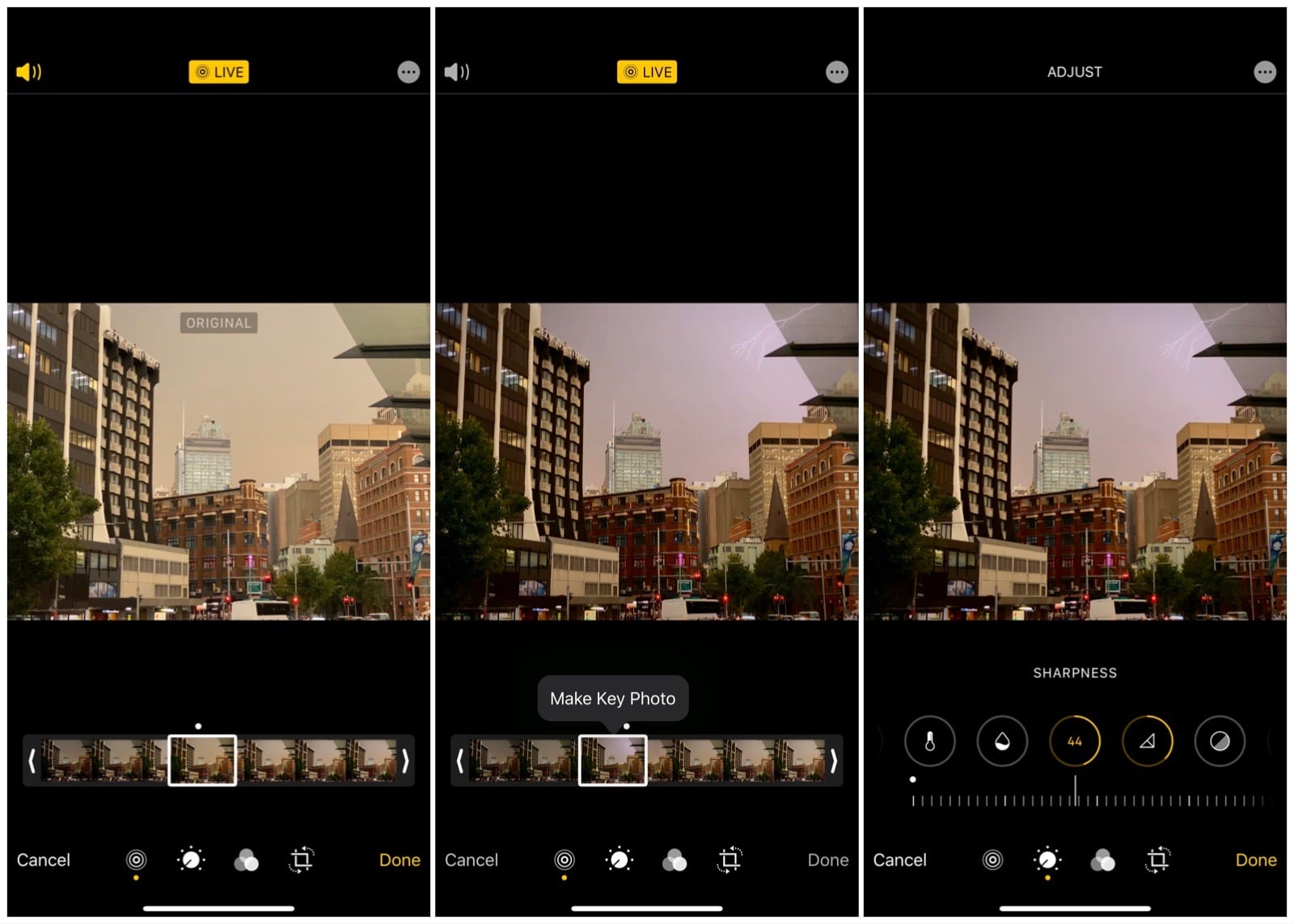
One rather obvious approach applies mostly to iPhone owners, and can be used for capturing lightning, as well. And that is to make sure Live Photo is switched on.
A feature originally specific to iPhones that we’ve seen make its way to select Android devices in recent years under “Top Shot”, Live Photos actually captures a small video as an image, and then lets you change the key frame to a new image later on.
It’s like getting two things in one — a short two second video and an image — and then allowing you to change what that image was after the fact.
With Live Photos on iPhone, you can edit the keyframe and change the photo later on. Just make sure that Live Photos is switched on before you snap the photo, and note that it won’t work in a phone camera’s night mode, since night mode stacks images together to create a low light image.
Use a low light mode instead
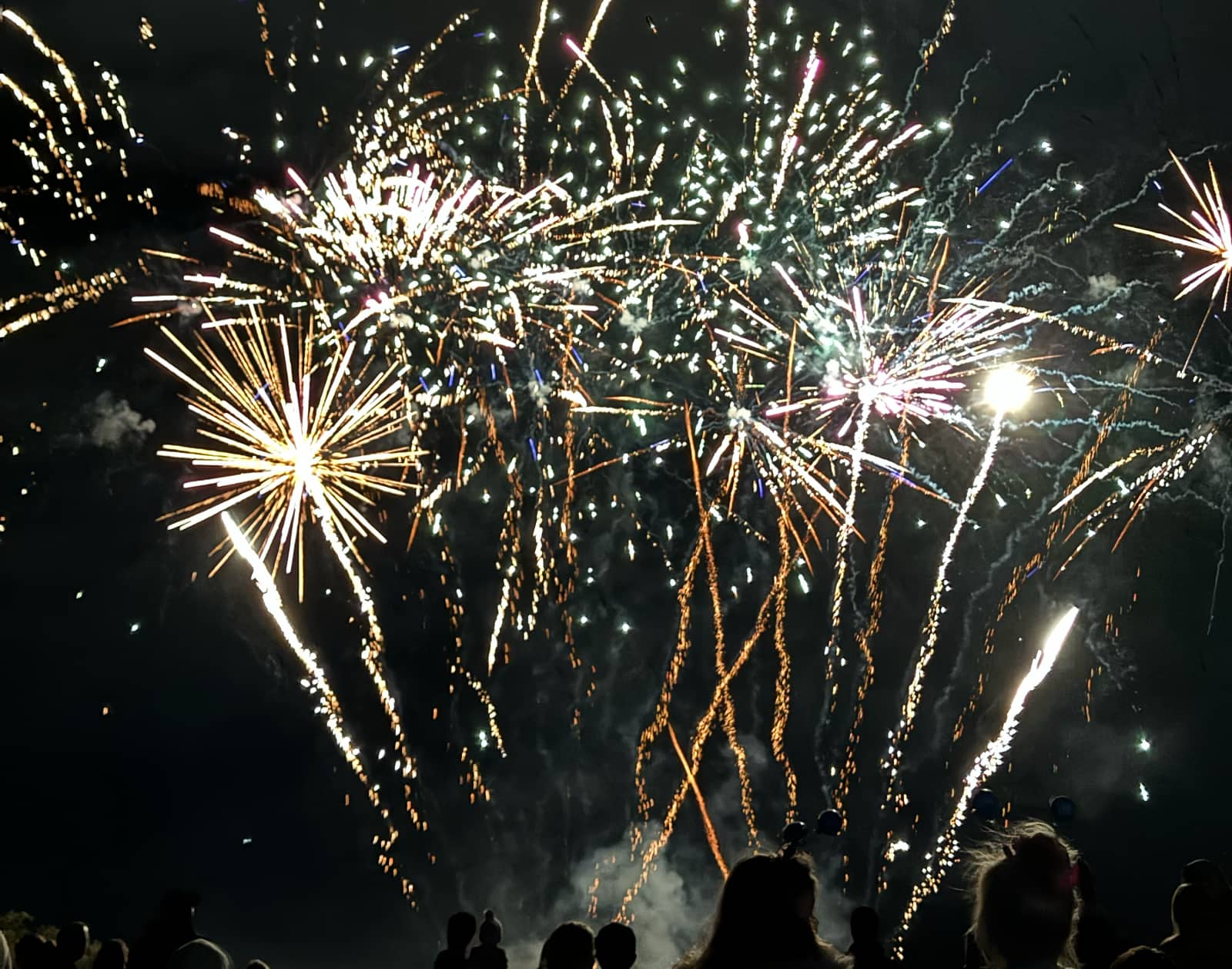
Alternatively, you can use that low light mode and its image stacking concept to have it take several images of fireworks exploding in the night sky for your photos.
Low light modes grab several images to make a lighter image at night, which is how phone cameras seemingly find light when one exists. Using this approach with fireworks means getting an explosion of light when you’re unsure of the outcome.
Simply aim at the sky snap as you would
Of course, you can also simply aim at the sky and take photos, because depending on how close you are to the action, the fireworks might be bright enough for the phone to handle them.
All you really need to do is frame up your composition, and take the photo as you would.
Taking great drone photos
Not everywhere will keep running fireworks, and may instead turn to using drones as part of the spectacle, or even as a replacement.
You only have to look at some of the impressive drone shows to see why some places are turning to drones instead of fireworks, such as the K-Pop Demon Hunters drone show run in Seoul in 2025.
Capturing drones can be a little easier than fireworks because they hold their colour in specific shapes, even if they don’t burst with the same amount of light. That makes their basic composition more obvious than simple shapes, though also mean you may be holding onto the camera in a low light mode, waiting for a stack of images to materialise.
However, it’s because of their movement that you also might want to avoid low light mode, because you might see blur from the shot.
Consider a video instead
Instead, if you’re capturing a drone show from your phone or dedicated camera, you may want to consider capturing a video instead, giving you more than a mere frame.
Videos may also deal with the low light better, but they also have to deal with sound, something stills don’t have to worry about.
When capturing videos of drone shows, remember that these are often paired with music, as well as the atmosphere of the night. People cheering and screaming will inevitably be a part, but any cheers or screams you make will be closer to your microphone, and be picked up louder, as well.
Try a camera’s manual mode
If you’ve resigned yourself to the idea that stills are what you want in a drone show, you may want to find your way to a manual mode on your phone or camera, or an app that gets you closer.
While it’s entirely possible your regular phone app will do the job, a manual mode should let you control the shutter speed, and that will give you more to play with.
Turn the shutter speed up and the scene will likely get darker, but the lights of the drones will be sharp when the shot is fired. But turn the shutter speed down, and you’ll likely get some blur between the drone movement and your hand movement holding the phone or camera.
Tips that remain consistent
Regardless of what you end up doing, some tips remain consistent and always work.
Turn yourself into a tripod
For instance, we always come back to “turning yourself into a tripod” like because it can help stabilise a phone or camera when you’re going handheld.
To do this, consider one of two approaches:
- Pull your arms into your chest and use shallow breathing (or hold your breathe), or
- Hug a lamp-post or tree.
Either one can help stabilise yourself and any movements. Alternatively, bring a tripod if you can. Or just turn yourself into the human equivalent, which is what we do.
Use your volume key to fire the shot
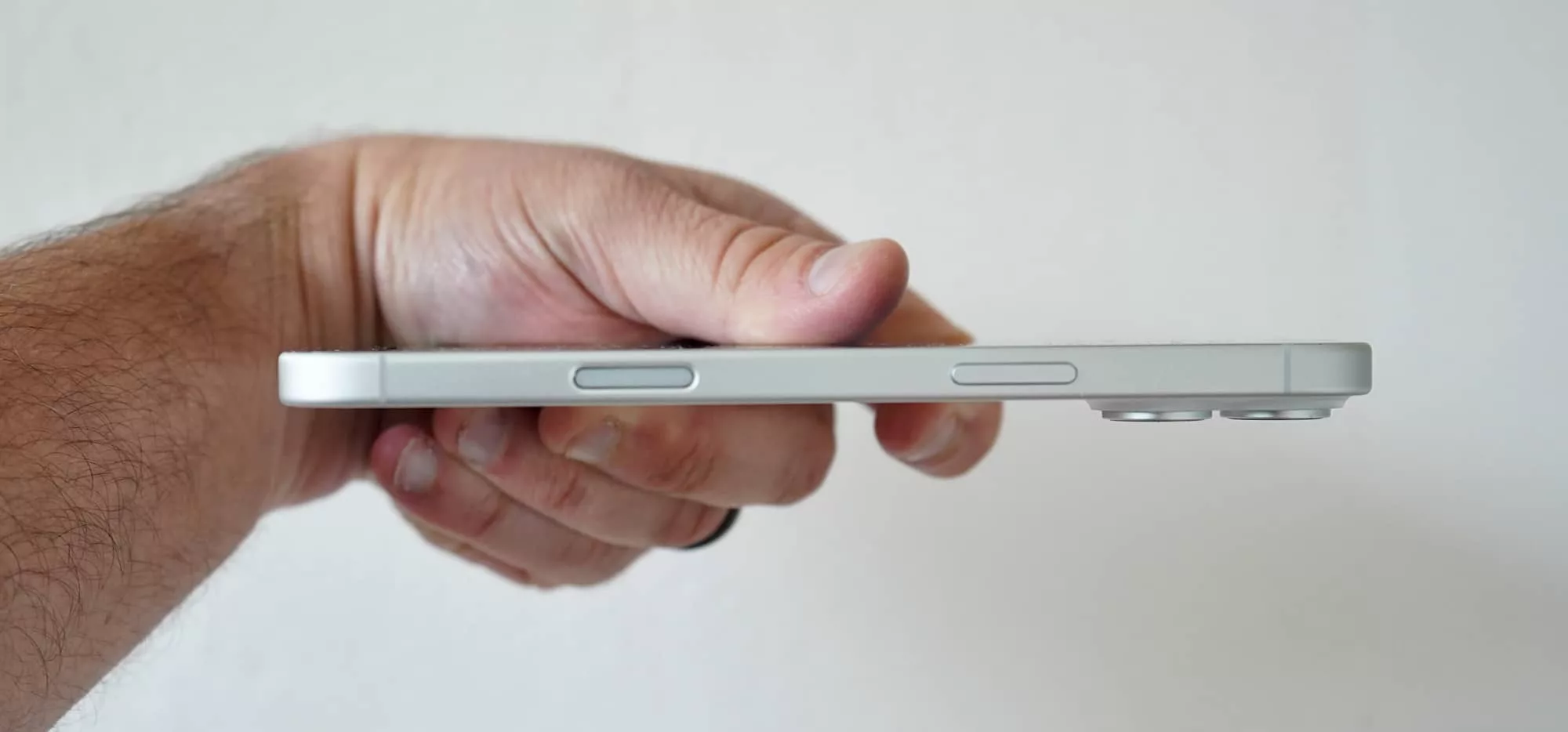
Another consistent tip we have for great fireworks photos is to skip touching the screen entirely, and opt for a physical shutter button if you can. Proper cameras will have one of those, but phones don’t always get that.
Ever since the iPhone 16 range, all iPhone models except the iPhone 16e have come with a haptic slider that also acts as a camera button, meaning every current iPhone can be used with a dedicated camera button.
But every phone also has a physical camera button, you just have to know what it is.
A volume key on every single phone works as a camera trigger, allowing you to press either volume up or volume down to fire a shot. Every phone, any phone. We’ve not yet found a phone that doesn’t work this way with the phone’s native camera app.
The reason why volume buttons trigger the camera tends to have to do with selfie sticks, because that’s what their buttons usually trigger.
Not every camera app will play nicely with the volume key, but many will, and it means you can comfortably hold your phone by its frame in your hand, and squeeze a volume key to fire the shot. Easy.

Composition is key
You might think that photos of fireworks or drones in the sky seem like a nice shot — and they are-ish — a better photo can have composition thought out.
Instead of simply aiming up, consider holding out your phone and aiming that rear camera at you, rather than using the selfie mode.
You can totally use selfie if you want, but the rear camera is often much better, and when you hold it below you down at chest level, you can look straight down the barrel, wait for the firework or drone above, and then trigger the image using that volume key on the side to snap a clearer photo with the better rear camera sensor.
And since fireworks and drone shows typically go for minutes rather than seconds, you simply need to wait a beat or two before you flip the phone around and look at the outcome, before doing it again.
That composition — you and potentially friends against the backdrop of a show — is a better scene than fireworks or drones by themselves, and the same is true if you happen to have a window to either occurring near a city scape.
Composition is one of the most important aspects of photography, as is light. To nail the best fireworks and drone photos, you kind of need to think of both, usually before the event.
So in those few minutes before it happens, think about what you want and set the shot beforehand.
And then keep snapping, because in the world of digital photography, the “film” never really runs out, so you can keep doing it until you get the shot you want.