

Quick review
The good
The not-so-good

If your chief complaint on your laptop is a lack of ports, you might want a way to fix that. The D-Link 14-in-1 Thunderbolt 4 dock could be it, provided premium is what you’re after.
Laptops have never been more powerful, and also never more slim. Hardware has managed to get smaller which is amazing, but doing that has come with a caveat: fewer ports. Sure, the ports are faster and do more, but there are less of them on the laptops to begin with.
That’s a problem. If you need more USB ports, you have a problem. If you need HDMI when you only have Thunderbolt, that can also be a problem. In fact, if your laptop only has a handful of USB-C shaped Thunderbolt ports, and yet you need a 3.5mm headset jack, SD card slot, HDMI, and several other ports, you also have a problem.
What you need is a port replicator or a docking station. These days, they are typically one in the same, and can deliver power and ports through the one port. Your one USB and Thunderbolt port becomes many in one plug.
D-Link is not a company known for making this sort of gadget, but it does appear to be expanding.
A brand once known for networking and wireless networking gear almost exclusively, we’ve seen power banks from D-Link and even charging bricks from the brand of late. It’s a surprise, just like pushing into docking stations.
And yet that’s exactly where we are, with a 14-in-1 Thunderbolt 4 docking station designed to be premium. Very premium.
What is D-Link’s Docking Station?
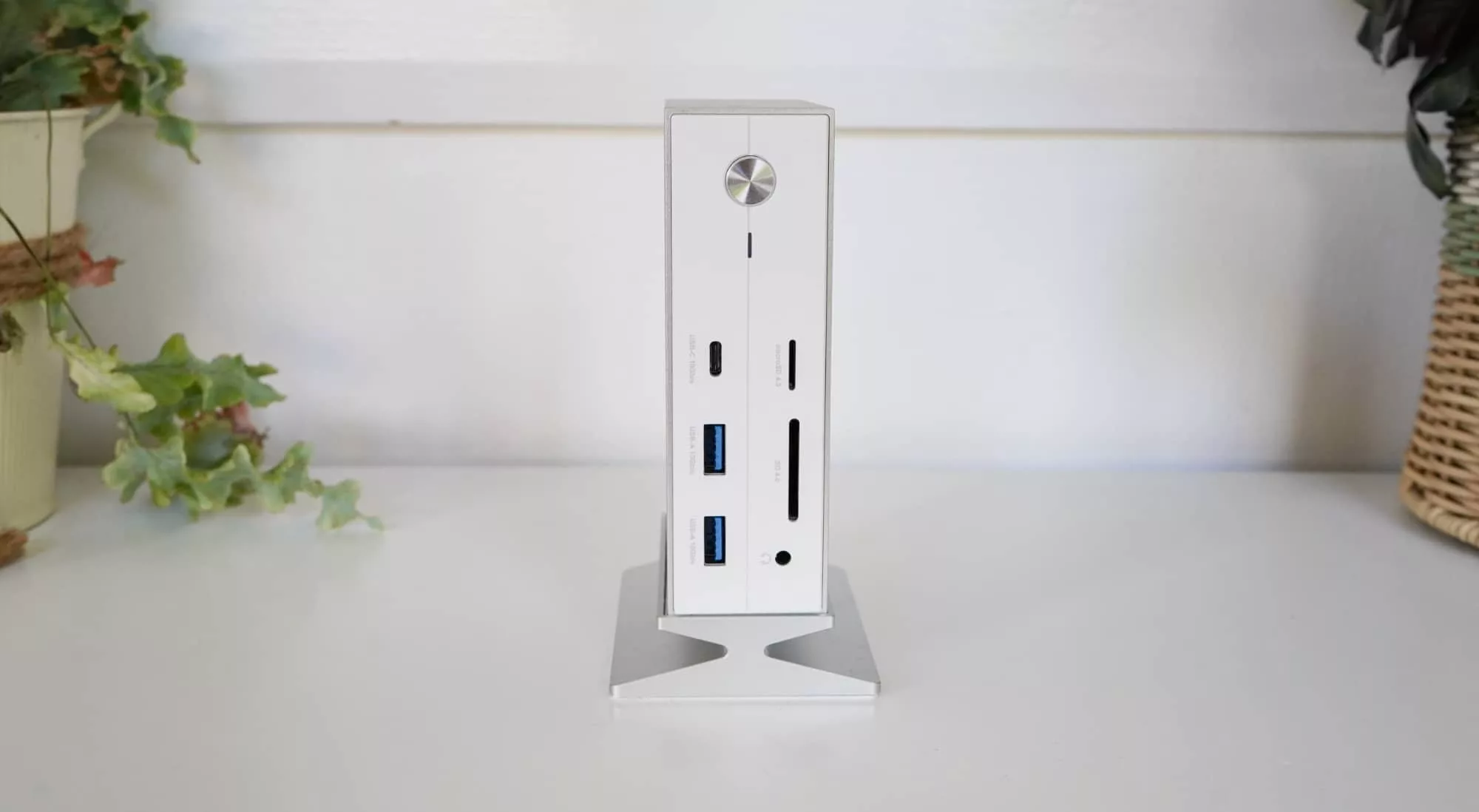
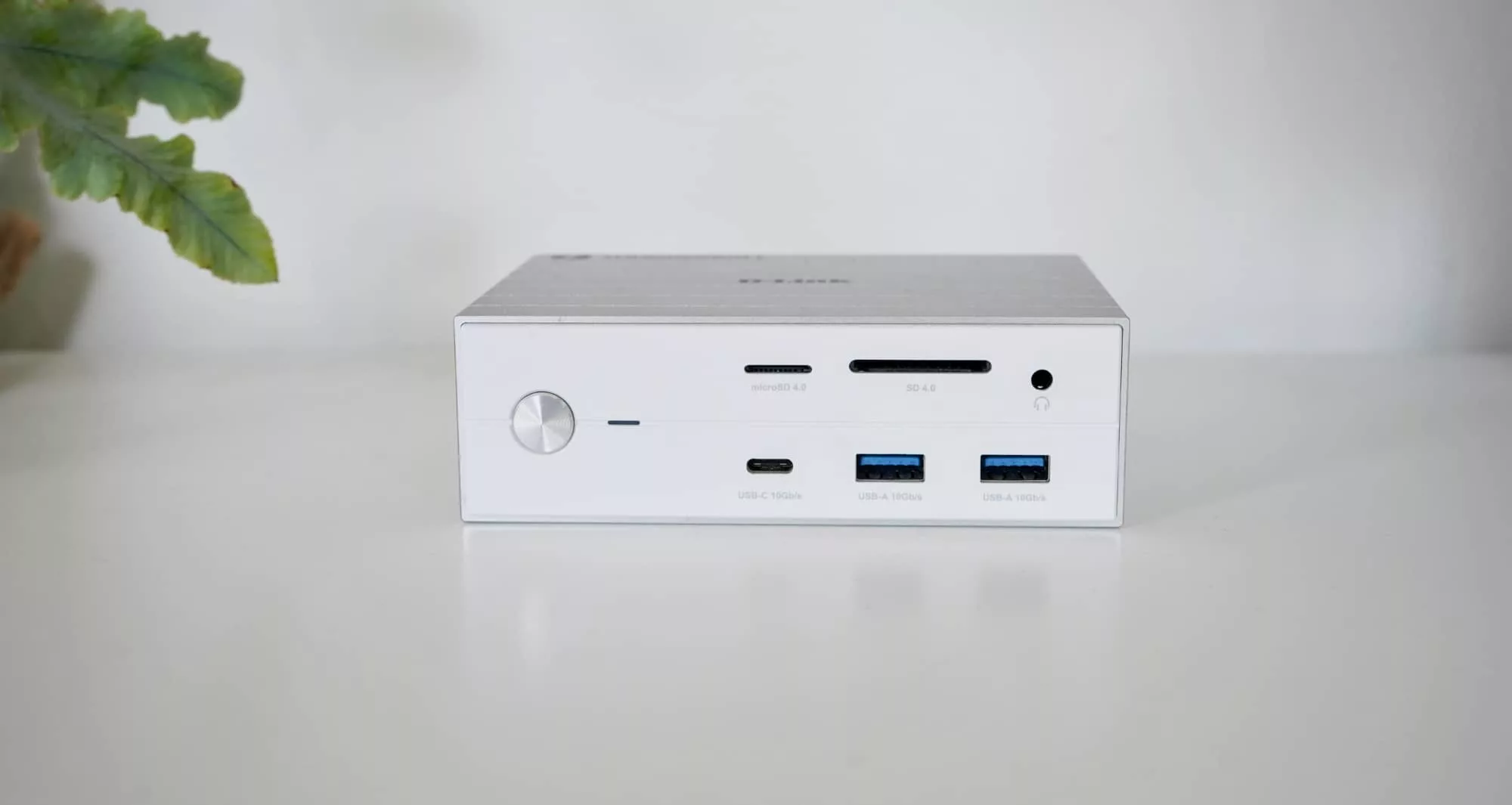
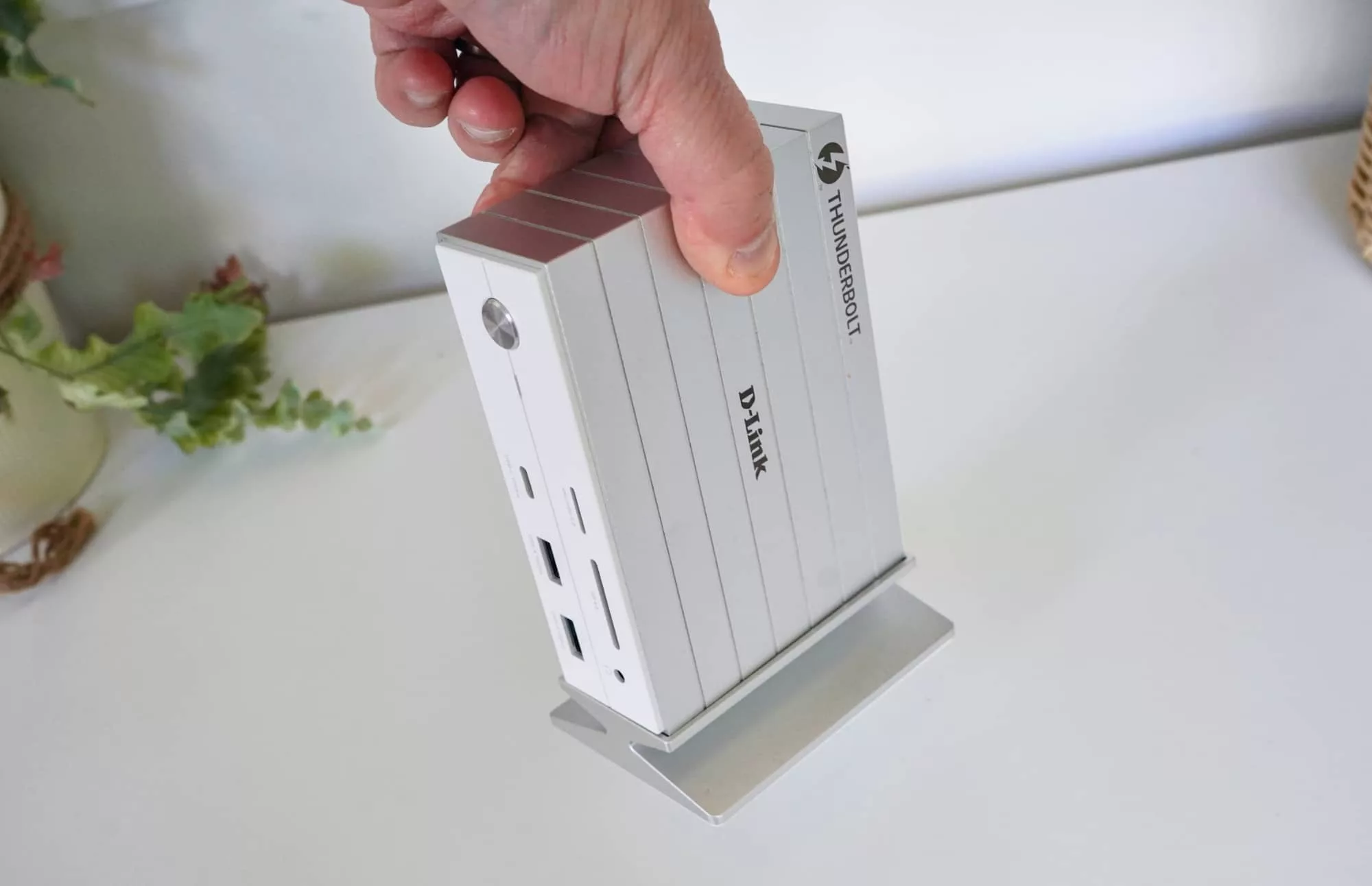
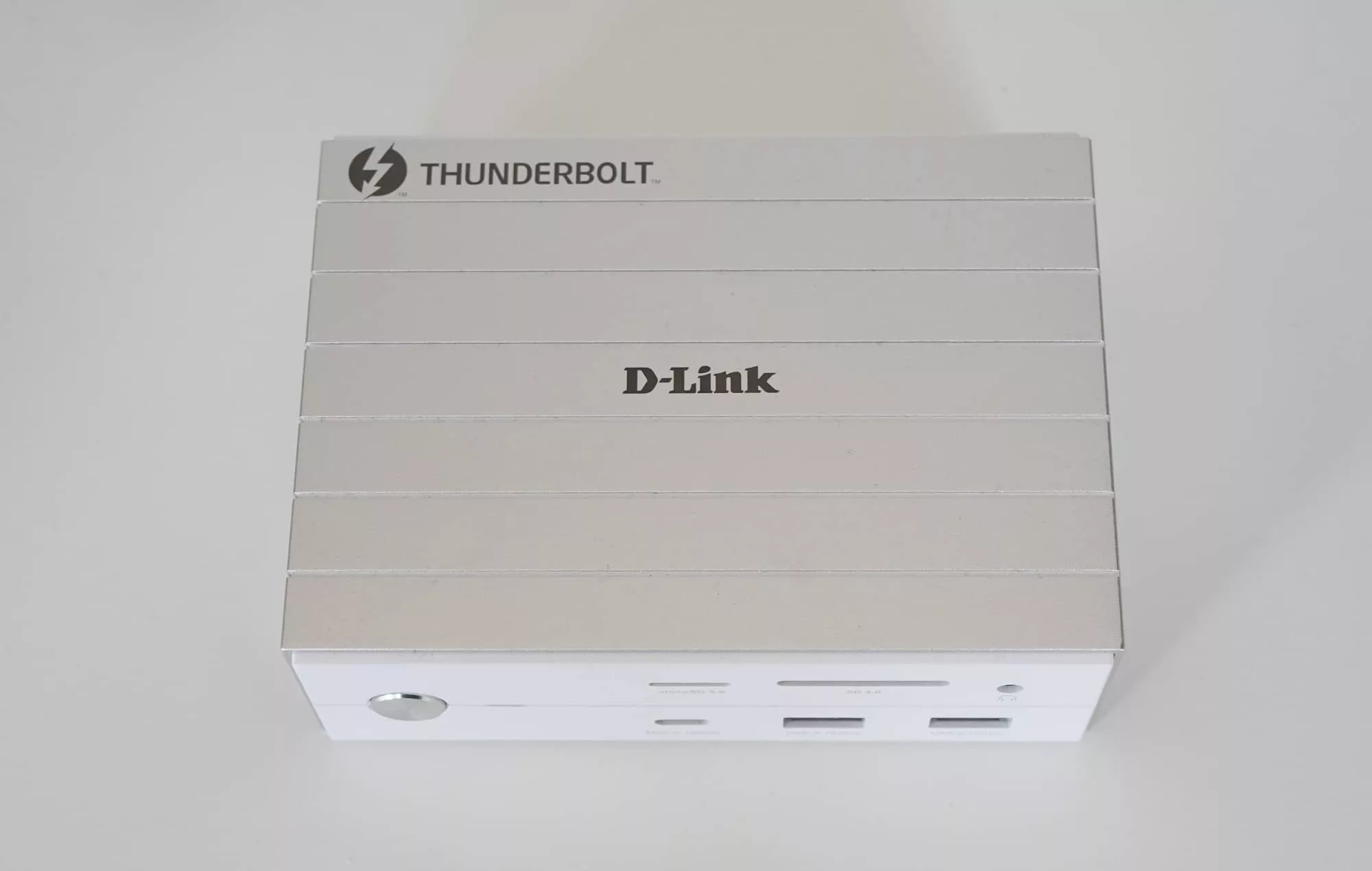
Encased in metal and featuring a magnetic stand, D-Link’s Thunderbolt 4 docking station clearly doesn’t describe what it does any more than its model number of “DUF-E01”. It’s a docking station. Duh.
More than that, it’s a way to plug one cable into your laptop or desktop, and all of a sudden expand its ports significantly.
Encased in aluminium and arriving with a magnetic base that’s intended to deal with heat, it’s a box for your life that can be turned on and off with a simple power button, but does need to be plugged into a wall with its roughly 135 watt plug pack.
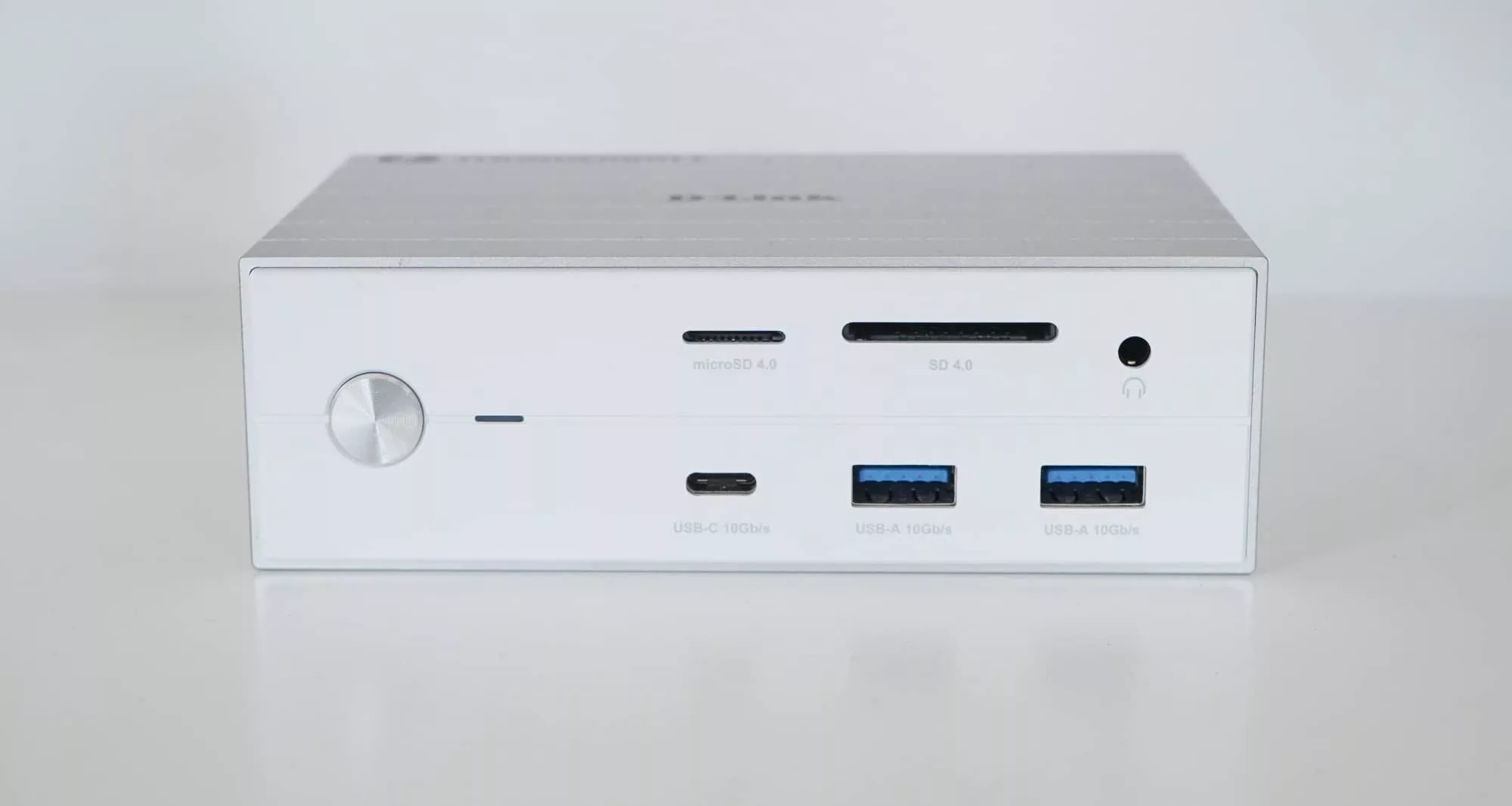
The dock works as both a charger and port replicator, making it possible to expand on the two USB-C Thunderbolt 4 ports of a MacBook Air M4 and above by bringing ports laptops like it need.
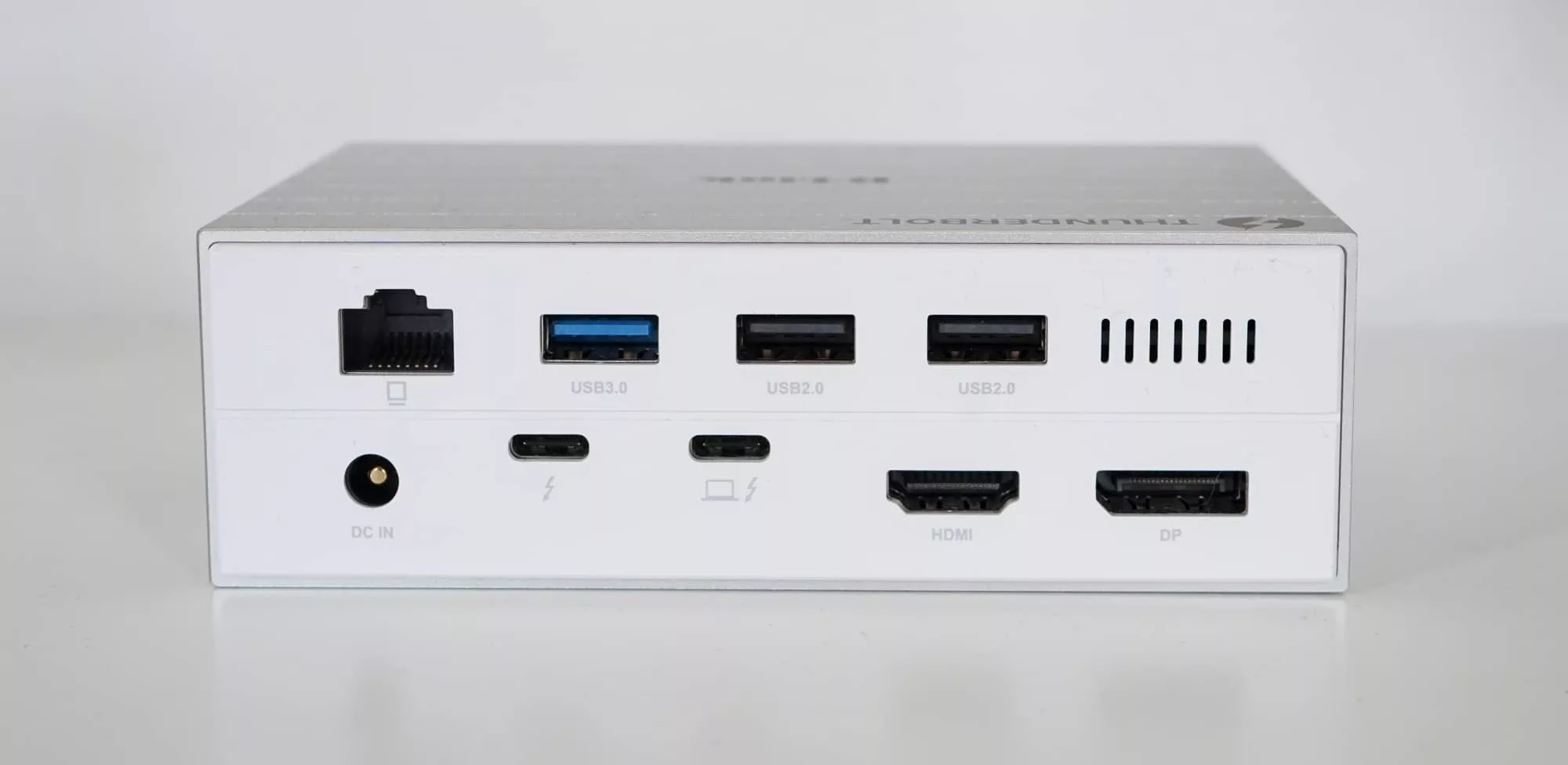
For instance, you can add both an SD card slot and a microSD card slot, meaning you have an easy way to read cards from cameras and drones. You’ll get regular rectangular USB-A ports and Ethernet and HDMI and DisplayPort.
What does it do?
All in all, you get versatility, and the ability to expand on the sheer minimal approach to port design thin laptops offer.
You can use up to three monitors over the combination of Thunderbolt, DisplayPort, and HDMI 2.1, and you can do it all from the one port back to a laptop or desktop all too easily.
We found the ability to plug in all the USB ports made the D-Link dock simply easy to integrate, and the one plug that it used also meant if we needed to plug that dock into something else to transport these devices to something else, it was really one plug away.
The easy way to describe that versatility is to glance at your phone and its one port at the very bottom of that device. Now that every mobile supports USB-C, you can use docks just like D-Link’s to add features and support to your phone.
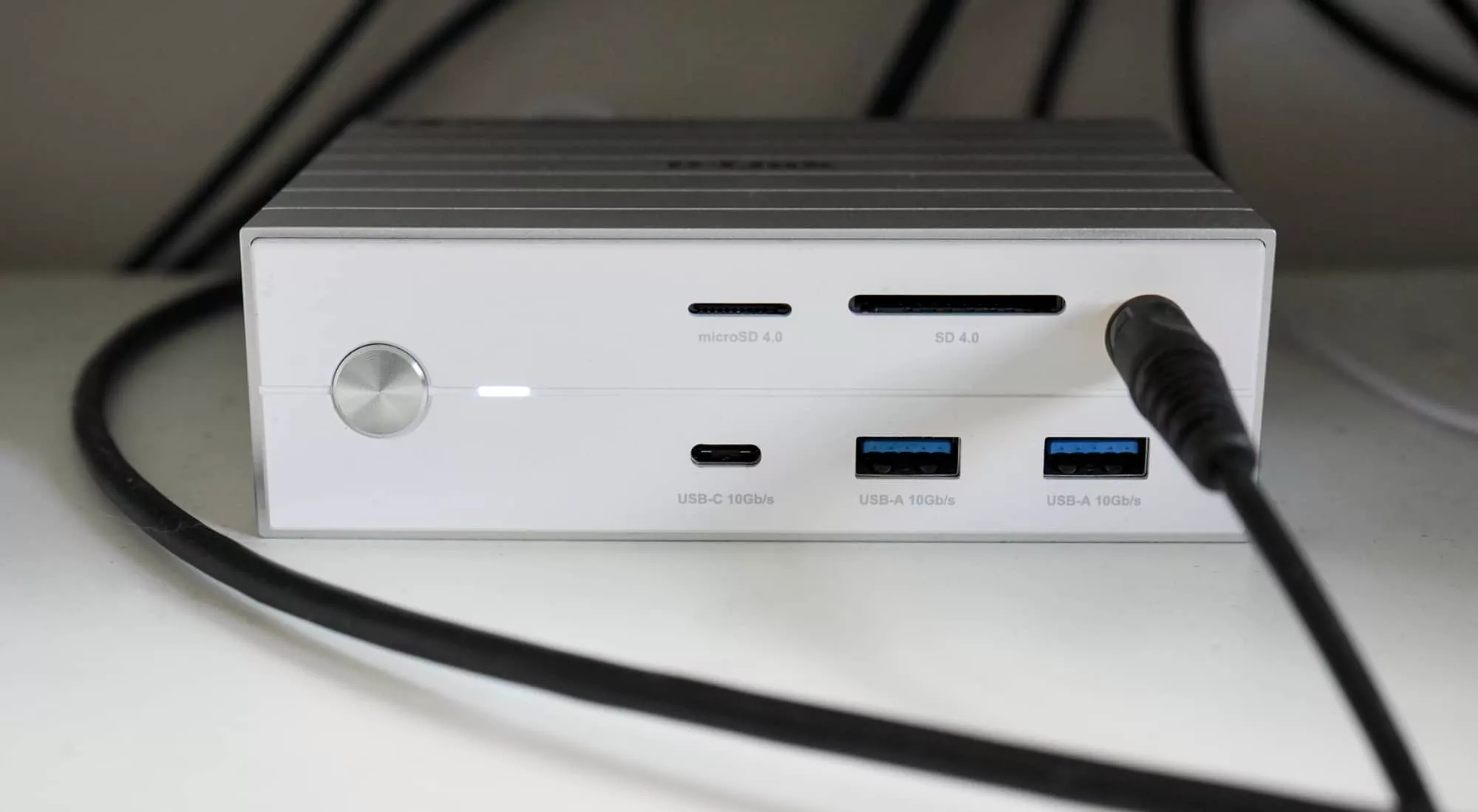
For instance, we had our big microphone plugged in for radio and recordings when the dock’s plug was into a Windows laptop or iPhone, and kept the studio-grade Sennheiser headphones plugged in for much the same reason. With one plug, the two devices could be made to work with a phone, and that wasn’t all.
If we had storage plugged in using either the microSD or SD card slots, it would have been added to both of those devices, while other USB devices could also be connected. An “on-air” light on the door of the Pickr office was powered by D-Link’s dock, handy for when we actually are on-air.
Does it do the job?
If the very thing you’re looking for on your desktop is a way to turn that laptop into something much more capable, the D-Link 14-in-1 Thunderbolt Docking Station is a good bet.
It’s everything you might need for a capable computing experience. The limitations of a laptop aren’t a thing here.
What does it need?
About the only way D-Link could have improved this piece of hardware is with the charging, because it maxes out at 60 watts.
For a MacBook Air, it’ll be plenty. For a Mac Mini or any other desktop, this is also largely irrelevant, because desktops are powered. But if you happen to have a MacBook Pro, a high performance workstation laptop, or maybe even something made for games, the 60W passthrough possibly won’t be enough.
A minimum of 90W would have been a better amount to work with, and some definitely do. The 60 watts from D-Link is good, but it could have been better.
Is it worth your money?
There is very little it needs beyond this, maybe a slightly less expensive price, because at $550 in Australia, the D-Link DUF-E01 is quite high priced.
To be fair, a Thunderbolt dock with support for 8K over Thunderbolt and 4K over HDMI was never going to be inexpensive, so it doesn’t surprise too greatly. However, this is still up there in terms of overall price.
By comparison, the Dell Pro Thunderbolt 4 dock gets similar features but skips the card slots for under $400, while the Microsoft Surface Thunderbolt 4 equivalent dock gets a few less ports but a lot more power for near the $500 mark. Meanwhile, the next one of these we’re checking out is a Thunderbolt 5 model from Kensington doesn’t cost much more and offers two 8K screens and more power.
You can see why the D-Link DUF-E01 is considered premium, it just also might be a touch higher priced than it should be.
Yay or nay?
The good news is that even at the time of publishing, D-Link probably saw that, as well. At the time of publishing, this D-Link dock had actually reduced in price to around $480, which is still a little exy, but also a little more manageable.
For people looking for a premium dock that looks and performs the part, the D-Link 14-port Thunderbolt 4 dock is an easy recommendation. It’s pricey, sure, but it’s a solid little box for your desktop. Recommended.