
Quick review
The good
The not-so-good

Keeping connected with kids at school and beyond doesn’t have to be a phone. Wearables make it possible, too. Is Apple Watch for Kids a genuine option for concerned parents?
The age at which kids ask for a phone is getting younger and younger, and the world is totally different from the one many of us grew up in.
You use a phone and your kids see you using a phone, so naturally they want a phone also. Having a phone could make them easier to connect with, to talk to, and to send them important messages, but owning a phone comes with its own set of problems, making the phone conversation more complex than it probably should be.
It’s not just as simple as giving your kids a phone. It’s a bigger issue.
What can you do if you want to arm your kids with something to keep them in contact?
Apple has an approach that could work, but it’s one that might be a little more costly than expected depending on just what you do.
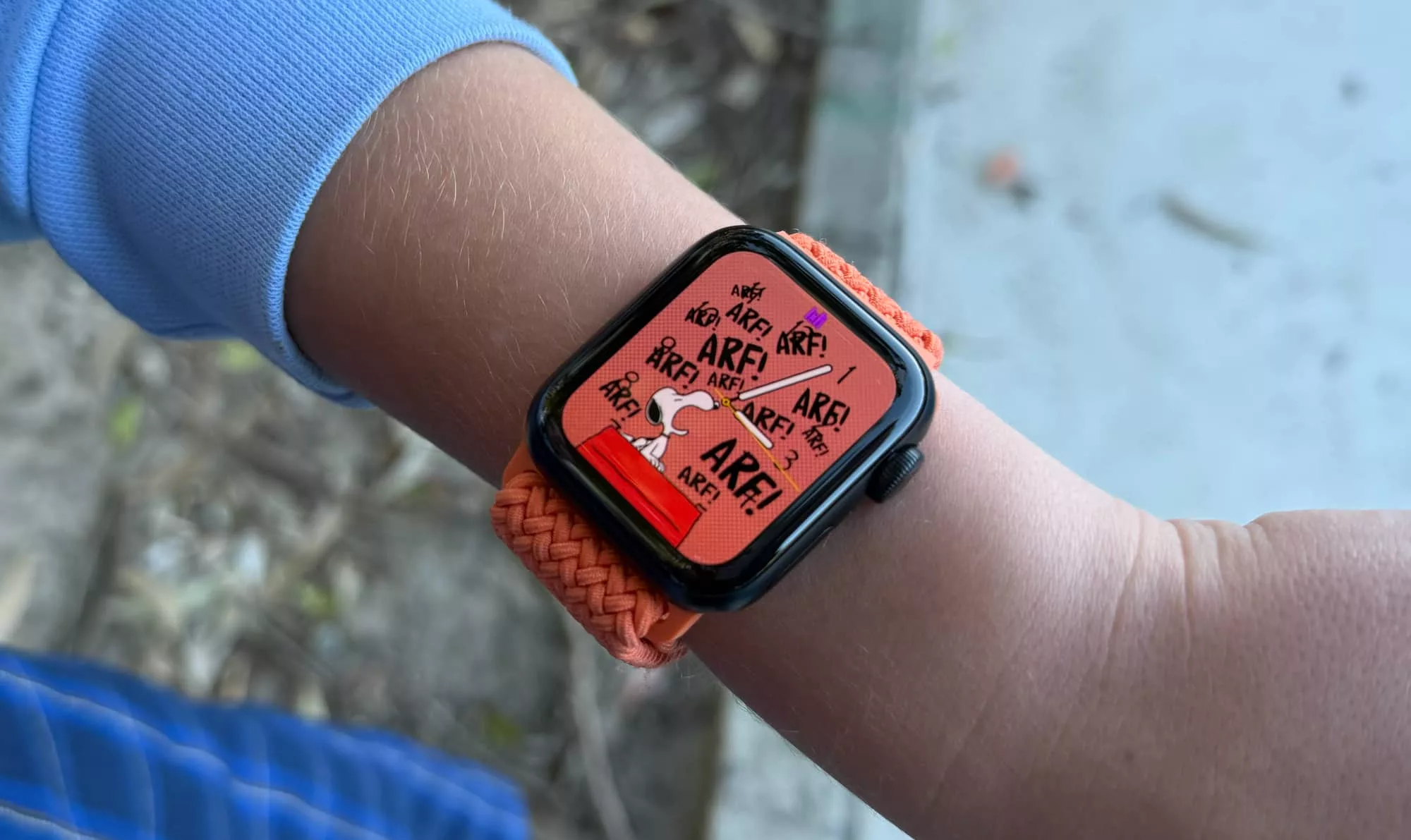
What is Apple Watch for Kids?
More a mode and a piece of software than an entirely new model, Apple Watch for Kids is what happens when the company who makes the iPhone finds a way to make the watch work for little ones.
They attend school. They visit friends. They need to be contact, and they don’t need a phone. This is the crux of where Apple Watch for Kids goes.
It’s not a brand new Apple Watch just for your kids, even though we suspect the children would love that. Won’t somebody think of the children, or at least the parents spending their money on the children?
No, Apple Watch for Kids is slightly different. It’s not a new piece of technology, but rather an adaptation of existing technology you might already own, extending that to the little ones in your life. Likely the little ones who aren’t so little and already go to school.
It’s for kids who don’t have their own phone just yet, and may not need one. It’s for kids who just need to keep in contact with their parents, and don’t want much more than a watch to do so. And it’s even for kids who want to know the time, and don’t mind their teachers knowing they also have an Apple Watch.
But perhaps more importantly, it’s for parents who worry about staying in contact with their kids. Who yearn to give them some form of communication device, but don’t want to deal with the apps, the social pressures, the awkward conversations, and so on.
They just want a way to stay connected.
That could be the perfect opportunity for the smartwatch, or even the connected smartwatch.
While most smartwatches are a second screen to your phone complete with health sensors on the inside, a connected smartwatch could be a great way to literally arm your kids (because it’s on an arm) with a communication gadget. It doesn’t have all the apps, there’s no way to be overly social on it, and health is tracked, as well.
You just need a gadget with a mode designed for kids.
Apple has long offered a family mode on its gadgets, and in the past couple of years, an “Apple Watch for Kids” mode has popped up in the wearable world. However, it wasn’t found in Australia until this year. Now the technology has arrived, and together with Telstra, you can engage the software to add an eSIM to a cellular-enabled Apple Watch without needing the watch connected to another phone.
In essence, Apple Watch for Kids is the middle ground option when you want your kids to have a phone without actually having a phone.
What does it do?
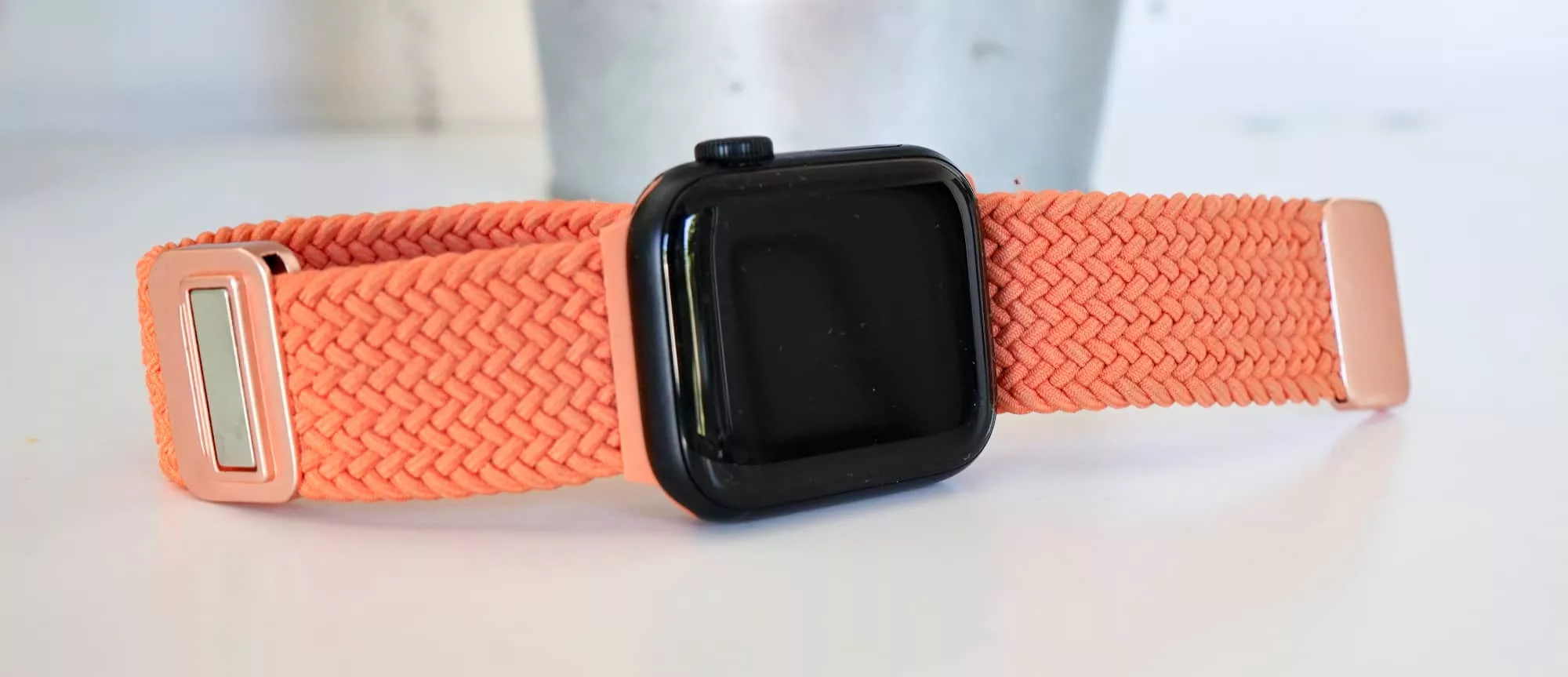
If you’ve seen an Apple Watch before — and you’ve definitely seen an Apple Watch before — Apple Watch for Kids changes things slightly by focusing on, well, kids. It’s literally there in the name, people.
Because kids go to school and don’t usually lean on needing to use a phone, Apple Watch for Kids differs from your usual uses.
It has a watch and clock face. It has messages for you to contact the watch and for the owner of that watch to contact you. And it also has activity stored, but under their account.
It is for all intents and purposes an Apple Watch with a mobile service attached.
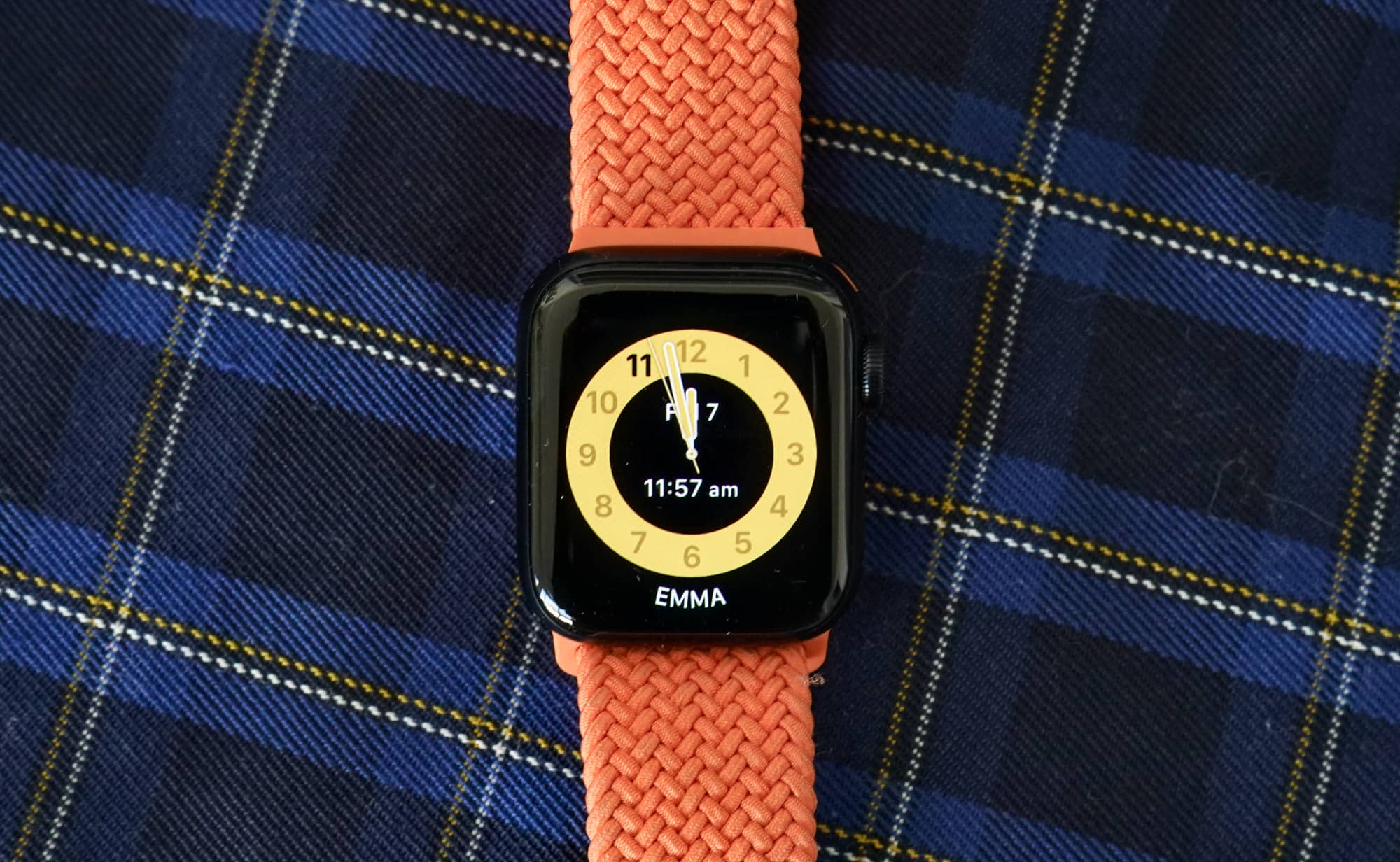
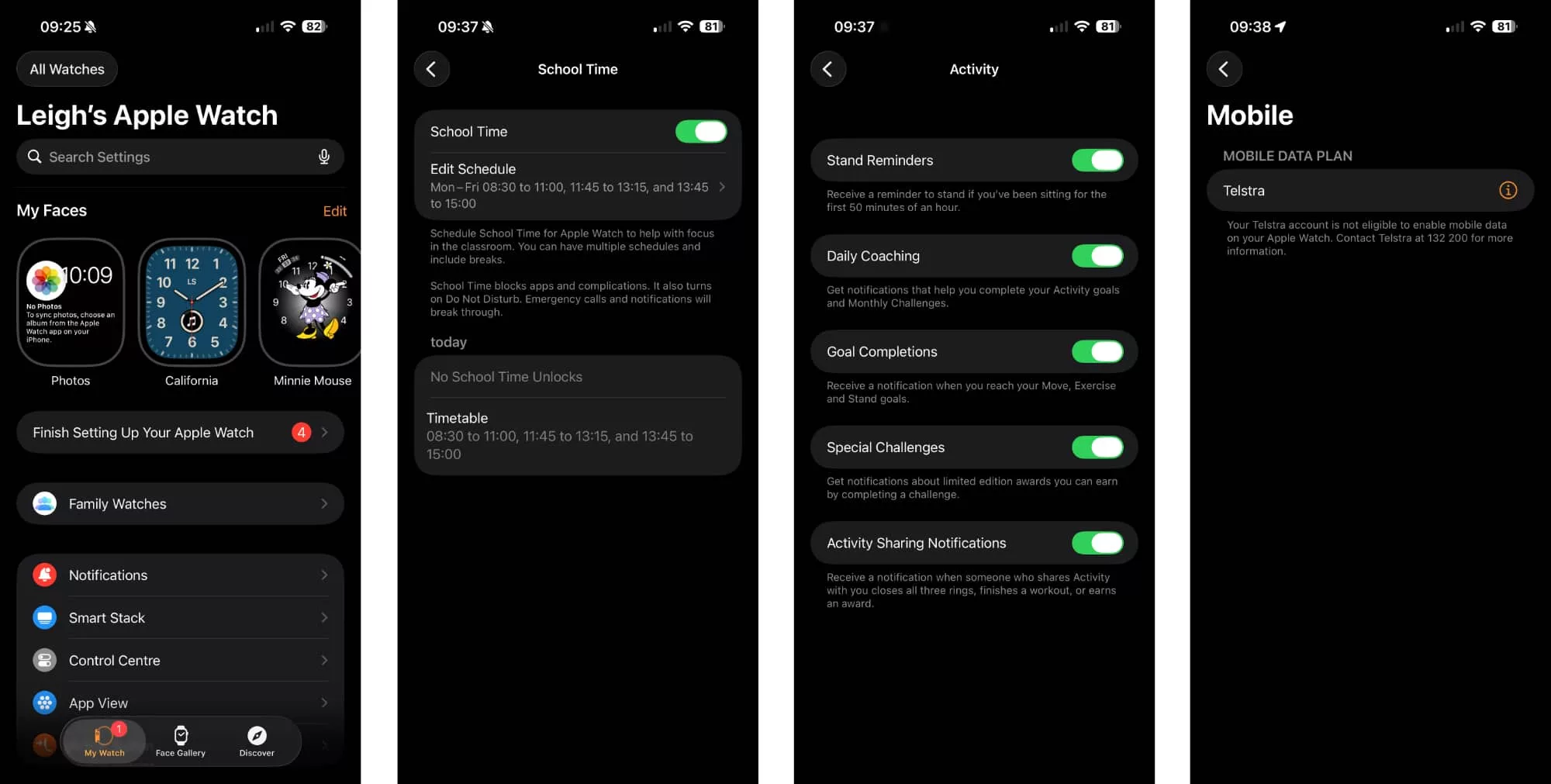
But it’s also not connected to a phone, and yet is managed by a family member. And throughout the day, the school mode kicks in and all the kids and teaches can see is a specific yellow analogue clock face with a digital time inside.
Everything they need, and nothing they don’t.
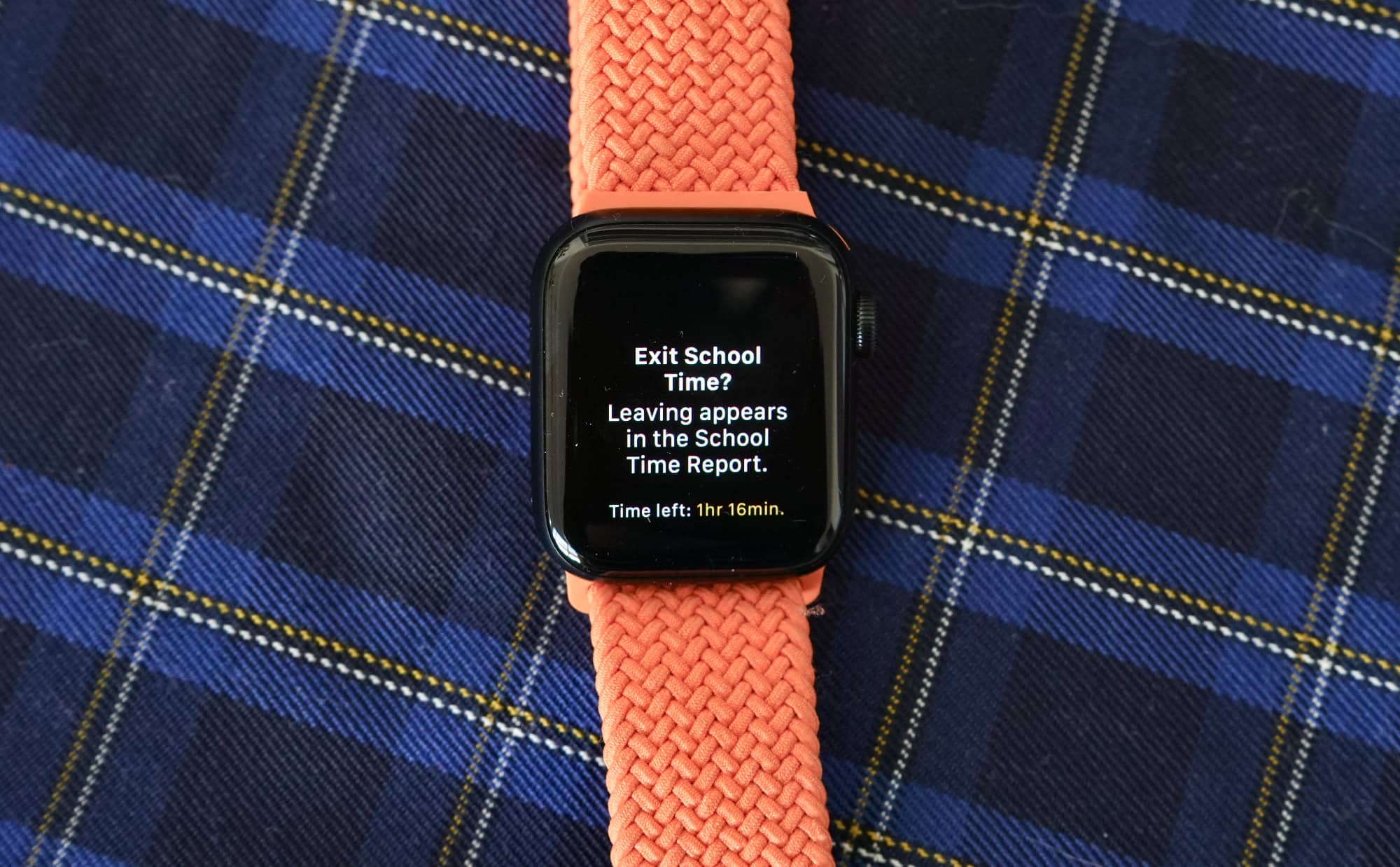
And if you need to contact them, or they need to contact you, the scheduled school time can be paused and exited, but is tracked each time.
How does it work?
To set this up, you obviously need to already exist in the Apple world, which means owning an Apple iPhone yourself.
You need an iPhone to set up any Apple Watch, and this is no different, so if you’re on Android and planning to switch, you might want to move on. This is an iPhone-only affair.
Sufficed to say, setting it up is fairly easy, allowing you to set up the watch for another family member, and then allowing you to add a service for that secondary member.
This isn’t an Apple Watch for you; it’s an Apple Watch for someone else.
Does it do the job?
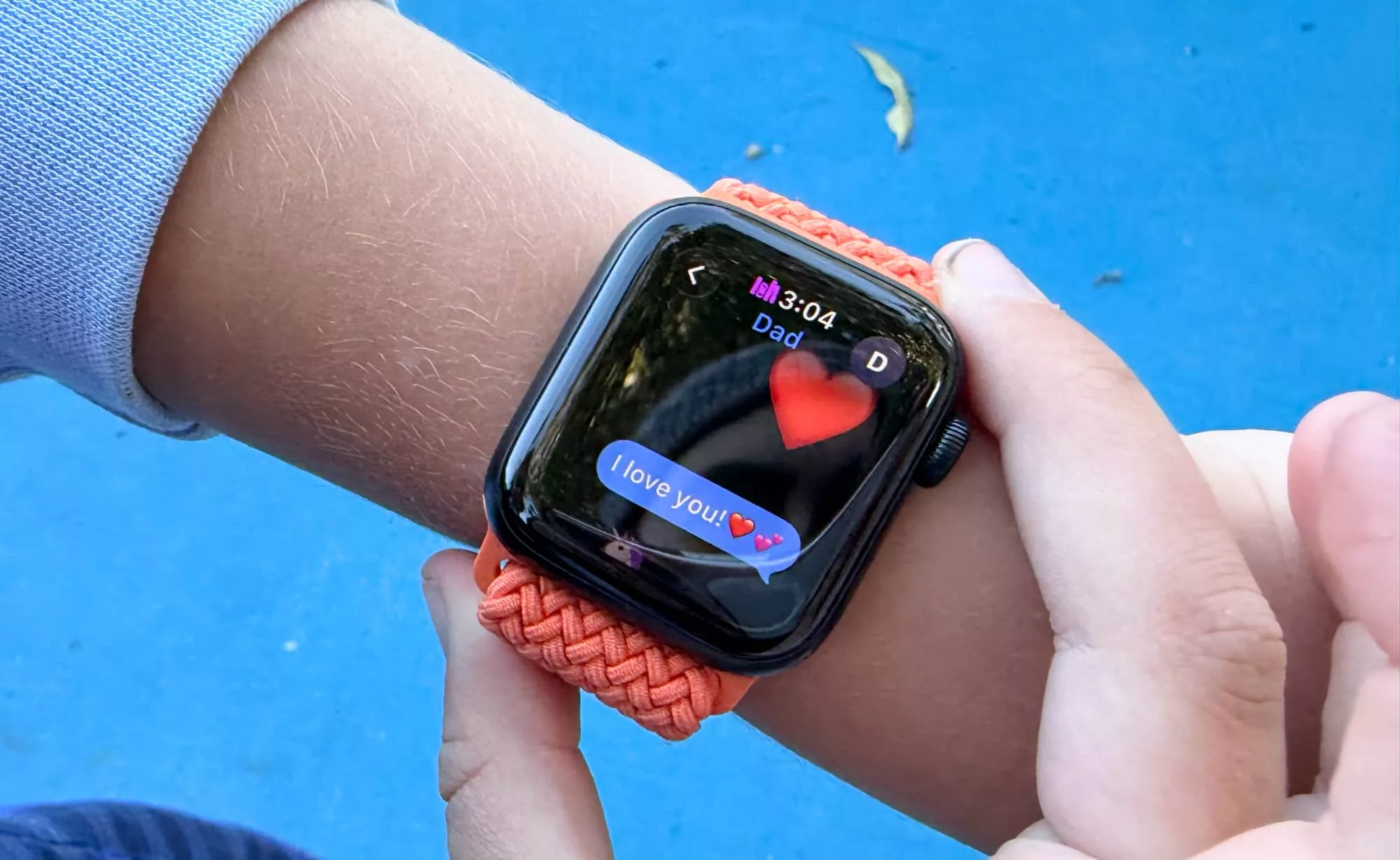
In terms of keeping contact with the little ones in your life, Apple Watch for Kids delivers exactly what parents have probably been craving: tabs without obviously forceful interaction.
If anything, it’s truthful parenting at a slight distance. Your kids will dig it, and you probably won’t get unnerved by it as well.
This isn’t like another watch where you get play-by-play notifications for everything they do, or even for when the service fails at times and you’re left wondering if your kids have fallen off the planet.
Some apps and platforms do exactly that, and struggle to make out the difference between the hardware having a hiccup and a bug, and your child genuinely in a problematic situation. It can be difficult.
The Apple Watch isn’t like that, and that’s certainly true of Apple Watch for kids, too.
It’s not even a mapping system to track where people are, though you can definitely share a location or ping the watch to find it. Rather than a tracking system for your kids, an Apple Watch being worn by your kids gives them a communication system they can use when it matters.
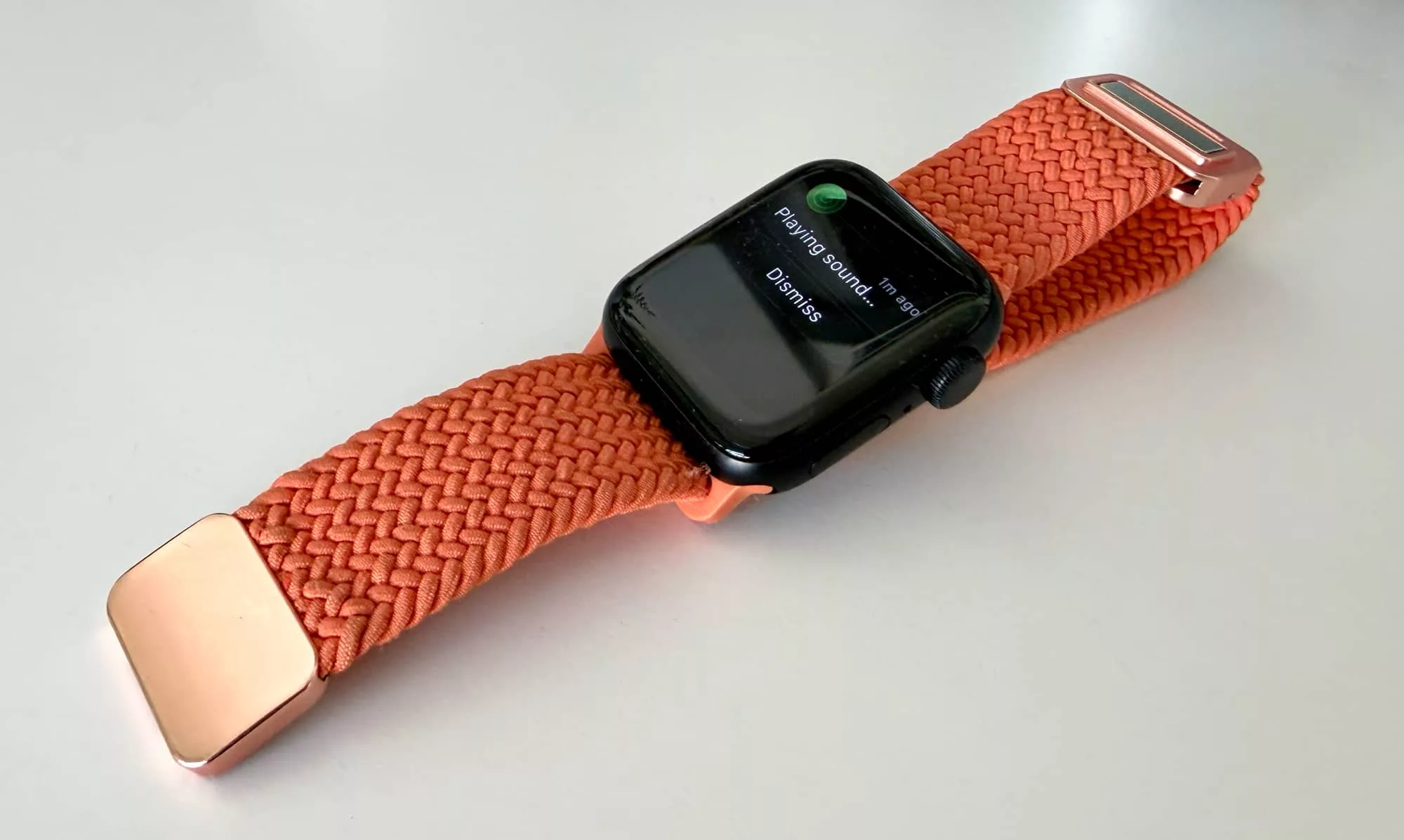
It’s like the phone you always wanted them to have without the mess of the screen, the time wasting, and all the other aspects of phone owning parents seem concerned and afraid of.
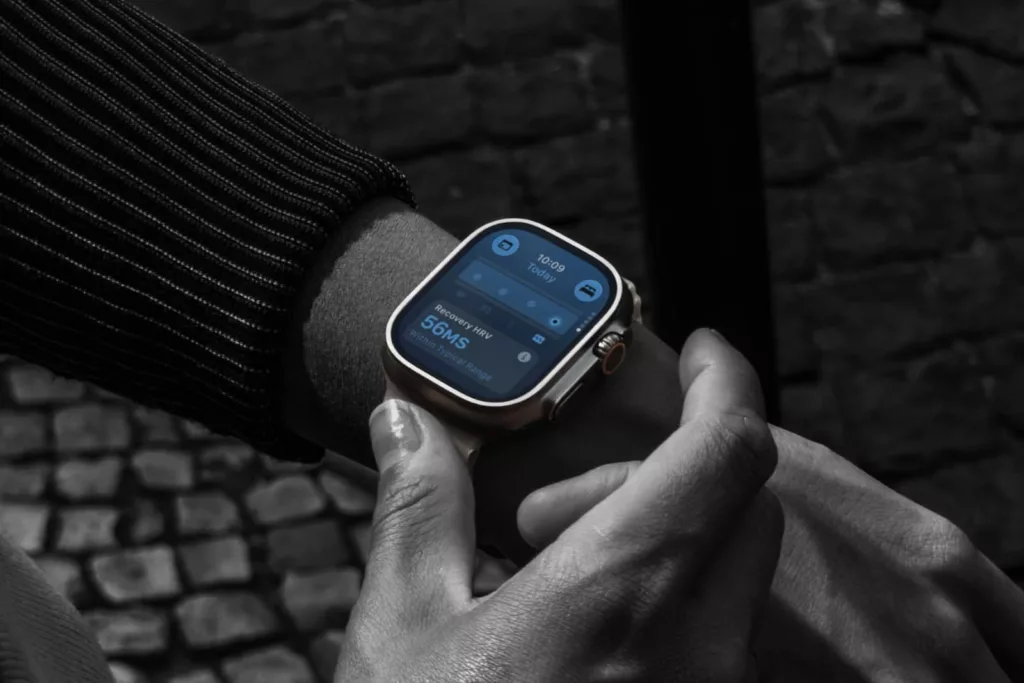
They’ll likely need to charge it nightly, as is the problem of pretty much any Apple Watch model, unless you’ve decided to pony up the roughly $1300 that the Apple Watch Ultra 3 costs, or one of its predecessors.
At least you know that model will survive nearly anything, school included, though it does bring you to the problem of cost.
Is it worth your money?
The price is where things can get a little hefty, because Apple Watch for Kids is both the device and a required service.
If you’re buying a watch outright, you’ll need to spend at least $489 for an Apple Watch SE3 with cellular built in. Alternatively, you can bring a hand-me-down Apple Watch model with cellular inside, but it needs to be one of the cellular-capable Apple Watch variants to work this way.
Then you need the service, and right now, that is a touch limited in Australia, as well.
As of the time of this review being published, Telstra is the only big telco that supports the eSIM specificity that Apple Watch for Kids uses. Specifically, that means setting up an eSIM for an Apple Watch without needing to pair the watch with a phone first, doing so at a cost of $20 per month for 2GB and unlimited calls/texts for the child’s watch plan on top of a Telstra service, which starts from $74.
If you already use Telstra for your telco, this is probably going to be no sweat. Granted, $20 per month is still a little costly, especially for the stray messages your kids are probably going to send, and hardly gets the best out of the 2GB the plan features.
But if you don’t use Telstra, you’ll need to spend a minimum of $74 to get the specific eSIM plan to work, which means a cost of $94 per month just so your kids can use their Apple Watch with a remote capability. It can be a little much.
Interestingly, there is also a smaller telco that supports Apple Watch for Kids in the form of “BetterRoaming”, which offers a more logical and far more affordable plan of $99 per year. In the space of only a few months, its value appears a lot more logical than what Telstra offers.
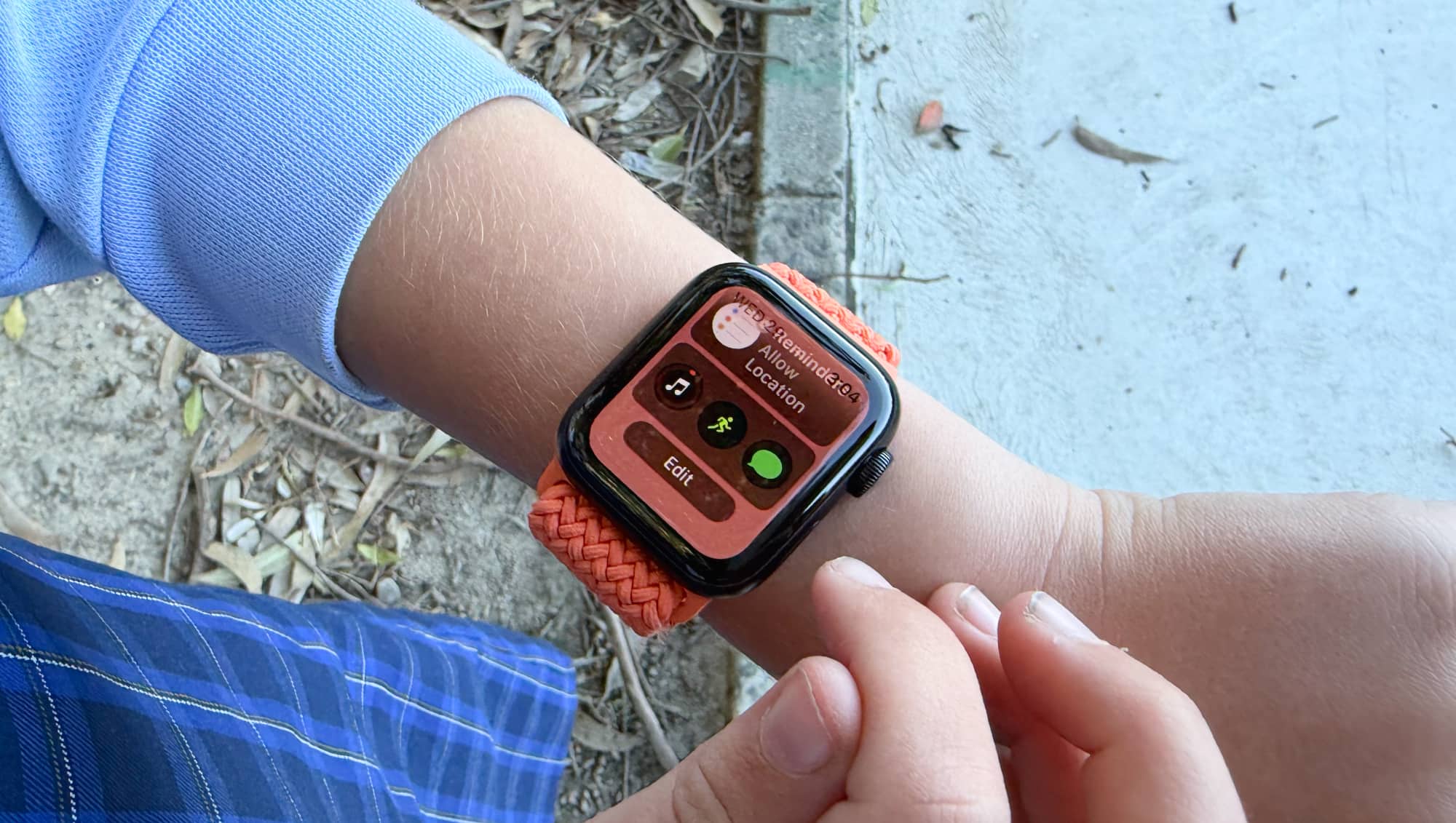
What are the alternatives?
Of course, there are other options than simply handing over money to Apple and Telstra, or even Apple and BetterRoaming, though they all come with different caveats.
Take the Spacetalk models, which may not be as cool or stylish, don’t always age as well in design, and at that point, you’re still paying for both the hardware and a monthly fee to someone for the device.
If you don’t exist in the world of Apple, Spacetalk can make a lot of sense. It’s not perfect, and the company has certainly had complaints in the past, but it’s easily the most obvious known direct alternative to Apple Watch for Kids.
Garmin also makes its own take in the Bounce 2, a 4G capable watch that also has its own subscription plan for $17 per month (at the time of publishing), which when you take that into consideration feels like it is directly targeting the Apple Watch and Telstra’s $20 plan.
Watch with no messaging
Alternatively, you can consider a watch with no messaging capability, and simply seeing health metrics outside of this.
There are a bunch of these, from cheap-as-chips models to more established brands, and they all largely function the same way, offering health metrics and the time, yet no way of contacting the kids if you need to.
Watch with eSIM matched to your phone
Possibly one of the worst suggestions, you could theoretically pair an eSIM and a watch to your phone as a parent, and have it cost much less simply because it would be tied to your service. The price here is basically a cellular Apple Watch and an eSIM connected to your service which is lower, usually around $6 or $7 per month, but you might already have the hardware as hand-me-downs.
Why this is a terrible idea, however, is that as a parent, if you’ve matched an Apple Watch to your iPhone, it will get every message and call sent to it, as well. Your kids will see your calls, texts, notifications, and when they go into school time, it may also impact how your other devices respond.
This should not be an option. It is a terrible idea. Don’t do it.
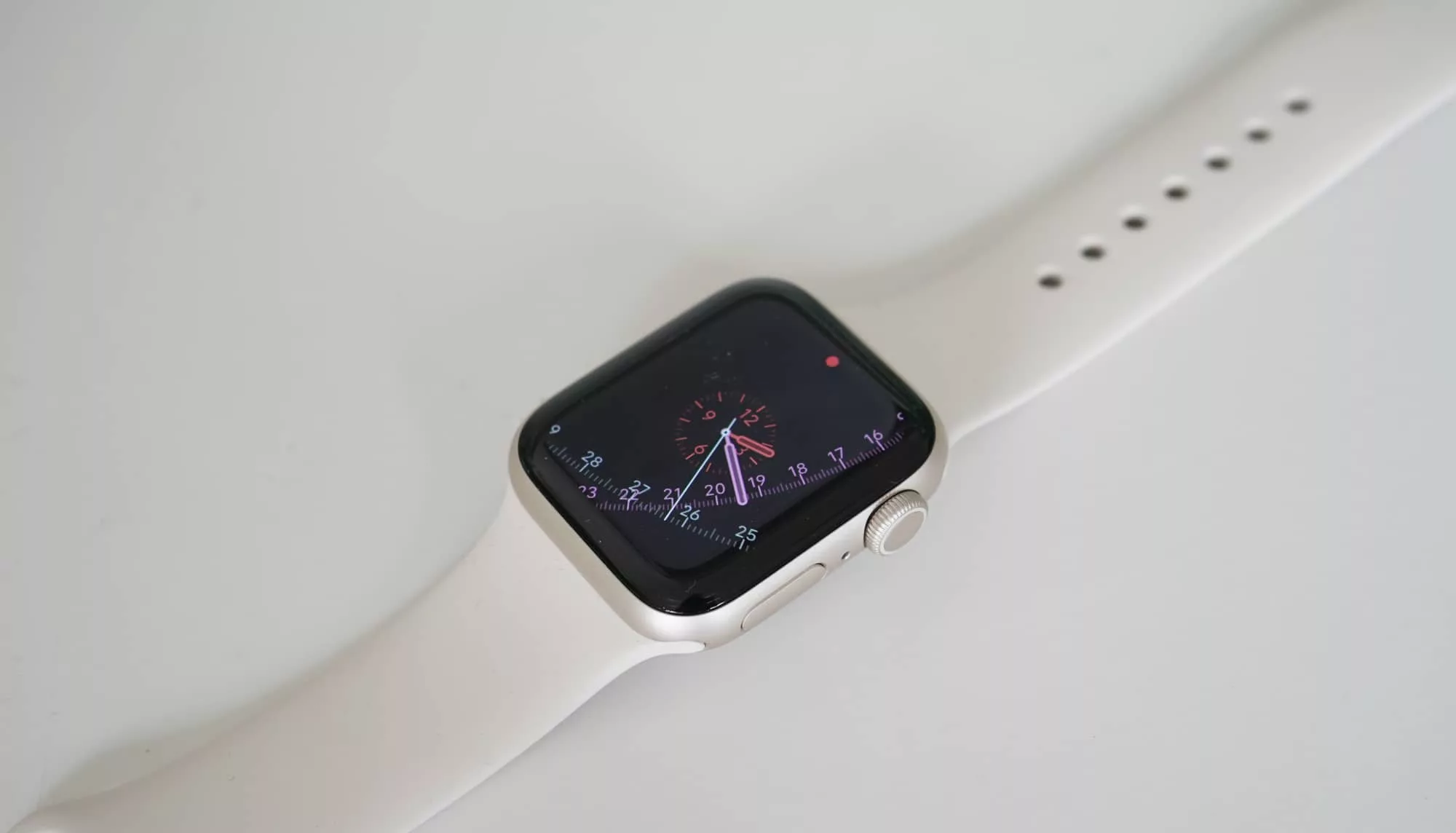
Watch and related phone
A better idea may be to simply arm your kids with their own phone and connect a watch that way.
In this approach, the Apple Watch (or another device) doesn’t need to be cellular capable. This becomes more of a “nice to have” than a real necessity, simply because the phone will do all the mobile stuff and send calls and notifications to the watch (or other band), provided it’s within reach.
From a cost perspective, it means you simply need a phone (which could be a hand-me-down) and a watch or wearable (which could also be a hand-me-down), and then the service for the phone. The wearable will run wirelessly with the phone, likely left in your kid’s backpack, but you won’t need to pay for an extra service for the watch.
It just uses the standard wireless connection, and is an approach that applies both to Apple and Android. Pick the phone you want. Pick the wearable you want. You are largely done, beyond needing to charge two devices.
Just a phone
The most obvious alternative is to simply give your kids a phone, because they may not need a watch.
While wearables track health metrics, that may not matter to you. If messaging and location are the most important aspects, and your kids can simply pull out a phone when they need to contact you or vice versa, just arming them with a phone may be all you need.
A phone clearly needs a service and SIM to work, but it could easily be a hand-me-down, and you only need to charge it every couple of days (if the phone is rarely used). It’s essentially one of those “in case of emergency” type situations.
Obviously, this adds the issue of having a screen for them to get lost in, which is a whole entire other problem, but it could be a less expensive and less awkward approach.
What your kid thinks
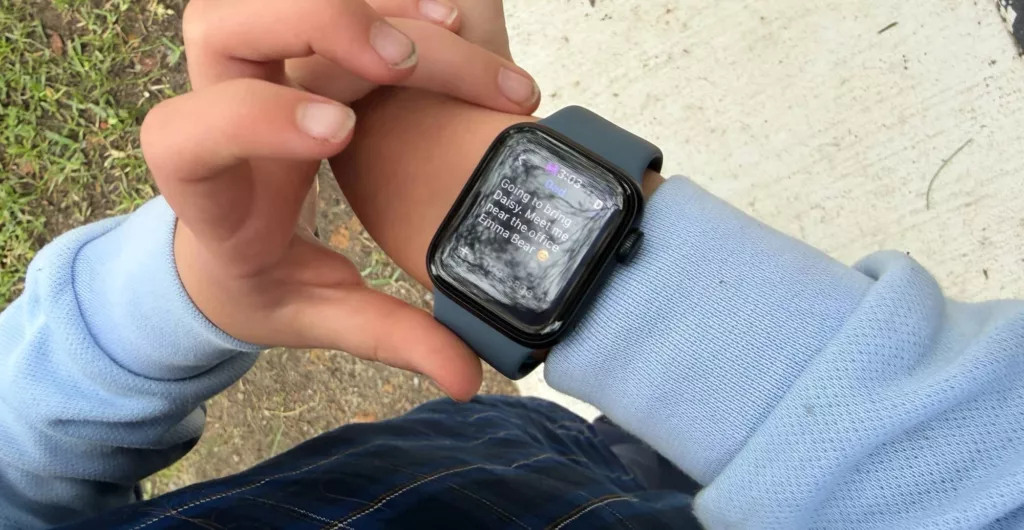
Your child will have the biggest opinions on Apple Watch for Kids, though, because they’ll be the one wearing it.
“It was just like fun having it on. For example, my friends would just ask me, oh, what’s the time? And I just said whatever the time was,” said Emma, who wore it in third grade for several weeks.
“If something bad happened at school, I can just quickly tell you [my parents] on the watch, and I can even also message you,” she said.
Sometimes those messages would come at random times in the day. We had tweaked school mode to switch off at times when recess and lunch were on, trusting her with the privilege of only using the watch when she was allowed to.
It turns out that schools aren’t too thrilled with the idea. While she could wear an Apple Watch, she couldn’t have it sending messages. Truth be told, it was the parent’s fault, and she turned out to be totally trustworthy.
“I also liked that I can do a lot of things: I can get out of school and actually see my dog,” she said. This was something that helped change how we communicated.
If we wanted to pick her up and it was just the one parent, we could simply message her a location, and she could come out. It made our lives easier to drop a simple message that was ready and waiting when the bell rang, which was when school time switched off.
She also noted the watch made her feel safer, because she was in contact with her parents whenever she wanted to be. Interestingly, she didn’t lean on the watch, and at times largely forgot it was there.
“Like, I don’t really use it much. I mean you don’t need to every single second, keep messaging and keep looking at it,” she said one evening. “You don’t. It’s kind of that thing.”
“One day, I just barely touched it. It kind of just feels like it’s there when you need it, right? I don’t even need to use it.”
Yay or nay?
There’s no denying that an Apple Watch has the “cool” factor kids will dig, and even the use of the wearable in school makes for a neat way to stay in contact with the little ones.
It’s definitely handy, but it can also be quite expensive, as well. The price makes it almost impossible to justify, especially if you have more than one child in your family.
In an era where everything seems to cost more, the level of spend you need just to make Apple Watch for Kids work is hefty, and will only be logical for families who can justify the overall spend.
Worth nothing, we didn’t put the Apple Watch SE3 through its paces in this review. We did that last year in our actual Watch SE3 review, but that’s important to address because while the SE3 is a well-designed and nicely built device, it might not survive the day-to-day usage for every child.
The more rough your child is, the less likely its body and glass is likely to fare. And that means if you do want a watch to survive the several years your child attends school, you’re not just paying for the pricey service, you probably want to consider the stainless steel take on the Apple Watch with its sapphire glass, and it’s closer to the thousand dollar mark.
For the purposes of this test, we definitely trusted Ms 9 to take care of things, and she did very well. But there were days she found herself covering up the watch with her sleeve, particularly in sports. It was winter, so that was easy, but a stray dodgeball or fall in sport could have turned the Watch SE into a mess. Just be aware of that going in.
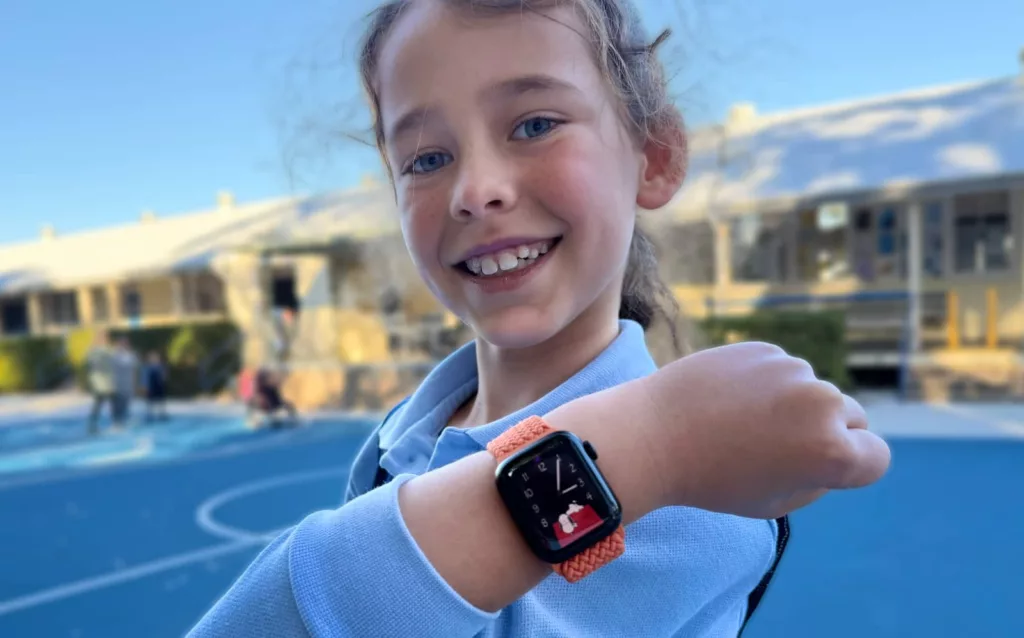
If you can live with the risk — and your kids understand that this is an expensive gadget they’re wearing — and the price doesn’t throw you, Apple Watch for Kids is a fantastic approach to skipping the phone and simply going straight to the wrist.
Telstra’s plan is just an add-on of sorts, but BetterRoaming’s less expensive approach does make Apple Watch for Kids a lot more viable for everyone else. Even this reviewer is thinking about it.
If you do live in the Apple world and don’t mind the extra spend this brings to the table, the Apple Watch for Kids is a great way to join the dots and without needing a phone. It might just buy you some time.
Overall, it’s just an easy way to stay in touch. Parents will love it. They’ll be connected when they need it most. Recommended.
With special contributions by Emma Stark