Quick review
The good
The not-so-good
If you’ve always wished your Kindle had colour, you can now make it happen. But is the Kindle Colorsoft worth the high price?
Reading is typically a monochromatic affair, with text in black on white, or inverted if you want to read at night. But what happens when you want to check out something that works better in colour?
We’re not talking a regular novel, paperback, trade paper, or reference title. No, we’re looking more at picture books for kids, comics, graphic novels, and even magazines. Specifically selections of reading that are printed in colour.
Typically when you view anything in colour on any other black and white eBook reader, you’re going to get it in black and white, just as e-ink has been for over a decade. But in the past few years, that has been changing.
Colour e-ink screens aren’t as new as the world would suggest, having been around in early incarnations since 2010, but popping up in the more popular brands only in the past couple of years.
Crazily, back at CES 2020, Hisense showed off a phone with a colour e-ink screen. Sure, it never came to market, but it existed, and there are actual colour eBook readers that are easily found.
Take Kobo’s efforts from 2024 in the Clara Colour and Libra Colour, variations on a theme that offered a colour screen at different price points. Now it’s Amazon’s turn, as the Kindle goes colour in much the same way.
What is the Kindle Colorsoft?
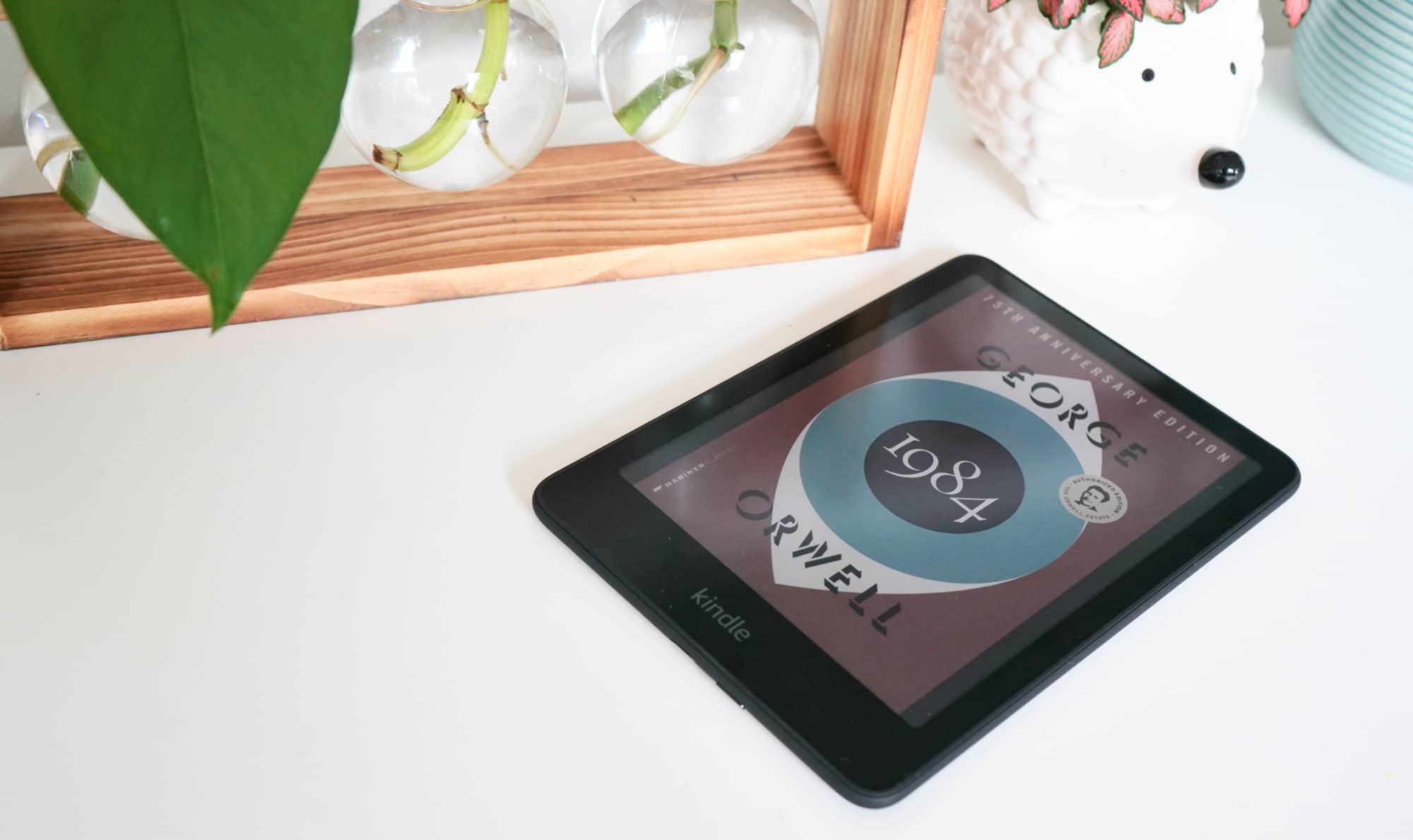
Another variation on a theme, the Kindle Colorsoft is what happens when you take one of Amazon’s regular Kindle models and give it a colour screen.
Granted, the omission of the “u” in colour is one of the things you don’t get; the Colorsoft is an American product, so you get the American spelling here. But a colour screen is the main feature, as the Colorsoft essentially takes the Kindle Paperwhite from a few years ago and gives it a much needed upgrade: colour.
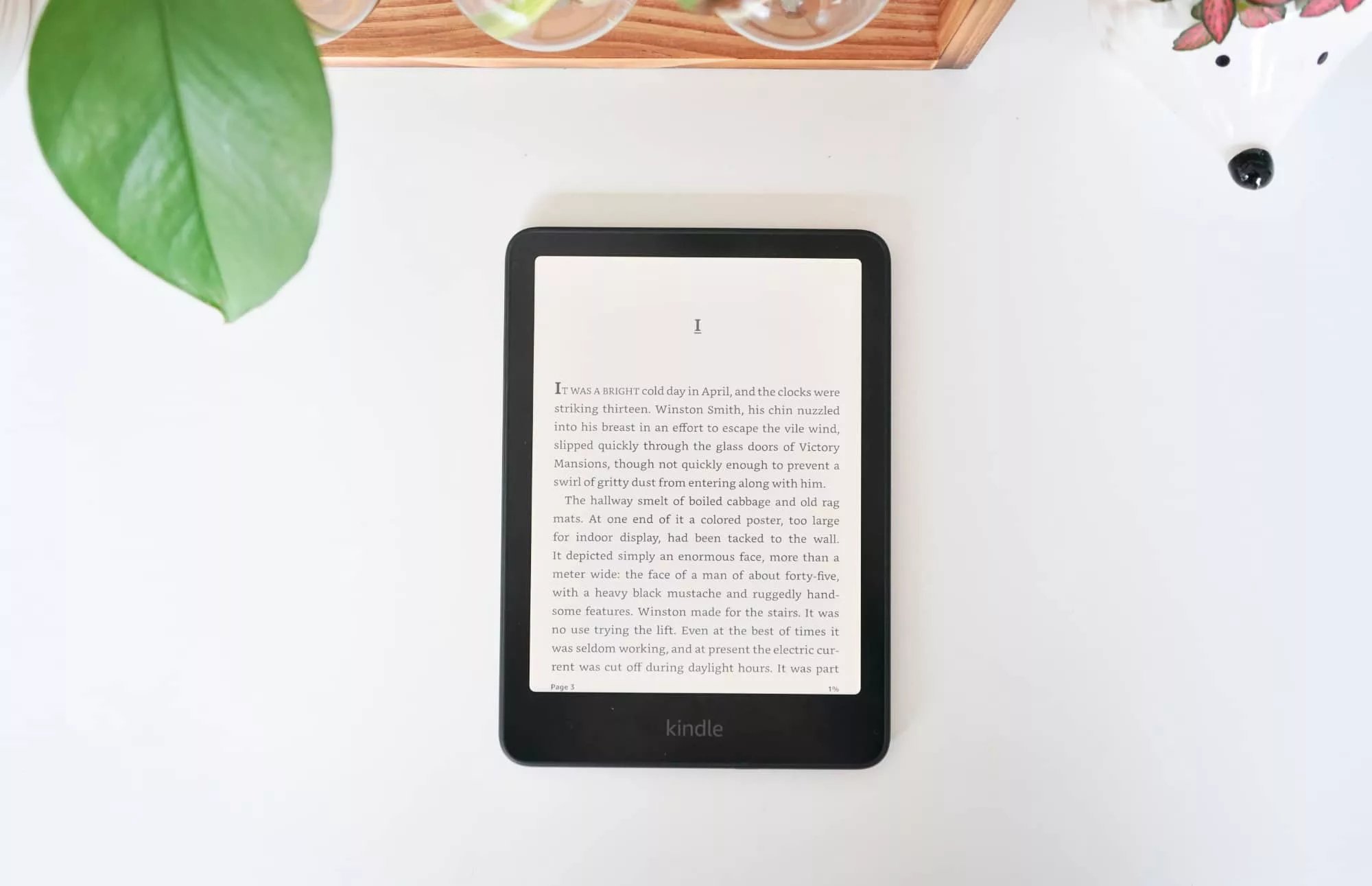
It’s not exactly the same as the 2021 variation. The width isn’t quite the same, and the model has seen an update in the past few years, but the current Colorsoft is similar to the current Paperwhite in quite a few ways.
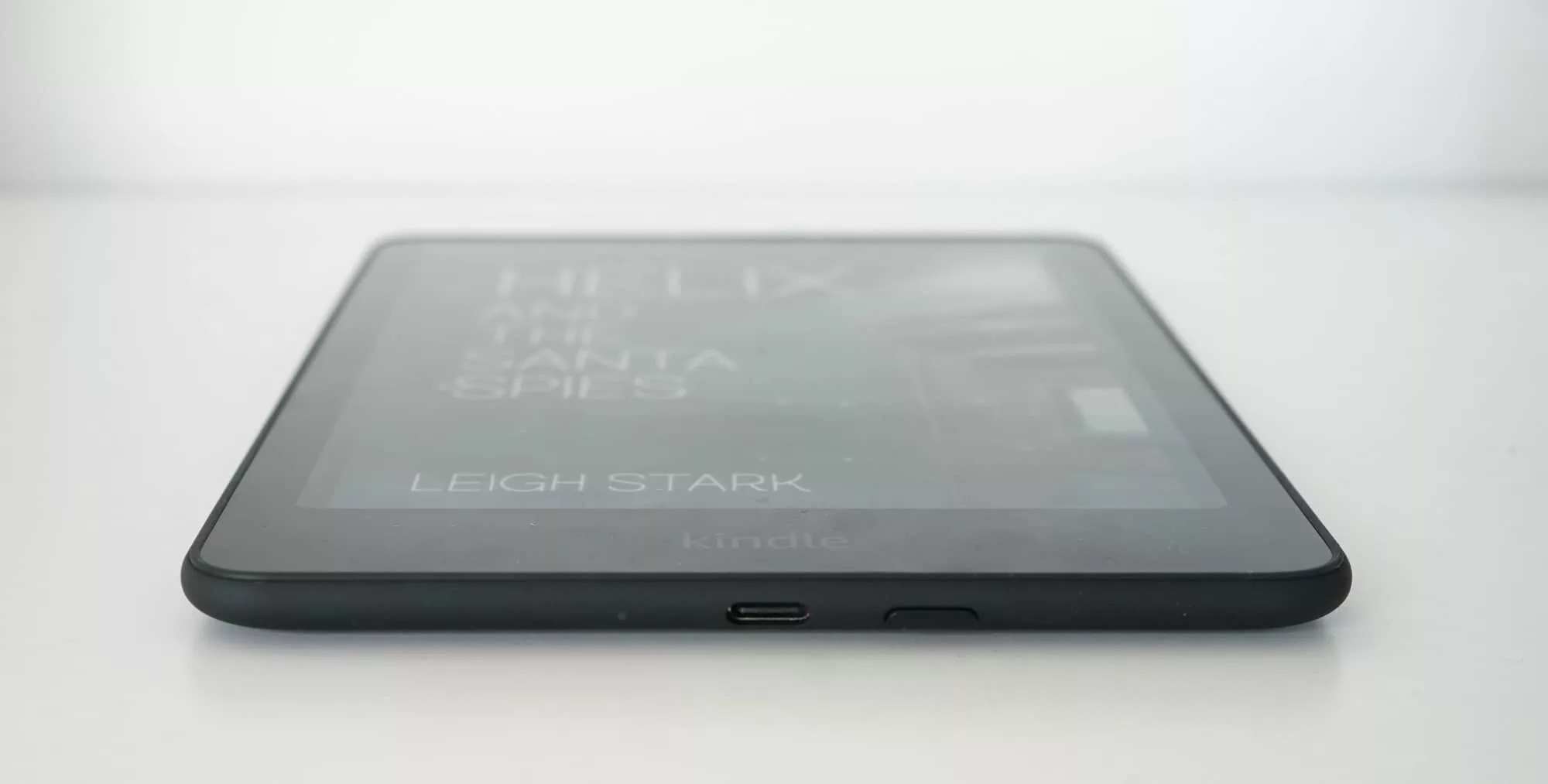
They both offer a 7 inch screen, they’re both 7.8mm thin, and they both have the same dimensions: 127.6 x 176.7mm. They both also have similar weights, the 215 grams of the Colorsoft only a smidge heavier than the 211g Paperwhite. They’re also both IPX8 water resistant, making them friendly for the bath.
Really, the only point of obvious difference is the screen, with a monochromatic model on the Paperwhite and a colour model on the Colorsoft. It’s really that easy.
What does it do?
Like all Kindle eReaders and their respective cousins that lack the branding and are digital book readers with an electronic ink screen, the Kindle Colorsoft is one of those almost magical gadgets designed for reading that uses a special e-ink screen to show books in a portable way without eroding battery life too much.
Ebook readers have largely been monochromatic for years because most books are monochromatic — black text on a white page — and haven’t needed colour. But some books rely on colour, as do comics and graphic novels, and even the handful of magazines still around.
If you need colour, typically you’ve had to turn to a tablet and its bright screen to do the job, but that comes with a bit of a catch: battery life.
While an iPad can last a few days, an eReader can last weeks due to its low-power low-refresh-rate screen.
That stays the same with the colour edition of the Kindle, which basically keeps up to eight weeks of battery life dependent on how often you use the thing.
Does it do the job?
If reading is what you’re after, and more specifically, reading in colour, the aptly named Colorsoft definitely offers that, though it’s basically just a new screen on the already quite functional Paperwhite.
The whole thing is a touch-based eBook reader, so you’ll have to touch on the left and right sides of the screen to turn pages, and touch at the top or swipe down to get other aspects, such as the dropdown power control or simply leaving your book. The one physical button is at the bottom for turning the Kindle on and off.
The speed is about the same, meaning most books should flick a page over within a half second or so of touching a page, though we did find books bought from Amazon or borrowed using Kindle Unlimited were fastest. Homemade ePub files and files converted to Amazon’s mobi format were a little slower, but not enough to matter hugely.
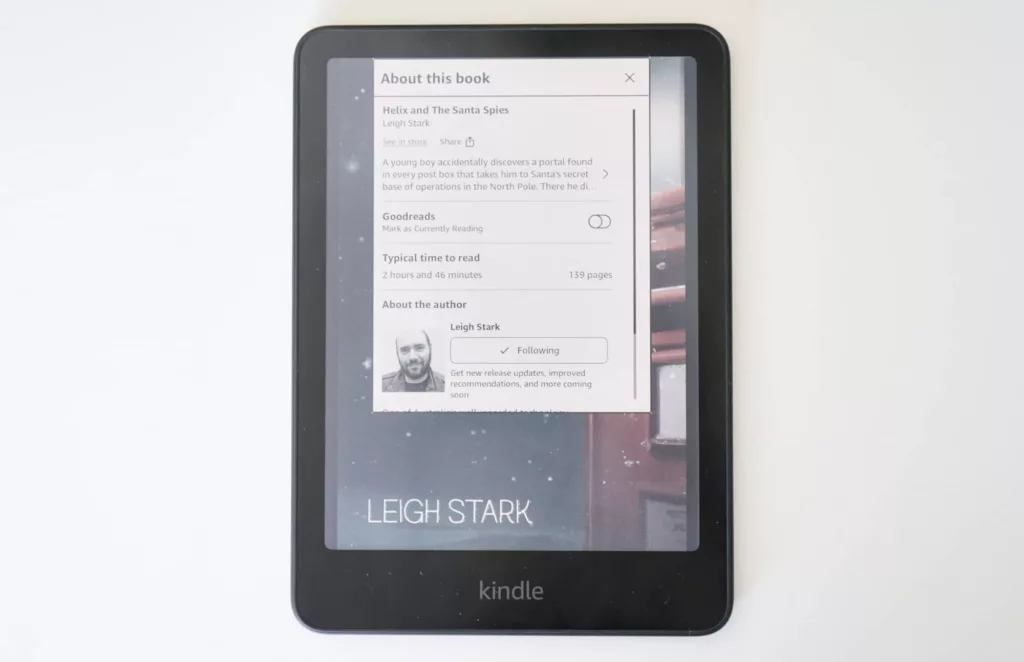
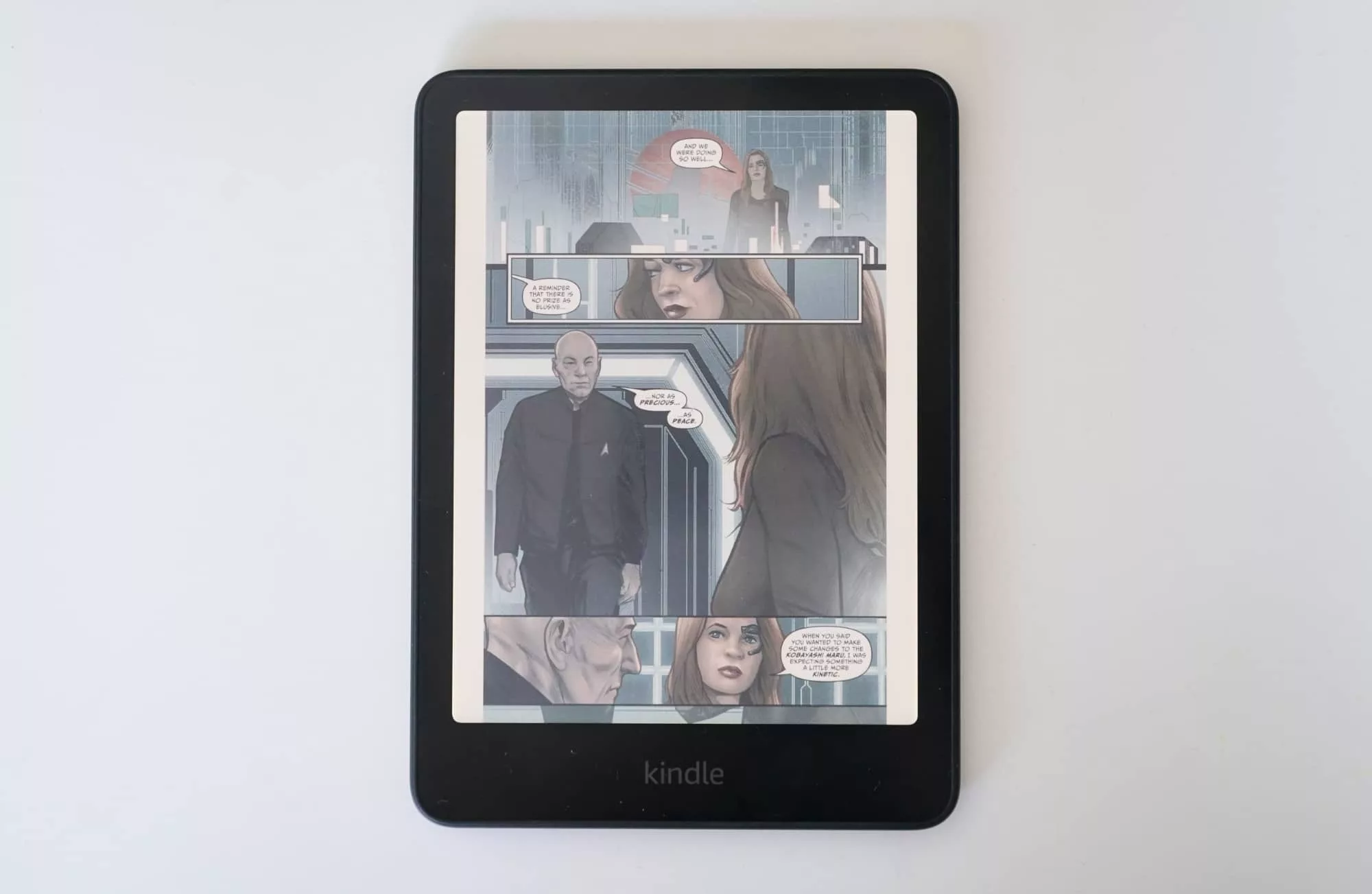
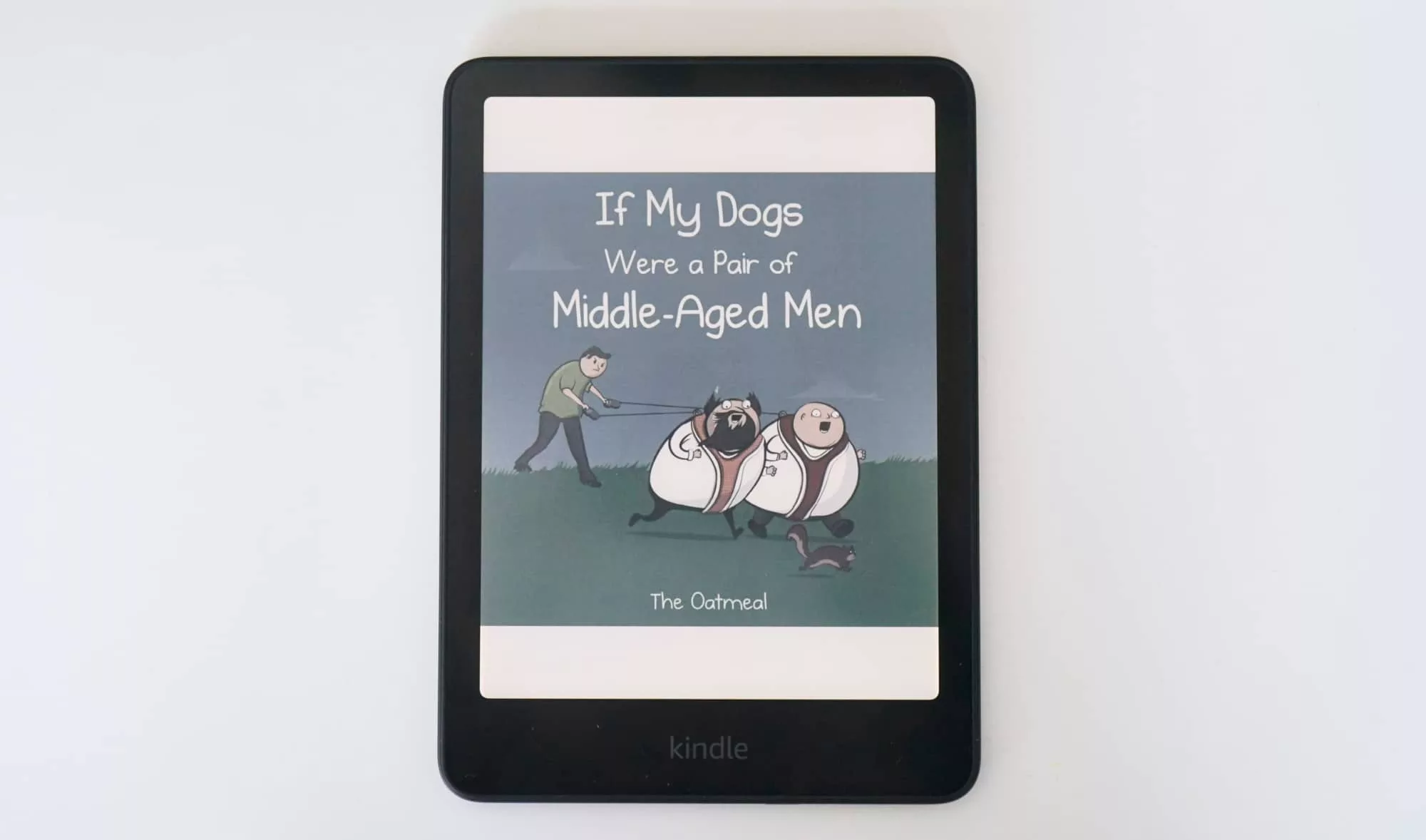
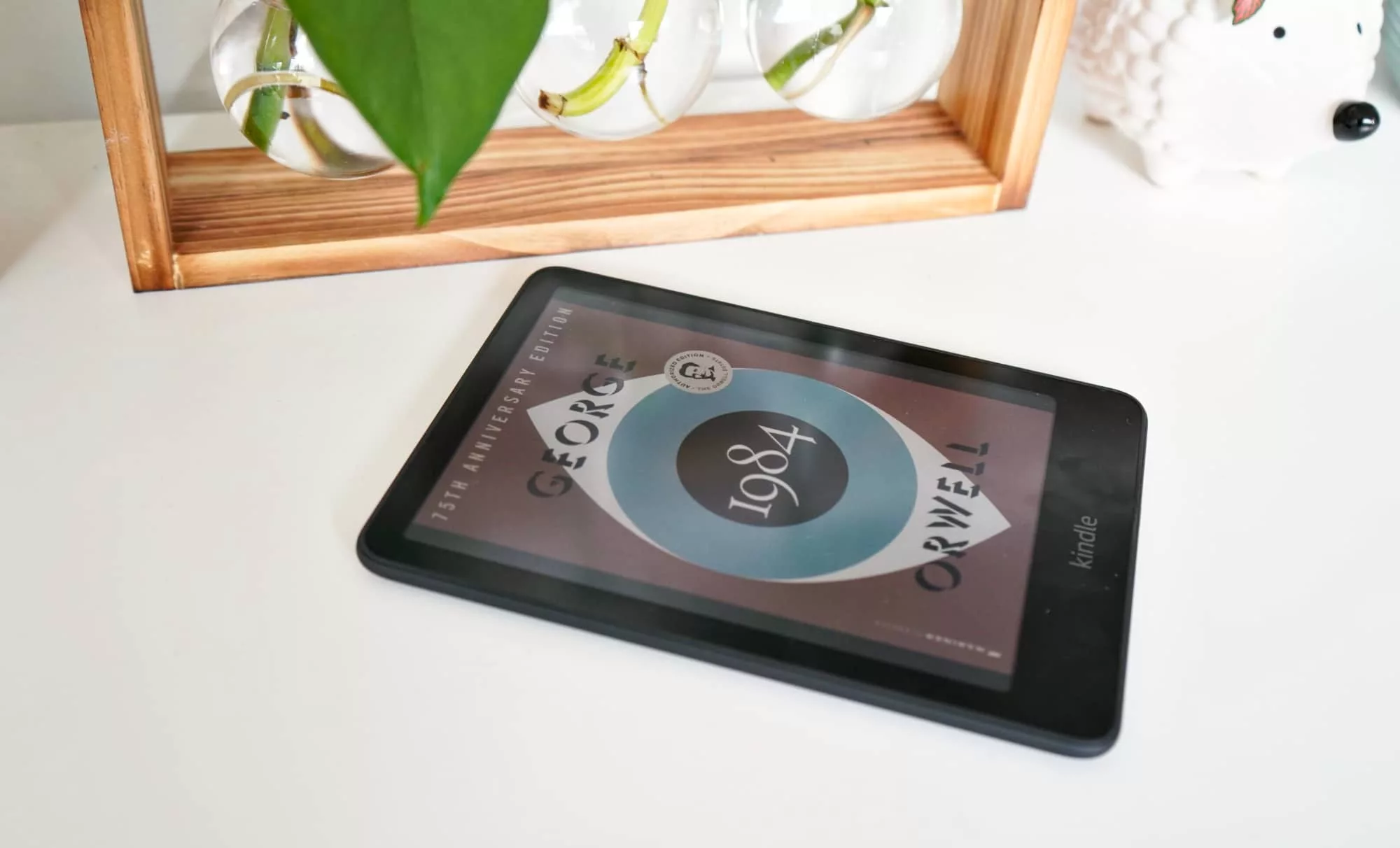
Reading on the Kindle is easy, and black text looks about as good as it did on the regular Kindle. Unsurprisingly, the colour screen isn’t as vibrant as an iPad screen or even an Android equivalent, providing a semi-washed out look that works well enough, but lacks the dynamics and contrast you’re used to seeing on tablet screens.
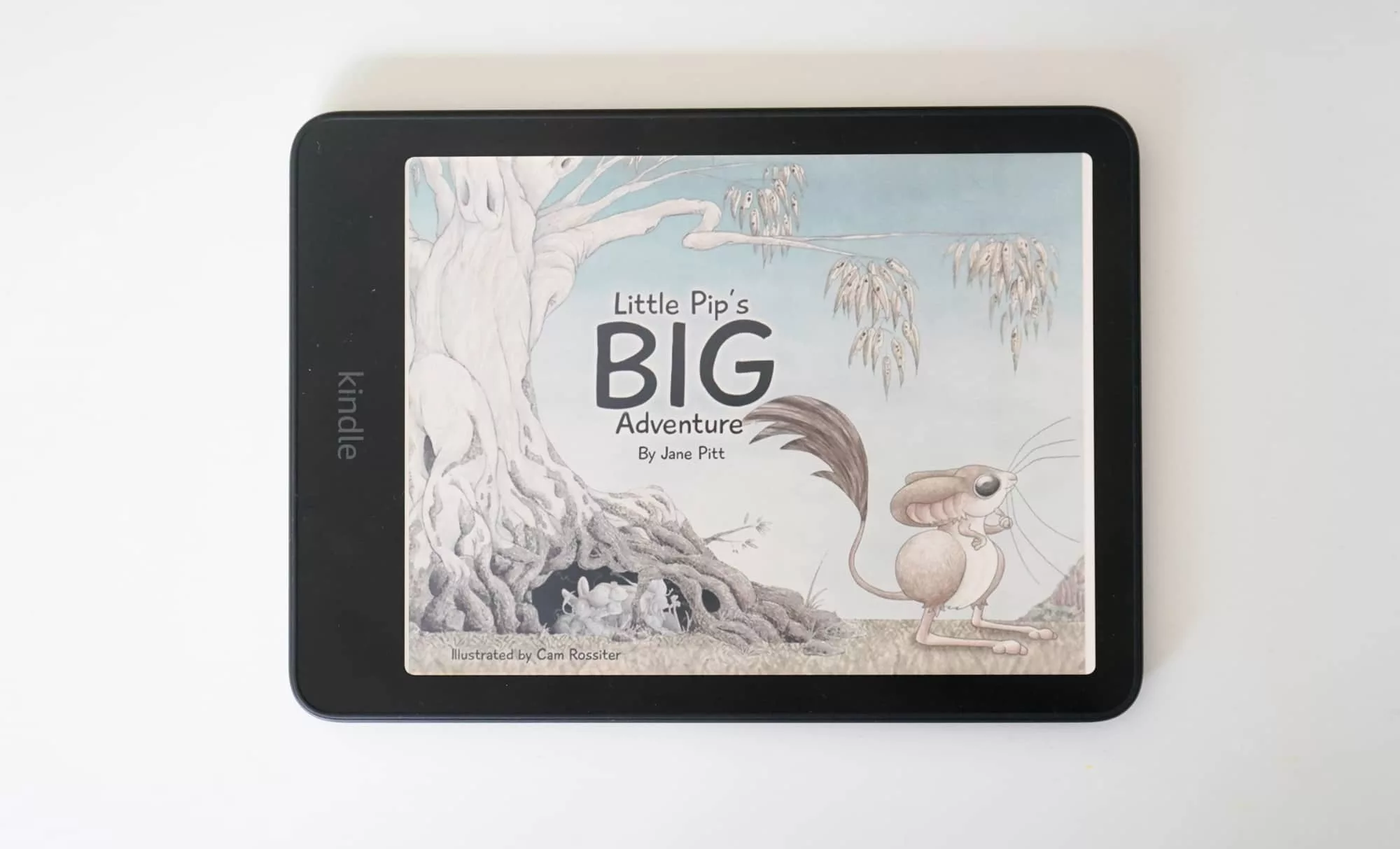
Weirdly, that’s part of the allure.
Instead of needing a bright, sharp, and clear screen that will chew through the battery life, you get a 300dpi display that gives you enough of the colour on a screen that’s like paper, making it a slightly dull colour printout of sorts.
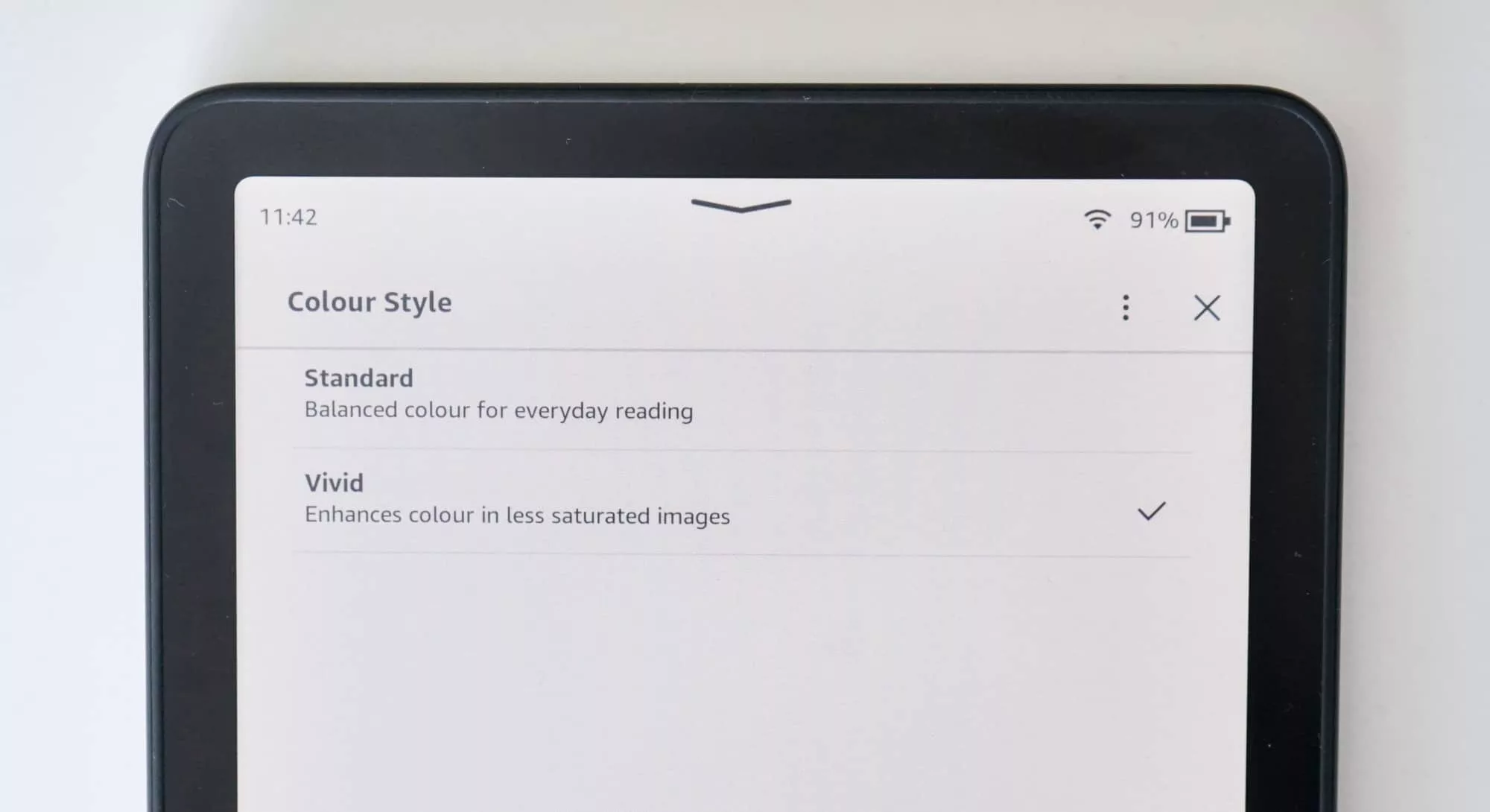
You do get the options of a more “natural” subdued colour and the better “vivid”, which we’d choose over the former for this gadget every time.
From a battery life perspective, there’s technically up to eight weeks of battery provided you only read for a couple of hours per day. If you happen to read more often, you’ll see less charge, and may need to replenish using a USB-C cable a little sooner.
What does it need?
The problem is just how basic the Kindle Colorsoft can feel. Simply put, it’s a colour version of the Paperwhite, and doesn’t really bring anything else to the table.
You can’t take notes or scribble in colour, nor can you connect a local Australian library to borrow books and magazines. Americans can, but we cannot, with the Overdrive and Libby apps not supported or connecting to Australian Kindles.
That last one is a bit of a disconnect given Kobo’s colour models (and its monochrome models) do support that feature, giving them a slight edge.
At least you can load ePubs and PDF files on the Kindle, and you can at least connect Bluetooth headphones and speakers to listen to Audible audiobooks, but the rest should really be here.
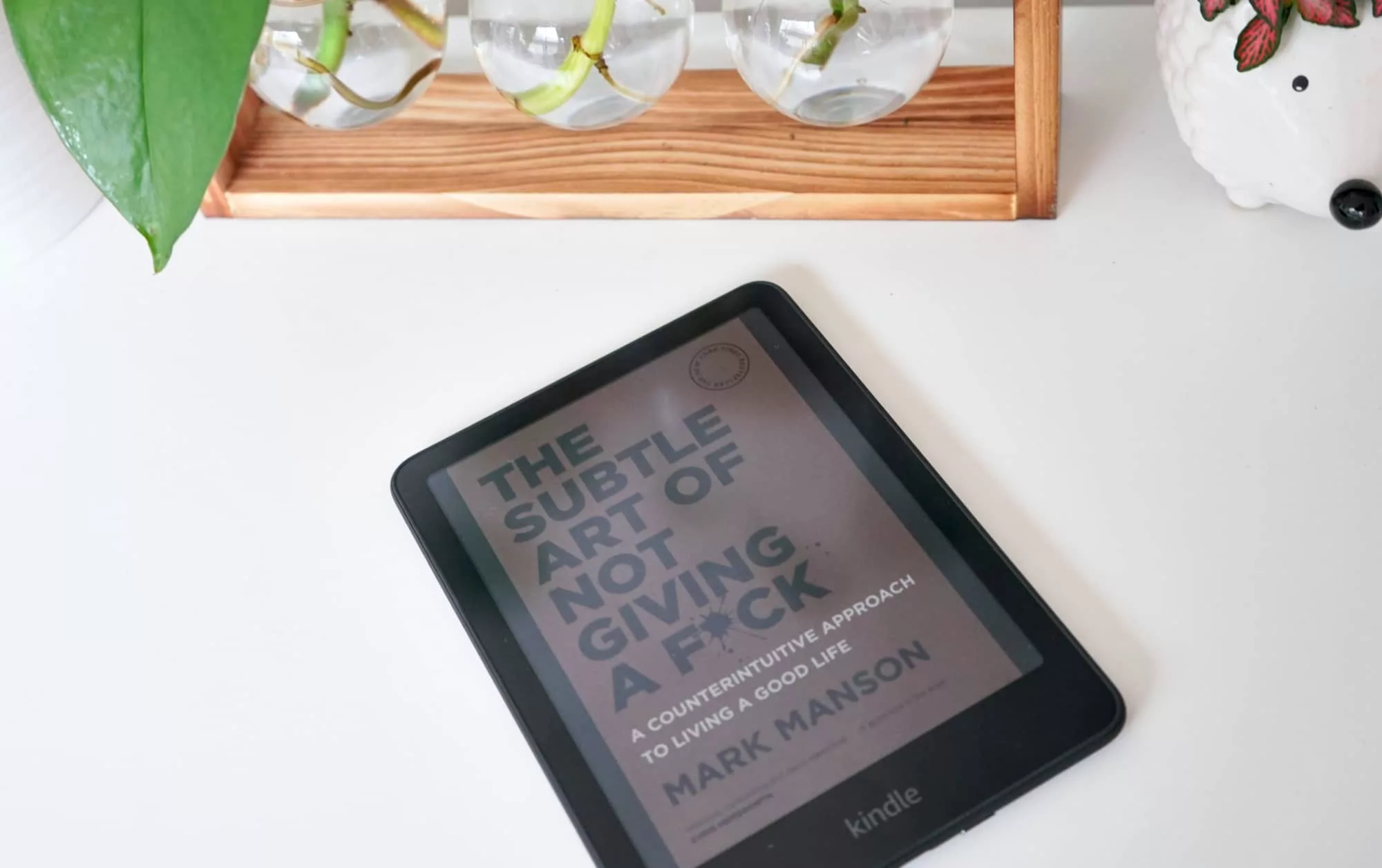
One rather curious point: dark mode doesn’t work on the colour Kindles. In a way it makes sense, because it’s not going to invert the colour of every page to make it better for dark, but rather will simply make the page colour black.
That actually makes sense, but might also seem like dark mode isn’t working. It is, it’s just not dark mode the way Amazon has normally made it in the past.
Is it worth your money?
Whether the eReader looks better in low light isn’t really something that bothered this reviewer. But how much it costs definitely is.
The price is where we get stuck, largely because the Kindle Colorsoft is just a colour variation of the Paperwhite, and yet charges a good $100 more.
In Australia, the Paperwhite starts at $299 for the standard edition and $329 for the “Signature Edition”. Meanwhile, the Colorsoft starts at $399 for 16GB, but offers its own Signature Edition with 32GB storage, wireless charging, and a light sensor for $449.
The models are eerily similar, with the same size, same screen size, roughly the same weight, and more or less identical features except for the screen technology: the Paperwhite is monochrome and the Colorsoft is colour.
That’s a problem, because you’re really paying $100 more just to show a bit of colour.
For kids books and reading comics digitally, the colour is a bonus. But for everyone else, it’s just the front cover you’ll load in colour, and isn’t a significant change by any stretch of the imagination.
It’s a cost that’s difficult to argue for, unless you catch the Kindle in a moment of a sale. If the price difference between the Colorsoft and Paperwhite was mere dollars to the tune of $20 or $30, we’d say go for it, but a $100 upgrade for a splash of colour just isn’t there.
A clear competitor
The other problem for the Kindle Colorsoft is what it competes with, going up against the similarly priced $399 Kobo Libra Colour as well as the seriously less expensive Kobo Clara Colour at $270 in Australia.
In a way, the Clara Colour is the most obvious competitor, offering similar features for a good $129 less, while the identically priced Libra Colour offers more in the feature set, complete with compatibility for the Kobo Stylus, meaning you can take notes in colour, or even just simply in black and white. It also connects local Australian libraries.
The Libra Colour feels more fleshed out as a modern eReader than simply “a popular model with a colour screen”, which is largely what the Kindle Colorsoft is.
That’s not to say one is necessarily better than the other, but the Kobo Clara Colour is the better priced equivalent, and the Libra Colour is the better featured model for the same price.
Yay or nay?
As much as we love a colour eReader, especially for reading comics and the like, the fact that the Colorsoft is simply a Paperwhite with a more expensive screen does make the argument for the eBook reader that little bit more complex.
Most of the books you read won’t need anything beyond black and white, and unless you have a burning desire to view that front cover in its glorious print colours, the experience doesn’t bring a lot of points of difference. We’re really just talking about a using your Kindle for a class of books: ones that need colour to make an impact.
So unless you read a bunch of comics, graphic novels, or your kids need a 7 inch eReader for picture books, the Kindle Colorsoft is difficult to recommend. If the price drops, it would make a lot more sense, but right now, it’s just a pricier take on what’s already familiar.