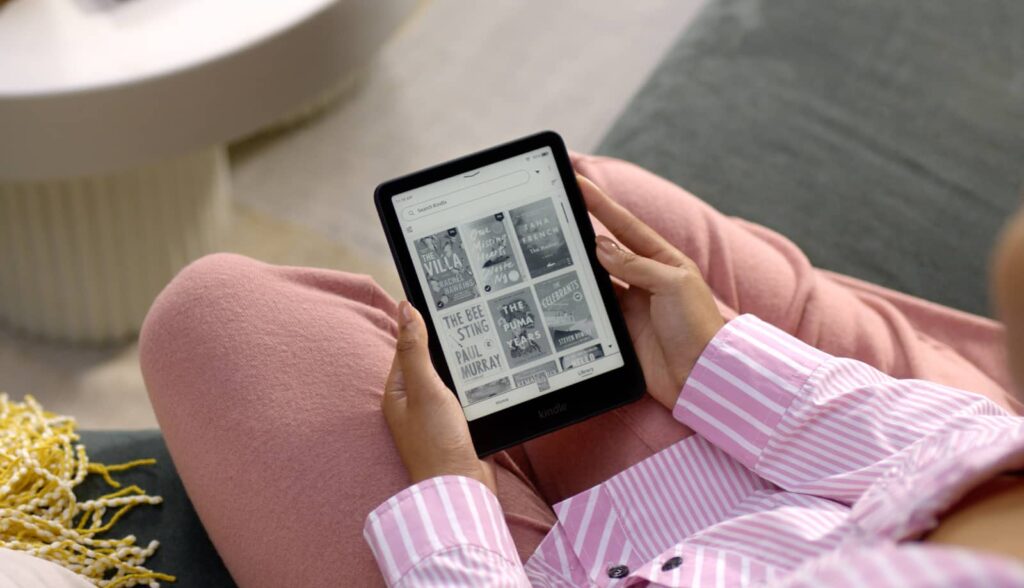
It’s not unusual to see old technology get replaced when it breaks, but some gear is made so well, that day almost never comes. Except when companies force the issue.
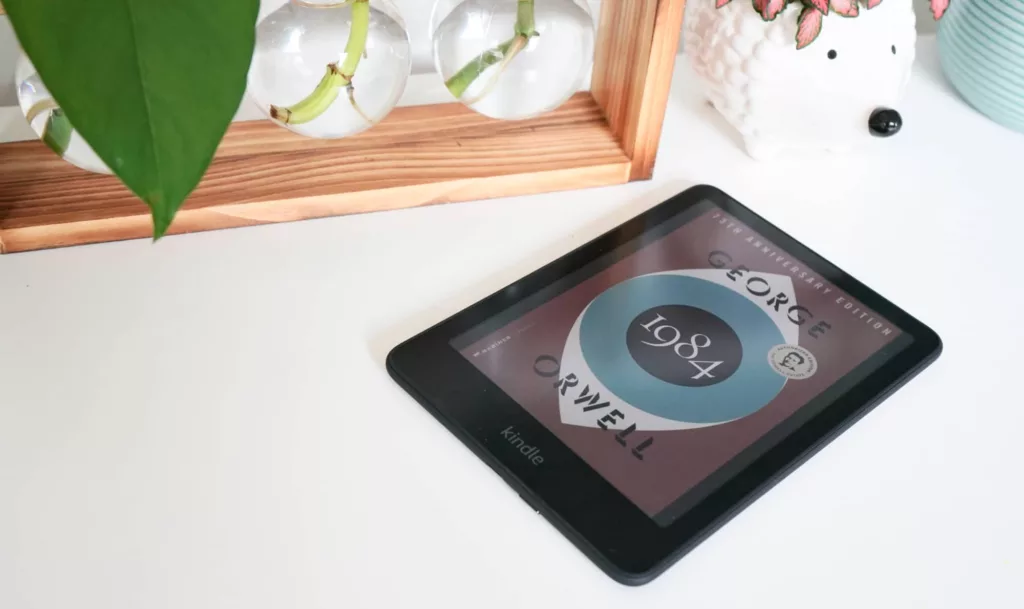
Amazon looks set to do exactly that with Kindle models made from before 2013, essentially affecting any eReader from the company from over 12 years ago.
That’s bad news if you happen to have one of the older Kindle models, particularly anything with buttons, though that won’t affect many of the Kindle models Australians own.
Everything found in Australia for Kindle in the past decade remains unaffected, and this largely affects the models with buttons that no longer exist, plus the lesser used Fire tablets Amazon made available previously. Years ago, Amazon made Kindle tablets that ran a variation of Android, and it also had an assortment of eBook readers from before 2013, as well.
These won’t work the same way from late May (May 20/21 depending on timezones), with the change preventing users from buying new books and even stopping them from downloading books they already own. Users of the older devices will be able to read what they’ve already downloaded, but won’t be able to download any purchases past this date, essentially getting locked out of the store.
The process is frustrating, and similar to what happened to Sonos a few years ago in its transition to the S2 software. A little different, the Sonos transition was marred with bugs and problems, but owners of older hardware that wasn’t compatible with the new technology were still granted access to an old “S1” version to keep their technology working.
This is a little different, and will essentially relegate the older Kindles to the trash heap. They’ll work with the books you already own, but if you want new books, you’re out of luck. Conversely, if you reset the Kindle, it will cease to work.
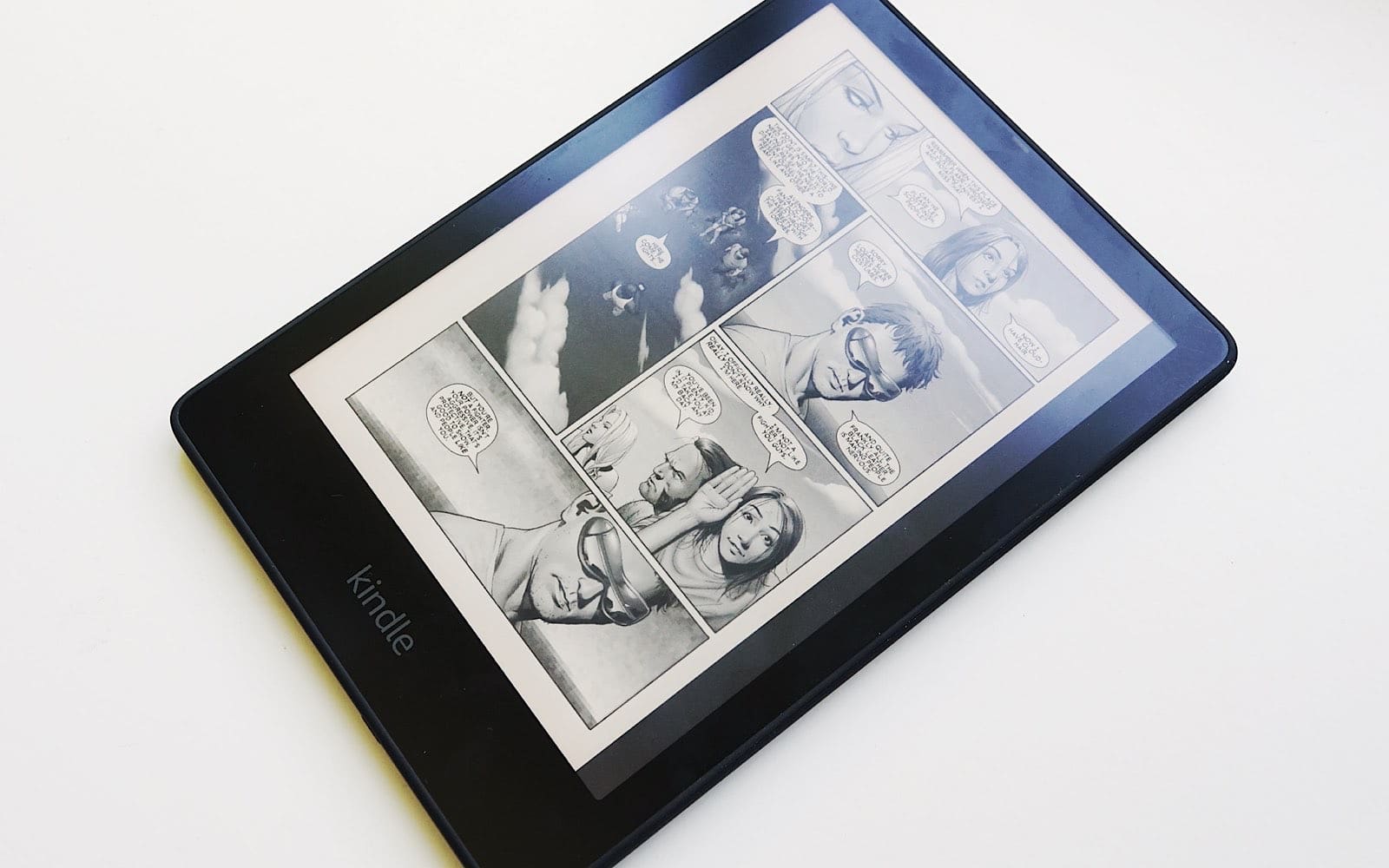
Why is this happening?
From Amazon’s point of view, the reason is likely long-term reliability and software, at least officially. Software updates take time, and not every release can be applied to older devices, with some products reaching an end of life date when they’re either unable to run newer software or unable (or unwilling) to be maintained.
However, eReaders appears to be a fairly hardy piece of technology.
The screens tend to be reliable, the processing power isn’t particularly needy, and short of the battery gradually weakening or the casing getting worn, there’s likely not a lot that speeds up their end of life.
For Amazon, that change appears to be the storefront, which from May will lock older Kindle readers out.

What can you do?
While there are an estimated two million eBook readers around the world likely affected by this change, it’s unlikely to be something Australians will have to weather. At least too much, anyway.
Pickr has been around ten years this year, and every Kindle model reviewed in that time remains unaffected by the change, as well as others this reviewer might have reviewed at other publications beforehand. Kindle first launched in 2007 internationally, but Australia saw it in 2009, with the models affected in that bracket between 2009 and 2013. Models from the past 12 years are fine.
One issue, however, is that it sets a precedent; it basically says Amazon can pull the plug for your hardware, rendering it useless when the company decides the support should end. Given that the Kindle acts like a gateway to books, that’s a problem.
So what can you do?
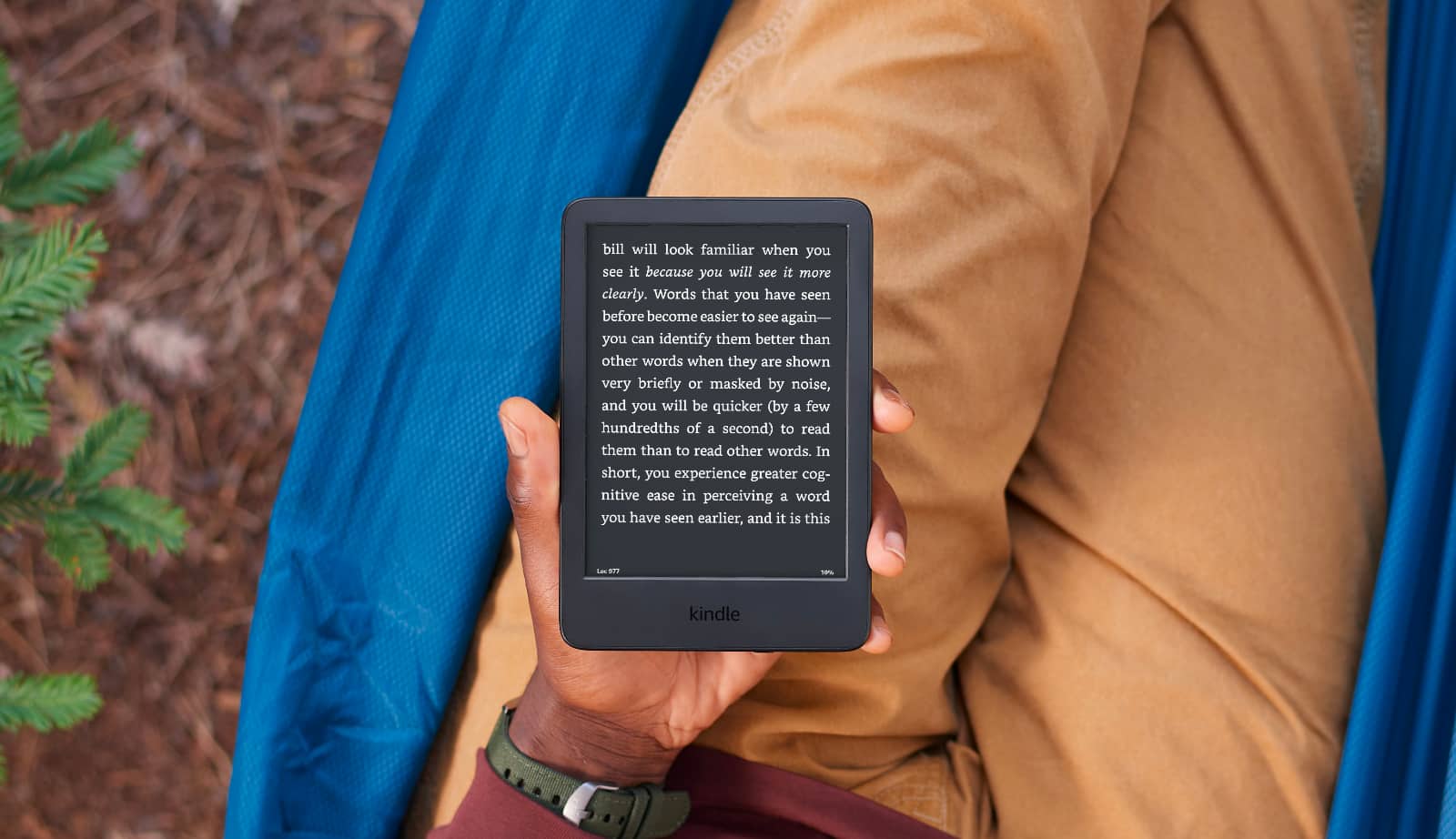
Get a new Kindle
The most obvious option is to grab a new Kindle, which will come with other features, notably improved speed, screen technology, and even the likelihood that it will last another decade or so, give or take.
Amazon’s decision to stop supporting devices a little over a decade ago suggests these sorts of changes are likely to be repeated by Amazon later on, and so a new model could prevent these sorts of issues.
Get an old Kindle
Alternatively, a used Kindle could be just as good as well, saving you money while still getting something recent.
Models before the year 2013 are largely affected, and yet we’re thirteen years in the future at 2026. Lots of things have changed, and you could easily grab a 2020 or 2022 model, save a few bucks, and be happy that it’ll keep going, as well.
Read Kindle purchases on another device
You don’t need to actually read Kindle purchases on a Kindle, however. It’s nice, and the electronic ink technology is great, but if you’ve moved on from a dedicated Kindle eBook reader, you may find you want to read elsewhere.
If you own books purchased through Amazon Kindle, apps and software exists on Android, Mac, Windows, and even iOS for iPhone and iPad. That means you can read your books on other devices, even without the Kindle electronic ink screen.
For instance, if you mainly rely on your phone, you can keep reading there without physically touching the Kindle eBook reader. Just the software, not the hardware.
Switch to a different eReader
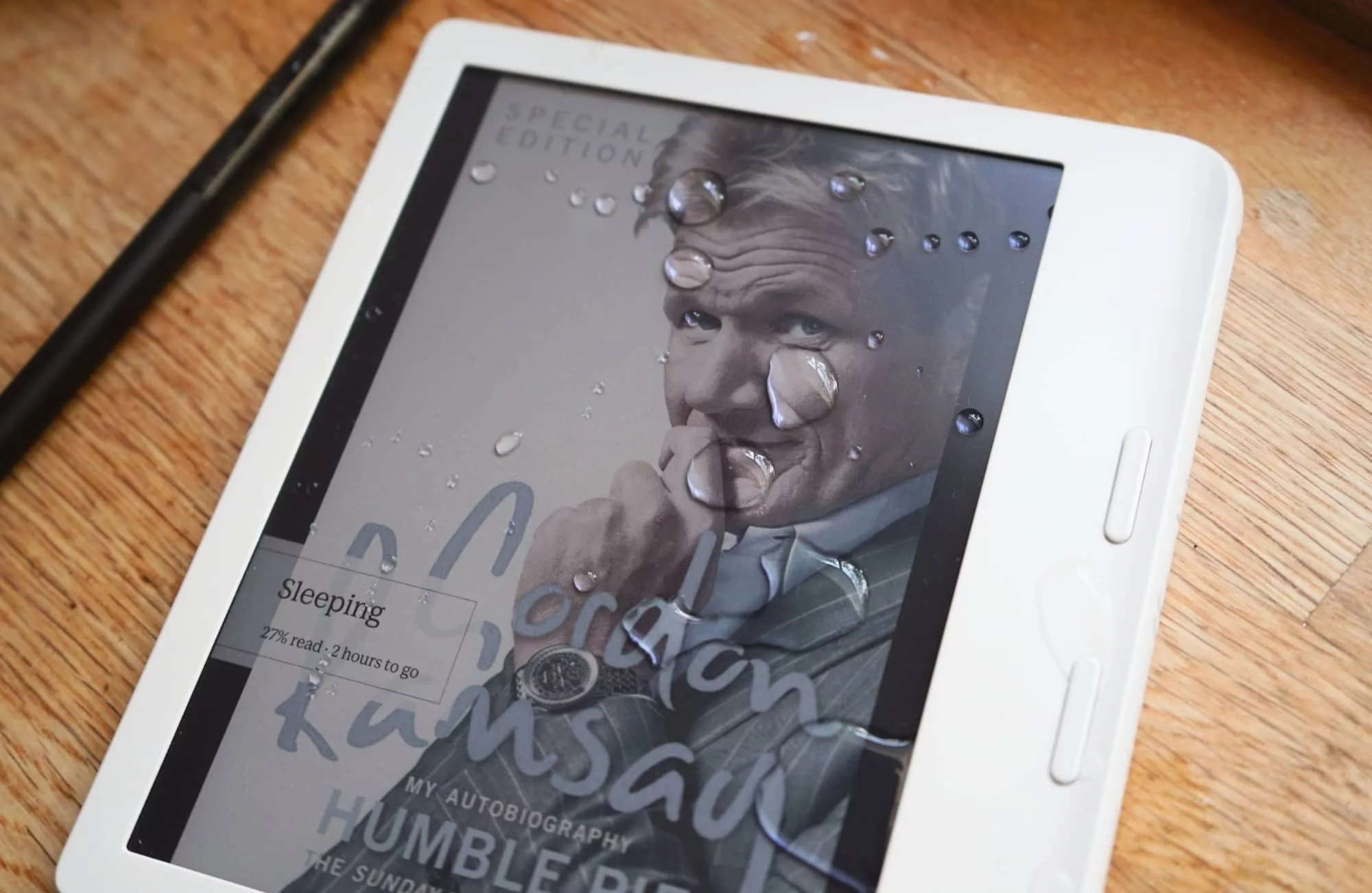
The other solution is to switch platforms, and this gets a little more complex.
If you’re not happy with what Amazon is doing, you can clearly show the company by switching to something like a Kobo, Boox, or Remarkable, the three major competitors for Kindle around the world and Australia.
The problem, however, is that Kindle uses a different filetype and platform to everyone else.
Amazon uses its own format for Kindle, while everyone else, including Apple’s own bookstore for the iPad, uses the standard EPUB format. That’s a problem because it means if you do decide to switch to another eBook reader, virtually none of your books will come with you.
The good news is that if you do this, you can leave old purchases inside the Kindle app, and move on with a more standard and open format, buying books in a way that will work not only with any device, but even possibly gaining access to a local library in Australia.