Depending on who you connect to the internet with, a recent technology could be preventing access. What is CGNAT and why is it to blame for Disney+ not working?
These days, everything is connected to the internet, and there’s a general expectation that whatever you’re using has to work. So what happens when the former gets in the way of the latter, when the internet gets in the way of something working?
You end up with a situation that might see you reach out to your internet provider, and either make a request or switch to someone else.
Welcome to the frustrating world of CGNAT, also known as “Carrier Grade Network Address Translation”, and the fun it can have with your life.
What is CGNAT?
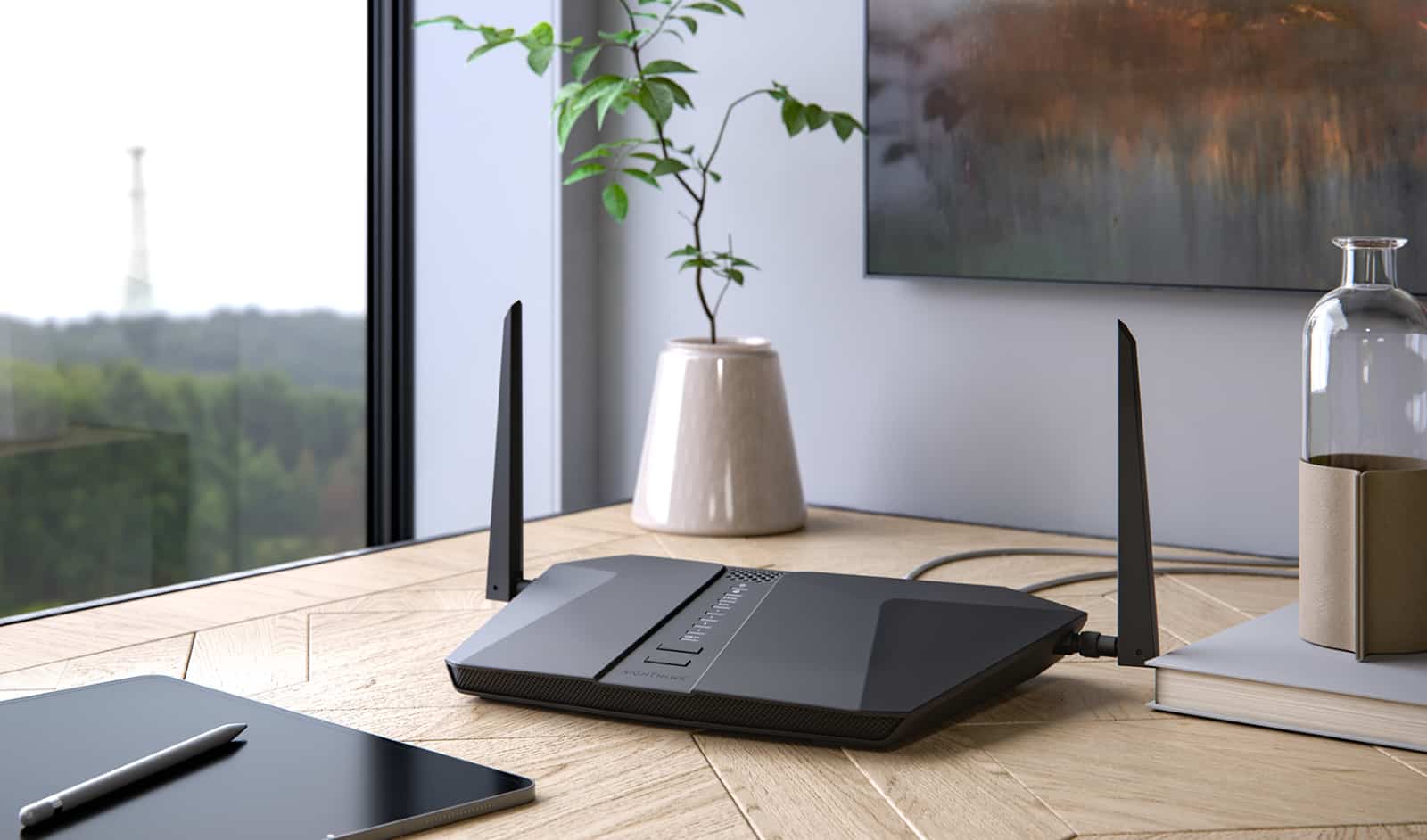
The internet is evolving and there are lots of devices. To connect to the internet, each device typically needs an address to work from, to say it is an entity browsing the web. At home, that is likely to be your modem and router, and everything connecting through that works as the one address.
But even that address has limitations.
There are two types of addresses commonly used: IPv4 and IPv6. If you’ve seen four numbers separated by dots, that’s IPv4, while IPv6 is a lot more complex.
However, these variables provide a way for each device to connect online, a problem because depletion of IP addresses has largely been expected for years, which is why its IPv6 exists.
Crazily, there are only so many IP addresses to go around, and so ISPs and telcos need a different approach that can basically fix this.
Lots of devices and lots of customers don’t play nicely with knowing they won’t always have an IP address to connect to, so Carrier Grade Network Address Translation aims to fix it by allowing IP addresses to be pooled and shared between users. Think of it as a combination of IPv4 addresses that your internet provider can link together, so several people share an IP.
The long and short is that you hopefully won’t see any real problems while you share an IP address with another customer, someone you won’t actually see or hear from, or even know their name.
Why is this a problem?
Unfortunately not every service works the same way, and in an era where streaming services are actively checking the IPs of customers to ensure accounts aren’t being shared, you may run into problems.
Take Error 73 over on Disney+, an error that implies you may be using a VPN, but in actuality may paint a different picture.
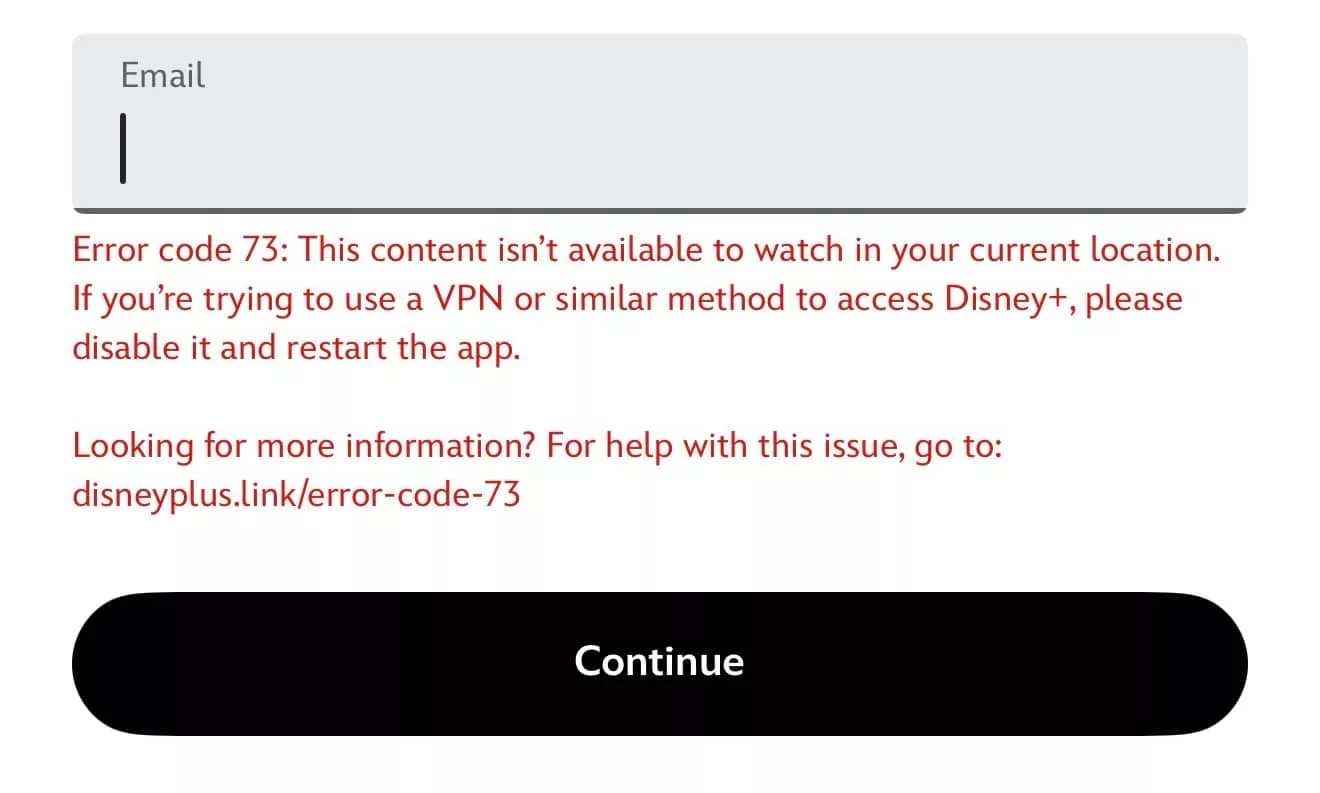
When it occurred at Pickr, no VPN was being used and the account still worked on 5G. That meant the problem was further downstream, and pointed to the internet provider.
In this case, the change was a simple request — switch to a dynamic IP and Disney+ went right back to working once more. An alternate option is to switch to a static IP and hold your IP at a few dollars per month.
Either is potentially a better solution than being told you’re using a VPN when you’re not, and can help you get back online again.
At the moment, Disney is the only streaming service we’ve encountered that runs into a problem with CGNAT, but it could arise on other services and platforms, as well.
The problem is in how Disney and other services calculate where you’re coming from to ensure accounts aren’t being shared. If IP is the reason, a shared IP pooled with other users could infer you’re coming from more places than one, hence the VPN issue.
Eventually telcos and IPS will likely move to IPv6 which is closer to being an unlimited supply of IPs, but until that happens, most of us are stuck with opting out of CGNAT, and that means talking to your ISP ASAP.
Does every ISP or telco use CGNAT?
If you’ve found yourself in this quagmire, the good news is that not every service provider or telco in Australia uses CGNAT. And with those that do, there is generally an opt-out procedure that will require you to talk to tech support, but takes no time to enact.
The problem is some internet providers don’t provide an opt-out, and may leave you with little recourse other than to switch internet connections to someone else.
In short, if you come across Error 73 at Disney+, or are told by another streaming service that you’re using a VPN when you’re not, the problem isn’t with you. Rather, it’s with your internet provider, and you’ll want to get onto them immediately. Turning it off and on again won’t do the job this time, it seems.