


Security problems are everywhere lately, and while we’ve seen some crazy situations in the past few weeks, complete with an AI going rogue, the month wouldn’t be complete without the data of regular people finding its way to somewhere it shouldn’t be.
Last week, Origin, one of Australia’s biggest energy suppliers found it had been the victim of a breach when its hacker reached out to the media after failing to get through to the company, appearing to disclose the incident thereafter.
In the space of a week, Origin began an investigation, and while it was expected several million current and former customers would be impacted, the amount is closer to just under one million.
While the numbers are slightly lower than the roughly four million customers it has, that’ll be little consolation for those affected, which sees data stolen including names, addresses, dates of birth, addresses, phone numbers, and the last four digits of a credit or debit card, or the equivalent for a bank account, depending on how the customer paid.
In short, it means more customer data is out there on the internet once again, leaving affected customers in a potentially sticky situation. What can they do, and more importantly, what should they do?
Lock down any accounts with multi-factor or passkeys

First things first, it’s time to lock down any important accounts with the best security you can.
While names, emails, and phone numbers aren’t necessarily major issues in any breach or hack, the use of addresses, dates of birth, and small amounts of financial details could see databases of information joined together, giving scammers and criminals a way to use your data against you.
Birth dates and phone numbers might be used to change your phone number, redirecting where authorisation codes could go, while other breaches could have similar personal identifiable information (PII), making it easy to join the dots and for scammers to try things.
It would be impossible to guess every possibility, so instead, simply lock down your critical accounts in the best way possible: using multi-factor authentication, or if possible, a passkey.
Passkeys and multi-factor are similar because they typically use your phone as a password, albeit in different ways.
A passkey turns the device you have with you all the time into the authorisation for accounts, while multi-factor sends an authority check to your phone on top of a password, and potentially to other places, such as an email address or phone number. There are even physical passkeys if you prefer to keep your password in a physical form on a keyring.
While a passkey replaces a password in its entirety, multi-factor in the form of 2FA (two-factor) or 3FA (three-factor) boosts the password. If you have the option of setting a passkey, it is likely the better approach, but if not, most services will offer multi-factor for use.
Armed with that knowledge, head to the accounts that matter most in your life, and make changes. Ensure at least one is applied on your banking accounts, your electrical and utility accounts, your social accounts, and even the company running your phone plan — your telco.
The last of these is often the one we don’t think about, and can have a serious impact.
A scammer can try to port your phone number away from you, and into their control, giving, a process most telcos require more detail and PII for. But that doesn’t mean every telco will. Locking it down ahead of time or checking with your telco that these rules are in place can help prevent a porting attack before it happens.
Be weary of phishing attempts
Even if the data never makes its way to the dark web, scammers will have clearly cottoned on to the breach, which makes it an easy target for phishing scams.
Much like how the NBN will never call you, and neither will Microsoft, scammers simply don’t care. If they call a hundred people, and 99 don’t have the account but only one does, it could still be a successful attempt at convincing the victim the scammer is from the real company.
As such, you can likely expect totally unrelated phishing attempts to ramp up, as fake Origin sites go live and fake Origin emails land in email inboxes.
Like with all scams, it’s best to pay attention to the email address sending the message, and to hover over the web link before trusting anything.
Remember that scammers can’t use the real www-dot-whatever for a company. Only Origin can use its originenergy.com.au website name, and phishing attempts are more likely to use something outlandish and totally unrelated, or a similar name where you may not check, such as Origin with an extra “I” or something that sounds like it could be legitimate, such as origingasandelectricity.
Even if you accidentally click one of these links, you’re not in the abyss of scams just yet. Glance at the URL bar on your browser and check to see whether it’s correct.
If you get an SMS purporting to be from Origin, delete and move on
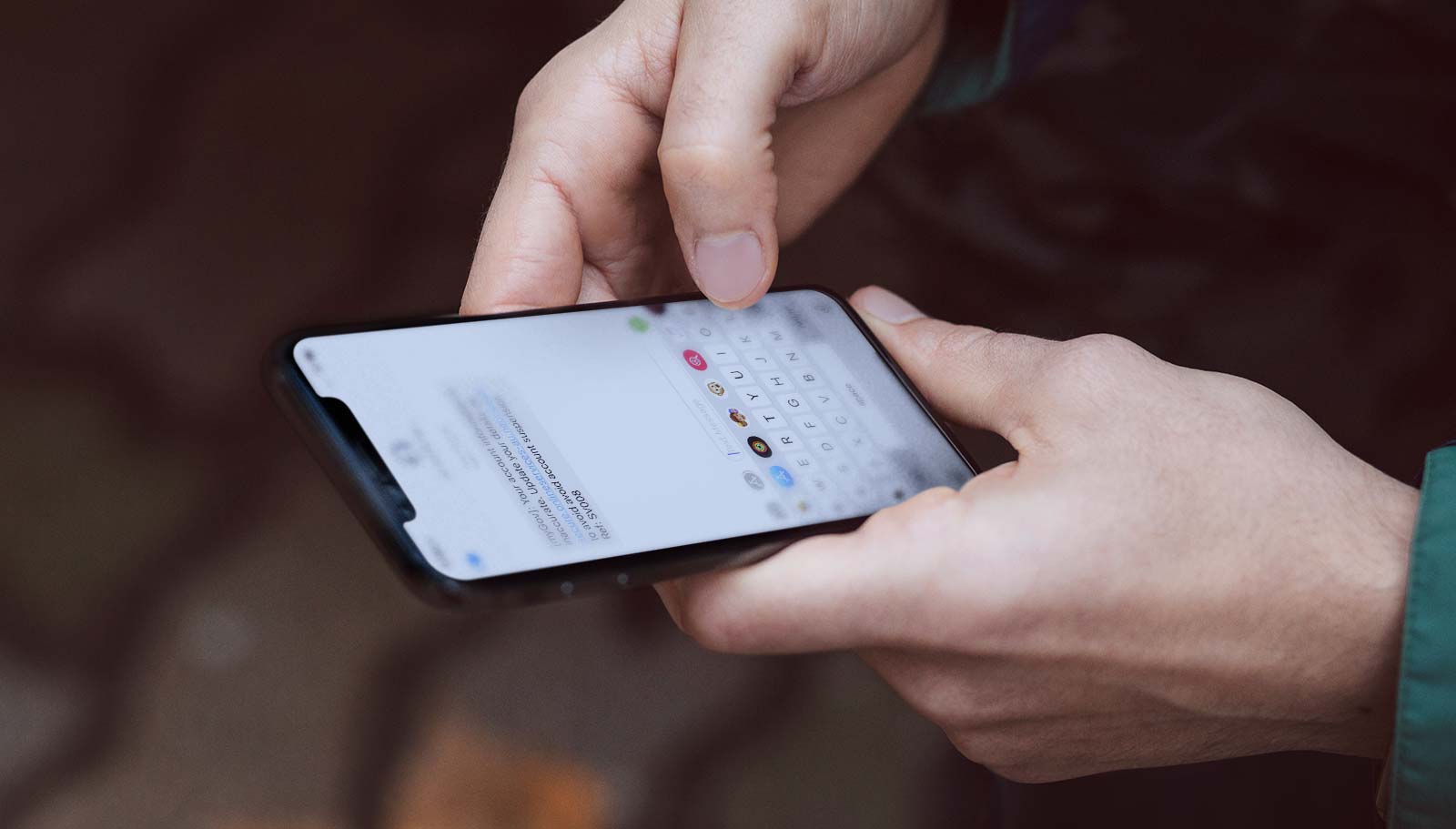
You still may see some smishing attempts, too, as scammers attempt to pull a fast one with phishing over SMS.
Now that the government has put in place the Sender ID changes, smishing is less likely to work across Australia’s telcos, because attempts to come up under an official “Origin” sender ID won’t work. Instead, the messages will come up as “not verified”, and may default to just a phone number. However, that doesn’t mean everything is iron clad and hack-proof.
Scammers typically prey on urgency, and so if you receive a message even without legitimate verification details, you might ignore the sender ID and simply read the message, acting without thinking.
That’s exactly what you shouldn’t do. Instead check messages as they come in, and much like how you should check email sender addresses and hover over URLs before clicking, make sure any phone text messages have a verified sender ID before clicking.
This is something that in Australia can’t be faked, and is there to help regular people know the difference between a company sending a message and a company masquerading as the real deal when sending a message.
Studying the message details and its sender ID as opposed to simply trusting them can help ensure what you’re seeing is real or fake, as can doing it when you’re well and truly awake with time, and not pushed into it because a message says it’s urgent.
Search for the real site
Alternatively, simply close the browser, email, or message down and search for the real website. Delete the confusing message and move on, finding the real information from the authentic source of information: the company itself.
Scammers can set up hundreds of sites (and typically will), but just because they have a site doesn’t mean it will appear alongside the real one in Google or Bing.
Searching for the real site is a quick way to find the actual place you want to be, handy if you intend to log in, make changes, or simply find a support number to call your energy supplier.
This approach works for every hack and breach, too, because scammers simply won’t have the search and website cred to land with the real site.