
The world may well be gradually crossing to one where screens are everything, but spare a thought for the people who still need to print regularly.
There are probably more of them than you realise, with many needing prints for their profession or even school. The days of needing a printer in every home aren’t quite what they used to be, but if you still lean on one, you probably have issues with ink wastage.
Truthfully, it’s an issue that has never really gone away, and it can cost serious money.
You waste ink on maintenance. You waste ink on bad prints. You can waste ink on simply doing nothing, and you may waste ink printing stuff you don’t need to print out, such as headers and footers from webpages and the like.
If you still use a printer, you are probably wasting ink without realising it, partly because you’re printing things you don’t need. The ink wastage is small, but it can clearly be a big deal later on.
We’re not talking about all the endless prints your kids keep asking you to make of the K-Pop Demon Hunters (the next movie isn’t out until 2029, so there may be a bunch). Rather, it’s from the extra text and numbers and bits and bobs that accompany prints and have for decades.
Sometimes called “printing headers” or “document headers”, they’re often the extra bits and pieces that you have never cared about when printing a document, and never appear when you print a photo. There’s a reason why it appears with some prints and not with others: how you print (the app or software) determines what will be printed.
There might also be other things in there. Print from the web and you’ll find printed ads, or space reserved for ads that pushes down where things would normally go. The result is text that isn’t necessarily to read, and may feel like a minefield of what you intended to send to the printer. It can be a mess.
If you’ve ever been stuck in this predicament, the solution can feel like being forced to read on a phone or tablet, and simply contending with ads and being done with it.
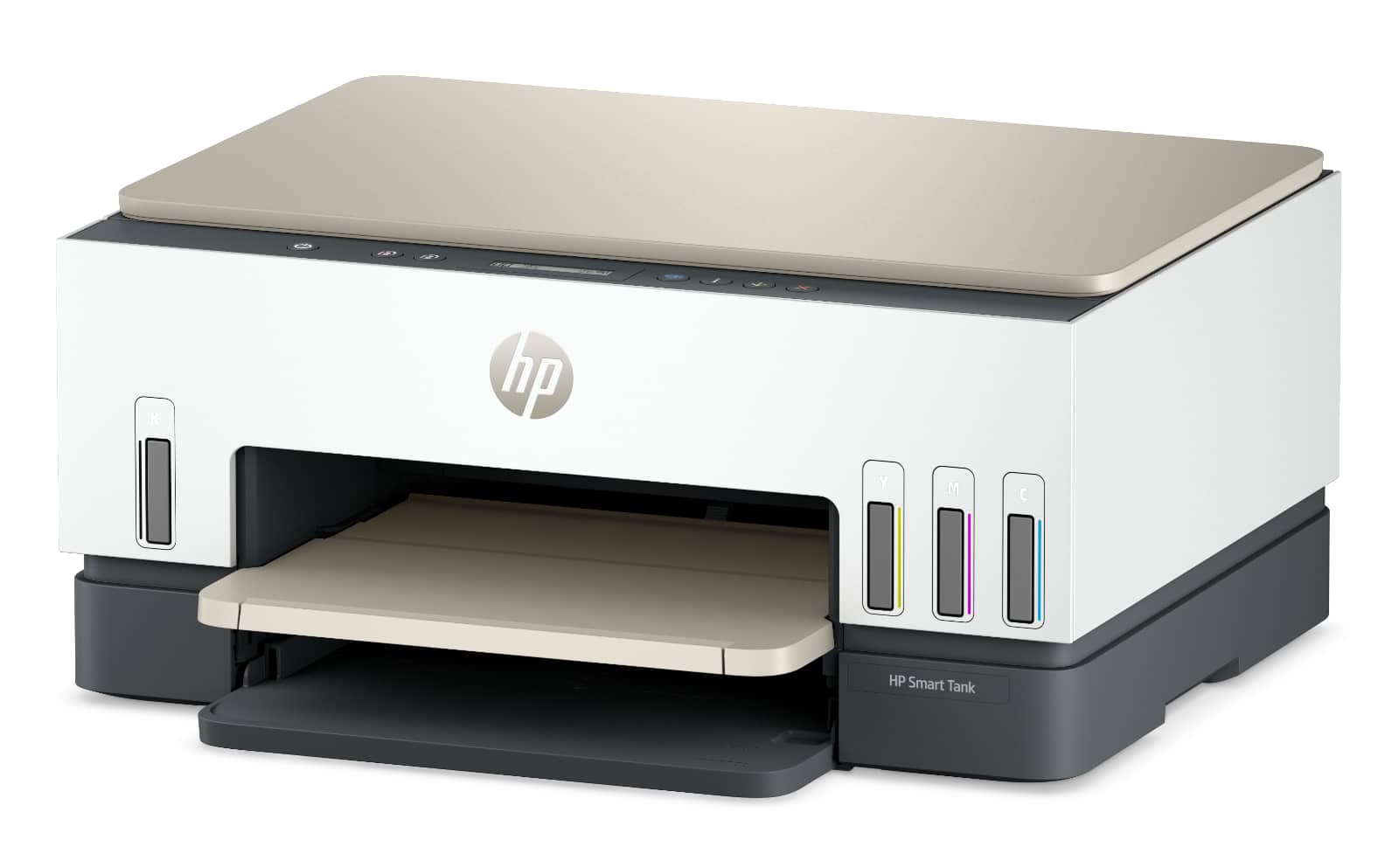
HP may have a fix as it turns to AI to deal with the wastage, rolling out “Print AI” as an aptly-named AI solution for a selection of its printers, handy if you happen to have one.
While HP wouldn’t tell Pickr what model it used, it did say internal testing found it would use up to 38 percent fewer pages and up to 47 percent less ink on some printers in the Envy range, while laser models used up to 20 percent less toner and resulted in up to 29 percent fewer pages.
If you’re already subscribing to ink, it could mean a little less that you need to pay for. To make this work, HP’s AI model identifies the main content trying to be printed, and then removes anything unnecessary, such as website navigation or ads.
In real-world terms, that means less toner and ink wasted, and also less money gone to wasted paper, though it does need specific hardware. Technically, HP’s printing solution is a software thing, but does need compatible HP printer hardware, and only works with Windows 11 and the desktop HP app, meaning you’re out of luck if you use an HP printer and a Mac, or even any other printer on Windows.
It also needs an internet connection, making it a technology that only works when you’re online. These days, that should be practically all the time, but it does mean HP’s AI clean-up feature won’t work when the internet stops working.