
The death of a family member is difficult, but it’s worse when they go unprepared. Here’s what one technologist would do to prepare for the digital issues left behind, such as passwords, PINs, and other lingering security measures.
When my Dad was on his death bed, it felt like the wind had been knocked out of me. Our relationship wasn’t amazing, but I had been trying to fix it for close to a year. Life it seemed had other ideas.
Just as it was on the mend, cancer won. His body began to shut down, his words could no longer be uttered, and the mess of life and ones and zeros and flesh and blood found themselves scraping their way into reality. They found their way to me.
I wasn’t ready. Not because I wasn’t ready for my dad’s passing, but because ultimately he wasn’t ready, either.
In the near year since his diagnosis of a mostly terminal and maximum five year life expectancy, nothing had been done.
Like many seniors of today, he was using the internet freely. He had digital fingerprints everywhere. Partially because he had grown up amidst the digitalisation of everything and had been more proactive to connect to the internet than others his age.
He had been a programmer, but his understanding of technology hadn’t connected or even visualised with what comes after.
What would come when there was no one to ask for a PIN, no one to punch in the right keys for a password, complex or otherwise. What could come when his face could no longer be scanned because he wasn’t there.
No one knew anything. It was a mess. It still is a mess.
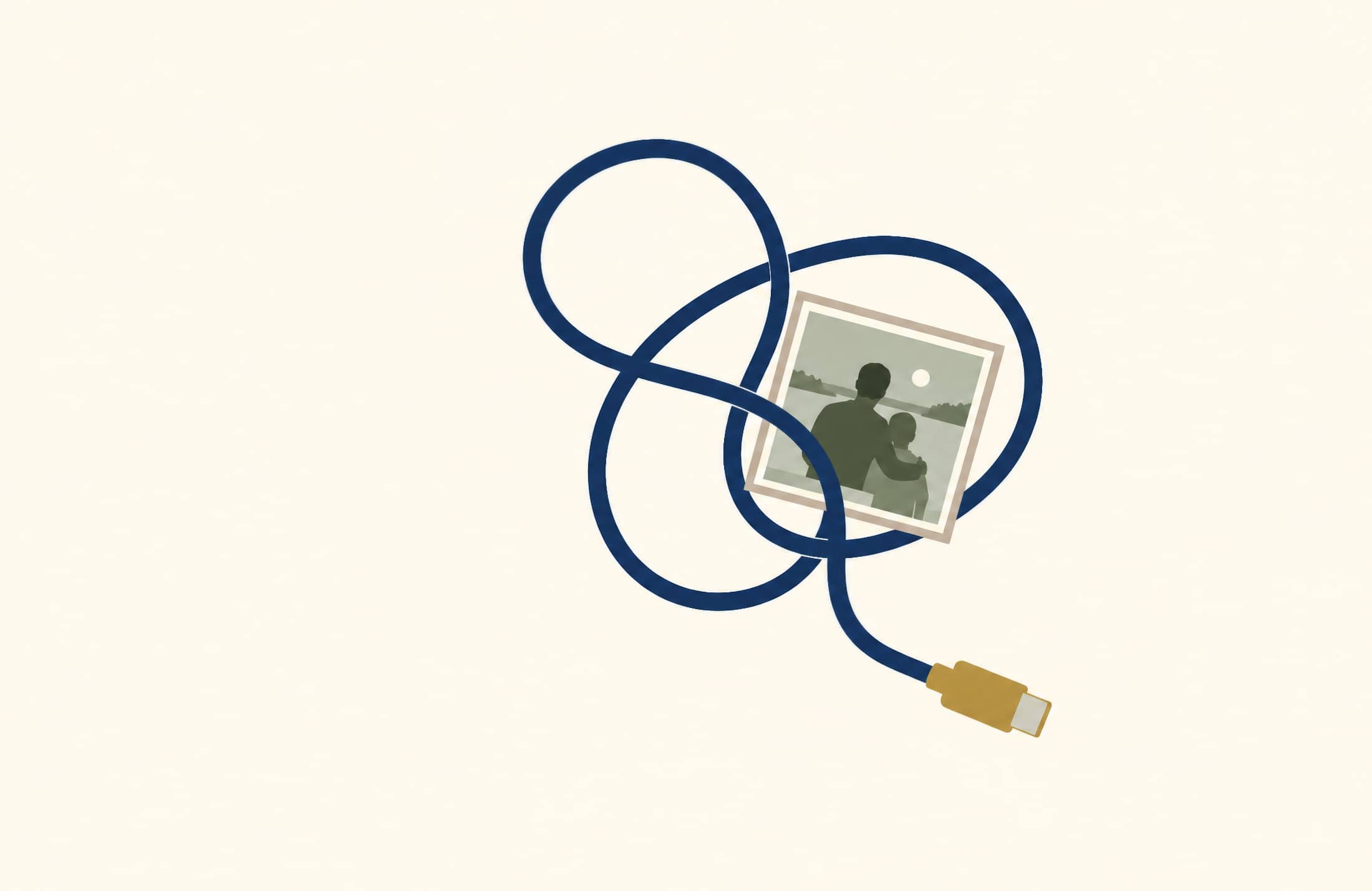
Digital connections needed to be untangled, passwords needed to be deciphered, and a generation that made its way into the corners of the computer world needed to be unwound and pried apart, much like the tangle of cords every gadget obsessive has but refuses to throw away.
The result is a box that’s a mess, and one you don’t really want to attack, yet feel forced to.
Follow the cord. Find another question.
Photos, email and files can each lead to another thing you need access to.
Like that mess, this could hardly be discarded. It had to be pulled apart, pried that way and wrenched from its positions. Follow the cord to each end and unwrap and unravel, and when all that is done, find and understand the code.
In short, it was a life that needed to be deciphered.
I won’t bore you with the complexity of “how”; it’s unimportant. But the result felt like it could have been prepared for in greater detail. It would have made for an easier time following his passing to have anything ready for the end, and what happens afterwards.
A digital footprint exists for us all, particularly those of us who had grown up with computers. These days, that’s so many of us, but with everything we use touching the internet in some form, it’s next to impossible to live a life without having those details stored on a phone, a laptop, and the online world known simply as “the cloud”.
It means loved ones need the details to understand what’s been left behind. Without it, you’re left in a world that can feel frustratingly empty, as you struggle to find meaning in the loss, and feel powerless to deal with the remains.
My father had lots of details to deal with, but no information for dealing with those details.
What he had was very little: a complete lack of preparedness, no messages, and no indications to the world that he wanted to think about what was coming, even if the rest of us were forced to.
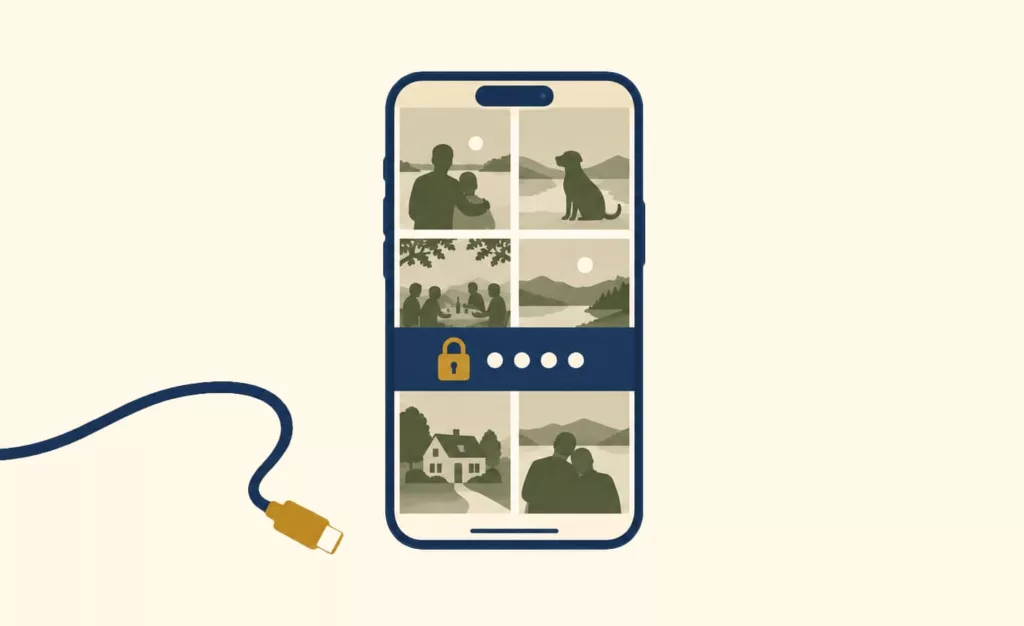
My father had files to spare, and yet no key to just walk in. He had a locked phone with everything inside, and yet no PIN to simply open the door.
It didn’t have to be this way. It could have been easier. And as I sort through a wreckage of a generation that went from analogue to digital, there are things I think everyone should have ready now, just in case something bad happens tomorrow.
Locked out.
The memories are there. The way in is missing.
Have a talk
First things first, it’s important to have a talk. A realistic talk: a conversation about what’s next.
What’s next no one really knows. Short of Flatliners, no one really comes back. However, the one obvious state of what’s next is that someone — family and possibly friends — will need to deal with whatever does come next.
If your family is already preparing for the worst, whether it’s several days out or even much, much longer, having a good conversation is important, because it can lead to a list of everything that matters.
It’s like that requirement of getting a will in order, except about your digital presence. Your social, your email, and everything that probably hasn’t been considered.
PIN codes and passwords
Of the things that matter, the things you can’t guess that safeguard your loved one’s life are among the most critical.
Take the PIN to get into a phone. You might argue you can simply just use their face or finger to gain access to any phone, but that won’t work if the device has been restarted, or if it hasn’t been touched in days. Or if they’re not there to open their eyes and greet the phone with the same face they reserved for you, smiling or otherwise.
Creature comforts like biometric security are just that — a secondary measure following the security of an actual passcode of sorts — so if you need to get access to their phone for whatever reason, you need their PIN, and then for you to store it somewhere else. So you don’t forget.
Passwords can be much the same, especially for the kind that matter where you need to talk to people through their accounts. Logging into their social to let distant friends know what has happened and accounts that need to be shut down and might charge unnecessary money are good examples, but you can probably think of others.
You may want Facebook. You may want Bluesky and X. Everyone’s online life is different, and different people hold different platforms and services as sacred. They may even have a host or system where they choose to run a website or blog. You’ll want the accounts to all of the places that matter.
There are also the services and platforms they may not be aware they’re using. If they use an iPhone, their Apple ID and password, or if they use an Android, their Google email and password. Their devices use these, but they may not be aware of it.
Build a checklist of questions to ask:
- What’s your phone, and do you know your account name and password?
- Do you remember your phone’s PIN?
- Do you have email? Do you know the name and password?
- What things on your phone can’t you live without that you just *have* to use?
My father had social. He had websites. He had domains and servers, and his digital footprint probably went deeper than what most would think to. But it’s also possible the same is happening in your life, and regardless of whether they are you or someone you know and love, finding this out before is a lot more useful than finding out after.
Decide who can have access
While handing over passwords to anyone is not a good security practice, and clearly shouldn’t be done, when you’re talking about handling an account following a passing, that may in fact be the only time it is fine.
Simply put, you want to choose someone you trust to hold onto these details. They could be an executor, or simply a family member you think will do the right thing.
Like all details, these need to be kept private. Some password manager platforms may even provide an “emergency kit” of sorts to gain access to passwords in the event of an emergency, but need to be arranged before someone has passed.
Leaving passwords in a will is definitely ill-advised, as wills eventually become public documents in some states later on through or following probate.
Depending on how deep you want to go, you may want to add a legacy contact for an Apple account for iPhone owners, while people with an Android phone may want to set up Google’s Inactive Account Manager, a process designed to help recover information from accounts following inactivity, however that happens.
It’s worth being aware that having access to your family member’s accounts isn’t the same as having ownership and logging in. There may be some legal issues with that, and some services may take issue with that. This isn’t about taking ownership of what’s in an account, but rather about accessing things that might be crucial.
Documents, messages to friends and family you didn’t know they spoke to, as well as photos and videos found on their phone or computer. A PIN to a phone and a password to a computer lets you in when the family member has passed, allowing you a glimpse of things that may be important.
Before it’s too difficult, consider having that chat and collecting all the things that matter, or even mapping yourself or another family member as a backup form of security for getting into accounts.
Tap a notification.
Enter passcode
The phone hasn’t stopped. But you can’t get in.
Illustrative notifications and passcode screen.
A way into email
You definitely want to talk about how emails will be accessed, because they almost definitely will.
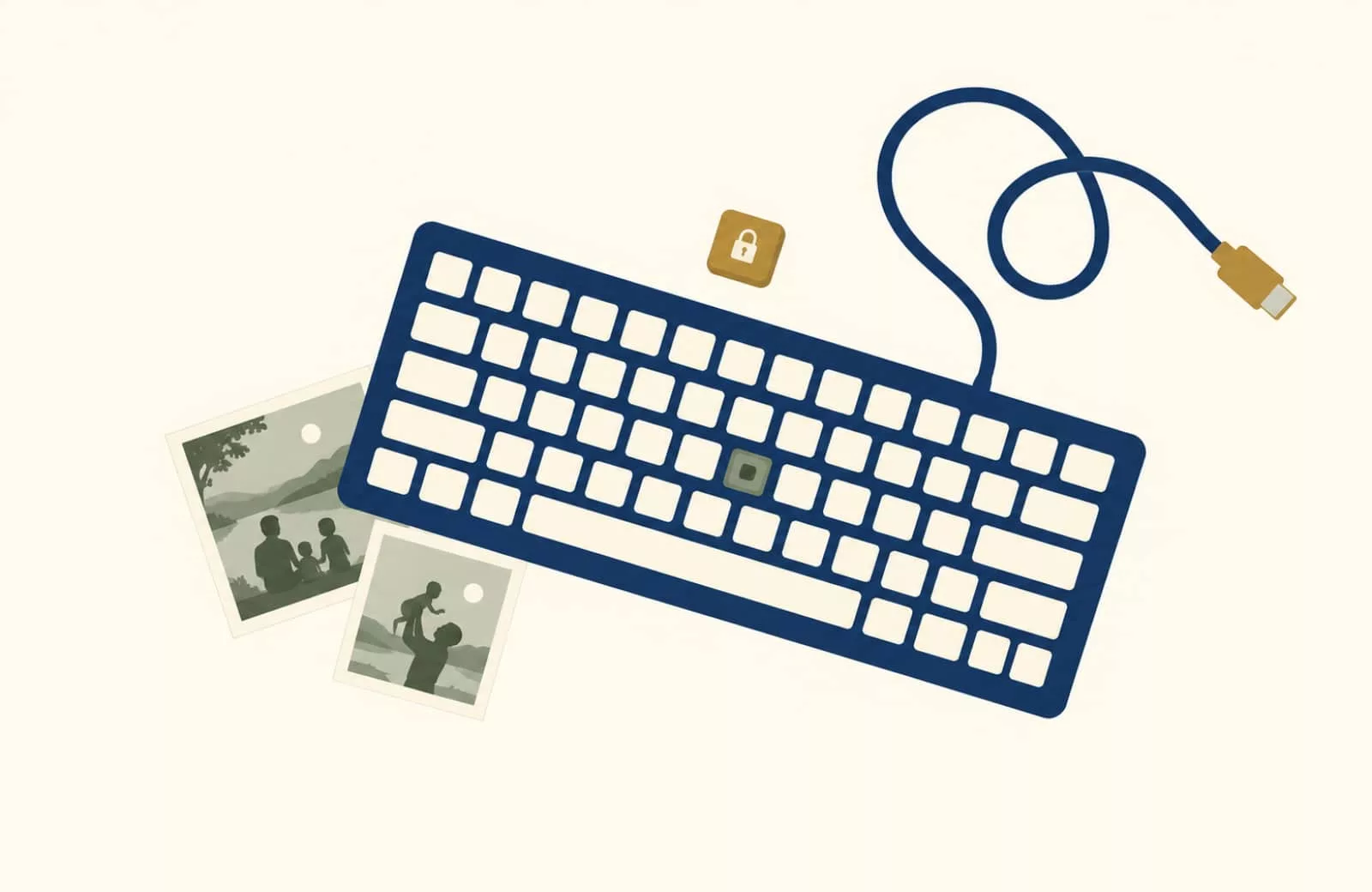
While many of us rely on phones and text messages, for so many people, email is the main way we conduct important matters. Longer than an SMS and typically attached to a computer with a keyboard, ensuring you have access to the email account of the dearly departed is very important.
Their email likely contains a bunch of things you’ve not considered, such as subscriptions, bills, and possibly correspondence with people you didn’t know they had in their lives. While the solicitors potentially handling their will may take care of cancelling bills and other accounts, having an eyes-on for anything they might miss or owed in email means having their email accounts is you thinking forward.
To do this, talk to them about either what their email and password is, or go through the aforementioned inactive account manager process, a form of backup that can help you download some of the information from Google’s email services.
It’s not the same as a login and password, but it can help deal with some of what was left behind.
Can a death certificate help?
Depending on where in the cycle you find yourself, you might automatically find yourself considering whether a death certificate will work to unlock these accounts.
The official statement on a person’s death may be supplied to the officials from Apple and Google, though the process can take time, and may not deliver an outcome at all. It may not unlock an account at all. It can support a request, but may not be the be-all or end-all.
For an Apple account, you will want to look up Apple’s Digital Legacy platform to start the process, while getting access to a Google account requires going through Google’s support process.
The death certificate alone may not get you in, and is simply one option you may want to consider.
Phones and history
While email is going to be one of the main points of contact, their phone will have information their email may not. Messages, contacts of people you don’t know, photos you might want to keep, and so on and so on.
The best way of gaining access is to ask them for the PIN ahead of time, but if you don’t have that — and if you ultimately find yourself in the position with no way to get it — there may be options.
An iPhone solution
Over on the iPhone (and iPad), Apple has a potential solution if you know the account name and password for their account, with this potentially working for getting access to a Mac or MacBook, as well.
It’s not technically the same as logging into an iPhone — a PIN you don’t know could still seal the phone and make it difficult to see what was on the phone. There’s no guarantee you’ll see anything that wasn’t backed up, or that remains encrypted.
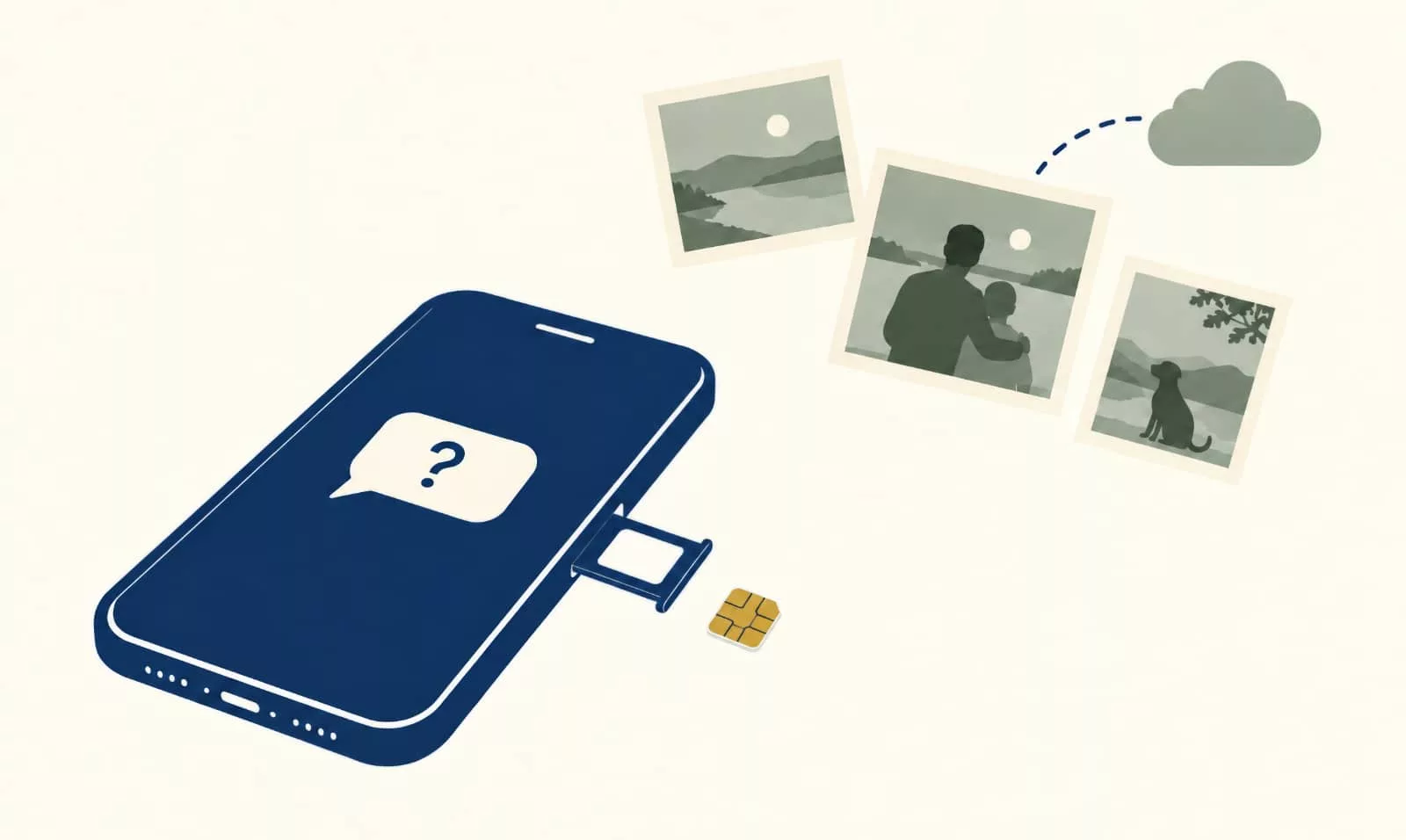
However, because iPhones may sync photos and files to the iCloud, logging into an Apple account could provide you with some of what was being stored for the account on the phone, and may be of some help.
An Apple account is typically protected by multiple factors: email address, password, and a form of multi-factor authentication typically tied to another Apple device. But it can also send a code to a phone number already linked to that account, so if you don’t have a login saved, as long as you know the email and password, you can still approve a login to get the account working.
One option may be to use their SIM as part of the process, and it also may mean moving that SIM to another phone, ideally one you do have access to. This will just end up being part of the account confirmation, though, so you probably still need the password for the account to begin.
The extra phone you have sitting in a drawer becomes a useful part of the process here, because while you may not be able to gain access to their phone, you might still be able to use a spare phone to find a way into an Apple account.
However, this all forms a part of the talk ahead of time, that first step that is so crucially important.
If that person has an iPhone, consider having a trusted family member store the Apple ID and password just in case. Using that and a Mac, you can create another account on a laptop, log in, and get the account approved by having Apple send the multi-factor code to the phone.
That can be particularly handy if the phone has you locked out, but you think there might be files stored on the iCloud, such as important documents or photos. With Macs supporting the iCloud as part of its documents and desktop, this access could just get you what you need to deal with an iPhone of the departed.
It may not be an iPhone backup exactly, but it may have some of the information you’re looking for.
An Android approach
Android also doesn’t simply let you into a phone’s details, and if you don’t have that PIN or password, you will be locked out. If the person owns a Samsung Galaxy or Google Pixel, or any other Android type, and it has a PIN or password over the top that you don’t know, you won’t be able to get access. It’s that simple.
But there may be one solution: Android users typically have a Google account via Gmail, and you might be able to get access into that.
Much like how an iCloud account may get you access to what was backed up on an iPhone, so too might a Google account give you access to Google Drive, Google Photos, and other services that were being backed up to the cloud by that phone owner.
If you find yourself in this predicament following a passing, and you don’t know the password for a specific account, you may be able to use Google’s account recovery steps via multi-factor authentication and SMS. Like with the iPhone step before, you may need to move their SIM to a different phone to see any notification and codes that come in.
There is no guarantee this will work, however. While account recovery is possible, it might simply not happen.
Record video messages to the family
Beyond passwords and PINs, there’s something else worth considering ahead of time: saying something. Saying anything.
Grief can be really difficult to get your head around, but when someone has passed without a message to you, it can be even more difficult to process.
If you’re reading this before anything happens, you may want to sit down with that loved one and record videos on a phone from them. Think of these as the messages that need to be said long before anything happens.
They can be stored in a photo library on a phone or laptop, or even stored in the cloud and shared in the event of a passing, providing some unexpected solace when it was least expected.
It’s the sort of gesture that really needs to be done before anything happens, but can make a massive difference. And might just come about from sitting with a loved one for a few extra hours.