Quick review
The good
The not-so-good

Easily one of the most popular laptops, the update to the M5 MacBook Air bring faster performance and WiFi… and that’s largely it.
Thin. Light. Slick. Stylish. These are the things so many of us look for in a laptop meant to handle the day-to-day work of everyday life. The performance needs to be good and the battery has to be capable, able to hit a full day without reaching for a power point.
In the past few years, these aspects have been found in a good assortment of laptops across both Windows and Mac, though in the latter, there has definitely been one standout model: the MacBook Air.
It was always a decent computer, but when Apple switched to its own silicon back in 2020, everything seemingly changed. The laptop was already thin and light and slick and stylish, but the performance improved alongside incredible battery life.
Since then Apple has worked to improve it, with practically every year seeing some change.
In 2026, the upgrade is largely expected, but nonetheless welcome, adding speed where it counts and storage, too, even in an era where AI is increasing hardware prices. Is it the ideal upgrade at the ideal time?
Design
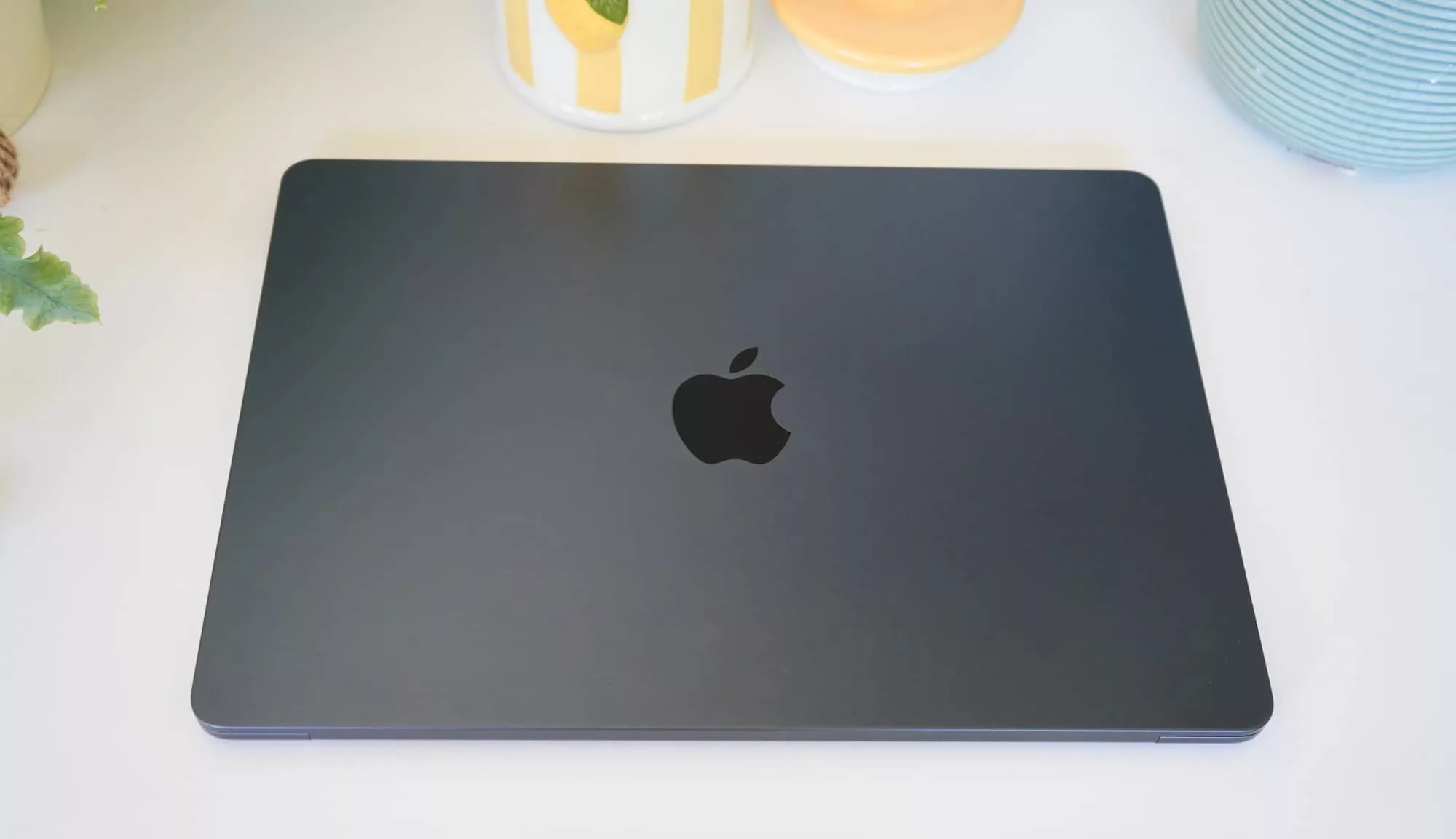
You know the saying “if it ain’t broke, don’t fix it”? Hold onto that tight, because it’s the general vibe of the M5 MacBook Air, and Apple’s continuation of a design it put in place from the M2 MacBook Air.
Several years later, nothing has really changed, and that’s actually A-OK.
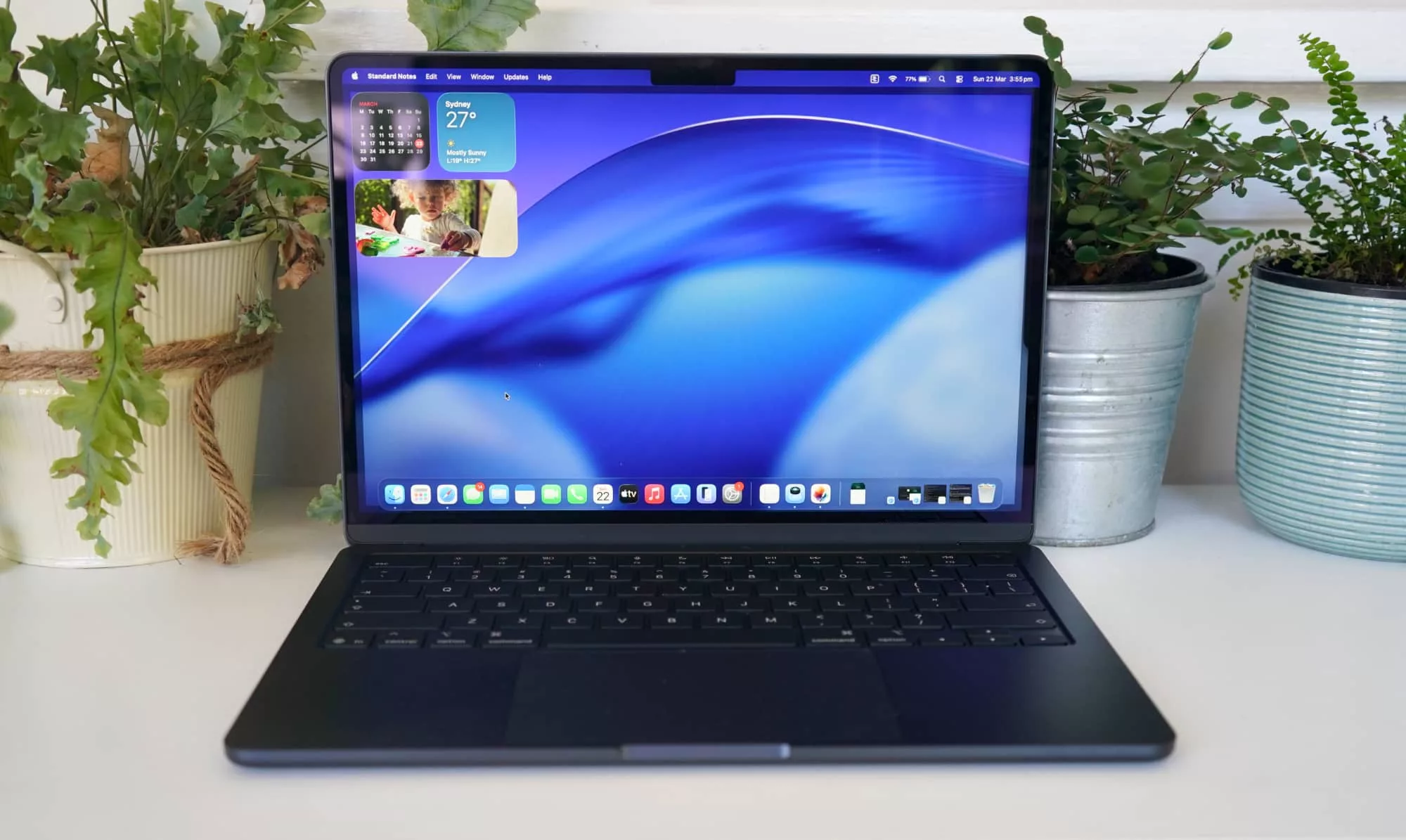
The design offers a slim aluminium build in a four colours, covering sky blue, silver, starlight (gold) and midnight — we’re reviewing the midnight blue-black version. Whatever you pick, the approach is both minimalist and clean, and easy on the eyes. This is a slick laptop, that’s for sure.
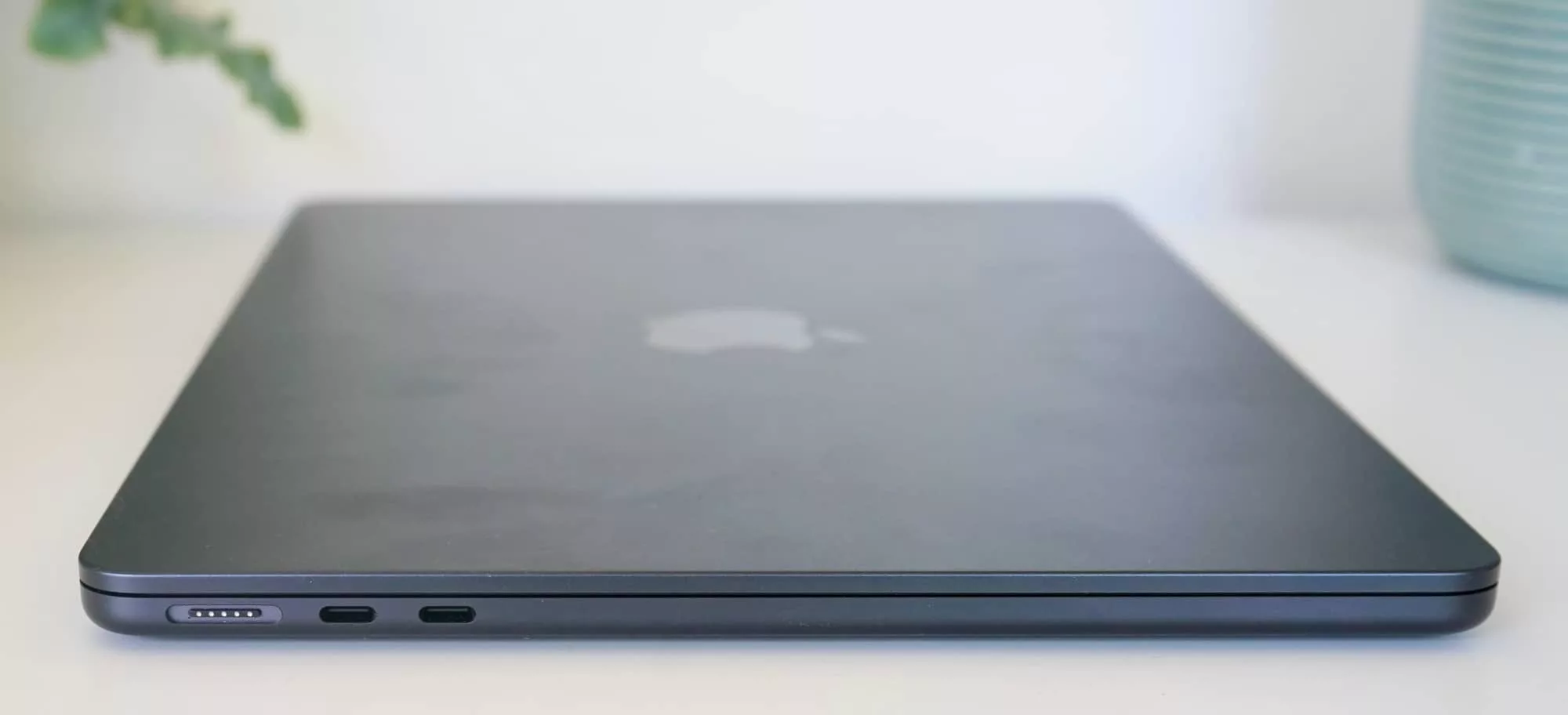
Measuring 11.3mm when closed, and a little less for the body when the screen is up and being used, the M5 Air is built the way you’d almost want any and every workday computer. It’s a little thicker than an iPhone 17 Pro Max’s 8.75mm, and once you equip it with a case, it’s not much thicker at all.
But the design is clear: it’s a thin laptop designed to be lovely, and designed to be used. Take it with you, use it, don’t draw attention, but still be proud of what you have. Like the previous MacBook Air models, it’s a lovely computer.
Features
However, the phrase “like the previous MacBook Air models” is a bit of a premonition, because the 2026 MacBook Air is more or less just like one of the previous MacBook Air models.
The design hasn’t changed, and it’s a similar story when talking about the spec sheet, as well, save for a few things.
For starters, there’s a new processor, as Apple rolls out its M5 silicon to more devices than just the iPad Pro and MacBook Pro, giving a little more performance and capability to the setup. You technically have three options for the Air, with changes to the chip supporting an 8-core GPU with 16GB RAM, a 10-core with 16GB RAM, or that 10-core GPU with 24GB RAM.
But you also now get twice the storage, sitting at 512GB minimum. In the 10-core GPU models, the Air starts at 1TB, but any model can be configurable to either 2TB or 4TB. That is quite a lot for a small laptop.
We can actually confirm this, because our M5 MacBook Air review model was the base model: a 13 inch M5 with 16GB RAM, 8-core GPU and 512GB storage.
In this day and age, this is the easily a solid combination of specs for a capable and long-lasting laptop, let alone simply a base model. There are a lot of laptops in the market that definitely come in lower than what this base model offers, so Apple is starting the M5 Air in a great way.
Elsewhere, there’s a minor upgrade of WiFi 7 and Bluetooth 6, while everything else is largely the same as it has been in last year’s M4 Air, and a little before it in the M3 MacBook Air, as well.
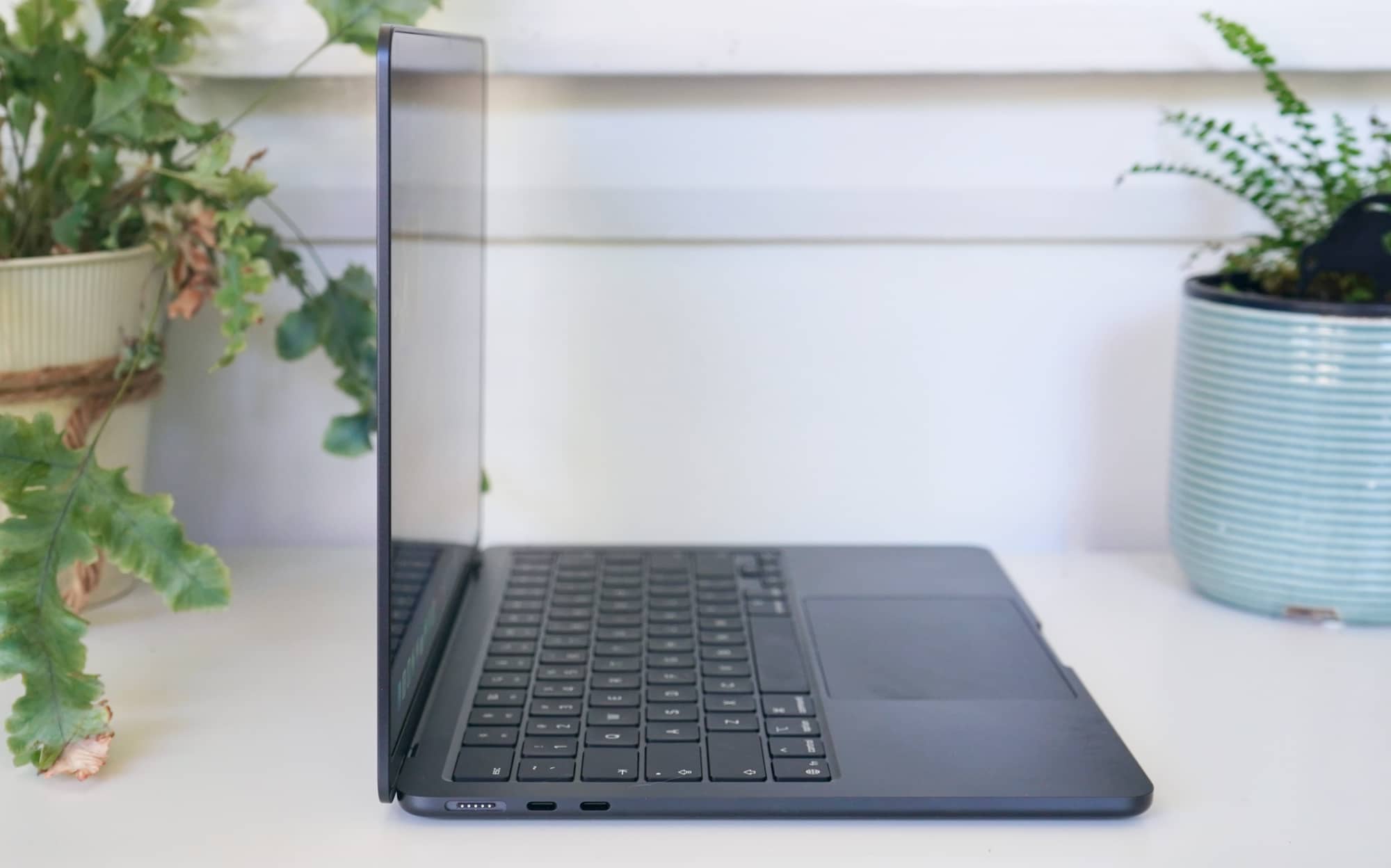
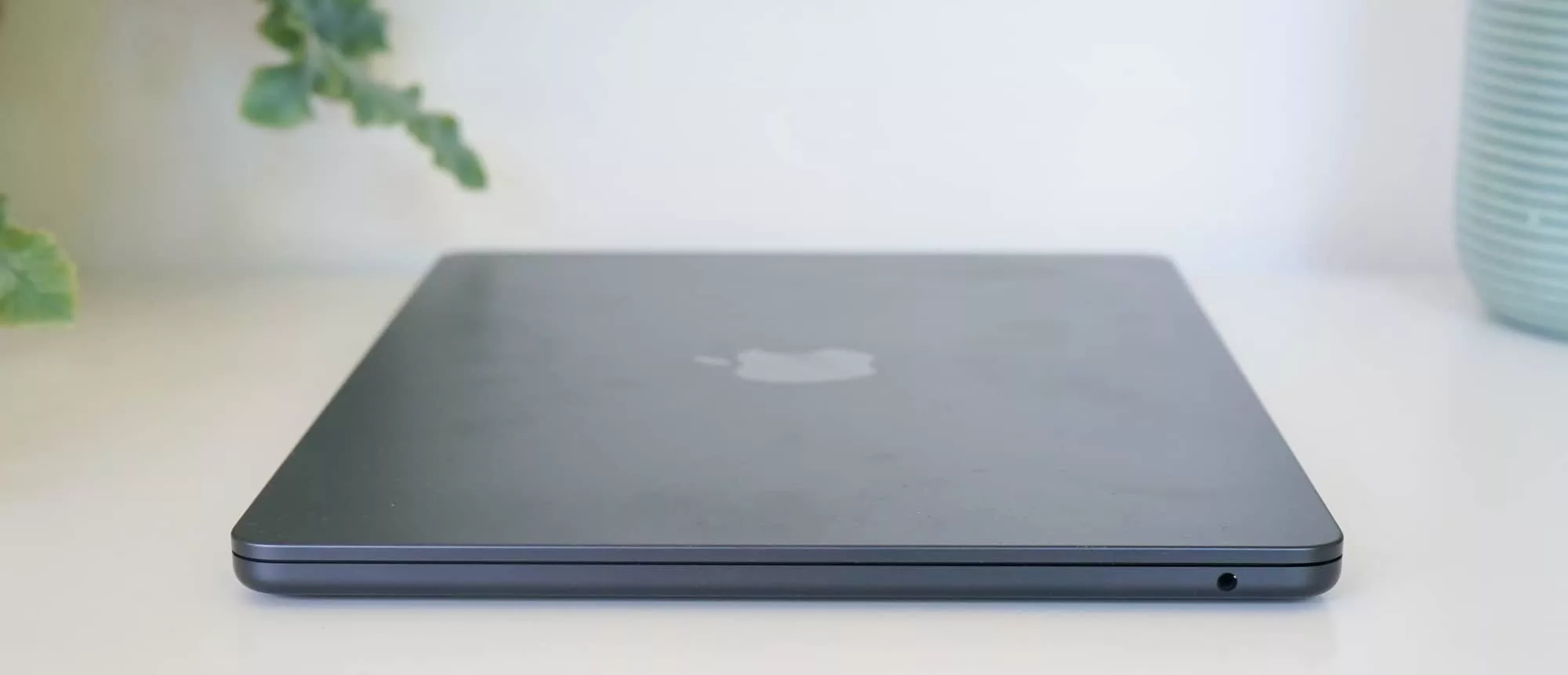
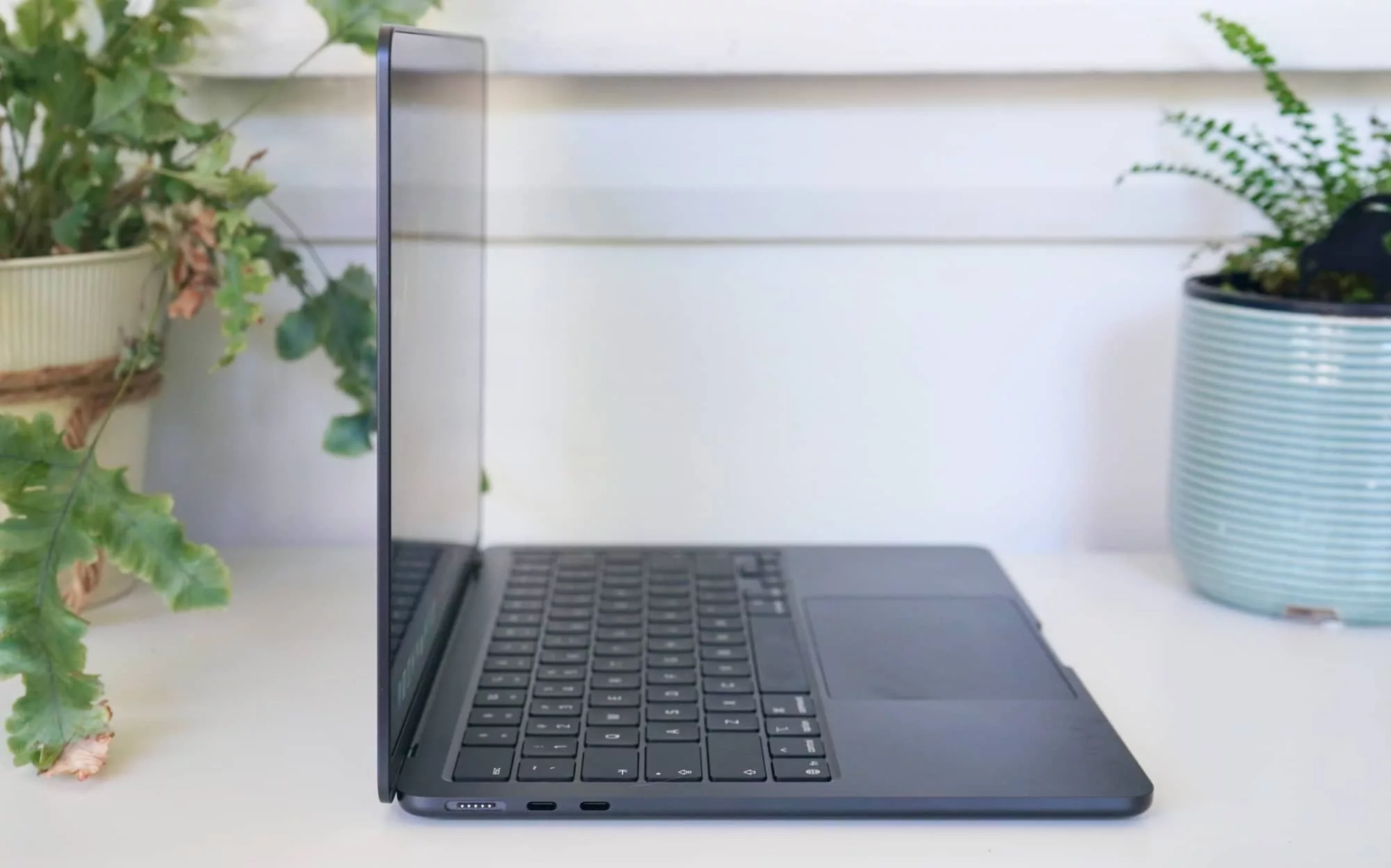
That includes two Thunderbolt 4 USB-C ports, a 3.5mm headset jack, and the MagSafe charging port on the side. There’s also the 12 megapixel FaceTime HD camera in the screen notch, a four-speaker sound system, support for spatial audio, three microphones, and a fingerprint panel in the power button.
Display
Another aspect that hasn’t changed at all is the screen, which on our 13 inch review model delivers the same 13.6 inch notched LED-backlit screen offering 2560×1664 and Apple’s True Tone technology.
It’s still an In-Plane Switching (IPS) display, which means it’s bright, colourful, and offers a good billion colours at various viewing angles, not to mention support for the P3 colour gamut.
But while it’s good and lovely, it still misses out on the ProMotion technology we’ve seen trickled down to the standard iPhone 17 last year. That’s the sort of feature we’d expect on a computer at this price point in 2026.
In-use
The good news is that an omission of a 120Hz slick screen refresh rate tech probably isn’t going to impact the experience of most laptop owners. It just means the animations as you scroll and use the computer aren’t as slick as you might want.
In fact, using the M5 Air is more or less as good as a computer should be: firm but friendly keyboard, a great little fingerprint-enabled Touch ID power button on the top right of those keys, and a spacious trackpad to move that mouse.
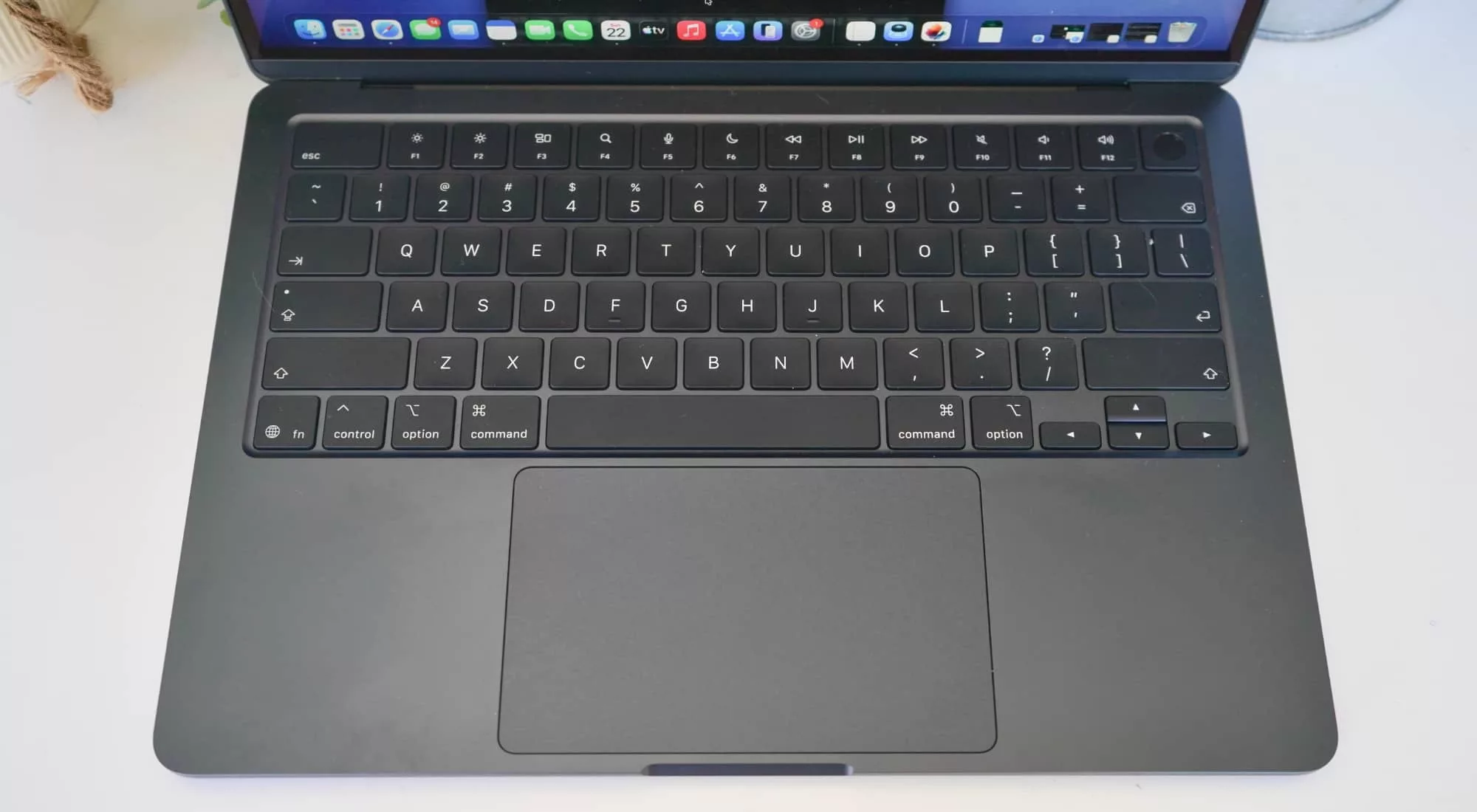
This is as good a keyboard and mouse as the Air has had for several years now, and macOS 26 is feeling tighter all around, as well. Widgets on the desktop, support for iPad and iPhone apps if you need them, plus mirroring to your phone, a smaller app launcher, and just a good solid vibe using the hardware.
You still only get a handful of ports, a problem if you need more than two USB-C ports, though for most people, it should be fine. And there’s still a 3.5mm headset jack, handy because that’s beginning to disappear, as well.
That’s all about the same as it has been for Apple’s MacBook Air range, and little to complain about.
Interestingly, there are two other usability features that have improved, but you’ll only notice them if you actually have the right hardware. WiFi 7 is now part of the package, as is Bluetooth 6, an upgrade for speed and reliability on both, but only if you have the hardware to connect it to.
Welcome all the same, though, and handy for the future.
Performance
But one area that manages to get faster in 2026 is the performance, because now you’ll find Apple’s M5 as the chip of choice.
On the surface, it’s a whole number different than last year’s M4 MacBook Air, but under the hood, that translates to massive gains. You only have to see how the Apple M-series chips have evolved in the MacBook Air range to see what we’re talking about.
| Device | CPU Single Core | CPU Multicore | GPU OpenCL | GPU (Metal) |
|---|---|---|---|---|
|
Apple MacBook Air (2021)
Apple M1
|
1751
|
7761
|
17289
|
19304
|
|
Apple MacBook Air 13 (2022)
Apple M2
|
1950
|
8733
|
26218
|
31182
|
|
Apple MacBook Air 15 (2023)
Apple M2
|
1938
|
8843
|
27769
|
30767
|
|
Apple MacBook Air 13 (2023)
Apple M3
|
2899
|
11312
|
30371
|
47433
|
|
Apple MacBook Air 15 (2025)
Apple M4
|
3613
|
14162
|
35946
|
54308
|
|
Apple MacBook Air 13 (2026)
Apple M5
|
4129
|
16906
|
40545
|
66361
|
It means if you’re upgrading from either the M1 Air back in 2020 or the M2 MacBook not long after that, the M5 MacBook Air is a worthy upgrade, capable of giving you plenty of power and room to move for time to come.
We might actually be able to attribute some of this performance increase from the memory bandwidth, too, which is marginally faster this time around.
A difference of 153 gigabytes per second bandwidth versus 120GB/s compared to the last generation in the M4 means the memory is working faster with the M5 than its predecessors, and could mean the system is just working that little bit more for its performance. This happens in the background, of course, and it largely all comes out in the wash, but the result is a win for anyone behind the computer.
| Device | CPU Single Core | CPU Multicore | GPU OpenCL |
|---|---|---|---|
|
Asus Zenbook S 14
Intel Core Ultra 7 258V
|
2450
|
10069
|
24848
|
|
Lenovo Yoga Slim 7i Aura Edition
Intel Core Ultra 7 258V
|
2690
|
11007
|
27090
|
|
HP ZBook Ultra G1a 14 inch
AMD Ryzen AI Max Pro 390
|
1563
|
9334
|
27938
|
|
Dell Pro 14 Premium
Intel Core Ultra 7 268V
|
1631
|
8625
|
30479
|
|
Apple MacBook Air 13
Apple M5
|
4129
|
16906
|
40545
|
Things get a little more interesting when you compare the power of the M5 Air against competitors in the Windows space, and that’s where Apple really shows some of its expertise.
Compared against recent Intel Core Ultra models, not to mention the odd AMD Ryzen laptop option, as well, the 2026 MacBook Air holds its own rather well, providing plenty of speed and graphical prowess.
Sufficed to say, the new Air is just like the old ones, giving you much more power than you need, and no complaints for it.
Battery
The battery life can vary, that said, thanks in part to different processes and different workloads allowing the laptops to do different things.
Technically, Apple quotes a maximum of 18 hours of battery life for any model of the MacBook Air — 13 or 15 inch — and this generation is no different.
To get that 18 hours, you’re probably just watching movies on a flight, while Apple’s own “wireless web” specs suggests closer to 15 hours.
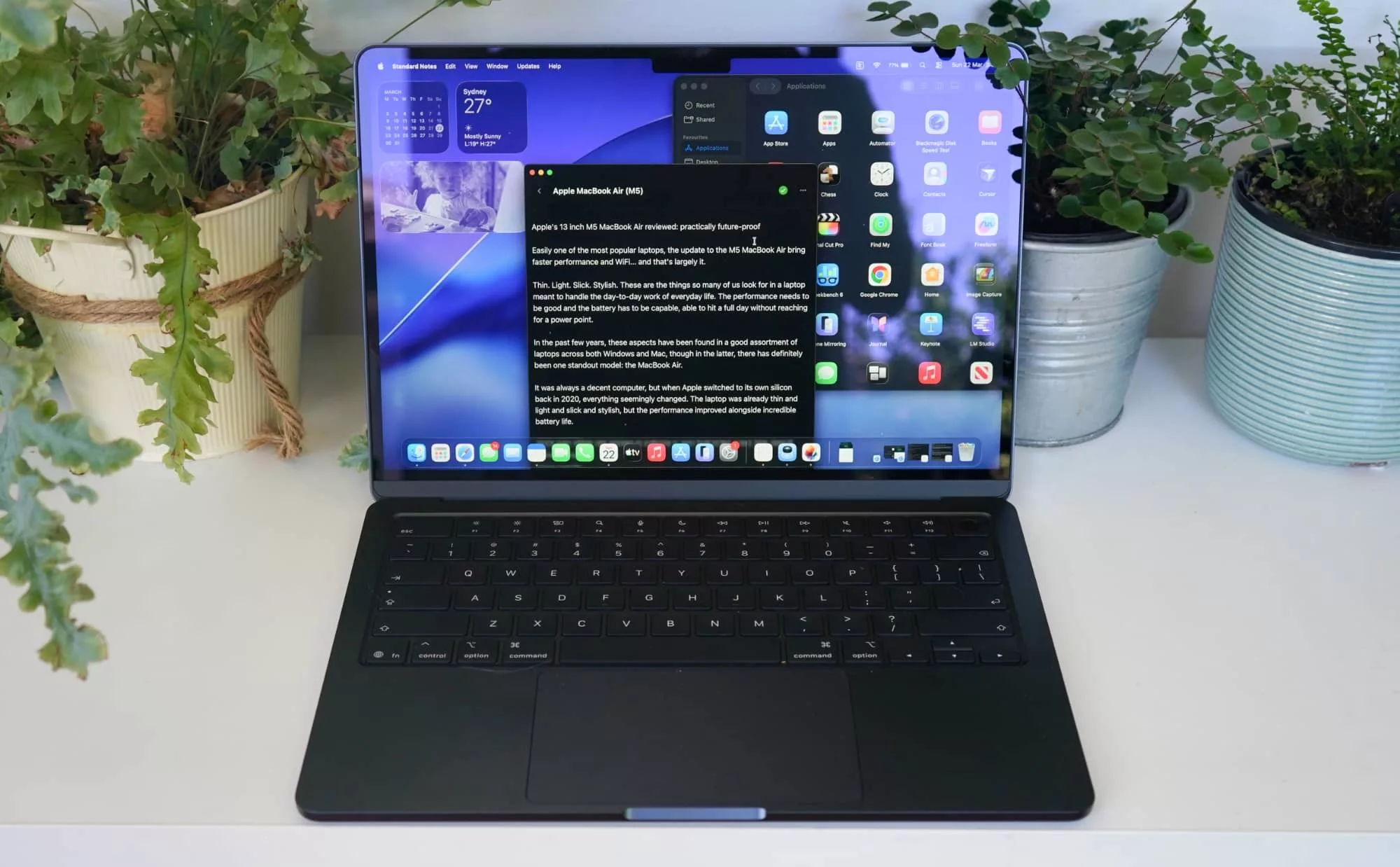
In our own tests of actually using the 2026 13 inch MacBook Air, we found closer to between 6 and 10 hours on most days dependent on writing on the go, editing photos, web surfing, video chat, and even using a little bit of local AI with LM Studio.
The fact that you can choose to use localhost AI is a positive thing with Macs, meaning if you normally rely on the likes of ChatGPT, you might decide to stay off the cloud instead.
We suspect if we eased back on the AI, photo editing, and video chat, the system would have delivering closer to 10 to 14 hours of battery life, particularly as mere productivity — writing, web browsing, research and the like — barely caused the battery life to trickle down. It’s crazy simply working and waiting for the battery to drop.
Overall, it’s not a bad effort, especially for a laptop barely tipping the scales at 1.23 kilograms.
There are technically two ways to charge a MacBook Air (13 or 15 inch), with either USB-C port, or the MagSafe connector on the side. We stick to the USB-C port because it’s so easy, but either is good, and should top the battery up rather quickly.
Value
A little more expensive in 2026, the M5 MacBook Air still represents solid value for what you get: one of the best laptops you can find for the price point.
It’s thin. It’s light. It’s sleek. It’s powerful. It’s such a bafflingly brilliant combination that works so well. You probably won’t need the extra power from a more capable machine, but you get it all the same.
What needs work?
While the hardware is up there, and even the value with it, the omission of a faster screen is a touch confusing.
It’s not as if Apple doesn’t have the technology — the ProMotion displays on the MacBook Pro line clearly support slick 120Hz screens, even if the Air doesn’t run them. And there’s no reason why and MacBook Air couldn’t use a faster screen. The slick speedy display isn’t the only extra you pay for in a MacBook Pro.
At this point, faster screens should just be standard.
What we love
The good news is for most people, the omission of a fast display isn’t going to make any difference whatsoever. None.
A faster screen is very much a “nice to have”, but it won’t make single difference to how you use the 2026 MacBook Air.
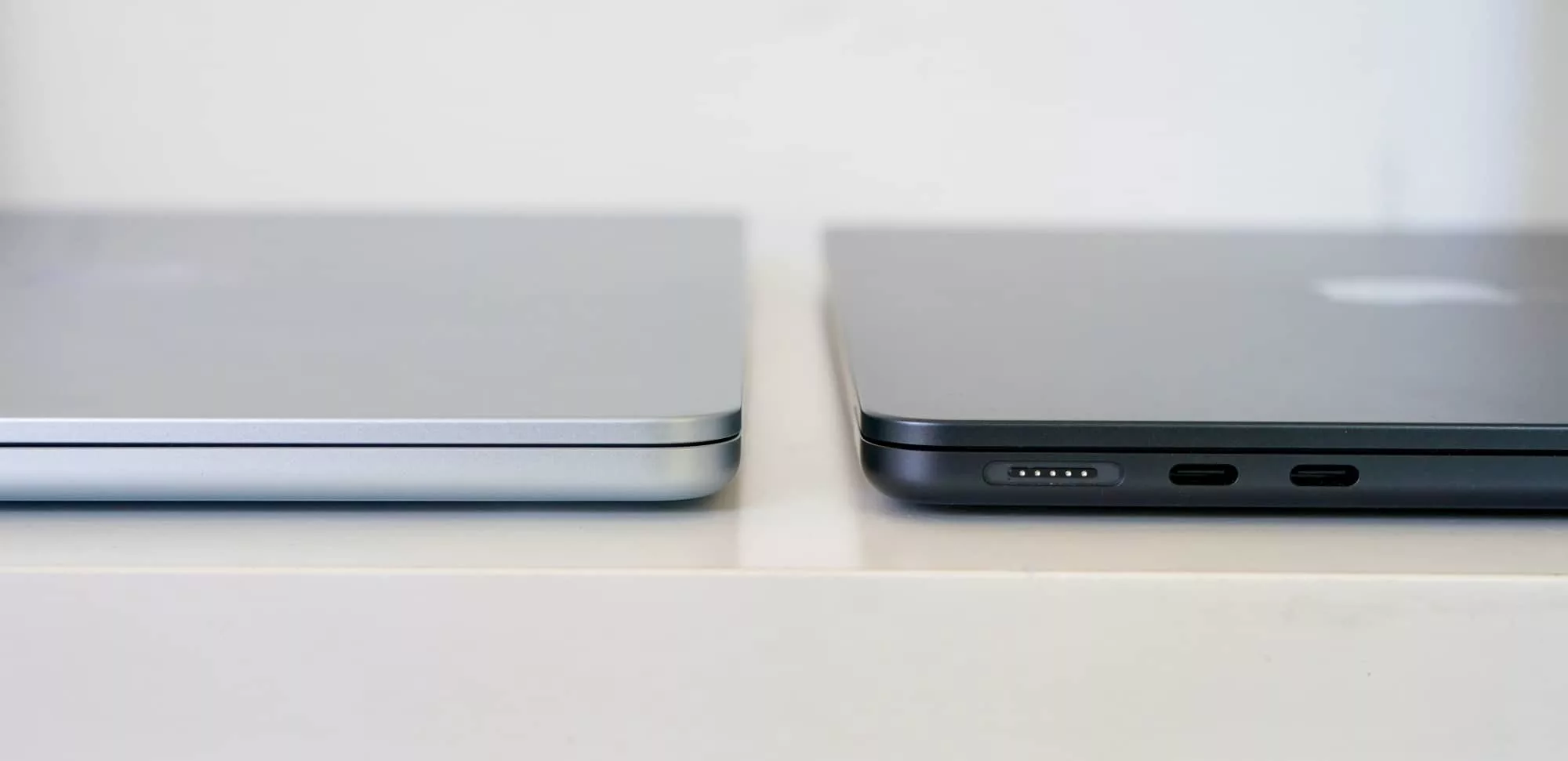
It’s the same with extra ports. The two Thunderbolt 4-enabled USB-C ports will be enough for most, and Apple has even left the 3.5mm headset jack, a port that is beginning to disappear on other notebooks.
For the most part, Apple has nailed the blueprint and template for what a good thin and light machine should be: sleek, slick, and truly capable. In many ways, it’s an Apple interpretation of how Intel’s “ultrabook” concept could have panned out.
It’s a thin and light laptop designed for every day life, regardless of what you need to throw at it. And that’s what we love about this model, that regardless of your needs, the MacBook Air has you covered.
This thing is practically future-proof.
Final thoughts (TLDR)
Several years in, the MacBook Air is one of those computers that’s difficult to argue with, offering a great balance between design, spec, performance, and battery life. It’s enough of everything, even if aspects could still be slightly better.
The battery is great. The performance is incredible. The design is lovely, and you’d have little to complain about in terms of weight or reliability. You even get a little more storage in an era where storage costs more (which may account for the price).
Our only major quibble is the screen, which in this day and age should be better.
But even without a faster display, the M5 Air is difficult to complain about. It’s one of those laptops we expect will keep going, and easily one of the year’s best laptops.
With these updates, the M5 Air should be good for years to come. Recommended.