
It’s 2026 and technology is everywhere. It’s not a bad thing — we need it for quite a bit of our lives — but it can still feel like tech is found in every nook and cranny and shelf and space and orifice and place you know of.
You have phones and cables and gadgets and appliances, and knicknacks and bags aplenty of everything this sentence is talking about and mentioning. You couldn’t escape from the excess tech in your life any more than you could escape from needing to drink a litre or two of water each day.
Technology is in your life and there’s no way out. But it doesn’t have to need an escape hatch, nor does it need to feel like circuitry is flooding your life.
For some of us, it definitely is: maybe your desk is overloaded or a bedside night stand. Maybe the dreaded third drawer in your kitchen is now the cable-ridden holder of items past and present, and you just can’t bear to look.
For most of us, it will be about phones and cables, because they tend to add up. While retail phone boxes tend to carry the bare minimum of device and cable, you’ll likely have a few of each extra, plus the other bits and bobs you’ve collected over the years, including earphones, wearables, and so on. Possibly even some power banks you mightn’t use.
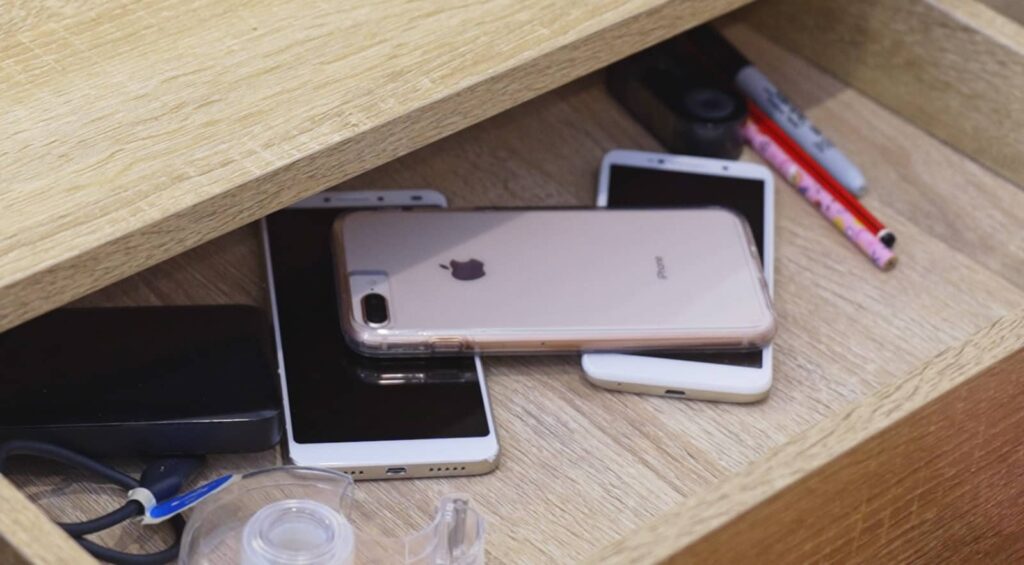
“An estimated 22.1 million mobile phones are sitting unused and gathering dust in drawers and cupboards and of these 12.1 million are broken beyond repair,” said Helen Maisano, Head of Sustainability and Social Impact at MobileMuster, one of Australia’s largest mobile recycling efforts.
“For millions of Australians, the old phone simply ends up in a drawer. Batteries do degrade over time and can swell or become a fire hazard,” she said.
“That’s why we’re encouraging Australians to make recycling part of their upgrade routine. Once you’ve transferred your contacts, photos and other important information, take a few extra minutes to think about what happens to your old device.”
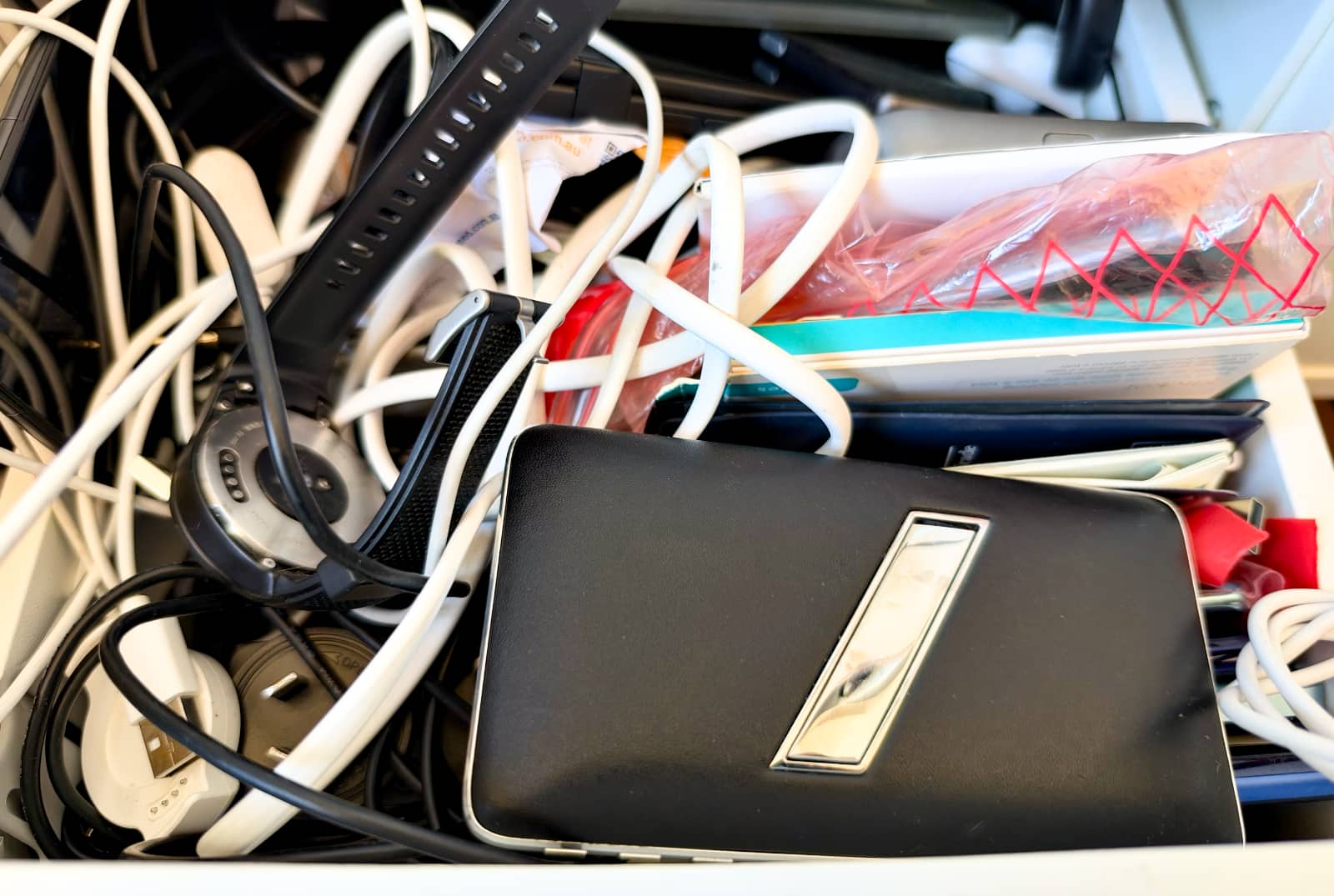
While an upgrade is the obvious step to get rid of an older phone, for many of us, cleaning house can be a prompt to upgrade, to work out what’s next by clearing out what came before.
Almost like the reinvention of Daft Punk’s tech-focused track that was “Technologic”, you may want to consider an alternate set of lyrics to deal with the influx of too much tech. Instead, try singing or rapping: Find it / Sort it / Check it / Shift it / Recycle it / (and) Upgrade it.
It’s the sort of thing you can do any time, and something that can make a big difference to both your home and the environment, whether it’s around National Recycling Week in November or any other time. Any time you need to feel better about the tech in your life, and find a reason to move up in the world.
Find it
Before you upgrade, start here: finding out what you have and where you have it.
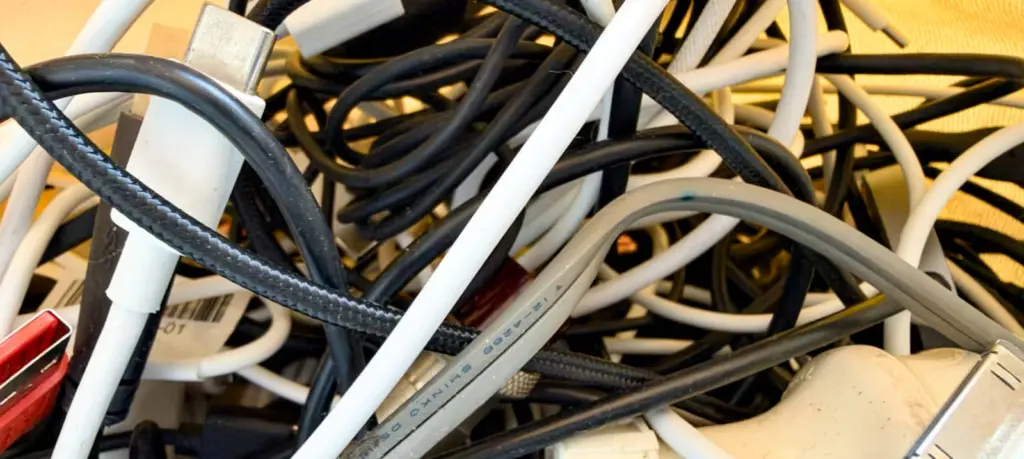
The bag of cables. The box of phones. The cupboard of chaos. The drawer of doom.
Find it all and don’t hold back. If it’s not in use, it’s something you can do something with, readying it for the mammoth task ahead: working out what everything is.
Sort it
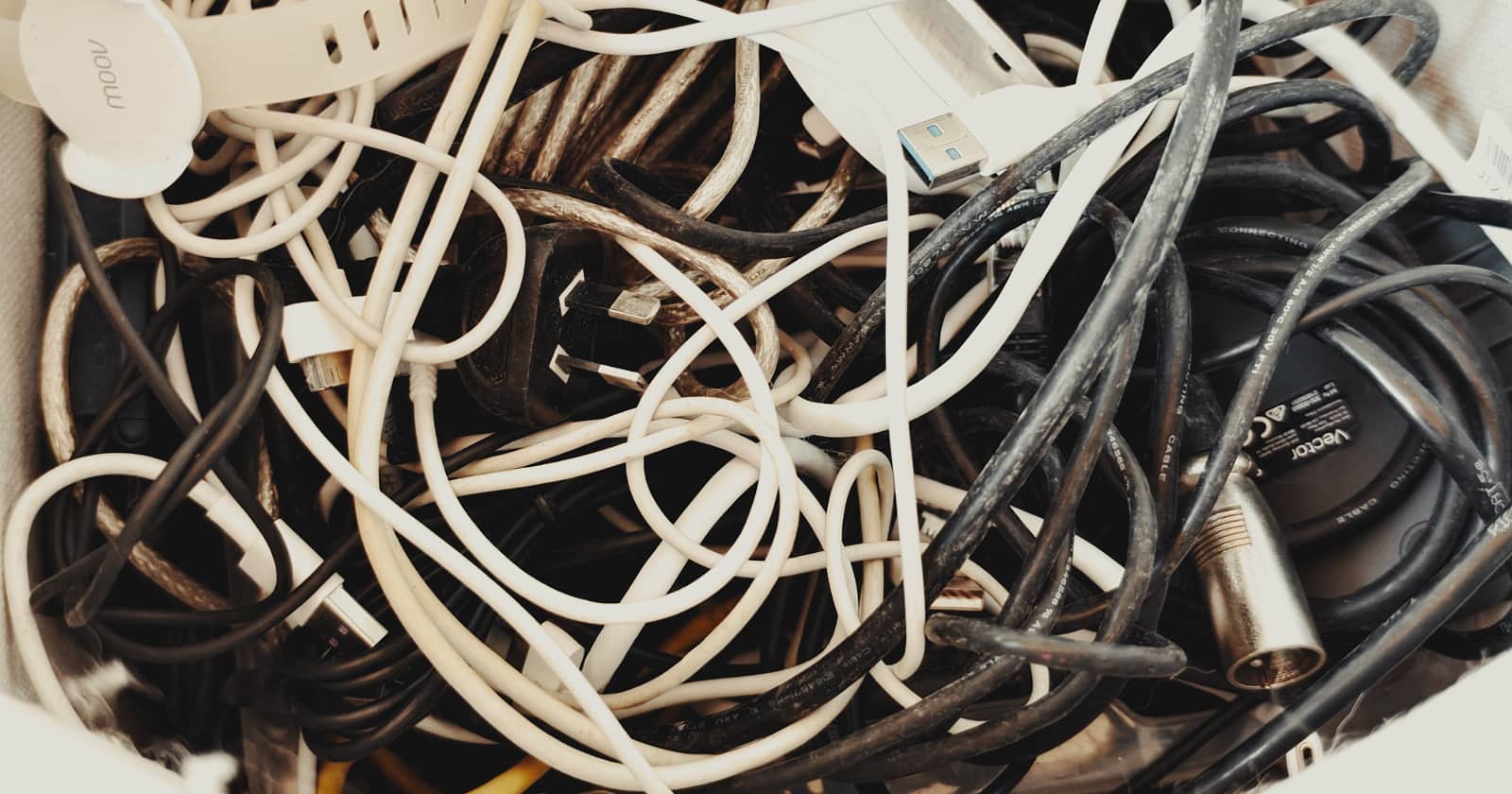
Sorting technology out from its random crap drawer ethos isn’t fun, but can be mildly cathartic.
Almost like sorting through photos and learning about the world that was, sorting through an excess of cables and cords and drives and devices can be a little relaxing and a lot necessary.
Set up piles for everything: old cables, new cables, storage devices, power banks, old phones, listening gadgets, cameras, and so on. Identifying what you have earlier is fairly easy to go with based on a mere glance, and can be the fast way to making sure to stocktake simply on memory.
It’s pretty easy to work out how many unnecessary cables you have when the pile grows in physical size. From there, you may be able to grab the obvious heavy-duty cables, and chuck the rest in a bag.
Check it
Not everything will be quite so easy. Some gadgets will need checking, such as whether a phone works or doesn’t, or whether a device includes a memory card you want to keep.
To make things a little easier, this tech journalist’s approach is typically to:
- Check for any swollen batteries or leaks before trying to power up anything
- Try powering on phones where you can
- If not, finding the cables that go with them so you can
- Opening the back of any device that supports this and taking out bits and pieces, such as microSD cards
- Store hard drives and solid state drives in boxes for checking on a big day, and
- Doing something similar with old laptops (and if they won’t power on, getting a screwdriver out and taking out the parts you can).
When we say “checking on a big day”, you may want to make a bigger day of it, and find your way to an external hard drive reader. These gadgets typically have a port for both 2.5 and 3.5 inch drives using the Serial ATA connection known as “SATA” which these days is slower than the PCI-express connections modern PCs use, but isn’t used by everything.
If you only have laptops that can’t get their drives removed, your computer possibly has the storage soldered in, and you’ll need to power that sucker up, backing it up by moving it across to something else, like an external drive or network drive, before moving it on.
Shift it
Shift it to one side and work out which box it can go into: keep, sell, or recycle. This is important because something you may want to keep, and something might be in an ideal condition that you can also sell it, too.
You won’t need to keep cables of old devices that you don’t own anymore, but you may want to keep flash drives or SD cards with things on them, and hard drives that work as backups. You may need the specialty cables for them if they exist, or perhaps even a phone with a message from an old family member you want to recall.
If what you have is a memory that can’t be migrated from one device to another — a very real possibility when you’re talking about old technology — consider snapping a photo of the text or recording what’s left with your current phone, and storing that backup in the cloud somewhere. An album named for that person and that memory, so you’re not leaning on an old piece of technology that may or may not work the next time you go through your tech pile.
In one way, this is you upgrading that memory into a more stable technology, and one that isn’t dependent on old cables or old batteries or old chips and parts that might just start to break down because time is fickle in that way.
Recycle it
For everything else in the “recycle” box, you’ll want to find your way to an e-waste facility, with your council being the obvious place to look for one.
E-waste collection facilities are typically found in conjunction with local councils in Australia, while the government has resources on what to do with e-waste and old technology, as well.
If most of what you’re recycling comes from a phone, finding a MobileMuster drop-off point may well the most obvious place for it, with this service specifically for the recycling of mobiles and mobile-related parts, such as cables.
“Those phones might have reached the end of their useful life for you, but they still contain valuable materials which can be recovered and used again,” said MobileMuster’s Maisano.
Upgrade it
Once you’ve cleared out the nonsense from your life, upgrading can make a lot of sense, though it’s also a step that may occur before anything else.
Upgrading can be the trigger and catalyst many of us need to do exactly that, but it can also be the end result.
When everything unnecessary is gone, maybe it’s time to consider something truly necessary once again that can be used in its stead.
What happens to recycled technology?
You may not realise this, but recycled technology can find its way into a new device. Your new device might end up seeing some of its parts recycled into an upgrade, something you would have just contributed to.
This concept can see your actions contributing to closed-loop manufacturing, an aspect of having a circular economy also. In short, the tech you use sees materials recycled into tech someone else uses, keeping those resources in use for longer and reducing the need for newly made and extracted “virgin” materials. Ideally, those materials will stay in circulation until it ceases to be useful anymore.
While it’s unlikely you’ll ever inadvertently come across a gadget that reuses a piece of technology you’ve previously used (it’s a big world), companies do take gadgets, melt them down, and reuse them for these purposes, and you may be none-the-wiser.
For instance, Apple has some robots to help it do just that, stripping down iPhones for continued use in Apple phones and such, with Daisy being designed to do this with its mobiles.

We’ve seen Sony make earphones from recycled bottles and Belkin use recycled parts and plastic in its peripherals, and you know this clearly won’t be the end.
There are others, including Google using recycled aluminium for its Pixel phones, Logitech using recycled plastic for its peripherals, and Dell reportedly using a closed loop system across some of its product lines.
Seeing recycled technology make its way into more gadgets is now the norm, and does mean your old technology can do more than simply sit and gather dust.
It’s something manufacturers are now embracing and making a key part of their efforts, and it’s something you can contribute to, and possibly help clean up your house with in the back half of a Saturday or Sunday, too.