Bring the magic of Santa to your home with a security camera and a dash of AI. It’s not hard and anyone can do it.
It’s the holiday season, and if you’re tracking Santa with the kids, you might want to turn an ordinary security camera into a Santa snap. Here’s how.
The day before Christmas may well be the time parents make sure their presents are stocked under a tree, and encourage their kids to play nicely, to dress in identical and on-theme PJs, and to please go to bed on time, but it’s also the one day kids will be eager to stay up to meet and greet Santa.
Of course, getting that photo from the world’s fastest gift giver isn’t always easy, so parents might need to do a little bit of work preparing for it, a job made even easier if you happen to have a security camera you can set up beforehand.
How to turn a security camera snap into a Santa shot
Yes, with a little bit of theatre and a sprinkling of time, you can turn an ordinary security camera into a Santa snapper worthy of your kids, keeping the magic alive and going for the next season.
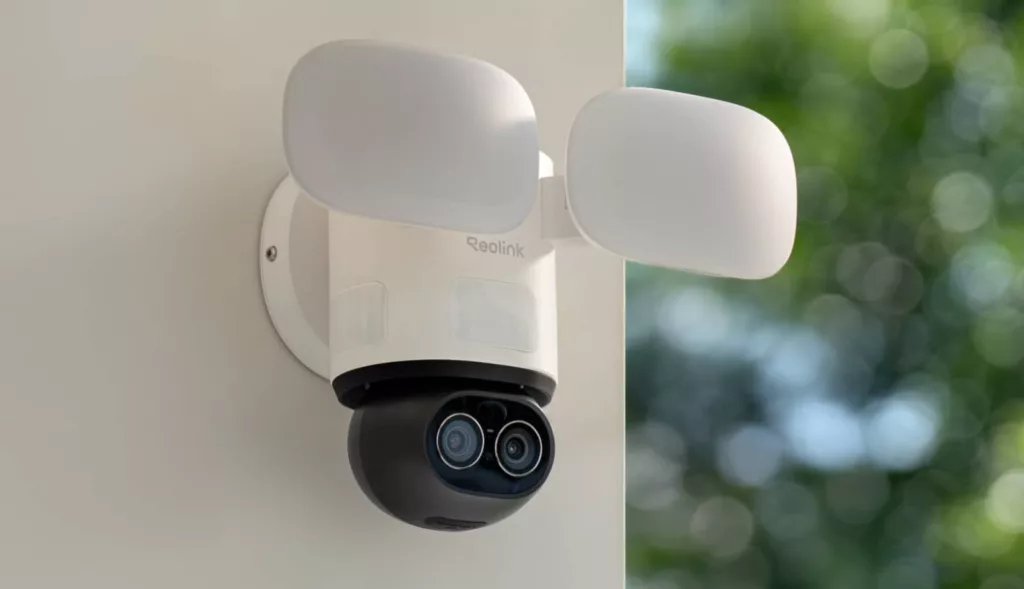
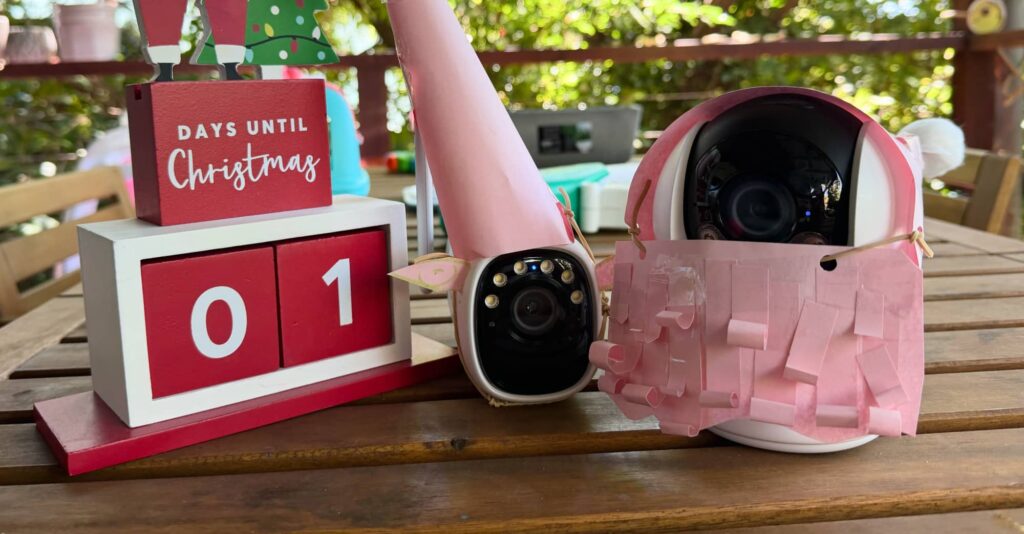
To do this, you may want a security camera or two, depending on how many Santa spotting cameras you want around the house. We used one of the Reolink models we had reviewed earlier this year, and another alongside, setting up a different one for the neighbours.
You can sell the idea to your kids, and get them to help you dress up the cameras. Santa cams need their own paper-craft hats, of course.
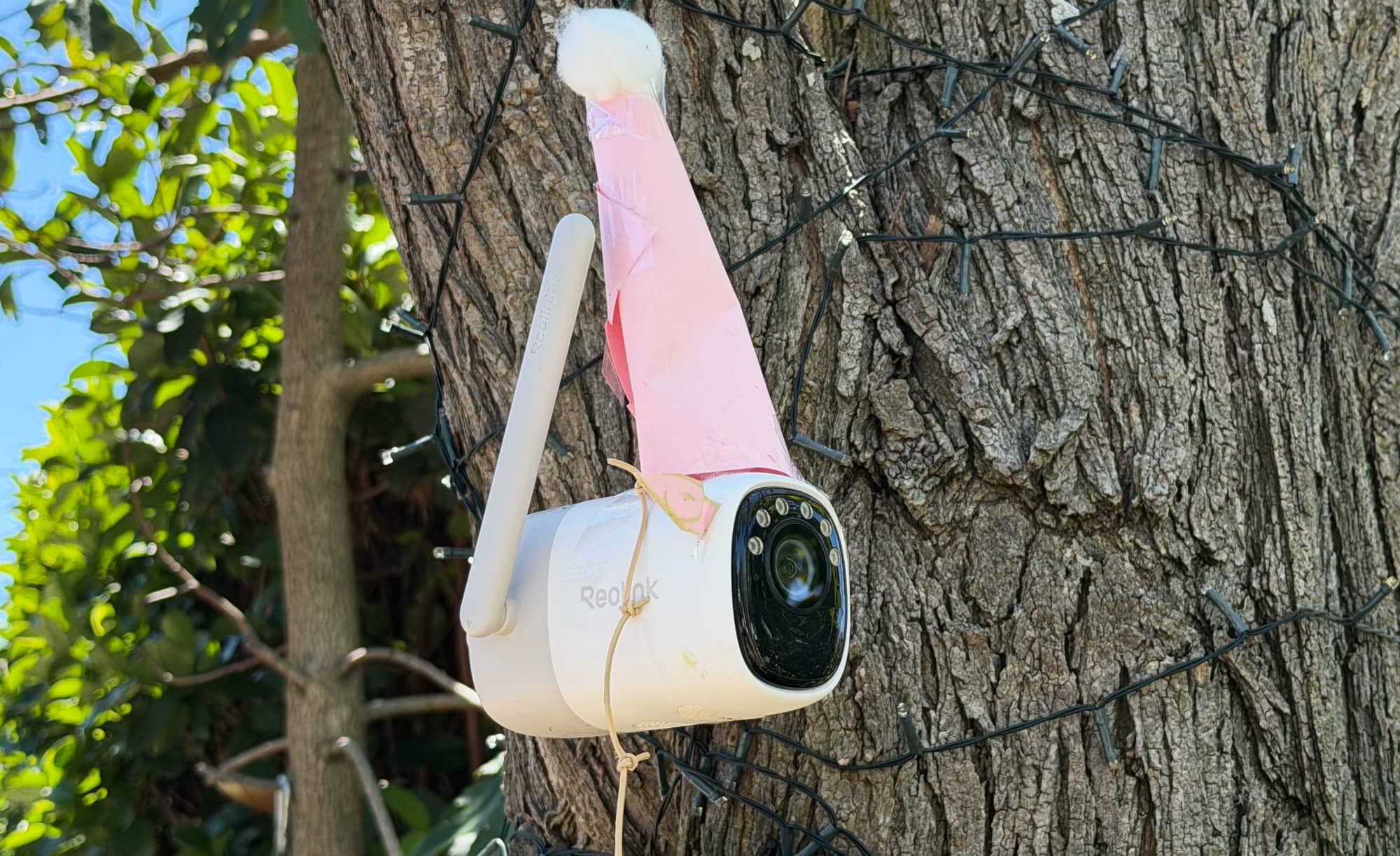
Then, when the kids are in bed and all tucked in asleep, snap a photo either from the security camera or your phone in the same position, showing the shot as it would look. Your security photo might end up with a date stamp on it, at which point you’ll probably want to turn it off, unless you want to wait until past midnight in real life.
Once you have that photo, it’s time to turn to a touch of theatrical imagination, likely helped by 2025’s buzzword of choice: AI.
While you can use some Photoshopping skills if you have them, AI apps can give you a little bit more speed and control to get an image out.
This year, we turned to Google Gemini to make our images complete, instructing the AI system with an image and a prompt.
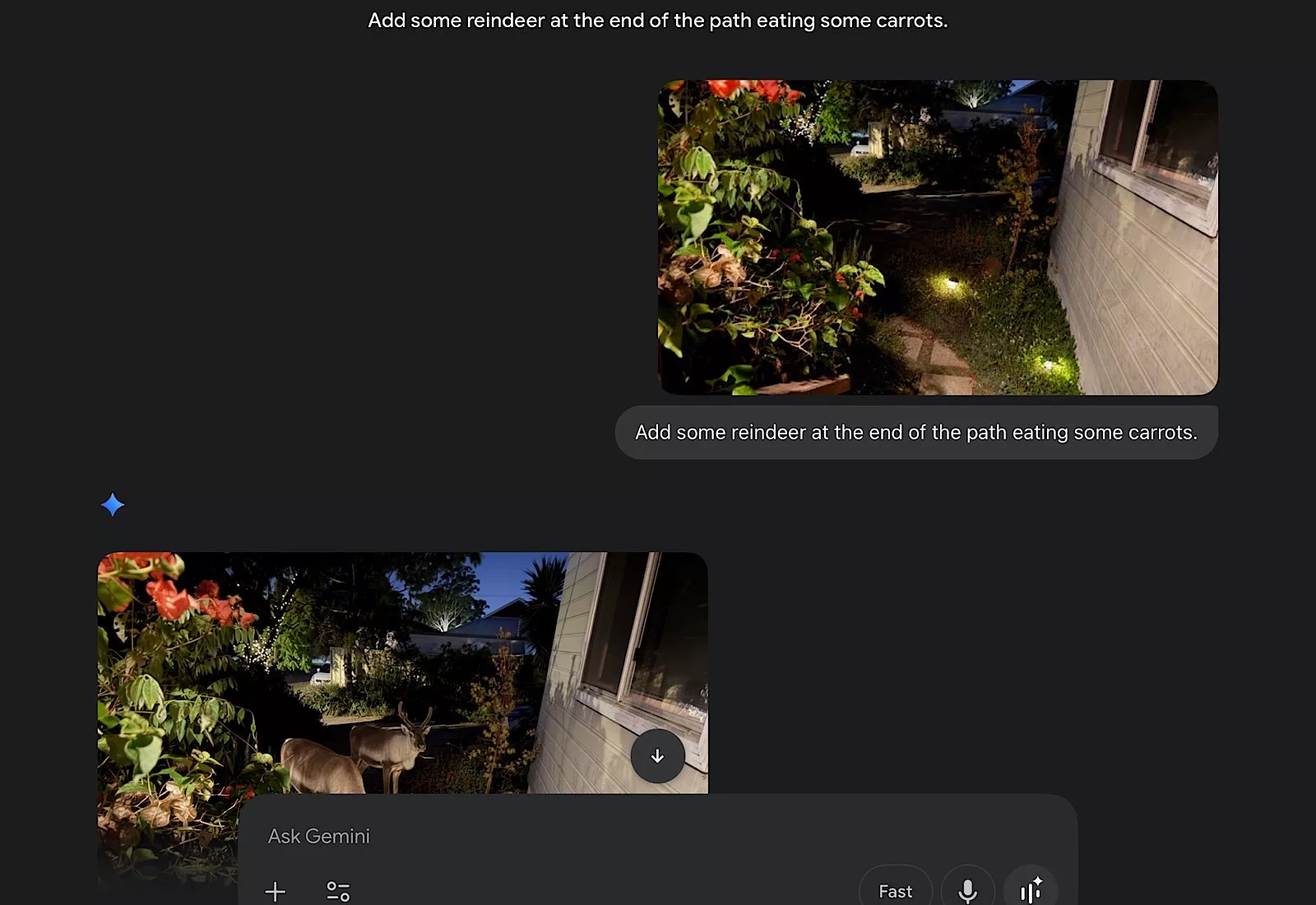
For instance, we snapped a photo of the path to the home, and asked it to “Add some reindeer at the end of the path eating some carrots”.
Google’s Nano Banana image generator got to work and started adding elements, at which point we continued guiding it to the outcome, adding the carrots, reducing the number of carrots, adding reindeer, and then adding the final red nose and its glow.
All that from a text AI prompting system.
You can even prompt with additional images to complete other pictures, such as taking a photo of a driveway and finding a photo of a sleigh, and instructing the AI to use the sleigh from one image in the other photo.
The final result will likely take more than one or two text prompts, and could take as many as 15 or more, but the outcome can be one so realistic, your kids will swear they’re looking at a real photo.
And they may as well be.
Finishing touches
Keen Photoshoppers with some skill might want to try a different approach, manually editing the image, and b both approaches are totally sound, based solely on your skill level.
However, if you bring the finished result back into a computer, you may want to add the security camera date stamp to the bottom of the image, all to help make that magic a little more real.
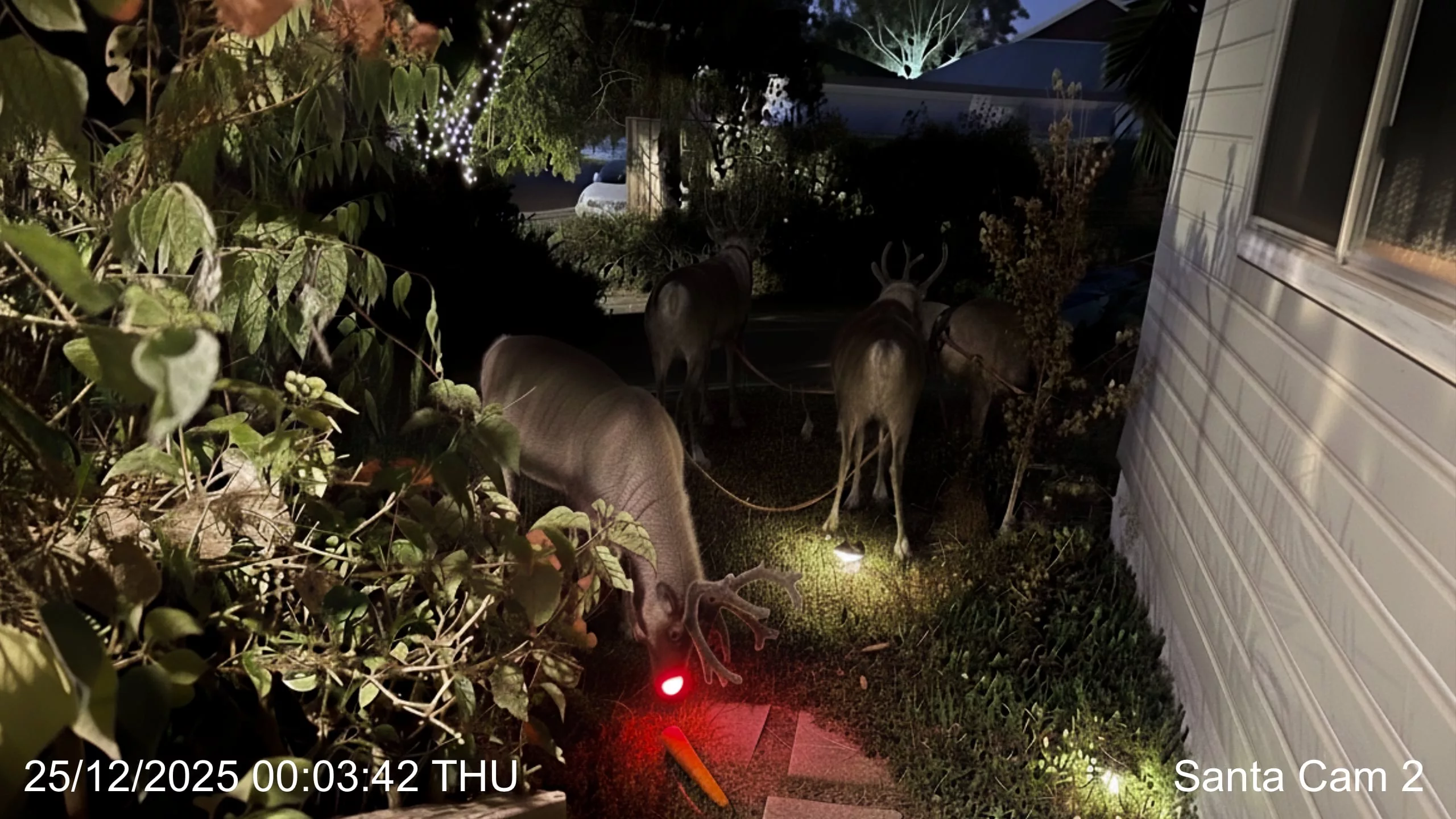
It’s actually surprising security camera companies haven’t opted to use their own AI to patch this in, something that could turn a functional piece of hardware into something a little more magical, but here we are.
If that happens after 2025, it might be on the prompting from this very story, and from a use of AI to bring the magic to your home.