Nothing highlights the fragility of technology quite like an outage, a fault that may well be the worst kind of failure. It’s a type of issue that can leave everyone jumping up and down and screaming out into the open, possibly because with no access, it’s the only way anyone is going to hear you.
On February 9 2026, Optus suffered another such failure as its network went down in a big way for the second time in the space of a year. It wasn’t quite like last year’s big outage, a fault that affected mobile phone towers and prevented callers from getting through to emergency, tragically resulting in the deaths of three individuals.
This one was different, and may actually been the result of something else.
A problem that needs fixing
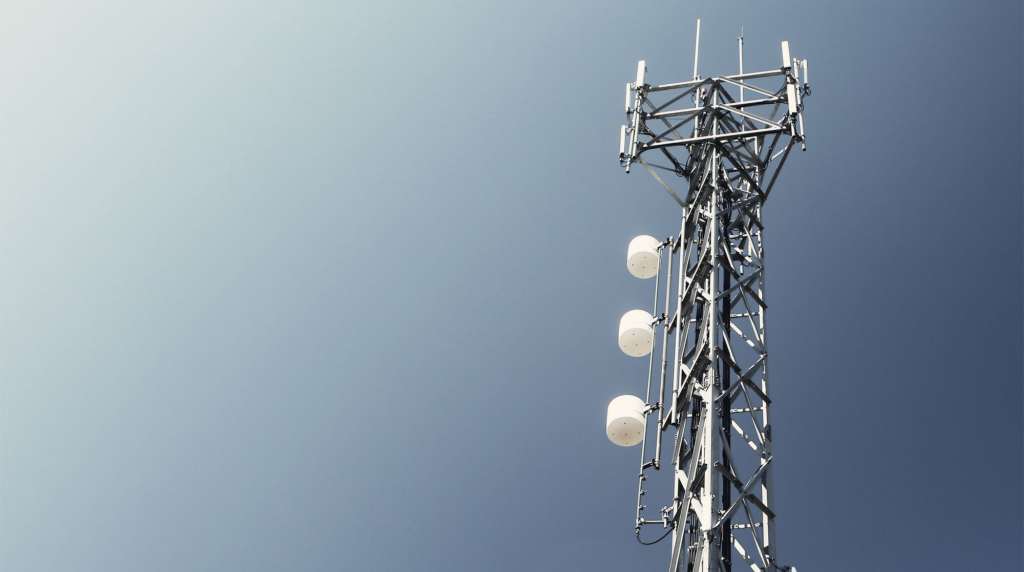
Phone networks are a complex beast. They’re a combination of hardware and software, and maths and science, and radio waves and base stations and just a lot of things going on.
So when something goes down, it can be difficult to work out just what has happened.
Before the Optus outage occurred, a software update had been applied by a manufacturer across the network, and while the result changed some of the hardware positively, not everything went that way.
One piece of technology works inside the Optus network is the Home Location Register (HLR), an aspect that helps data get sent correctly to a phone. When the Home Location Register is working perfectly, the network functions and you get your signal and data. The system works.
You could end up connecting with any of the four Home Location Register systems inside the network, and there’s no way to choose. It’s just something that happens.
But when one of these fails, it means any device incidentally connecting to the faulty Home Location Register is now stuck in a system that can’t relay traffic properly. It means your network won’t function, and that means no service at all. Phone. Data. Nothing.
In this case, one system failed, but it didn’t work as a redundancy. While the three remaining systems may have been able to take the load, the system basically stopped working for thousands of devices.
“Optus network engineers have been working with our partner, Ericsson, to remove a software fault from the mobile network,” said a spokesperson for Optus.
“The fault, which causes invalid data to be passed to an individual’s mobile device, prevented a number of customers from being able to connect to the Optus network.”
For those playing along at home, the Optus network means more than customers of Optus itself. It could be customers using any one of the smaller carriers known as mobile virtual network operators, such as Amaysim, Dodo, Moose, and Spintel, to name a few. Anyone on these or Optus could have been affected, because they all use the Optus network.
Once worked out, it became a problem that needs fixing, and one that arrived with a surprisingly simple solution, albeit with another catch: not every connection would be easy to fix.
A classic solution
Once the new software was in place, the solution was actually easy. It’s almost a classic solution.
Like a scene out of The IT Crowd, Optus advised customers to turn it off and on again, an approach that typically works because it forces the phone to restart its connection with the network.
Simply going on flight mode might have done the same thing, but switching something on and off again is really easy. The problem is not every device does that easily.
Cameras with SIM cards, emergency fall alerts, mobile connected point of sale systems, and a wearable with an eSIM are all examples of the exact sort of devices that can still maintain a connection with the network and not be aware you need to restart them. And yet those are exactly the sort of devices that need the restart, because gadgets in the internet of things may be affected in quite the same way.
It could even be an Optus modem with a SIM card built in. If you have one of these, you may want to restart your modem on the sheer possibility that your device needs its connection to be reset and restarted properly.
“Restarting the mobile device allows the network to immediately re-authenticate the customer and establish the connection,” said an Optus spokesperson, noting that the issue doesn’t affect the ability to dial Triple Zero. That still works, but the rest of the connection might not until you apply the fix.
In short, if you have a gadget using Optus, you may want to find a way to restart it to ensure your connection works. That could mean forcing restart on a wearable or taking the battery out of an SIM-equipped security camera for a few seconds before popping it back in. Do that, and you’ll minimise the risk of being disconnected, when you really need to ensure your connection is as solid as solid gets.