Everyone’s a potential Photoshopper these days, it seems, as AI apps and edits make it possible to have photos look a little different from when you initially fired that photo.
Was someone there that shouldn’t be? Magically erase them from it. And did you want to insert yourself in, even though you took the photo? You can do that on Pixel phones, as well.
There are a lot of things you can do to jazz up photos and make them that little bit different, but you’ve kind of had to provide some direction to get it done. Press a button, swipe a finger, paint in the changes and away you go.
It seems Google is intent on changing that, this week rolling out a feature to any Android phone with more than 4GB RAM and Android 8 and above, which is more or less any phone in the mid-range and higher from the past few years, possibly reaching into high-end phones in the last decade (we’re on Android 16 right now).
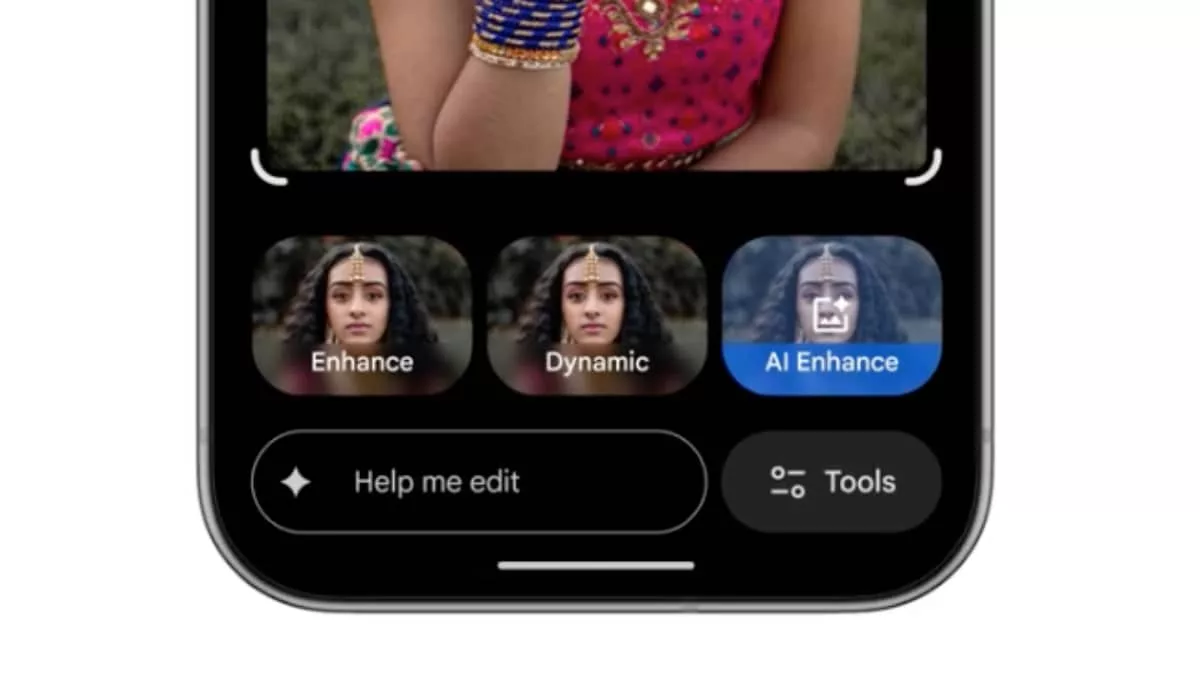
Android phones that match the spec will get support for “conversational editing” allowing you to describe what sort of change you want, and have Google’s Gemini system translate it and interpret it. Some of those edits can be a little more playful, with Google Photos’ “Ask Photos” supporting edits like adding or removing elements, or even forcing a smile on the face of a frown, compositing a smile using previous images of a person and making the change.
It can even make other edits using Google’s Nano Banana AI model, the same technology you can use to add elements to photos that aren’t there.
According to Google, the feature is one that rolled out in the US last year, and is finally seeing launch locally.
There’s but one catch: your phone might take some time until it sees it.
Testing several phones at Pickr, we found not a single one worked with the AI-powered editor in Google Photos, trying to load it on a Pixel 10, Pixel 10 Pro XL, and a Samsung Galaxy Z Fold 7.
It should make its way to all of these devices and a whole lot more, since they have a lot more memory than the requirements and run on Android 16, but like all things, we might just need to be patient. Good things in time, it seems.